Shopee and TikTok Shop product photos
Photos too small, cluttered or badly cropped — fixed in one place
The photos you already took are usable. Enlarge the ones that are too small, cut the original background away, set the aspect ratio the platform actually shows, and turn a flat-lay into a photo of a model wearing it — all in one account.
From Plien Roob — AI model photography for online stores
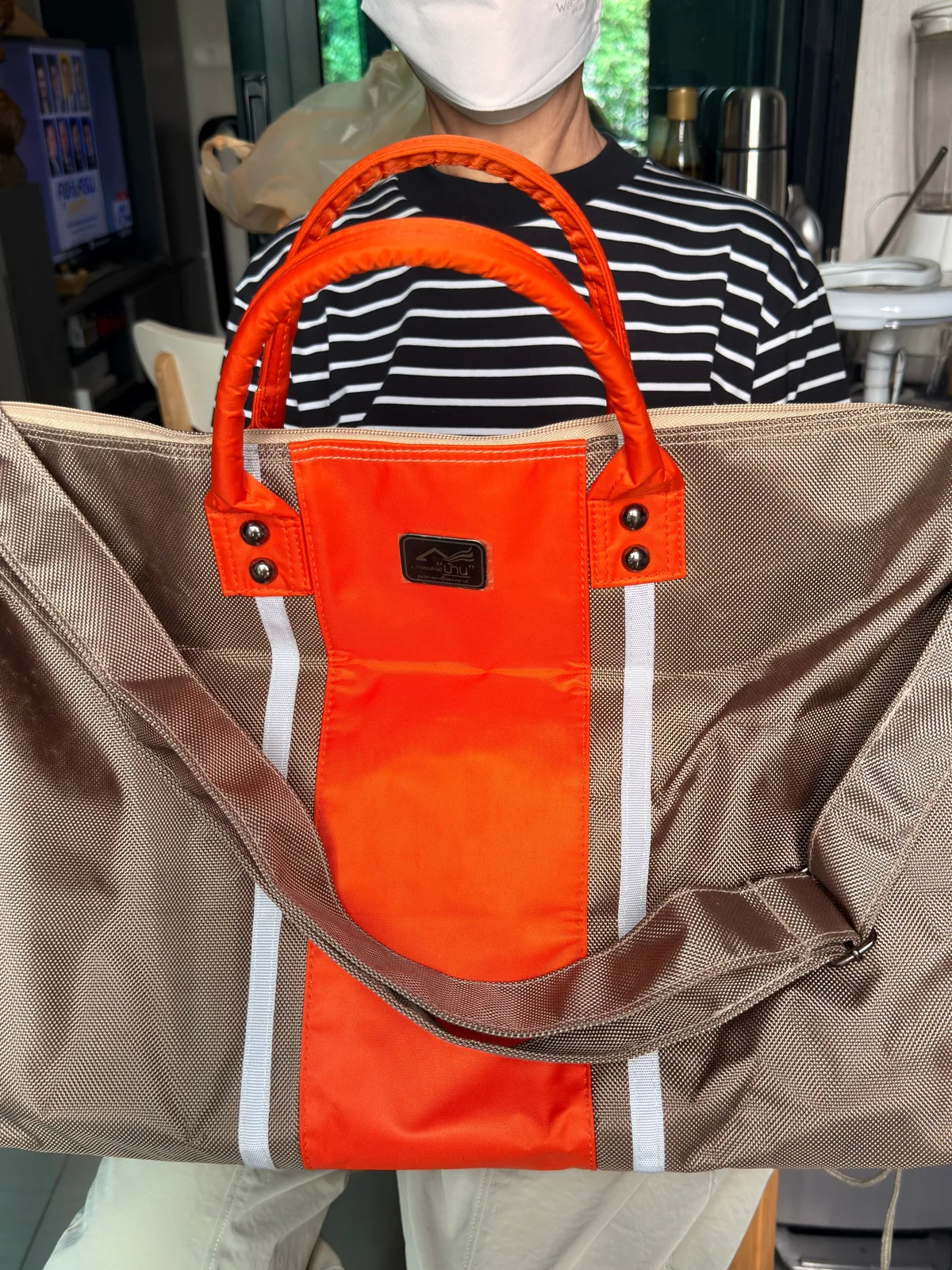 Your existing photo
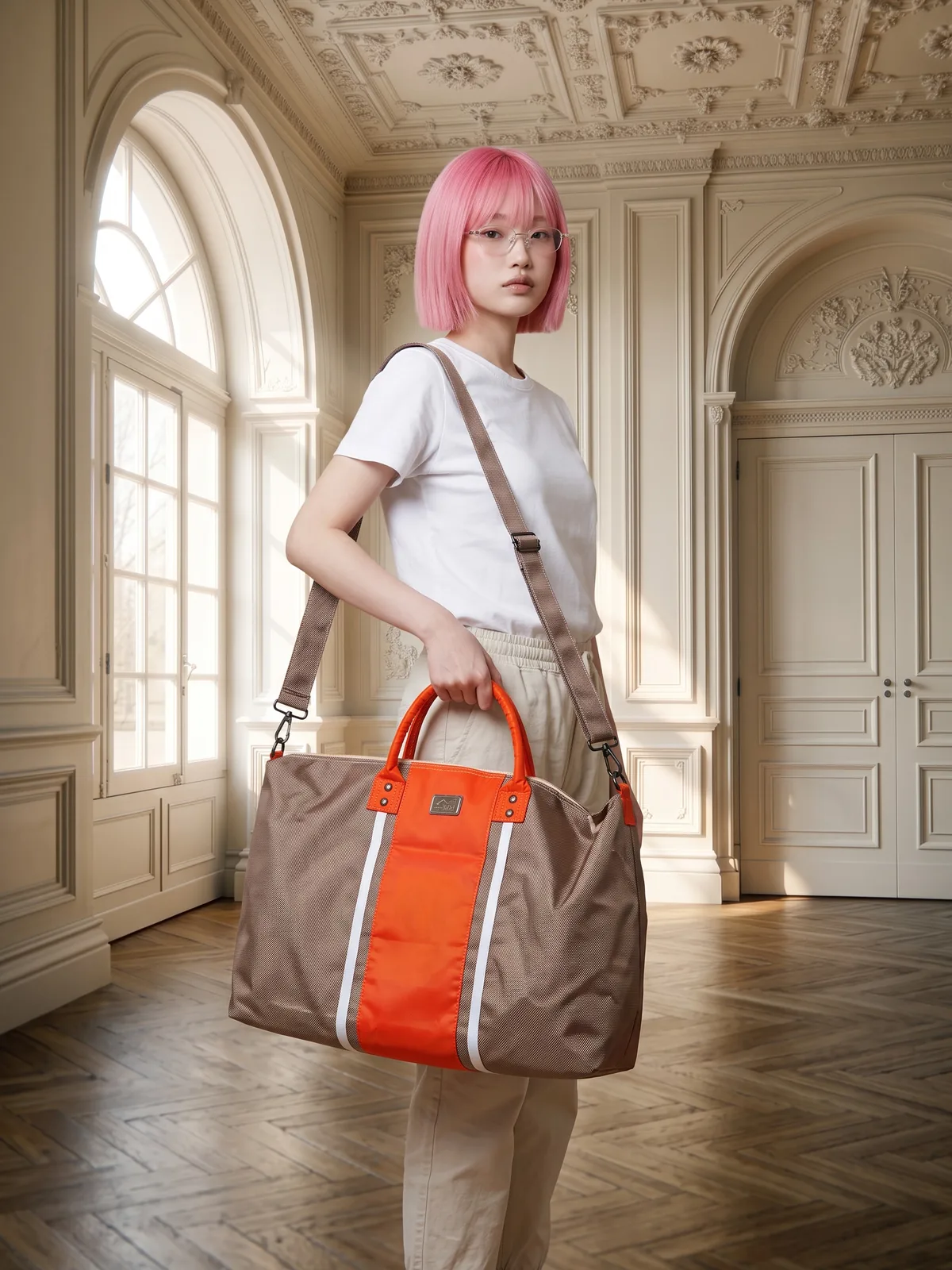 After
After116
models
210
faces
84
poses
360
scenes
250
styling items
The product-photo problems sellers hit most, and what fixes them
Images too low-resolution for the platform's own warning · cluttered backgrounds that bury the product · aspect ratios that get cropped badly · and flat-lays that leave the buyer guessing how it looks worn. Four different tools, one account.
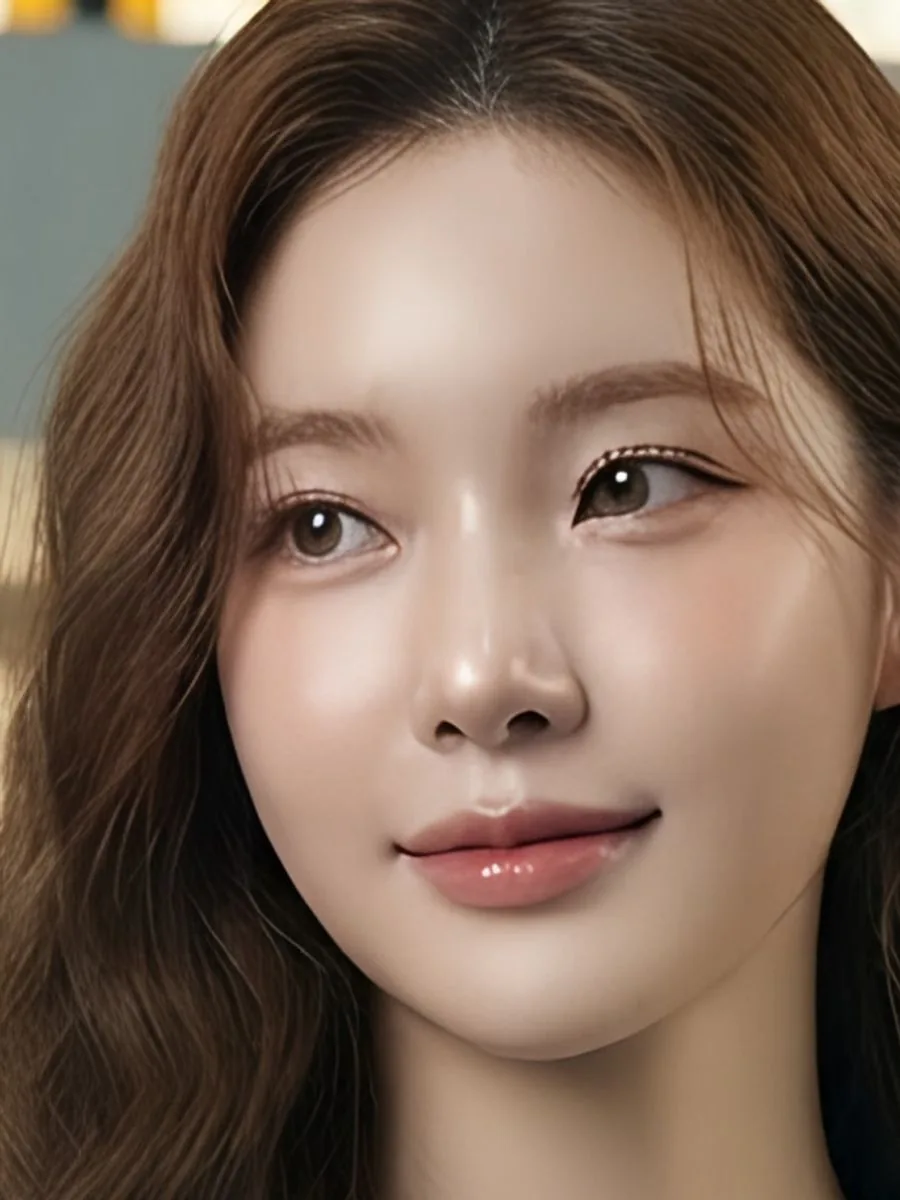
Small photo that breaks up when zoomed  Ordinary enlarge
 Upscale
The same area of the face, cropped and enlarged equally by us in both images: left enlarged the ordinary way, right through Upscale.
Cluttered background 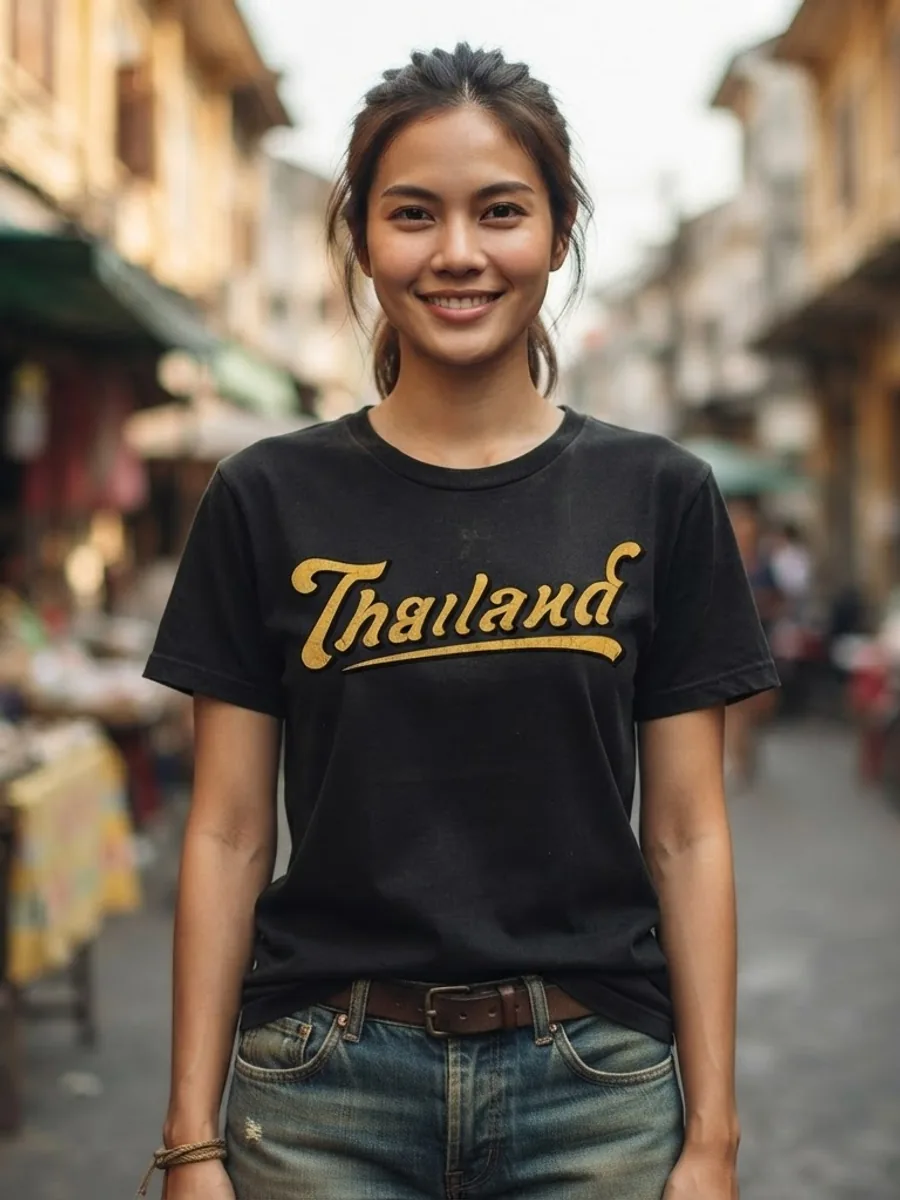 Uploaded
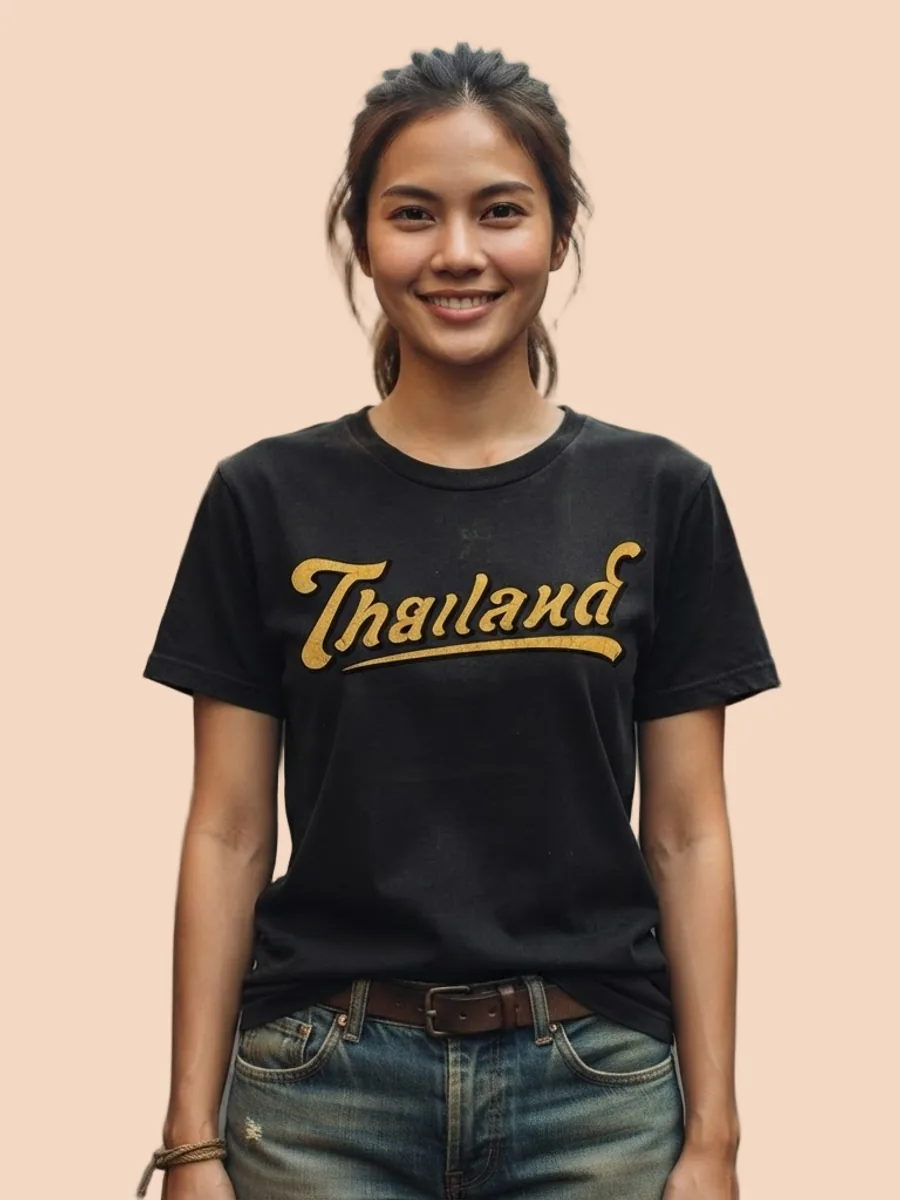 Background removed
The market lane behind her is gone, leaving only the person and the shirt. We placed the peach colour ourselves; the actual file is transparent.
Wrong aspect ratio, cropped badly Square frame3:4 portrait frameBoth are the same image; only the frame differs. A portrait photo shown in a square frame loses its top and bottom, so choose the ratio the platform displays before generating.
Only flat-lay photos 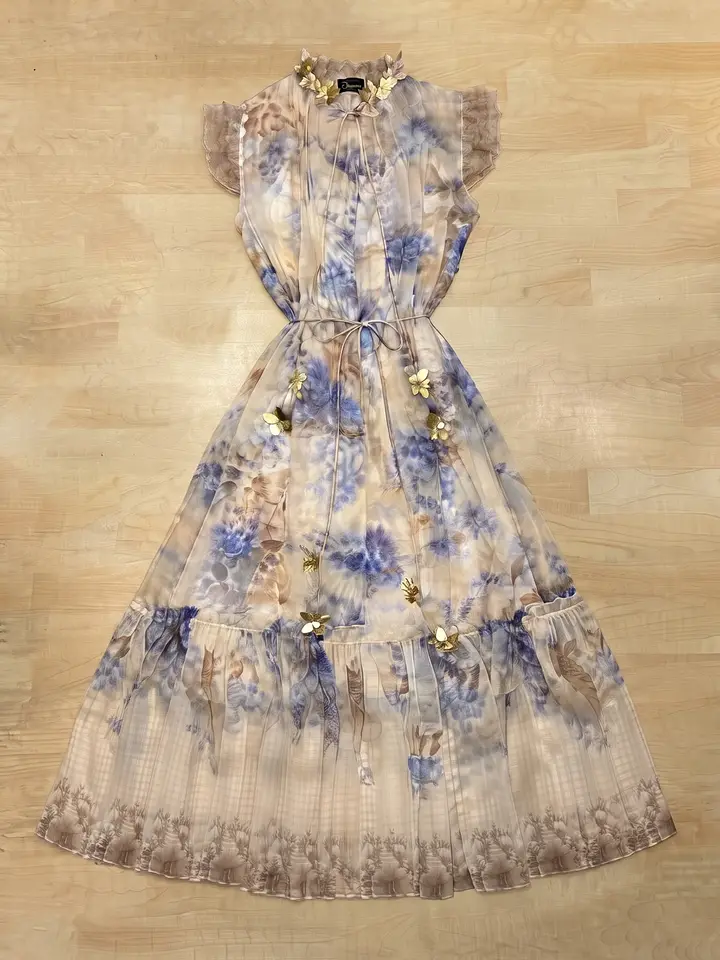 Uploaded
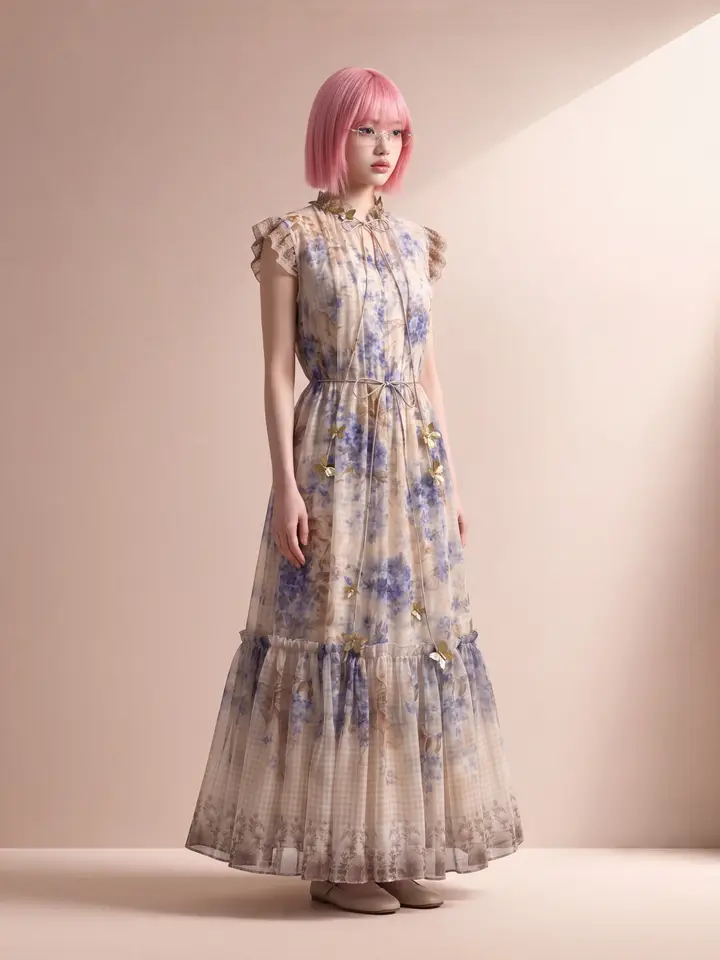 Model photo
The system made the right-hand photo directly from the flat-lay on the left, so a buyer can see the length and how the fabric falls when worn.
Shopee product photos: what you can make
The product images you can make on this site. Each card is that tool's cover image; tap it to read how the tool works.





Three steps
 Illustration
Upload what you have
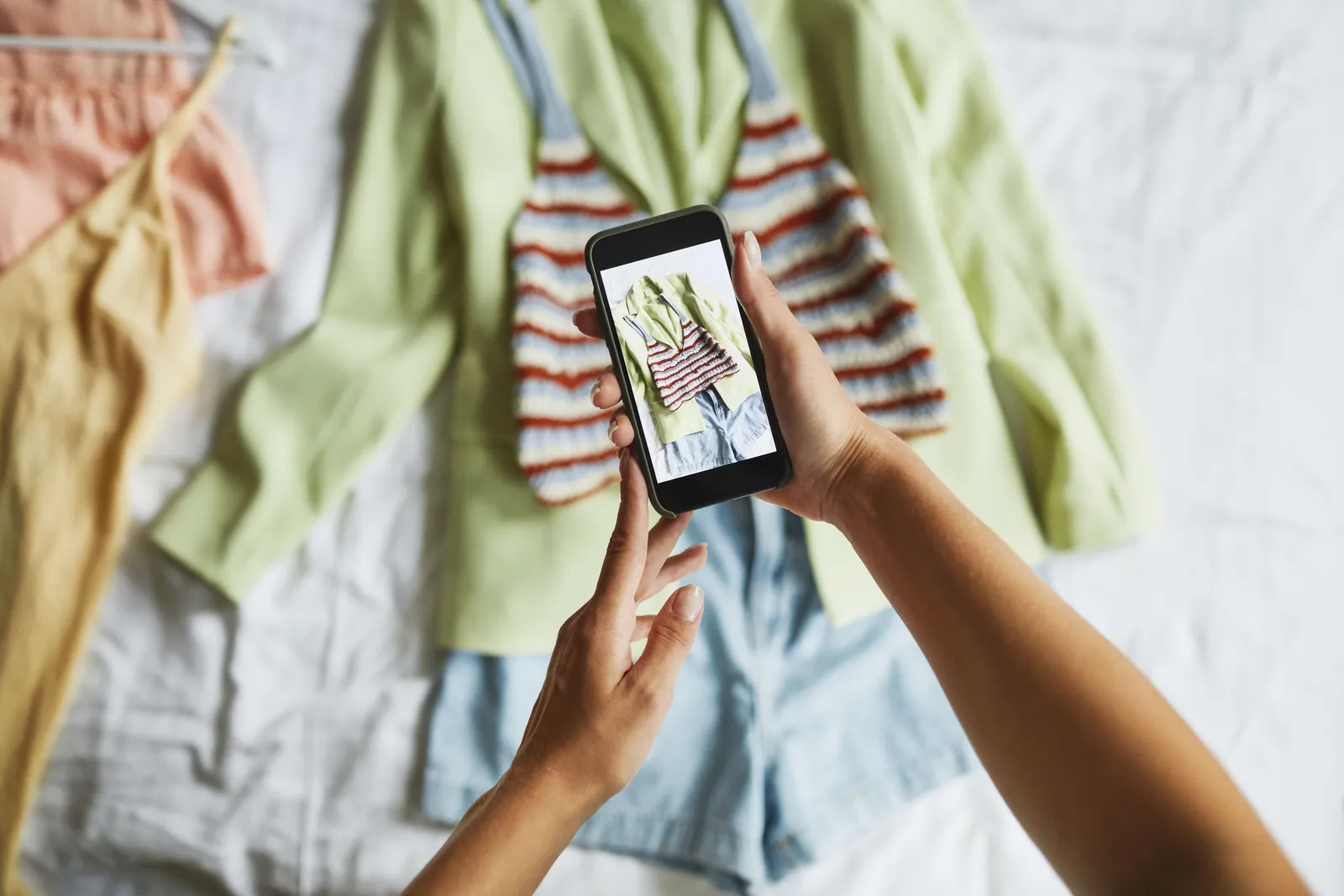
Phone photos are fine. No reshoot needed.
Pick what to fix
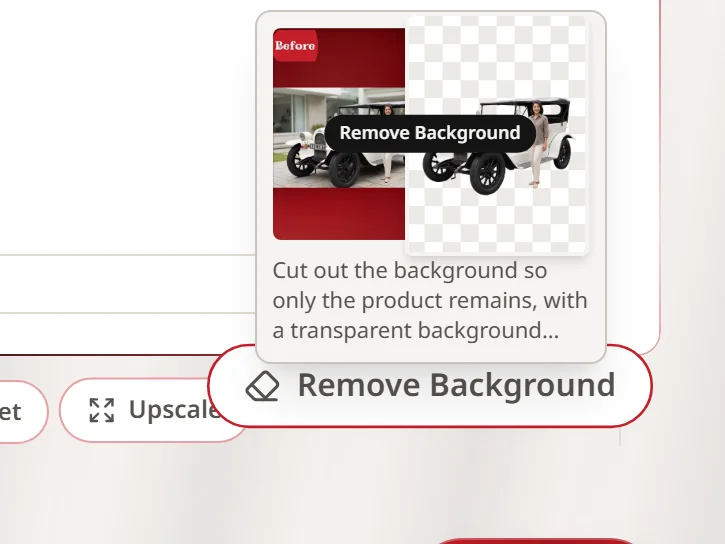
Enlarge, remove the background, or turn it into a model photo.
 Illustration
Download and list
Ready to upload, with no watermark on paid plans.
Which tool fixes what
Small photo that breaks up when zoomed
- Symptom
- File too small, or compressed by a chat app
- Usual cause
- A screenshot used instead of the original file
- Tool to use
- Upscale — a sharp but small photo grows up to four times per side · a blurred photo needs a reshoot
Cluttered background
- Symptom
- Shot at home with no backdrop
- Usual cause
- Other objects in frame
- Tool to use
- Remove Background — a transparent cut-out to place on white or your own design
Photo gets cropped badly
- Symptom
- Aspect ratio doesn't match the platform
- Usual cause
- Shot landscape where the platform shows portrait
- Tool to use
- Choose the aspect ratio before generating
Buyers can't picture it worn
- Symptom
- Only flat-lay photos
- Usual cause
- No budget for a model
- Tool to use
- Product to model — a model wearing that exact item
| Symptom | Usual cause | Tool to use | |
|---|---|---|---|
| Small photo that breaks up when zoomed | File too small, or compressed by a chat app | A screenshot used instead of the original file | Upscale — a sharp but small photo grows up to four times per side · a blurred photo needs a reshoot |
| Cluttered background | Shot at home with no backdrop | Other objects in frame | Remove Background — a transparent cut-out to place on white or your own design |
| Photo gets cropped badly | Aspect ratio doesn't match the platform | Shot landscape where the platform shows portrait | Choose the aspect ratio before generating |
| Buyers can't picture it worn | Only flat-lay photos | No budget for a model | Product to model — a model wearing that exact item |
Every tool sits in one account and draws on the same credits.
Try it first, no card required
Sign up and get 10 credits immediately. A model photo costs 2 credits.
฿0
10 credits — about 5 images
First image watermark-free, later ones watermarked
฿590
180 credits — about 90 images
No watermark · ฿6.56 per image
฿1,290
465 credits — about 232 images
No watermark · ฿5.56 per image
Common questions
What image size do the platforms want?
Each platform sets its own and they change. The rule that always holds: make the shortest side large enough, and use the aspect ratio the platform actually displays so nothing important gets cropped. You choose the ratio before generating here.
Can a blurry photo really be fixed?
No. If the photo was blurred when it was taken, no tool can bring back detail the camera never recorded. Upscale suits a photo that is sharp but too small: it comes back larger without the edges breaking up. For a blurred photo, find the original file or reshoot.
Do I need to reshoot?
No. The system is built around the photos you already have, including phone photos.
Can I get a white background?
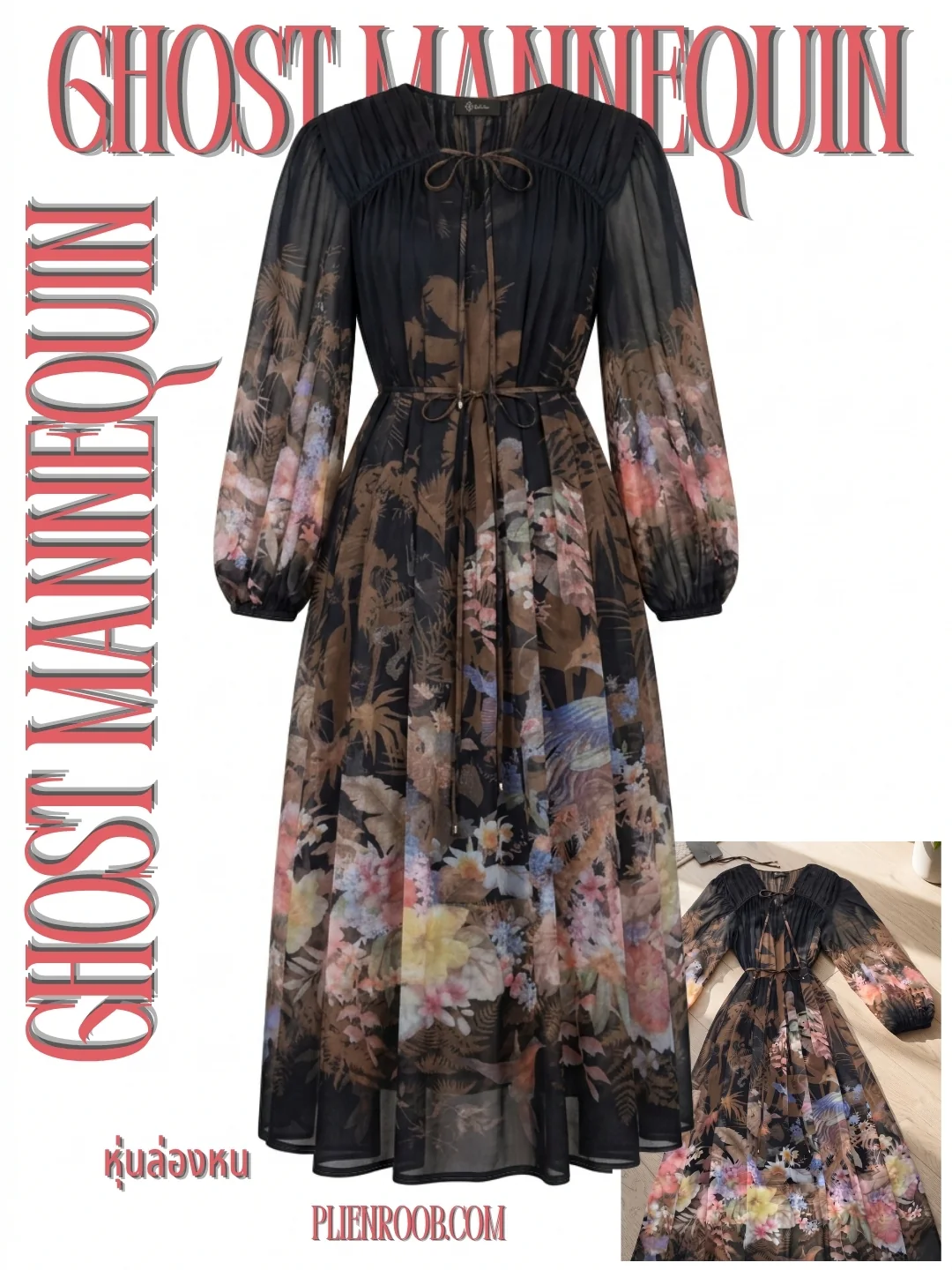
Two ways. Remove Background cuts the product out of its original scene as a transparent PNG, which is not white yet — place it on white in a photo editing app before saving. For clothing, Ghost Mannequin gives you the garment holding its shape on white in one step.
What does it cost?
Sign up free for 10 credits. Your first free-plan image has no watermark; the images after it do. Upscaling and background removal cost 1 credit per image; a model photo starts at 2. The entry plan is $18 a month for 180 credits (฿590 on the Thai site).

Plien Roob
Try it on a photo you already have
Sign up free for 10 credits — enough to upscale 10 images, and the first image has no watermark.
Photos by Marcus Aurelius · Anete Lusina on Pexels