All the tools
Image Sets and Batch jobs
Two ways to work at volume: one gives many angles of one product, the other works through many products.
From Plien Roob — AI model photography for online stores
These answer different questions. Picking the right one saves both time and credits.
Image Set — one product, many angles
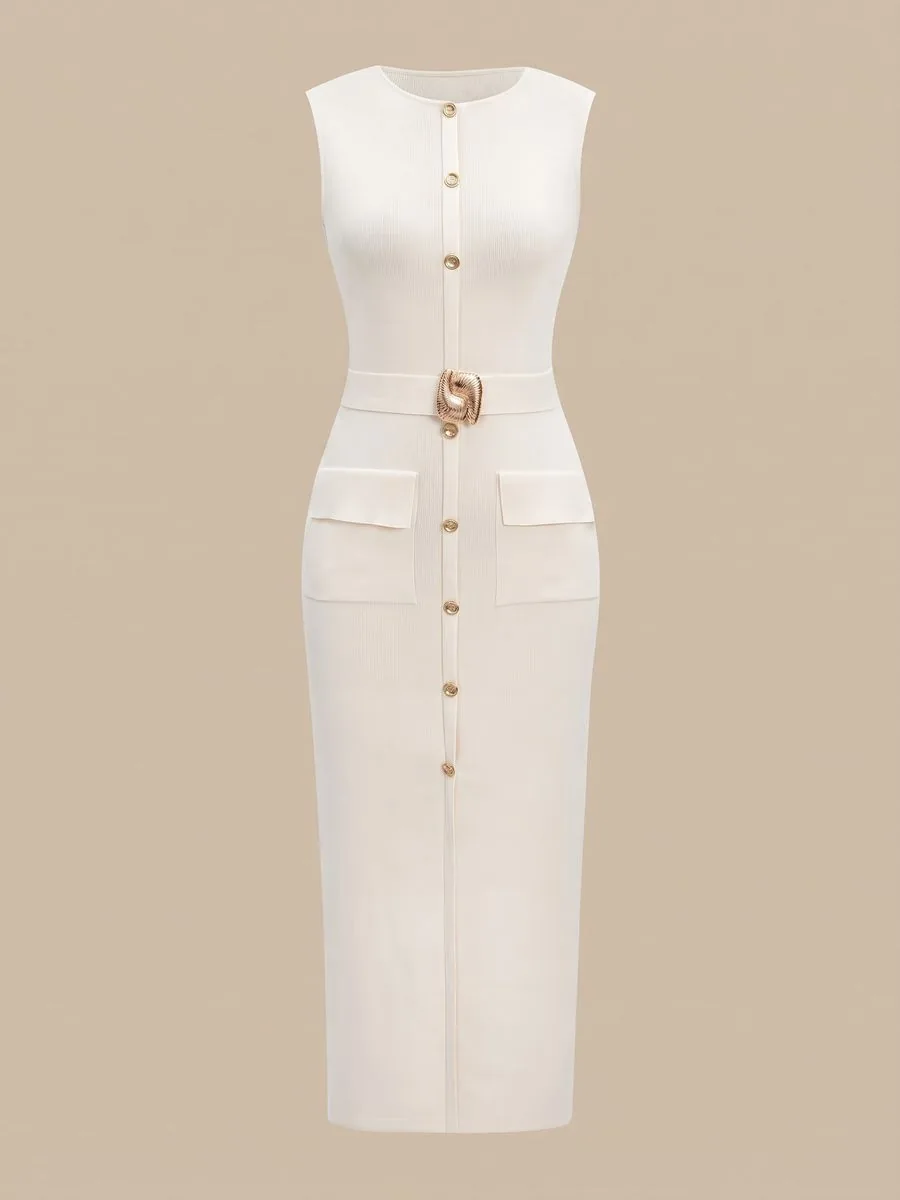
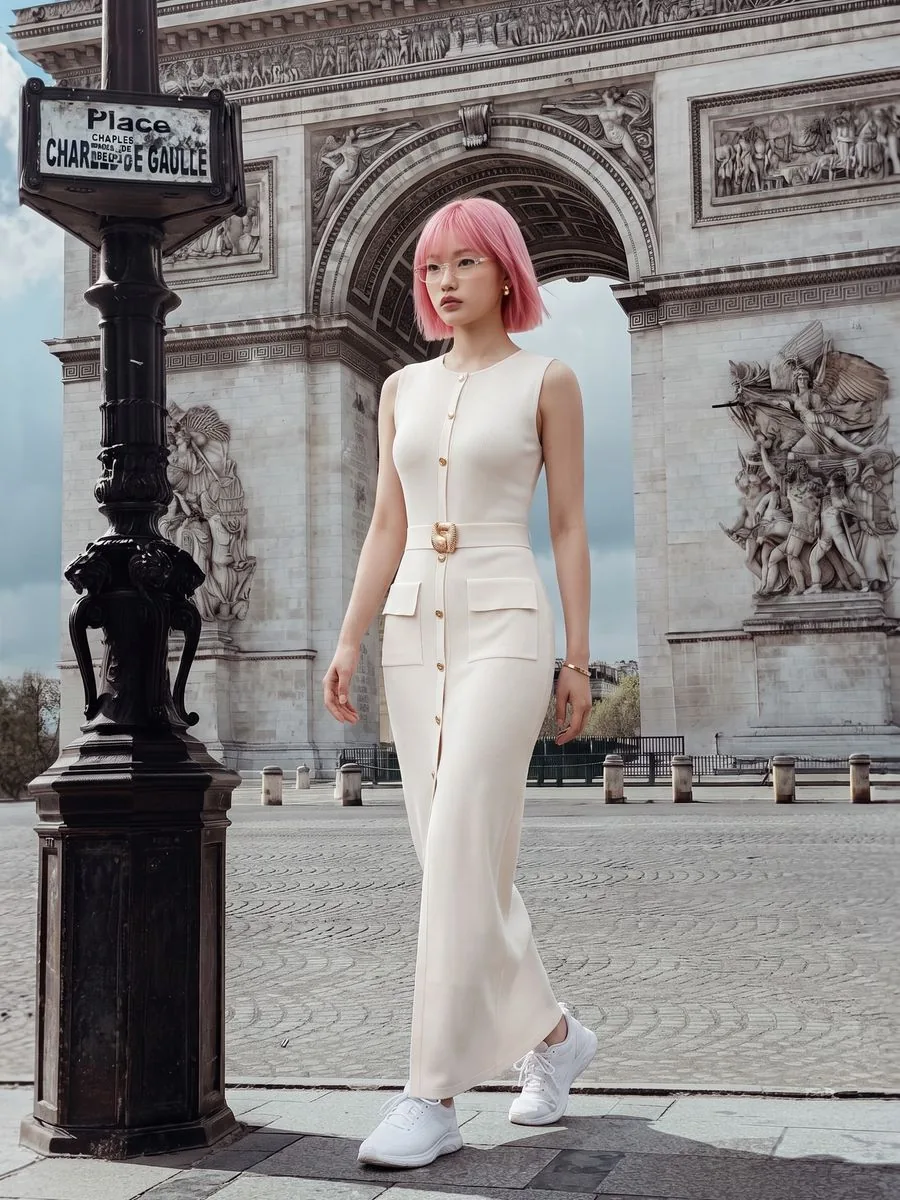
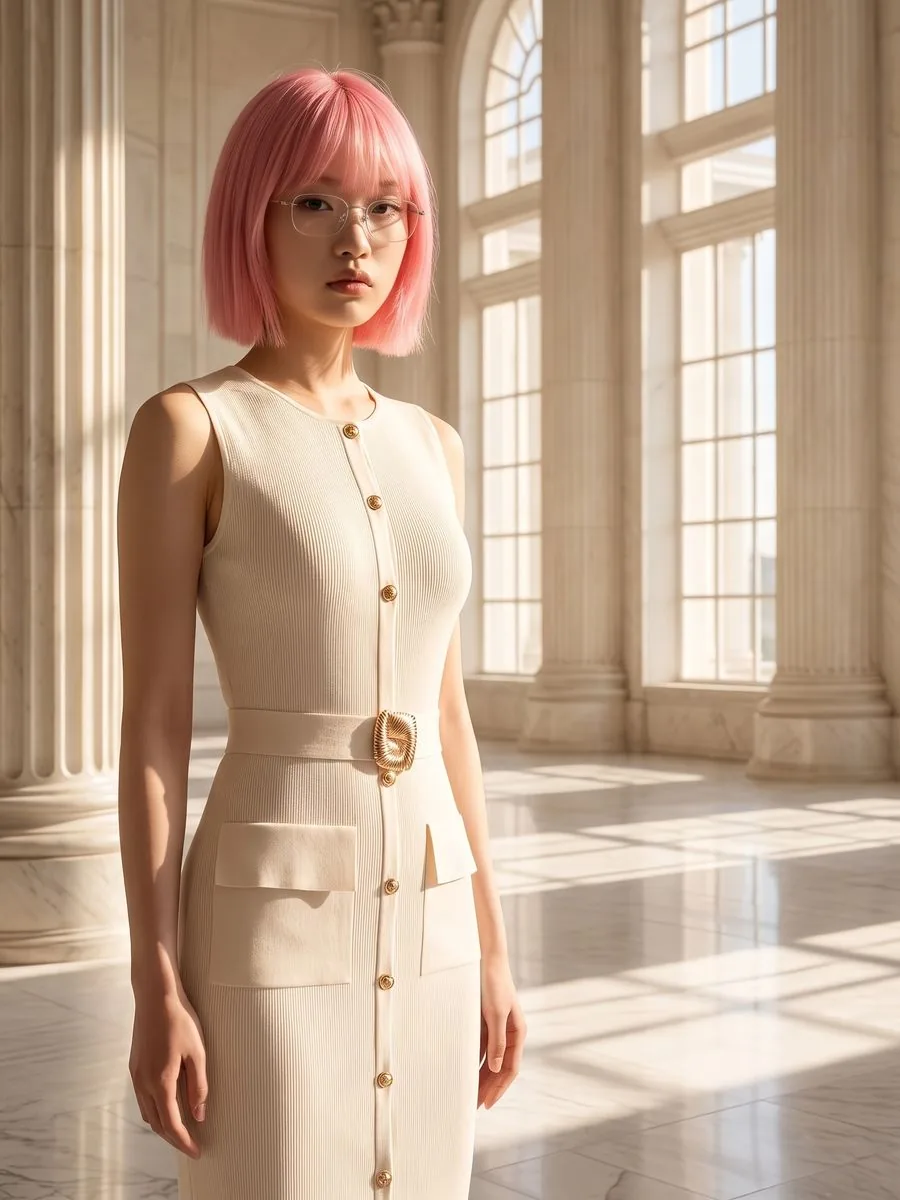
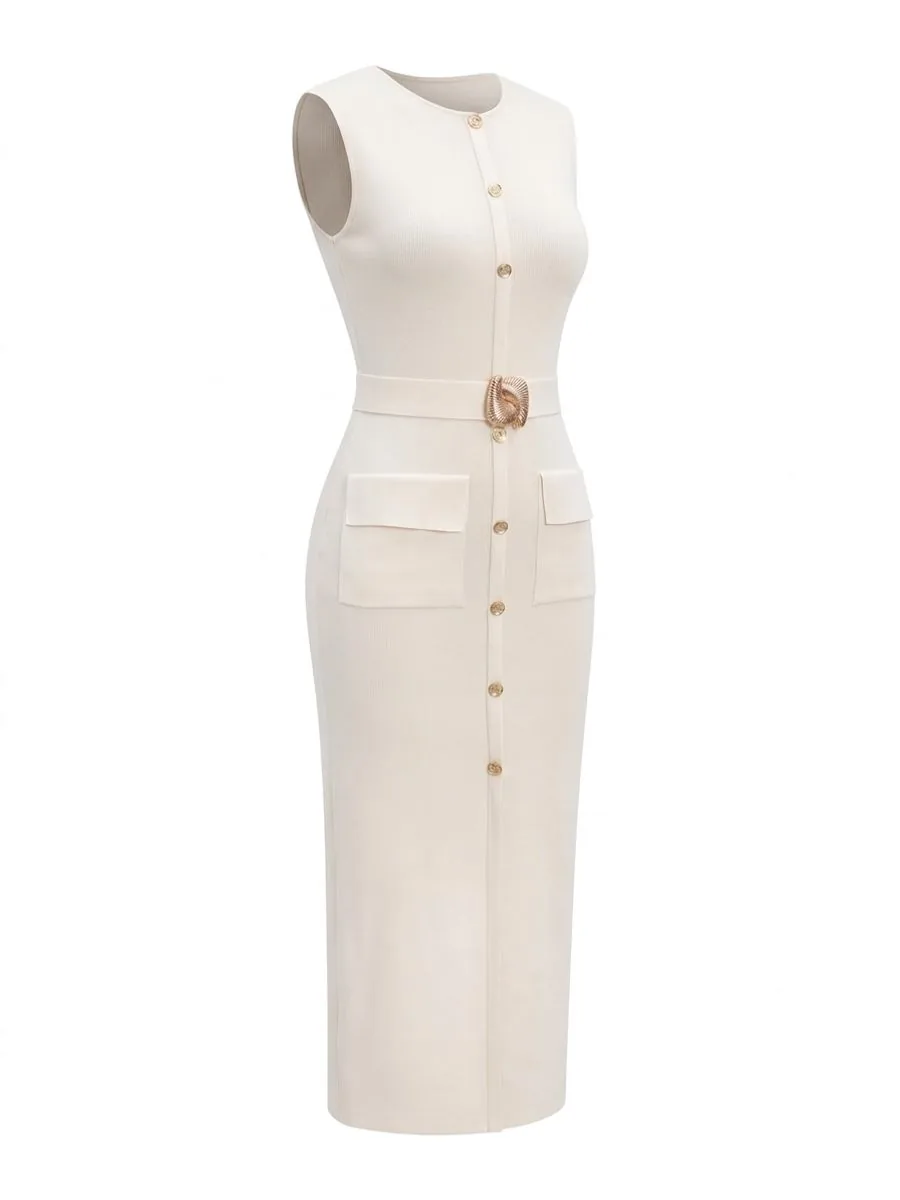
Creates 7 images from a single product in one go: 3 full-length, 3 half-length and 1 ghost mannequin with no model, each in a different scene. Good for finishing a whole product page in one pass.
Per set: 16 credits at 1K, 22 at 2K and 34 at Premium 4K.
A set requires a model so all 7 images show the same person. A model from the system library adds 1 credit per set at 1K and 2K; Premium already includes it.
Reusing the model from an image you created before costs nothing extra.

Batch — many products, treated the same
Set it up once and the system works through your products one at a time. Good for listing a whole new drop. Up to 20 products per run at one image each, or up to 5 when each product gets a full set.
A single image per product: 3 credits at 1K, 4 at 2K and 6 at Premium 4K, plus 1 credit per product for a library model at 1K and 2K.
From 8 products up, it switches to a flat 3 credits per image at 1K, 4 at 2K and 5 at Premium 4K, with the model and scene included.
The flat rate kicks in at 8 products automatically. You do not have to select anything — the system works it out and shows the total before you confirm.
Limits worth knowing first
If some items in a run fail, only those items are refunded. The ones that succeeded are charged normally.
There is no per-item retry button in a batch yet. To redo one item, run it again as a single job.
The queue only moves while the Batch page is open. If you close it, the remaining items wait; open the same page again to carry on, and no credits are lost.
The system-wide generation ceiling is 60 images per hour per shop.
Still stuck?
Message us, and include the email you signed up with so we can answer the right question straight away.