Library and styling
Keeping the same model across images
How to make several products share one face, so your shop front reads as one set.
From Plien Roob — AI model photography for online stores
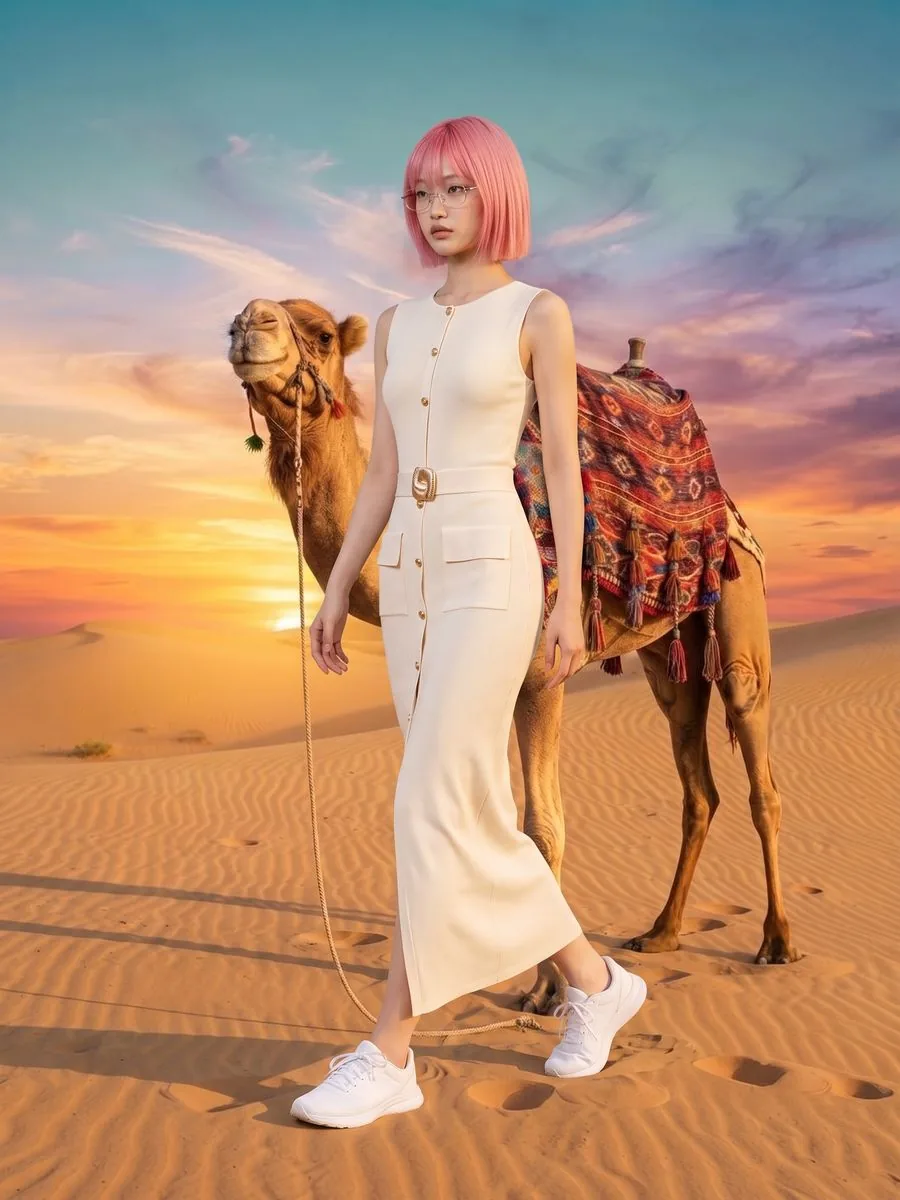
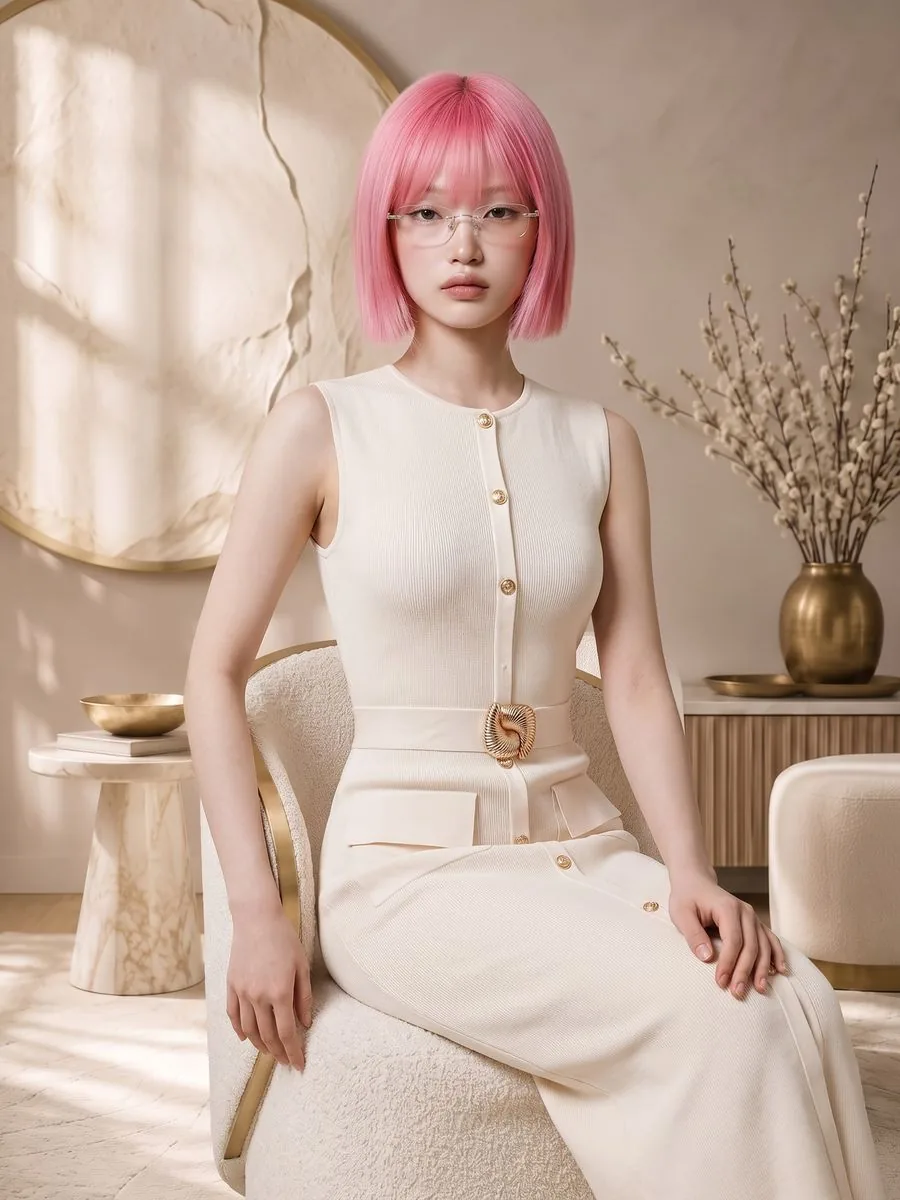
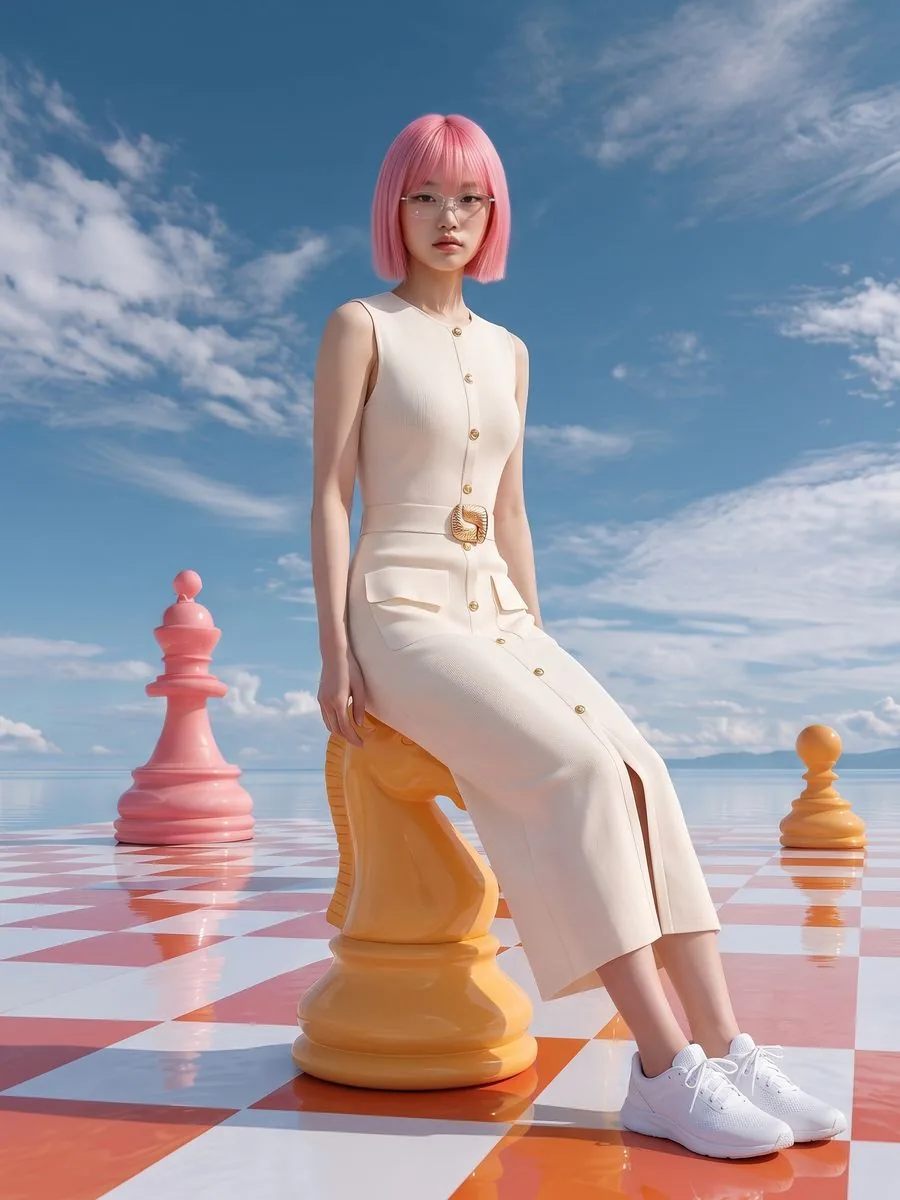
A shop where every product photo uses the same model looks like a brand. One where every photo is a different person does not. There are two ways to keep the same person.
Option one: reuse this model
Generate a first image until you get a person you like.
On that result, press the button to reuse this model.
Carry on generating. The face and body are locked to that person, while scene and pose still follow whatever you choose.
This costs no extra model credits, because you already paid for that person when the first image was made.
Option two: pick a face from the library
Choose the same face card every time you generate. That gives you the same face across many jobs, even on different days. This suits shops that want to fix the brand's look from the start.
If you want a whole set at once
Use Image Set, which requires a model up front and then generates all 7 images with that same person in one run, with nothing to lock image by image.

Limits worth knowing
The match is not perfect on every frame. Very different camera angles and distances can shift the face somewhat.
Try-On does not need any of this, because it already keeps the person from your source photo.
Still stuck?
Message us, and include the email you signed up with so we can answer the right question straight away.