AI Tools
One photo showing both the front and the back of a garment
Last updated 2026-09-08From Plien Roob — AI model photography for online stores
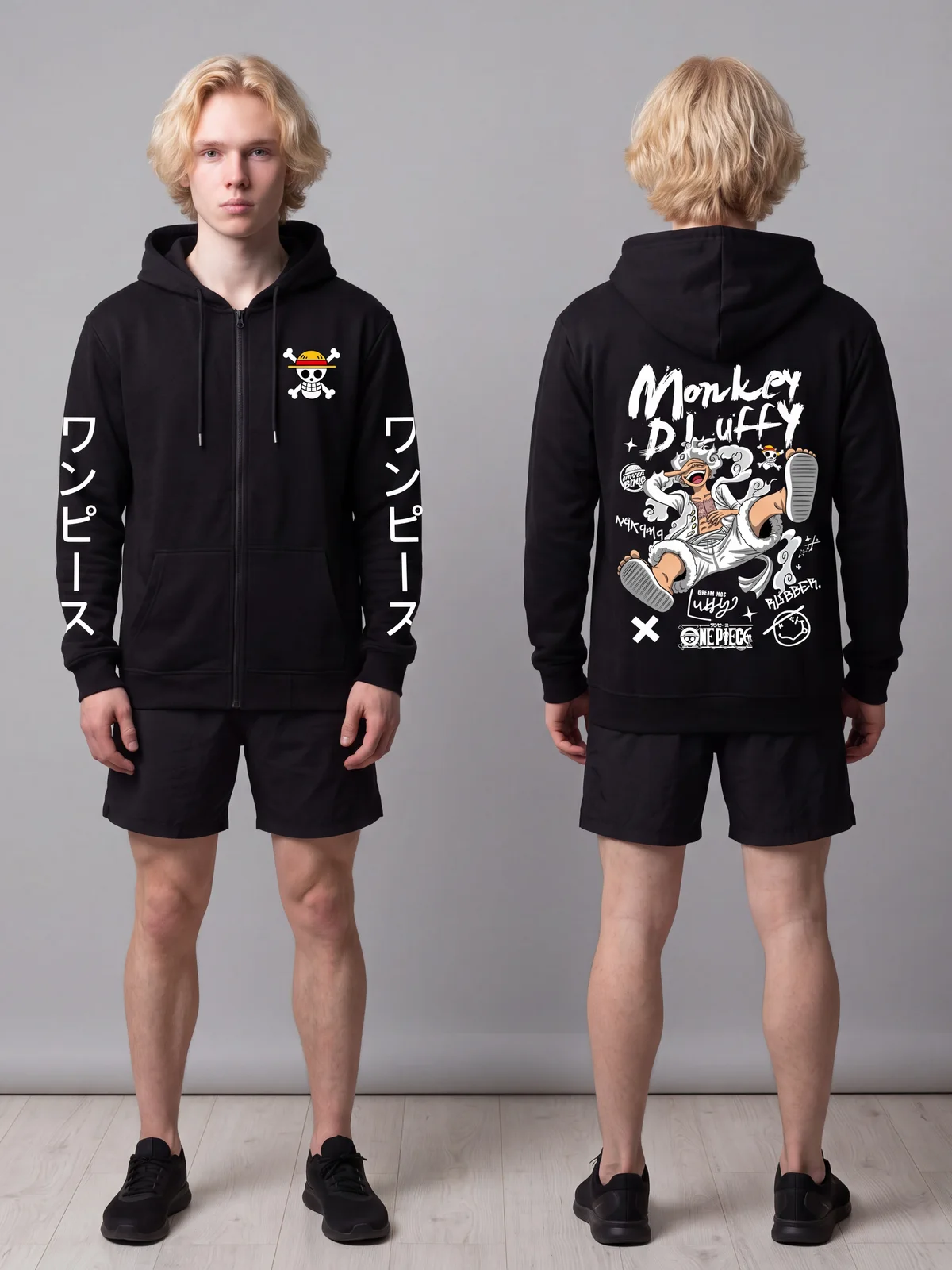

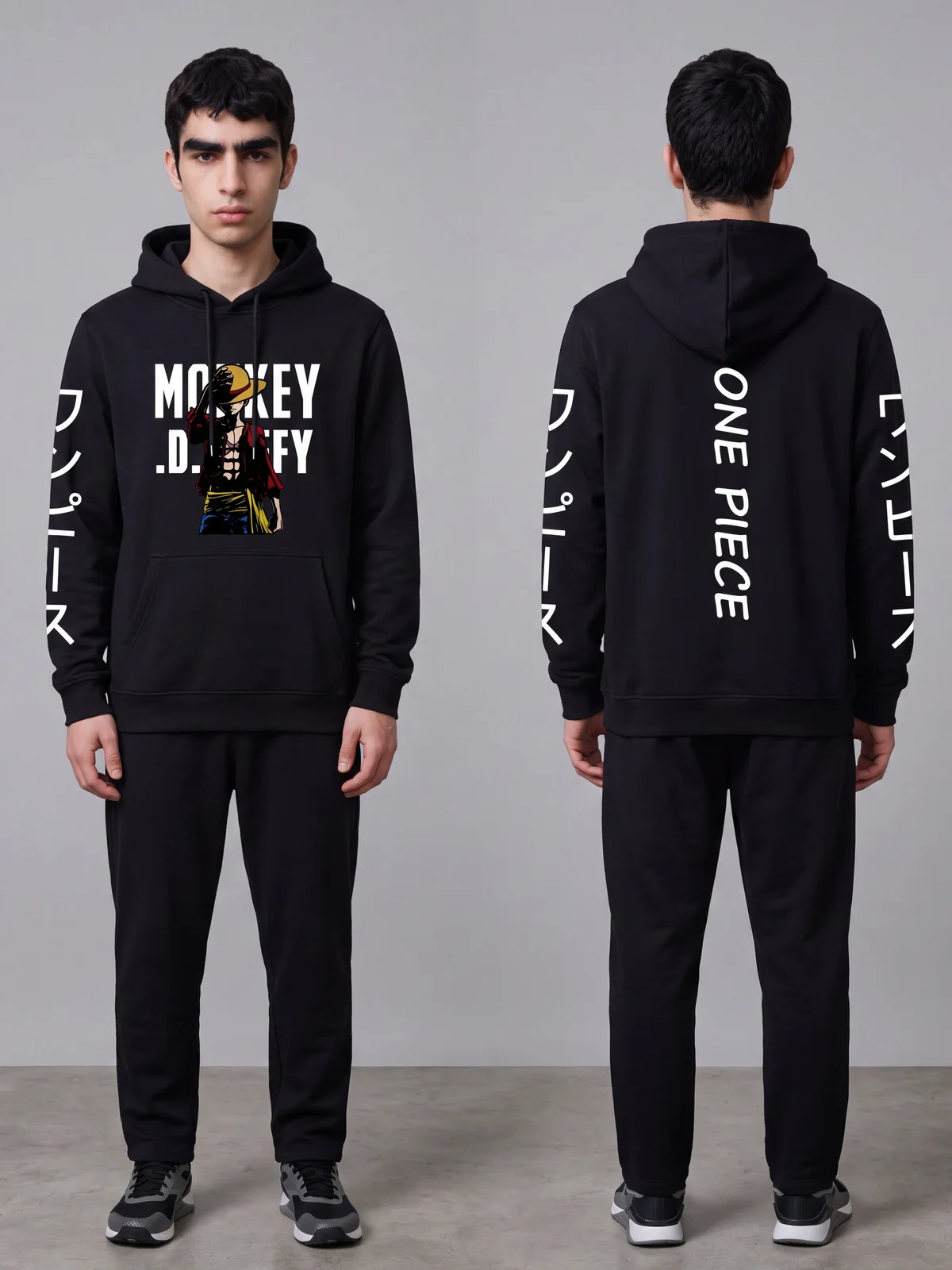
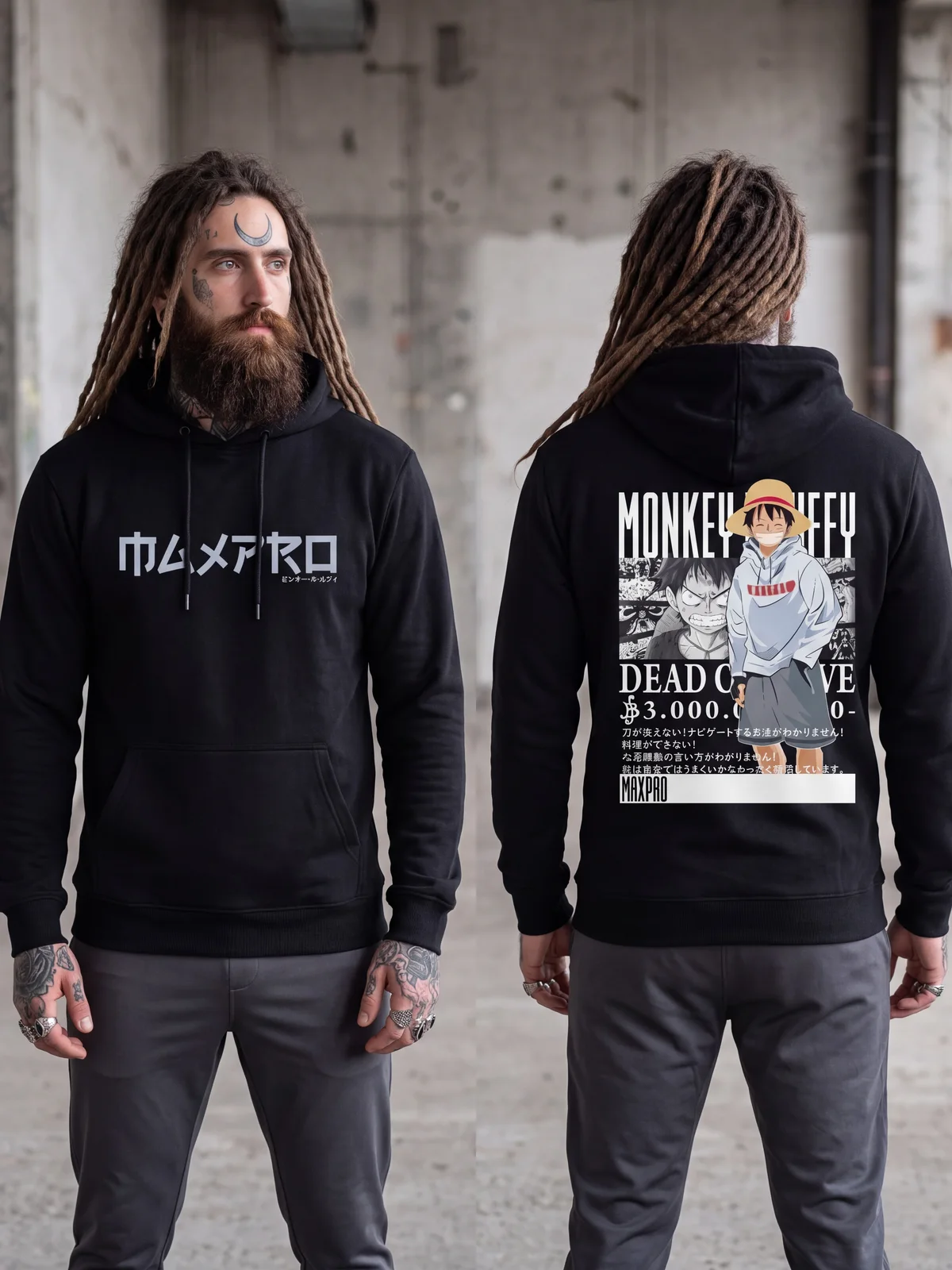
A garment printed on both sides normally means two photos and two generations. Product to Model has a switch that returns both sides in one image instead: the same model standing twice, facing the camera on the left and turned away on the right, from a single generation.
Where the button is
Open the Product to Model tool
Select a product photo that shows the front and the back of the garment
Tap Sides shown in the control row
Switch from One side to Front + back, then generate as usual
Same price, nothing added
Product to Model costs 2 credits per image at standard quality and 5 at premium. Turning on Front + back does not change that, because it is still one generation returning one image — that image simply contains two figures. Library extras you pick yourself, such as a scene, a pose or styling pieces, are still charged as usual.
What else you can do with an AI model
What you can do with an AI model on this site. Each card is that tool's cover image; tap it to read how the tool works.





What you get back
One image holding two figures: facing the camera on the left, turned away from it on the right.
Both figures are the same person, with the same hairstyle, in the same scene and the same light.
The print, lettering and colours stay locked to the photo you uploaded, on both sides.
AI output is probabilistic: the same photo run twice will not be identical. If the first result misses, run it again or change the source photo before concluding it does not work.
The source photo has to show the back
This Plien Roob mode works from a photo showing the front and the back of the same garment. If your back shot is a separate file, put it in the Garment back slot. What you should not do is switch this on with a front-only photo: the system has nothing to copy, so it will invent a back — convincingly. A shop that lists that photo will not notice until the item reaches the buyer.
Why Try-On does not have this switch
Because we cannot instruct it. The engine behind Try-On accepts a person image, a clothing image and a couple of flags — there is no text instruction field at all. We tried it by hand: sometimes both sides came back, sometimes they did not. That is luck, not control. We would rather leave the switch out than ship one that works sometimes.
If the garment carries small lettering
Two figures share one frame, so each garment occupies less of the picture and small lettering keeps less detail. If buyers need to read the words on your print, crop the photo so one side fills the frame and run each side separately. The steps are in the ghost mannequin article.

Plien Roob