Studio tool
Product Showcase
Photos of a person holding, placing or using a non-clothing product, across 15 categories, from a single product photo.
15
product categories
3
credits per image
0
words to type
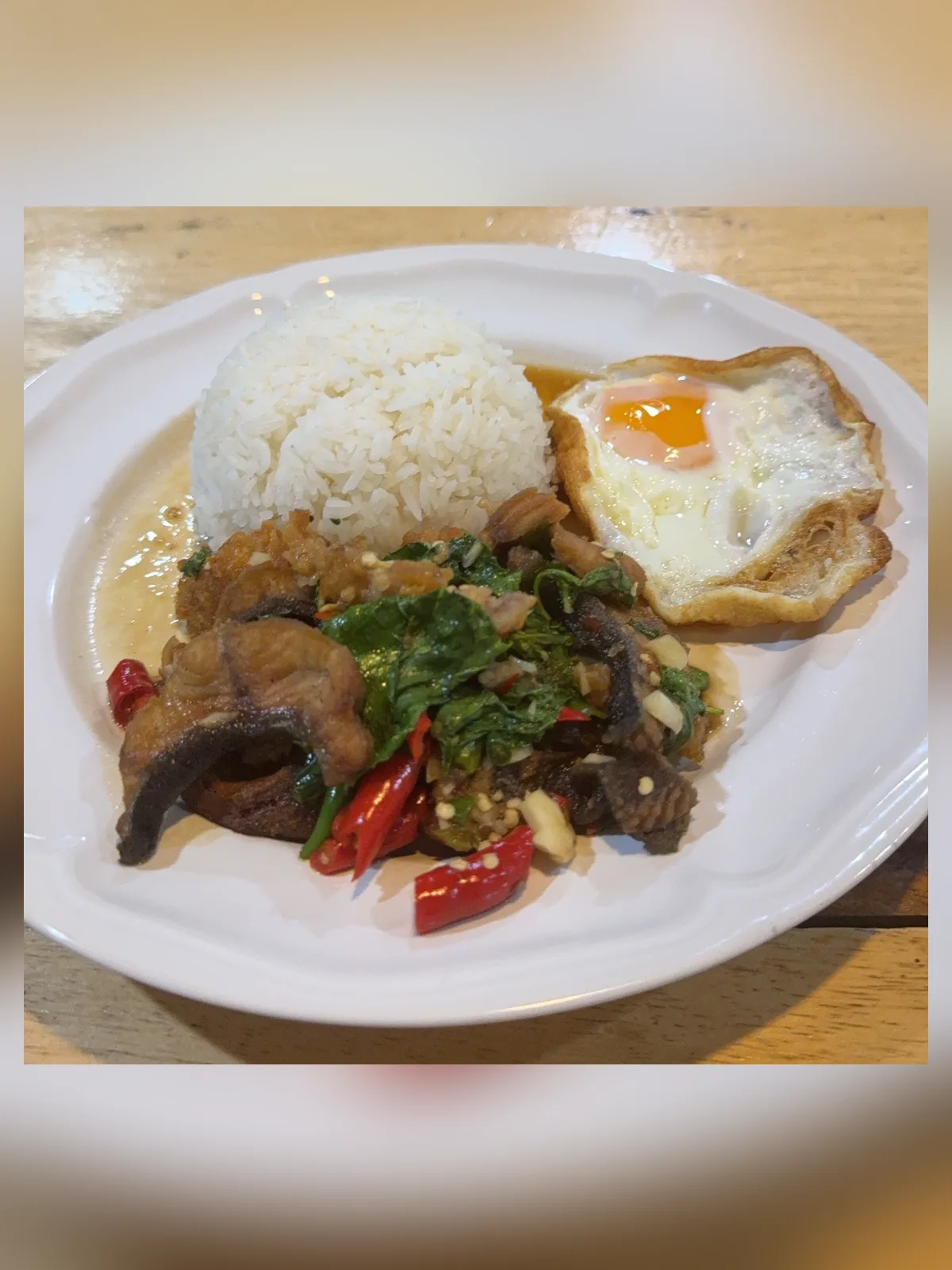 Uploaded
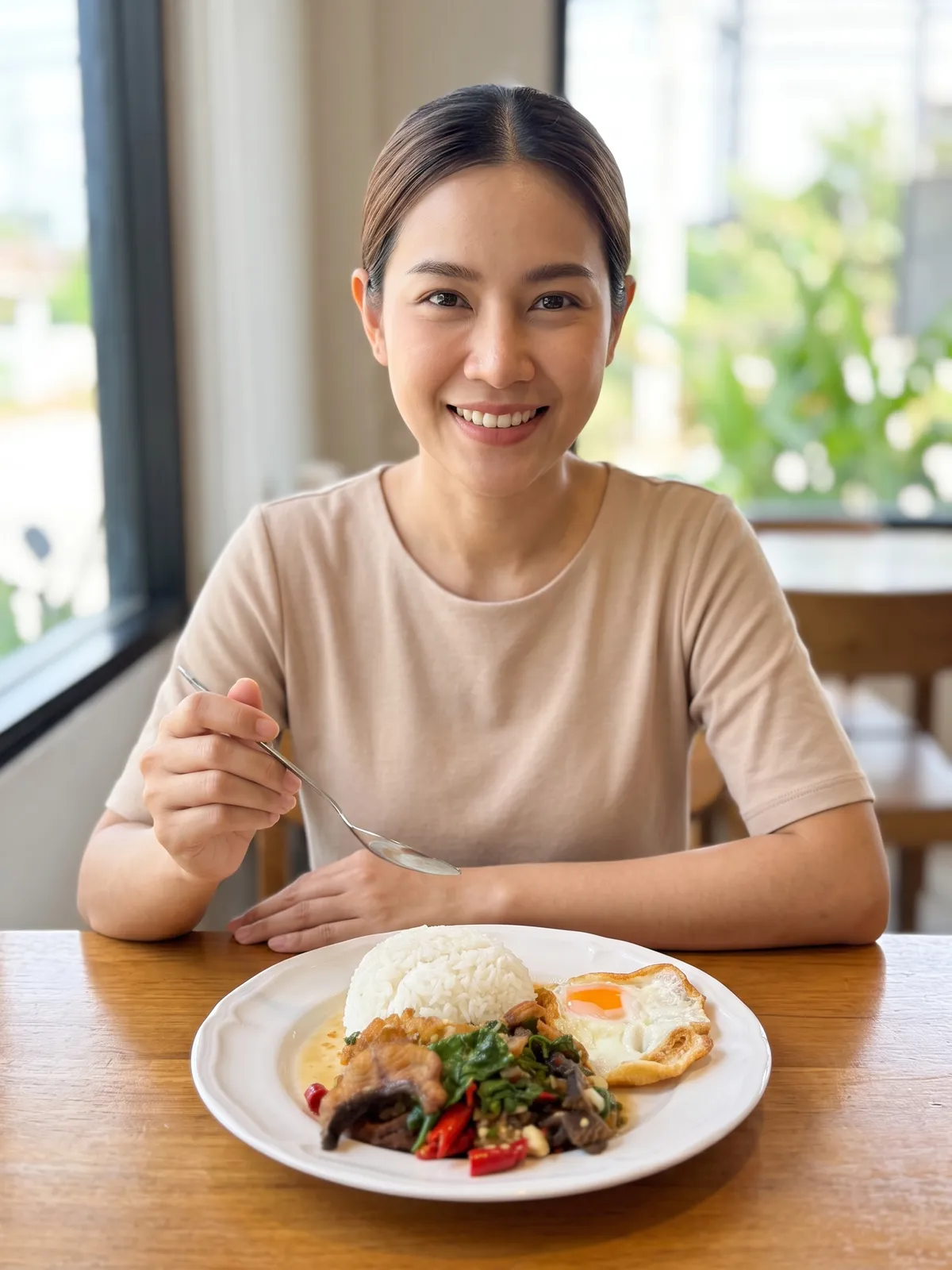 Result
A photo of a cream jar on a white background tells a customer what the product looks like. The photo that closes the sale is the one with the jar in someone's hand: people see at once how big it is, when they would use it and whether it fits their life. That is why it costs more than a plain product shot: it needs a person, a location and a crew.
Plien Roob was built by someone who spent 10 years as a model and ran a rental photo studio, so we have seen the cost of this kind of photo from both sides of the camera. Product Showcase is designed to produce it without booking a model, renting a studio or waiting days.
What this photo costs when you hire a shoot
฿16,500
6 products with a model, photographer, creative and studio, delivered in 4–5 days
฿15,000 half a day
฿25,000 for a full day
฿800–2,000 per item
Cosmetics, creams and supplements, with no person in the photo
฿6.26–฿10.50
3 credits per image depending on your plan, ready in about half a minute
Reference prices come from pages anyone can open on Fastwork and the studio site toptana.com, checked on 17 September 2026 — prices from listings we found, not a market average. Our per-image price is calculated from real plan prices, from Premium yearly up to the smallest credit top-up.
15 categories, each photographed its own way
Beauty: perfume, serum, cream tube, cream jar, lipstick
Food & home: plated food, drinking cup, water bottle, books and notebooks
Sport: dumbbells and kettlebells, yoga mat, fishing rod
Vehicles: car, motorcycle, bicycle
A perfume bottle is held between the fingertips, a plate belongs on a table and a car belongs on a road, so every category has its own poses, sizes and settings — 120 settings in total, each chosen to suit its product. The product's size is described to the AI against the model's hand or body, with an instruction never to enlarge it beyond its real size.
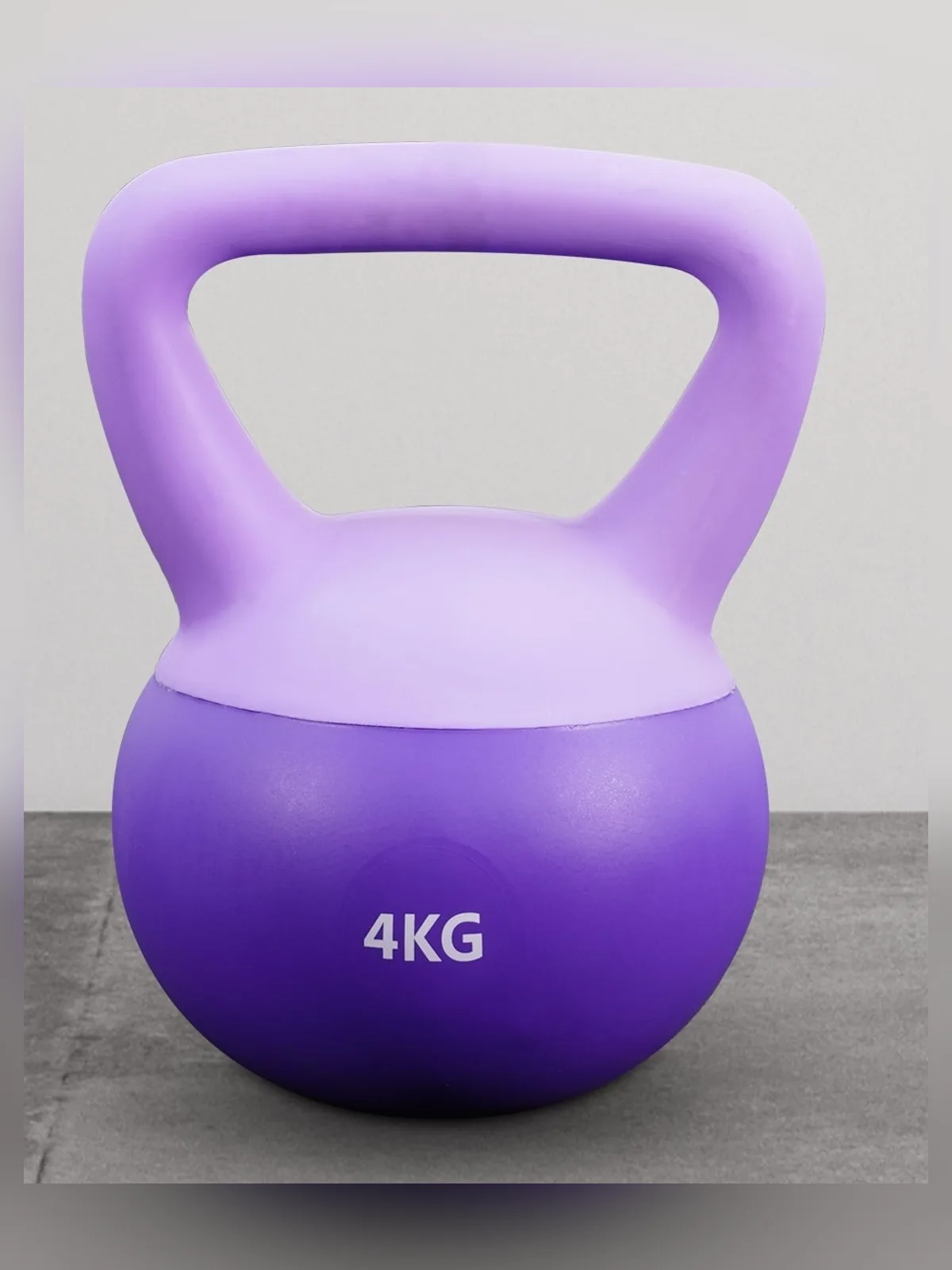 Uploaded
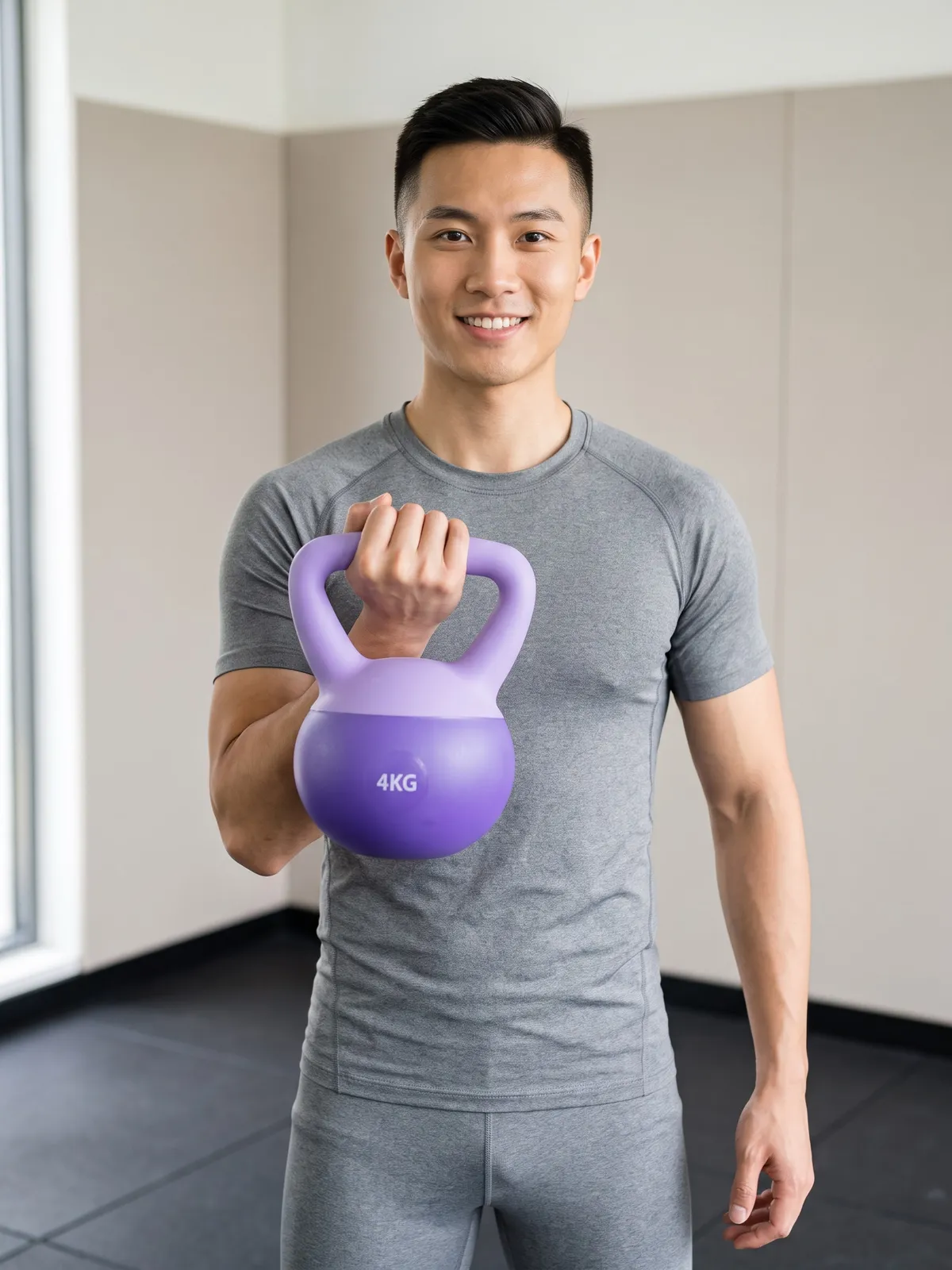 Result
What the system controls in every image
The product's shape, colours and lettering follow your photo, and no logo or lettering is added that isn't really there
Plated food keeps the same pieces, size, arrangement and doneness — no garnish or sauce added, and never made to look more generous
Beauty products, drinking cups and water bottles can be shown with their box, when the box is in your photo
Vehicles come out in landscape 4:3 by default, ready for a shop page or a post
Not a single word to type
Upload a product photo, or pick one you uploaded before
Tap the product category
Choose a size, if the category has size buttons
For categories that can include a box, choose Product only or With its box
Pick a model from the library, or let the system create a person
Check the credit count on the button, then generate
The pose, setting and light come from the category you tap. Generate again and you get a new pose, different from the previous image. For several images at once, use the Image set tab: 6 images, with no repeated pose or setting.
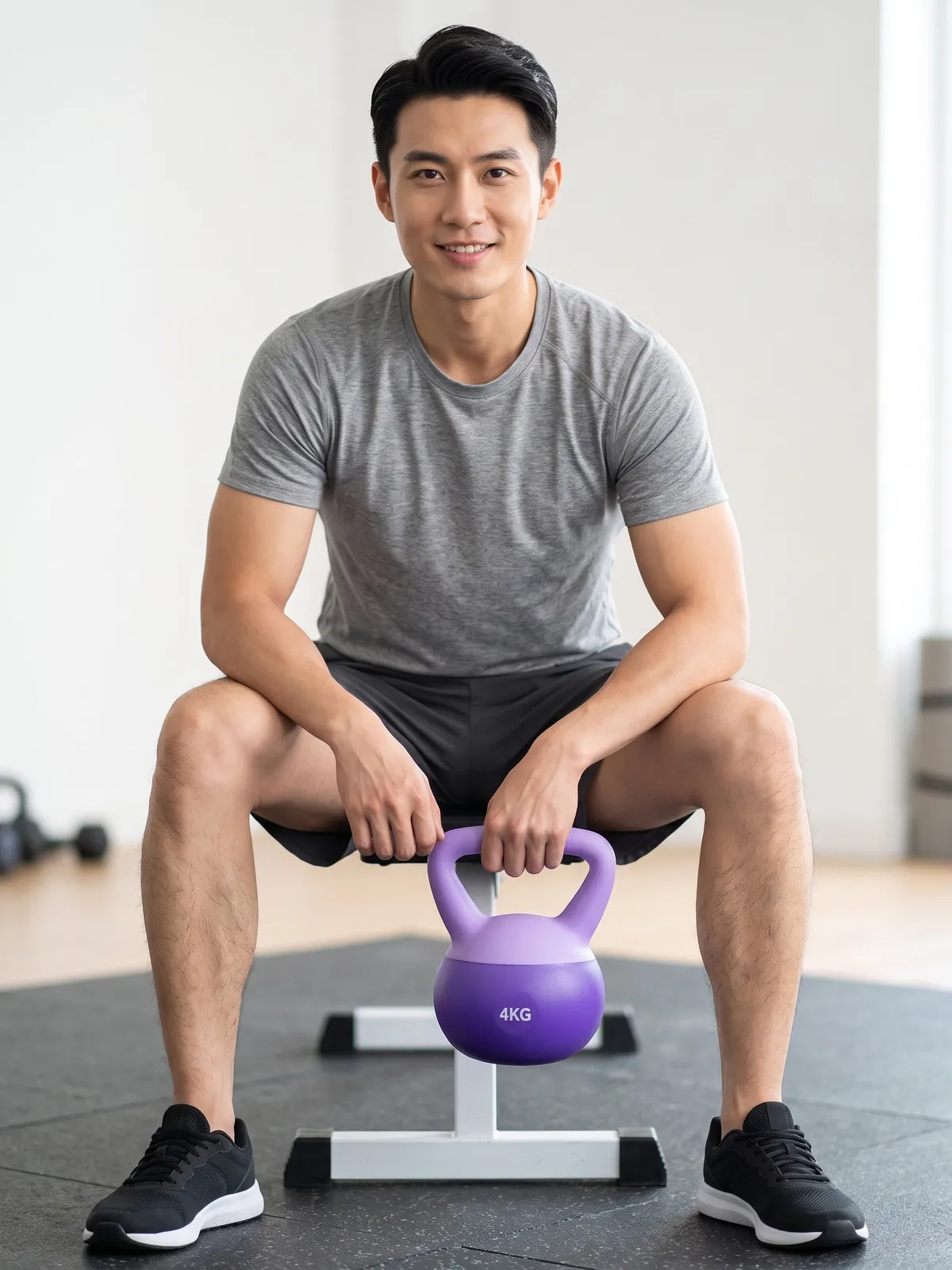 ResultUploaded
Pricing
2K · 4K3–5credits / image
- Standard 2K: 3 credits per image
- Premium 4K: 5 credits per image, for work you will crop or print large
- A model from the library adds 1 credit at 2K; Premium already includes it
- Picking a scene from the library yourself adds 1 credit
- An image set of 6 costs 18 credits at 2K and 30 at Premium
- If a job fails, the credits come back automatically
Studio tips for photos ready to sell
One item per photo, cropped to fill the frame, with the side you sell facing the camera
Use a sharp original file, at least 1280 pixels on the short side, not a photo sent through a chat app
Zoom in on small label text such as volume or ingredients before you list the image
Pick the category that matches the product in the photo — otherwise the AI draws a product of its own, and the credits are already spent
The AI creates a new image every time. If one misses, generate again or change the source photo
Frequently asked questions
Do I need my own model?
No. Pick a model from the library, or skip it and the system creates a person. If you pick a model, the system only uses poses that show the face.
I sell perfume or cream. Can I use Product to Model instead?
Product Showcase is the better tool. Product to Model's instructions are written for products that are worn — clothing, shoes, bags, glasses, hats and jewellery — so a perfume bottle can end up drawn as if it were jewellery.
How fast are the images?
On real jobs, half finish within about 26 seconds and nine in ten within 40 seconds. You can close the page while you wait; the image goes into your library.
Sign up free for 10 credits
Given once, with no card needed. Your first free-plan image has no watermark; the images after it do.
Sign up freeRead in depth
- AI models holding your product, and why you pick a category first
- Food photos with a person in the shot, and an instruction never to add anything
- Product photos with a model, without typing instructions
- One product photo, six images in a single press
- How to stop AI changing your product or inventing details
Still stuck?
Message us, and include the email you signed up with so we can answer the right question straight away.