Research notes
How this is built
Anyone can buy the same image models we use. What separates the results is the instruction sent to them — this page explains how ours is assembled, and which broken image each rule came from.
Countless test runs went into finding the right mix — so that it stays simple to use for everyone.
65
instruction blocks across the system
360
scenes labelled by hand for framing
0%
wrong-shape images after the fix, down from 48%
9.8M+
person × pose × scene combinations
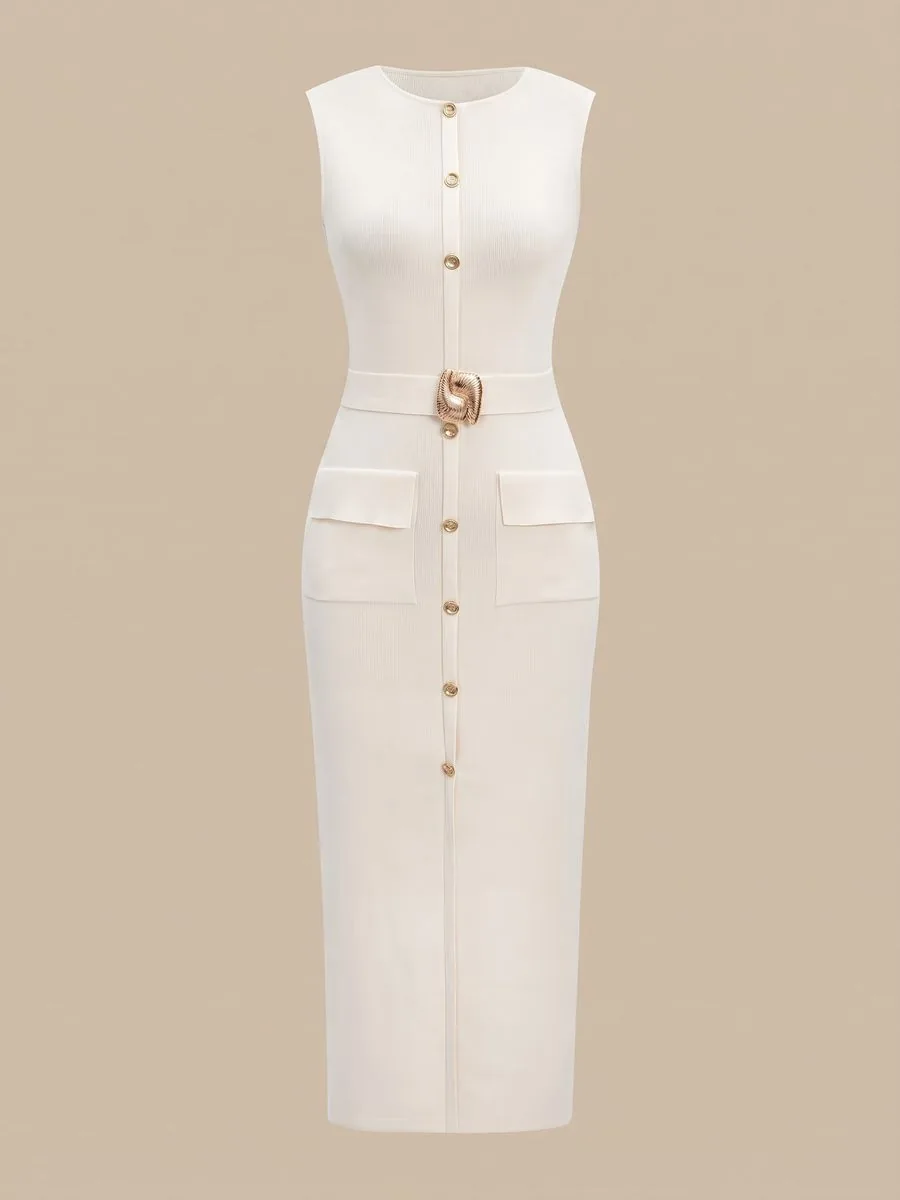 Uploaded
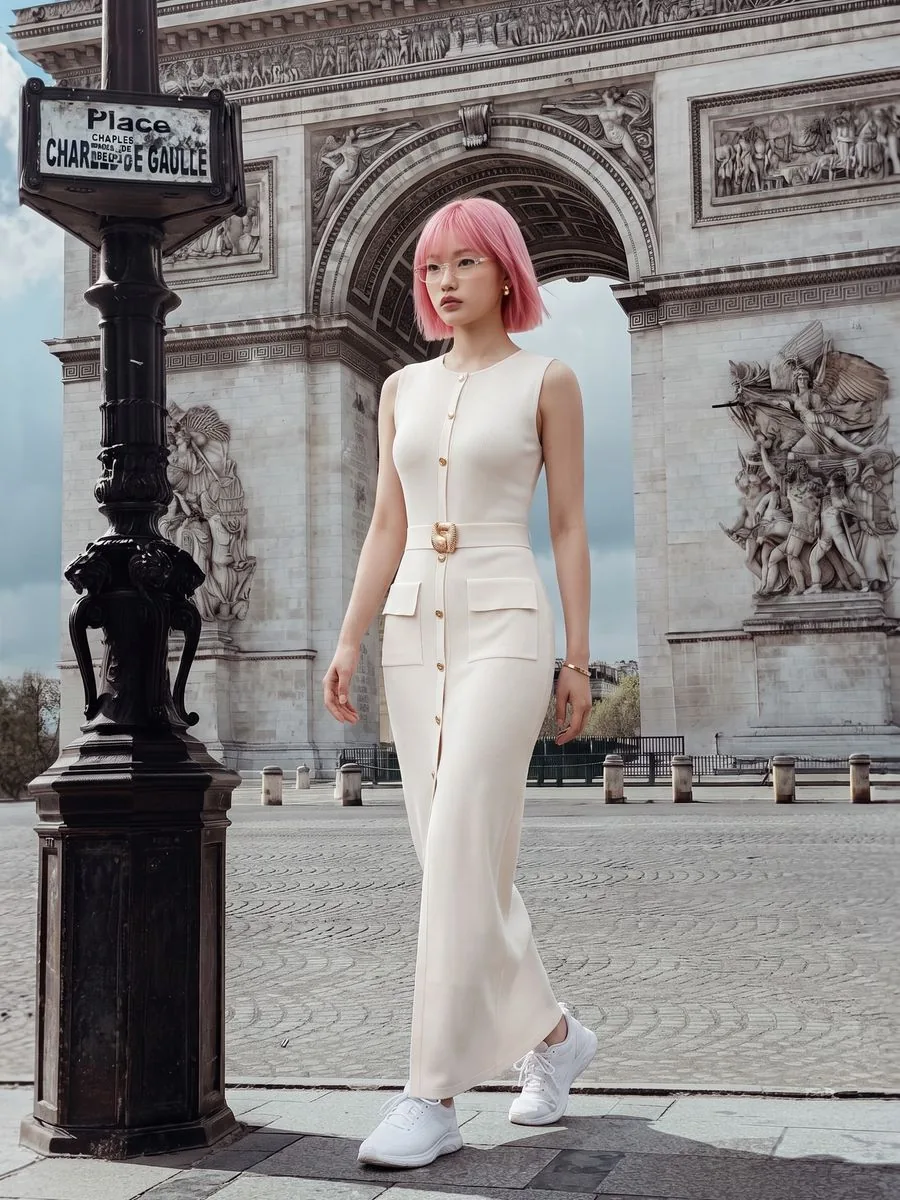 Result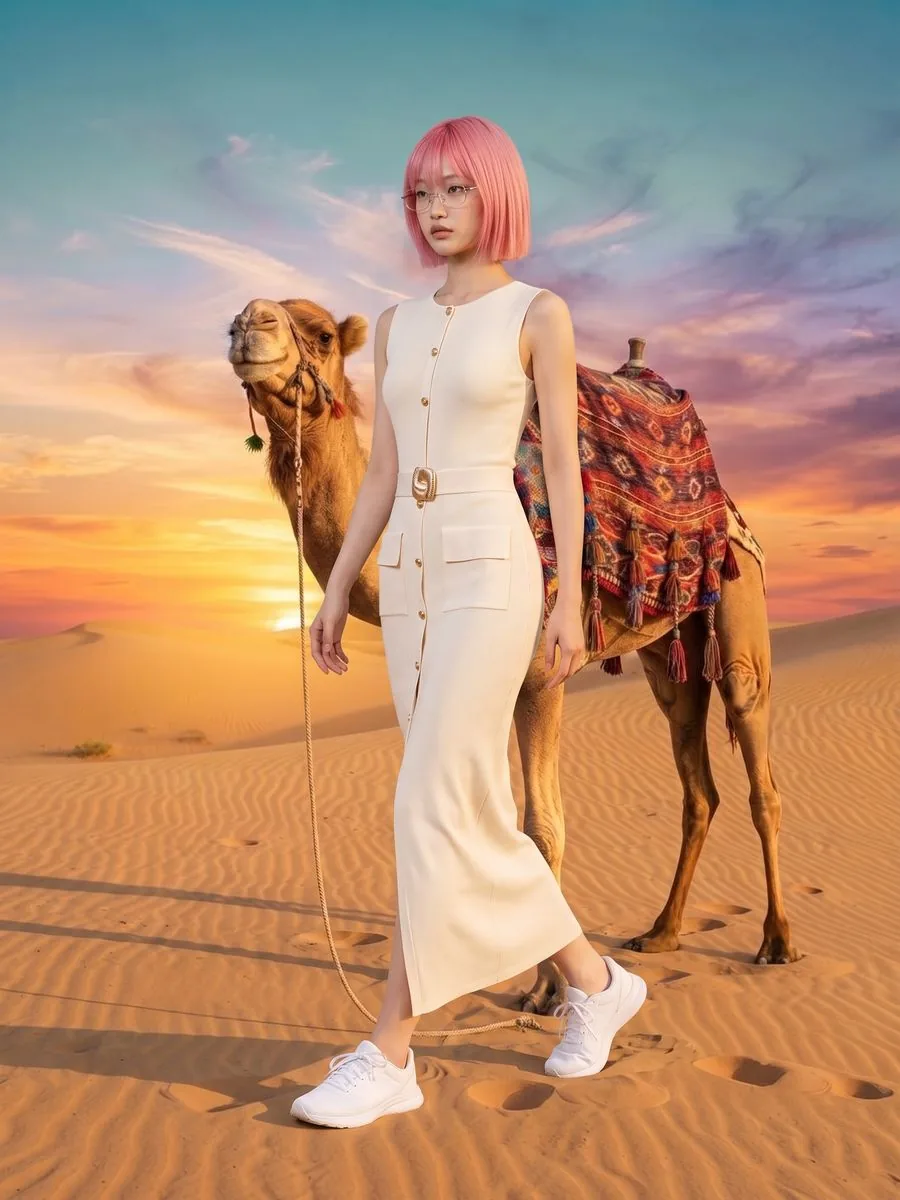
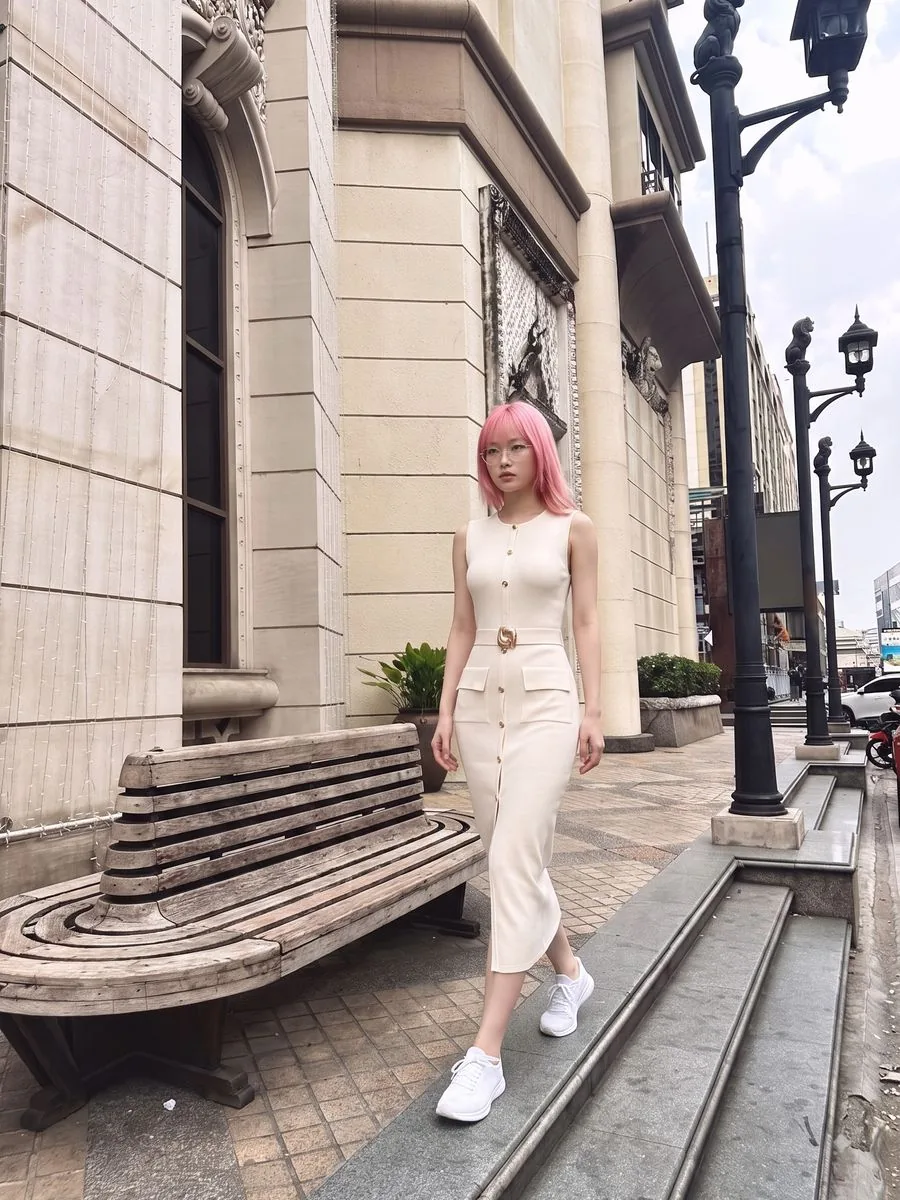
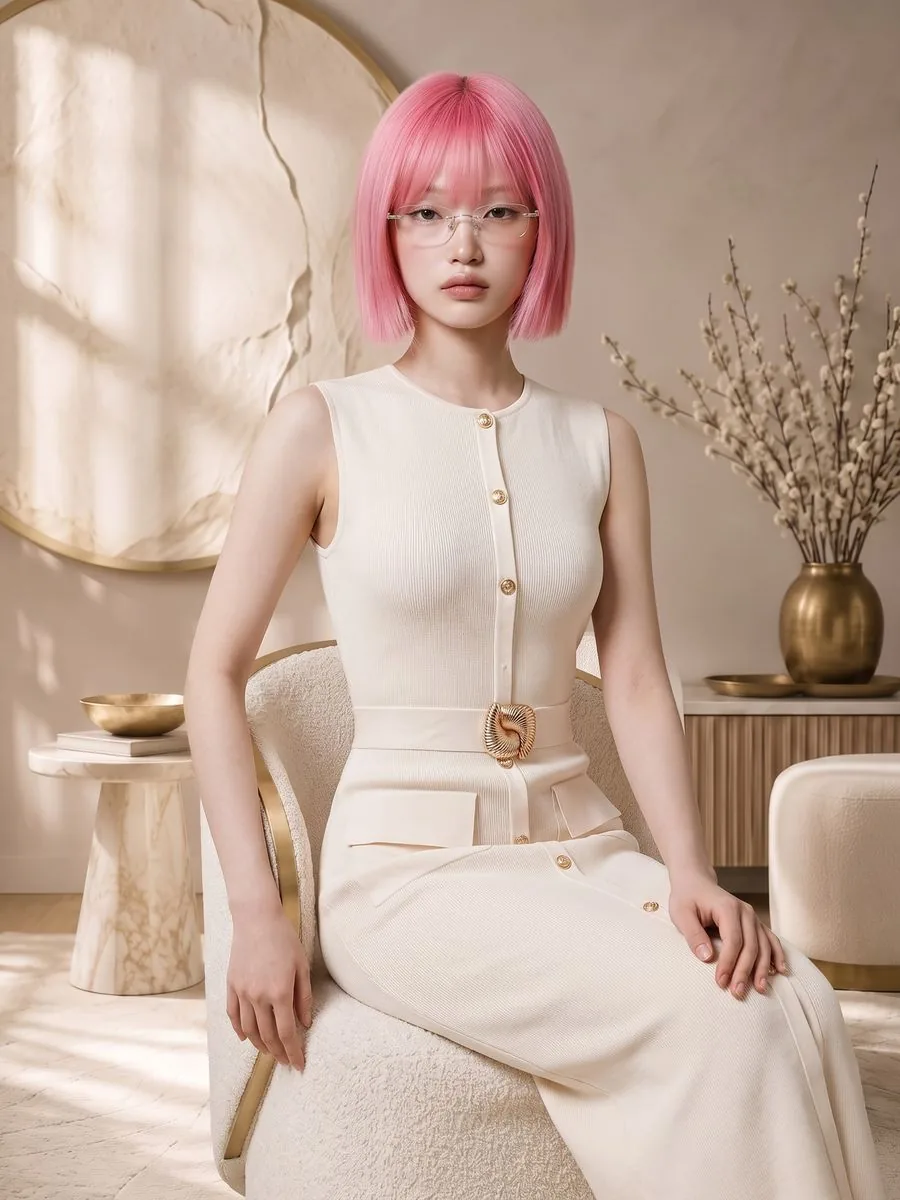
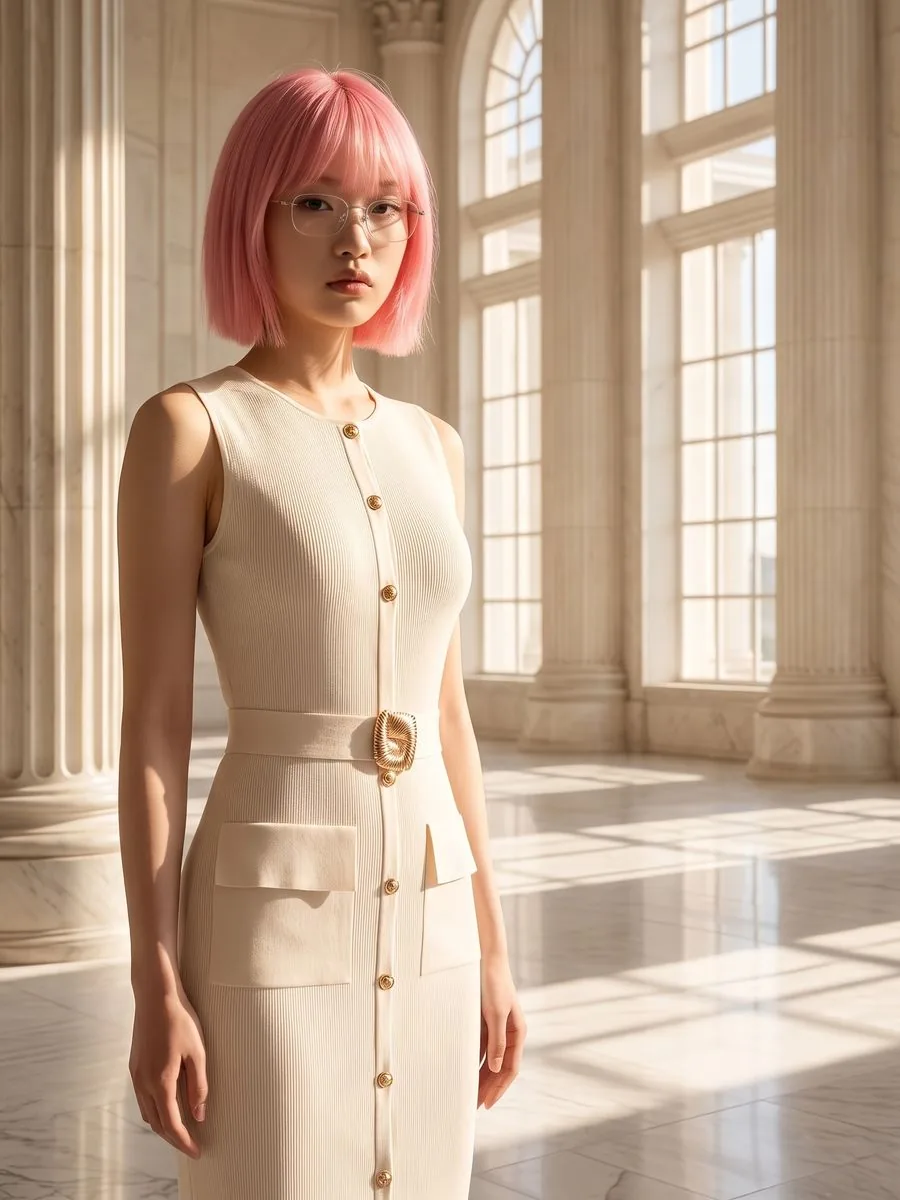
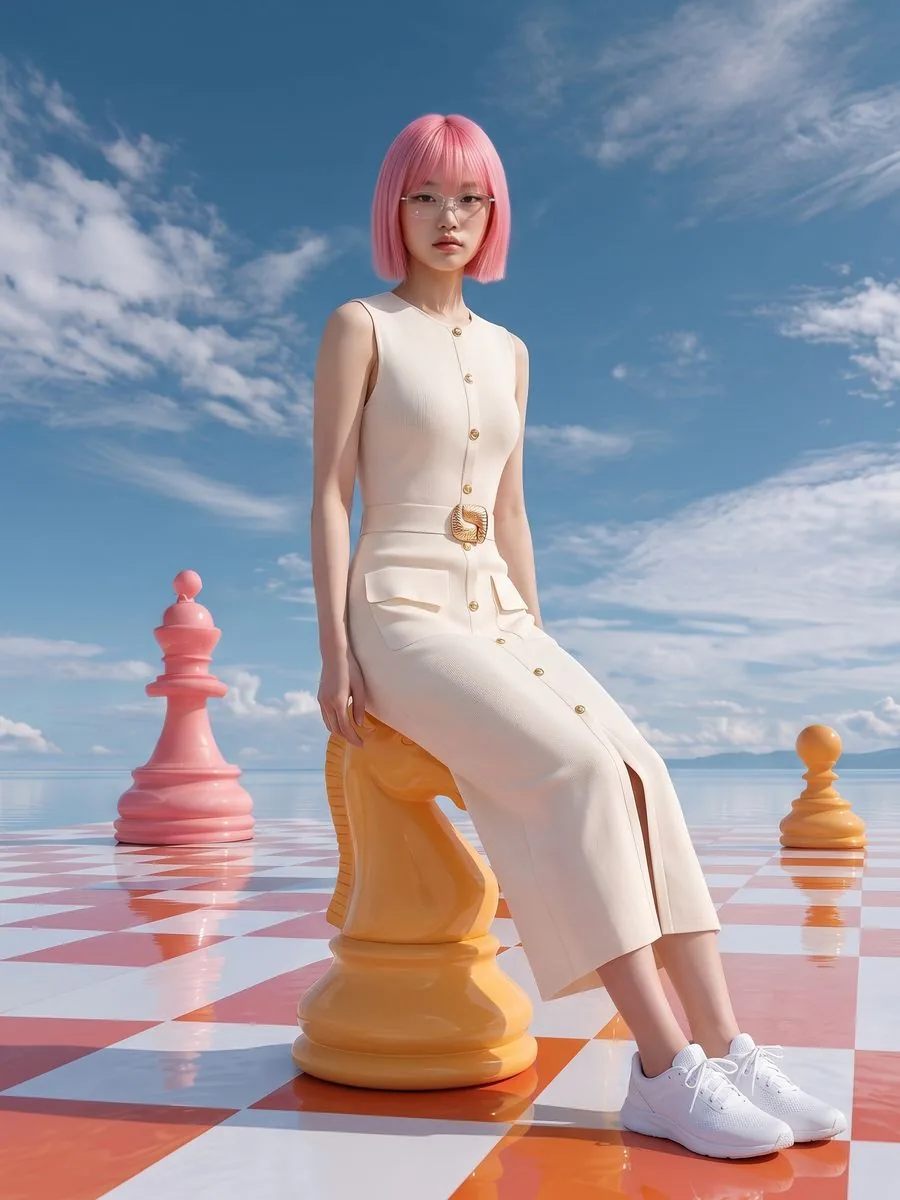
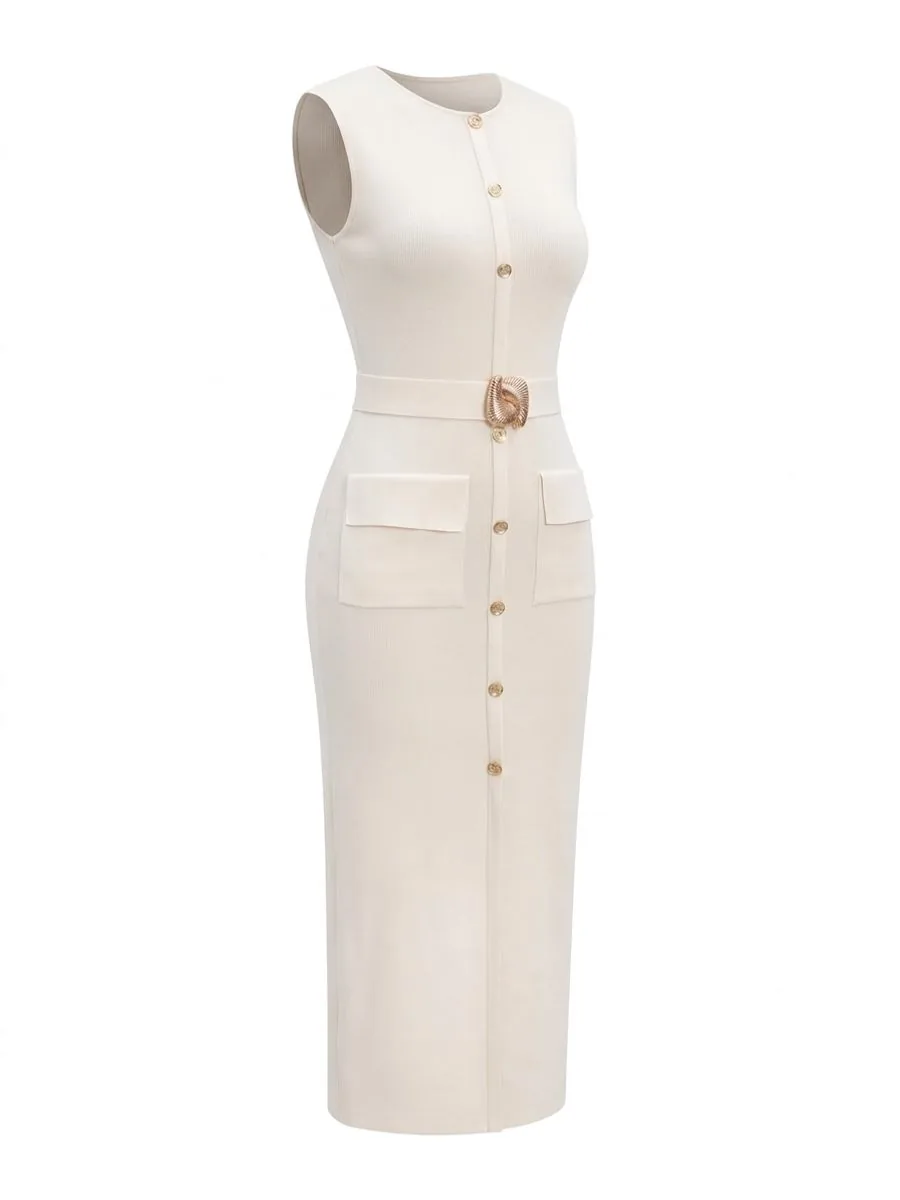
Our instruction isn't one block of text — it's rebuilt for every image
There is no prompt box anywhere in the product. You pick from a library that pairs person × pose × scene in more than 9.8 million combinations, and the system writes the instruction.
Across the whole system, instructions are assembled from 65 blocks, each responsible for something different: Product to Model 25 · Ghost Mannequin 11 · Product Showcase 10 · Product-Sexy 2, plus 17 shared by several tools (casting · poses · styling). Each image draws on them differently, based on what you picked.
What those blocks enforce
- Fabric and colour must match the real item
- Light on the person must come from the same direction as the scene
- The product must not be hidden by hair or hands
- Its size against the body must be plausible
- The camera must match the scene
- Never return a multi-panel collage
Every instruction is reproducible. Nothing is randomised in a way we can't replay — when you say “this one came out wrong”, we can rebuild that exact instruction in full.
Every rule came from an image that actually failed
Everything in this section was distilled from more than 700 images we had AI generate, in the live system and in tests.
48%
Before the fix · 25 real jobs
0%
After the fix · 57 jobs re-measured
The “automatic” aspect-ratio setting used to mean sending nothing at all and letting the vendor guess. Measured across 25 real jobs: 48% came back the wrong shape, the worst one drawing the product a second time to fill the empty space. After the fix, measured across 57 jobs: 0%.
We once ran ten different product types back to back without picking a model, and got nearly the same face every time — even though the instruction asked for variety.
One model invented a fake brand label at the collar despite an explicit instruction not to. We stopped using it for the tools that must stay faithful to the product.
Some scenes let a person stand full-height but render them so small the product is unreadable. So all 360 scenes were labelled by hand for which framing each one can carry.
 Full bodyHalf body
 Full body
 Half body
 Full bodyHalf body
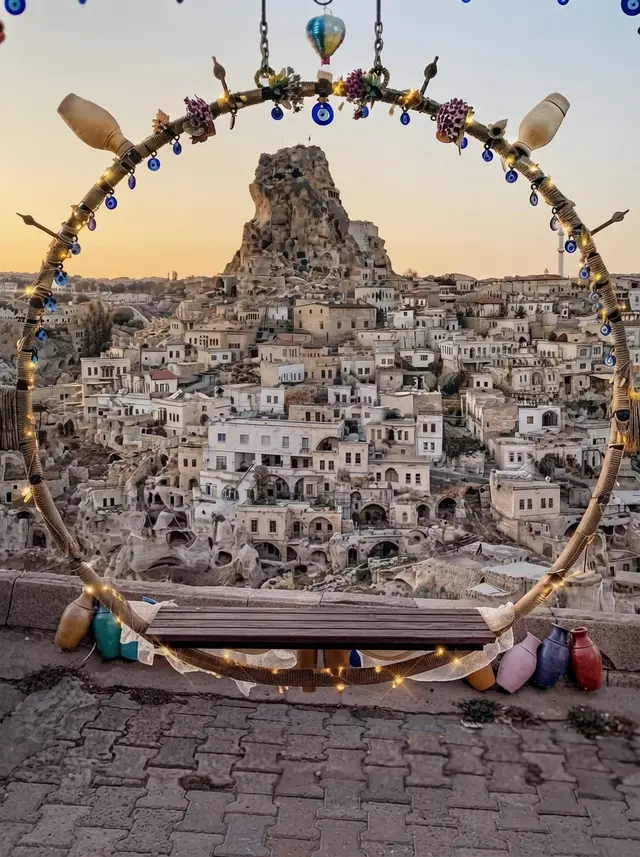 Half body
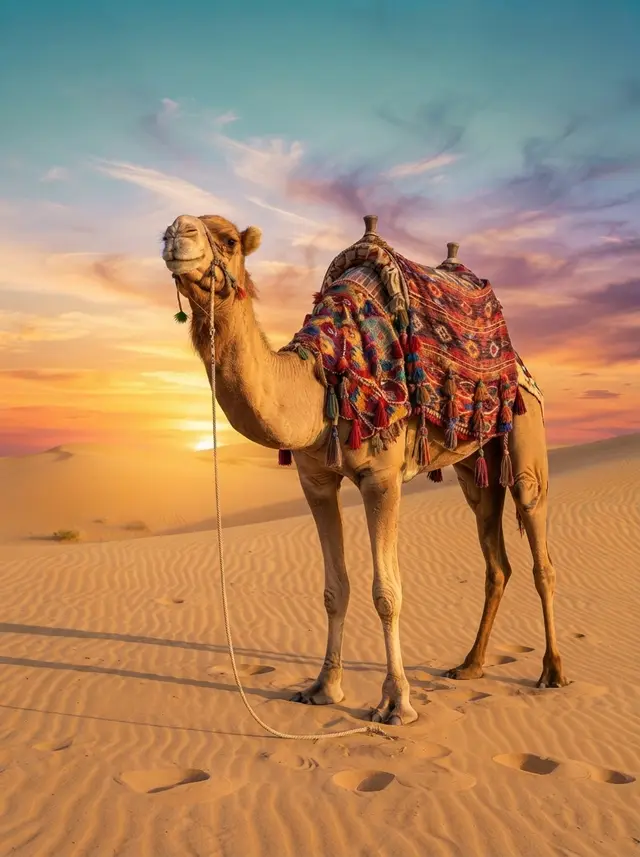 Full body
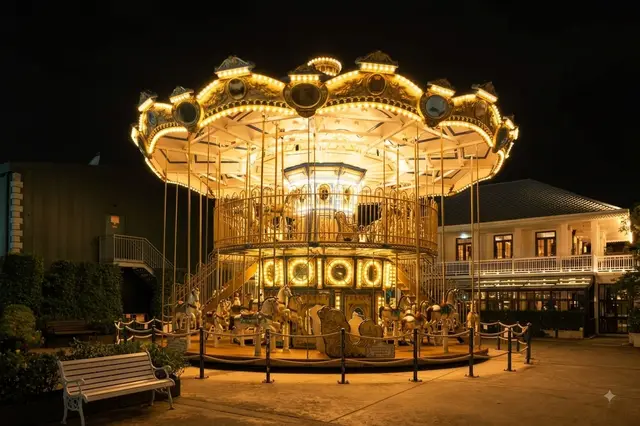 Half body
 Full bodyHalf body
Faces that don't repeat — and why asking the AI for variety doesn't work
Each image is generated independently. The vendor has no memory of who it drew a moment ago, so writing “vary the casting” into a single instruction barely moves it — it still lands on the most likely answer every time.
So the variety has to come from our side: we pick the look first, then write that look into the instruction. The model gets a genuinely different brief for each image.
- Asia50
- Europe35
- Africa15
The 10 looks the system draws from — each segment's length is the chance that look gets picked
The current spread is Asia 50 · Europe 35 · Africa 15, across 10 looks. That ratio is the owner's decision based on the market we sell to, not an arbitrary default.
There is no skin-tone instruction anywhere in this system, deliberately — a leftover skin-tone line was exactly what made non-Asian looks impossible in the first place.
Automated tests hold both the declared ratio and the actual distribution over thousands of simulated runs.
As shown, verifiable — a QR code that lets buyers compare the AI image with the real item
A beautiful AI image makes buyers wonder whether the real item will look the same. Our answer is not to hide that AI was used, but to let buyers check for themselves in a few seconds.
The shop switches it on under a result in the studio and gets a check page for that image. The page puts the product photo the shop uploaded next to the image in the post, and says plainly which parts are real and which AI made — the fabric pattern, colour and lettering are real; the model, pose, scene and light are AI.
Real itemImage in the postAs shownVerifiableAI modelScan for the real photo
Confirmed by the shop
- Fabric pattern
- Colour
- Lettering on the item
Created by AI
- The model (not a real person)
- The pose
- The scene and location
- Light and shadow
The downloaded image carries a small QR card in a corner the shop chooses. Buyers scan it and the check page opens straight away. The code spans 14% of the image's short side; we measured that it still scans after the image is shrunk to 40% when posted.
The label speaks for the shop, not for us — the shop ticks to confirm every time. The wording changes per tool: a ghost mannequin is never called an AI model, and a try-on made with the shop's own person photo says the person was not created by AI.
It works with every tool that builds an image from the shop's product — Product to Model (including same-model and front + back), Virtual Try-On, Product Showcase, Product-Sexy and Ghost Mannequin. It costs no credits, the image is assembled on the shop's own device, and it suits posts on IG, Facebook, LINE and the shop's website.
How we choose a model, and why others were cut
The seven tools in the next section do not share one AI. Each was chosen by running the same product photo through several and comparing the results side by side, rather than trusting marketing pages or published scores.
442seconds per image
One turned a red dress green and took 442 seconds per image — cut.
One added a shoulder strap that doesn't exist on the real garment — cut, because a shop can't list that.
3.7×slower
One matched the quality but ran 3.7× slower — kept as a fallback, not the default.
So each tool runs on whatever passed the comparison for its own job. Some cost more than the ones we cut. Speed and faithfulness to the product were worth more than the price difference.
Behind each tool — seven tools, seven sets of rules
Every tool runs on the same instruction-assembly system, but each has rules of its own that came from images that broke. This is what happens after you press generate.






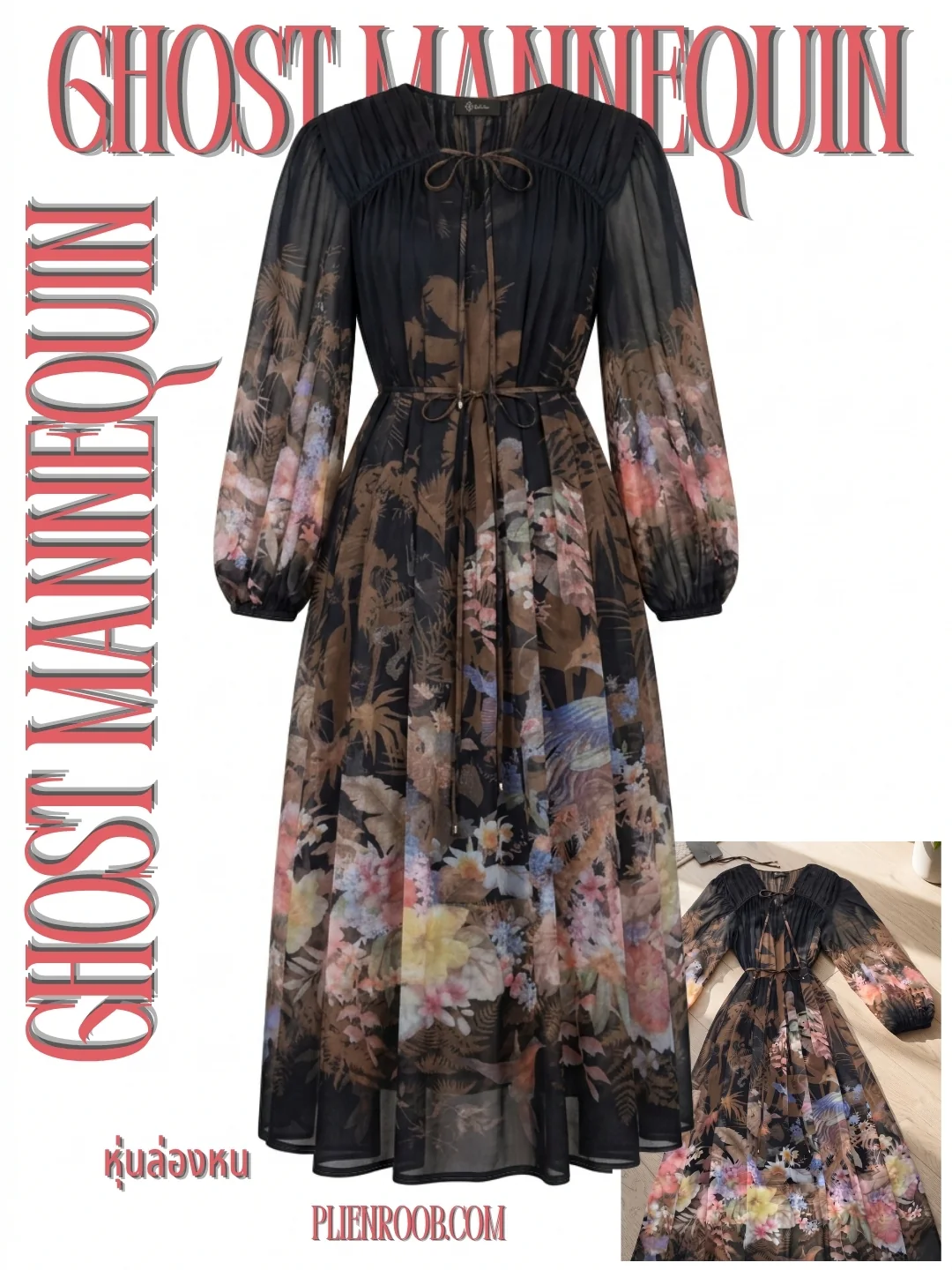
Your photo sets the ceiling — and the limits we haven't solved
The photo you upload decides the outcome, and it is not only a pixel count — it is how much detail the AI can actually see. Measured on two Thai-print T-shirts: a sharp 1280px photo with large lettering held its shape 5 times out of 5, while a blurry 720px photo with small lettering held it 3 out of 5 — and garbled the Thai text on the shirt all 5 times.
Held its shape (runs out of 5)
- 1280 px5/5
- 720 px3/5
Wherever the source photo is unclear, the AI guesses. Upscaling still struggles with lace and fine woven patterns; the fix for now is to generate at high resolution from the start rather than enlarge afterwards.
 Illustration
Clothing (Product to Model · Virtual Try-On · same model) needs the neckline, sleeves and hem all visible. Crop small prints or lettering to one garment filling the frame — text too small to read in the source becomes new words. Front + back needs the back in the photo, or the back gets drawn from imagination.
Perfume, skincare and held products need the label facing the camera and the product filling the frame — the more of the photo it fills, the more accurate the label. Tiny text such as volume or ingredients can still drift; in testing the weight on a lipstick box changed digits, so check before every listing.
Lingerie and swimwear need to be laid open so straps, bows, lace and hooks show, on a background that contrasts with the piece — that photo is all the AI has. Ghost mannequin needs the neckline, shoulders and hem, and the same photo run twice can come back in a different shape, so we never judge quality from a single image.
The vendor's content filter occasionally rejects a result without saying why — 4 of 12 failed jobs so far. When that happens, credits are refunded automatically.
Ready for your first product photo?
Nothing to type, no card required — sign up and get 10 credits instantly
Start free nowOpen studioPhotos by Divazus Fabric Store on Unsplash