AI model · AI male model
An AI model wearing your own garments, picked from a library, no prompt to write
Create AI models and male models wearing the clothes in the product photo you already took. Pick a person from a library that includes Asian faces, choose a scene and a pose, then generate. No shoot to book, no studio to rent, and nothing to learn about prompting.
From Plien Roob — AI model photography for online stores
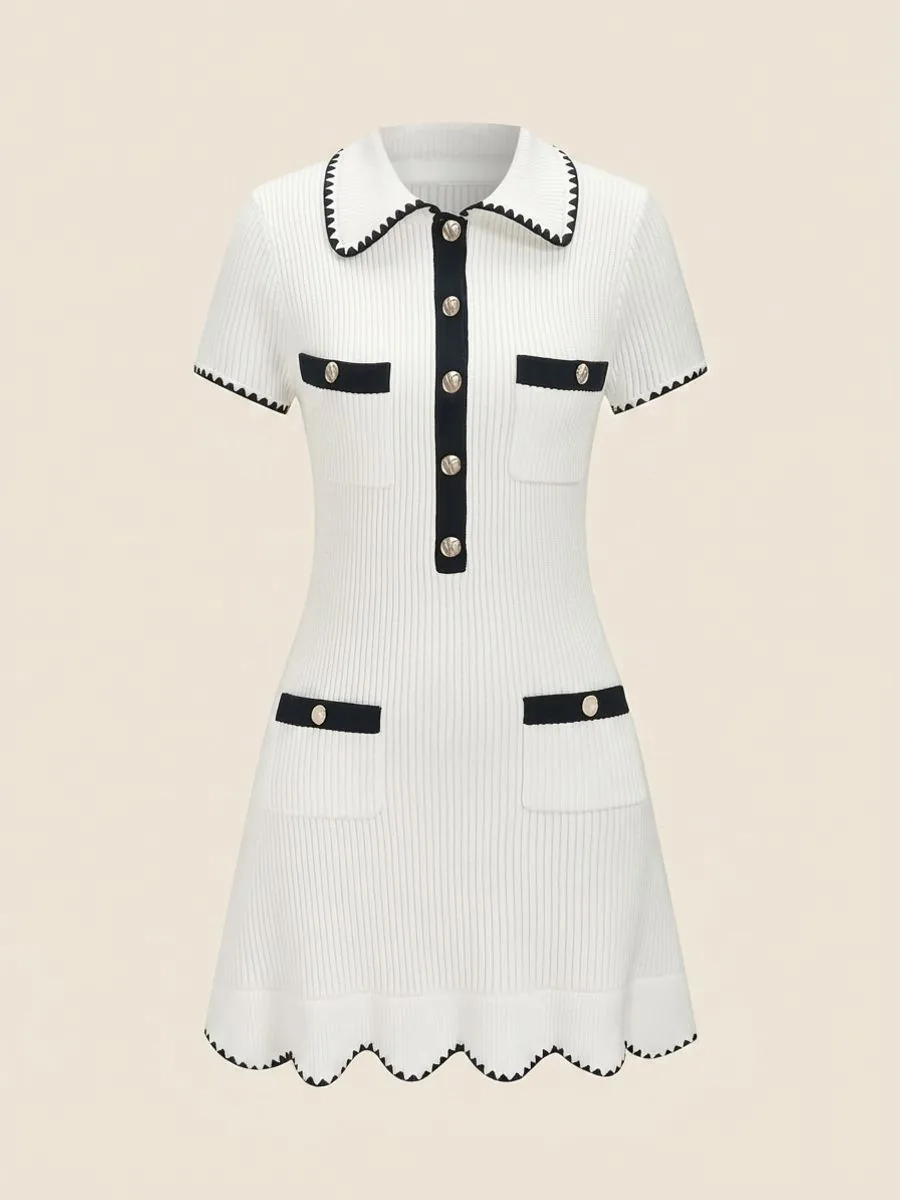 Uploaded product photo
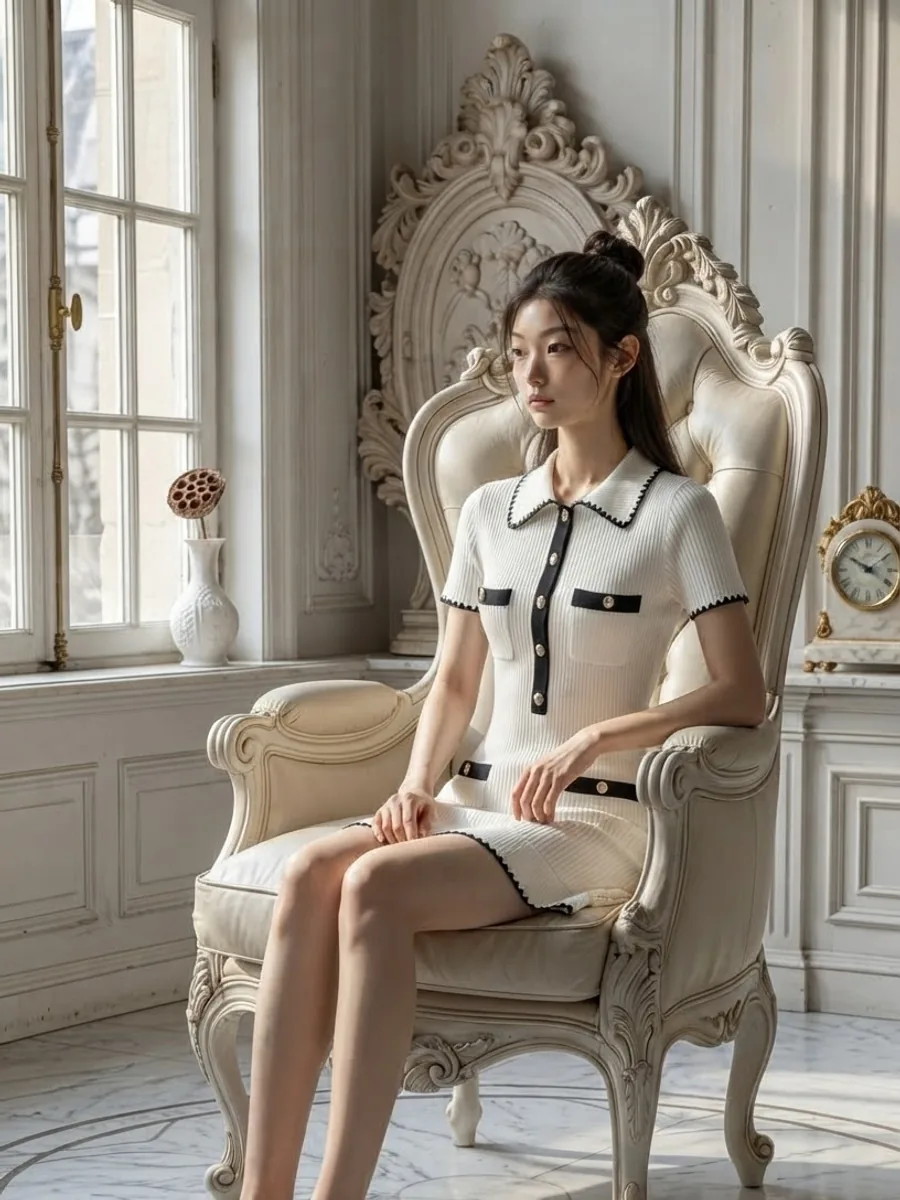 What you get
116
models
210
faces
84
poses
360
scenes
250
styling items
No prompt box, because everything is picked from a prepared library
Text-to-image generators ask you to write a prompt describing the body type, skin tone and hairstyle you want, and then draw clothes of their own invention rather than the garment you sell. Here you start from your real product photo, and here you pick from images you can see.
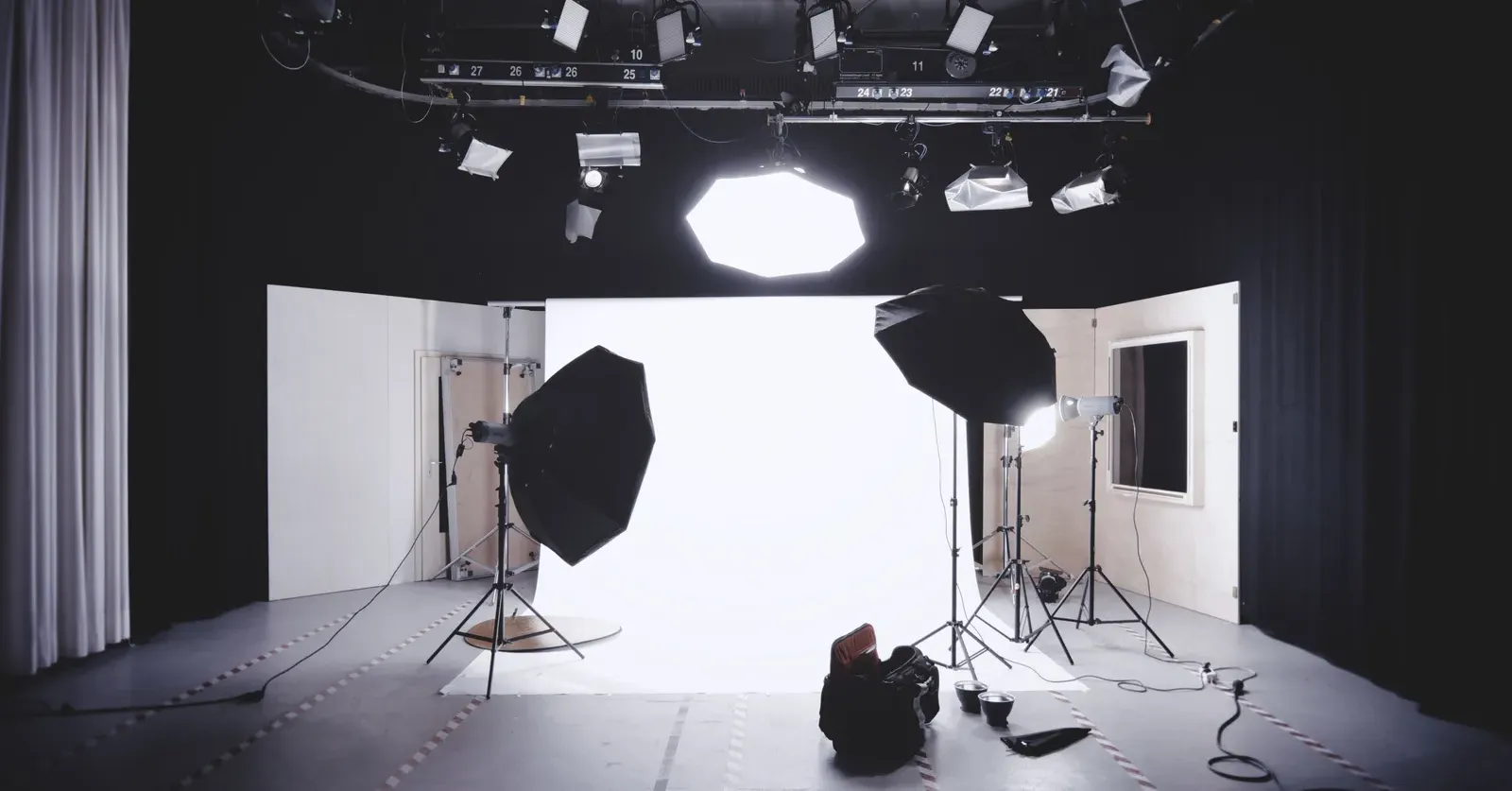 IllustrationA real shoot
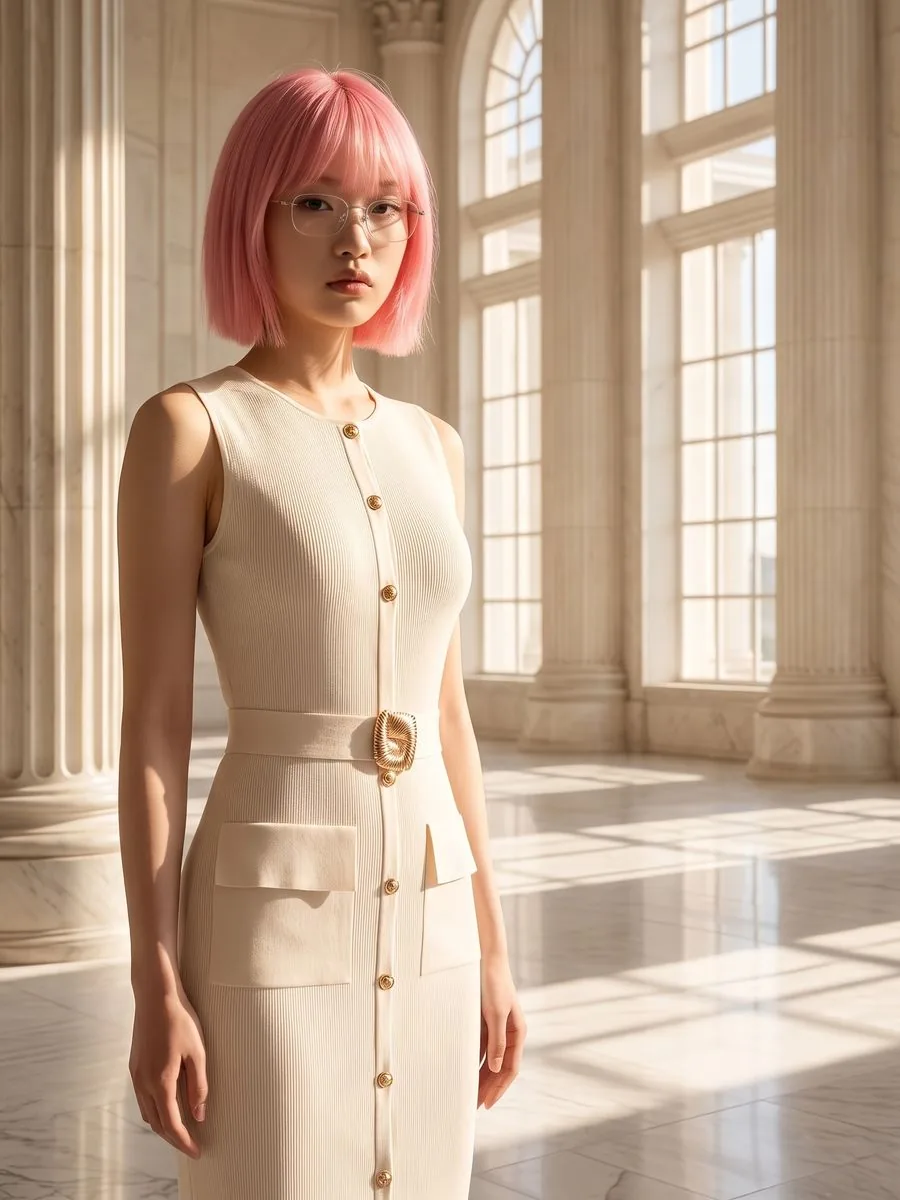 Plien Roob
What an AI model can make for your shop
What you can do with an AI model on this site. Each card is that tool's cover image; tap it to read how the tool works.






An AI model in your clothes, in three steps
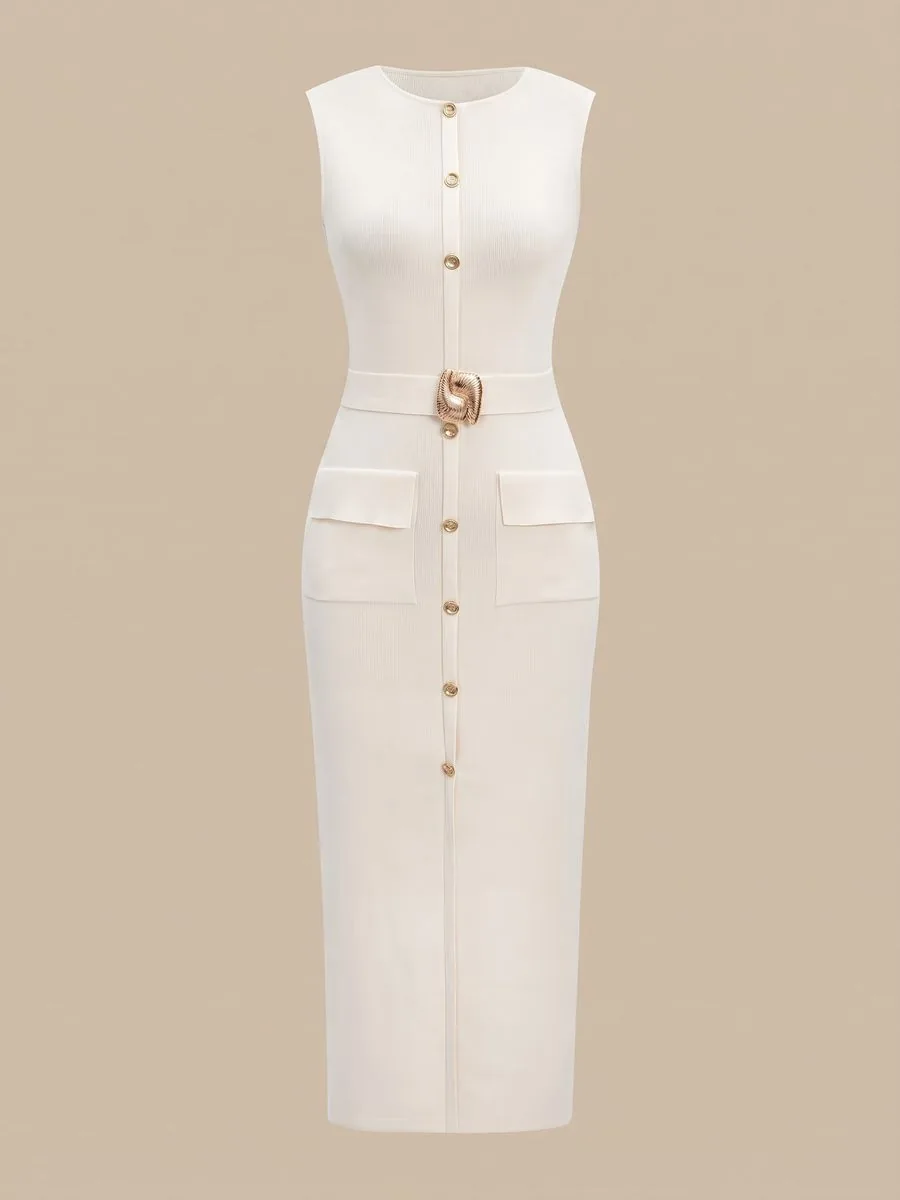
Upload your own product photo
Flat-lay, on a hanger, or already worn. It only needs to be in focus with the whole garment visible.
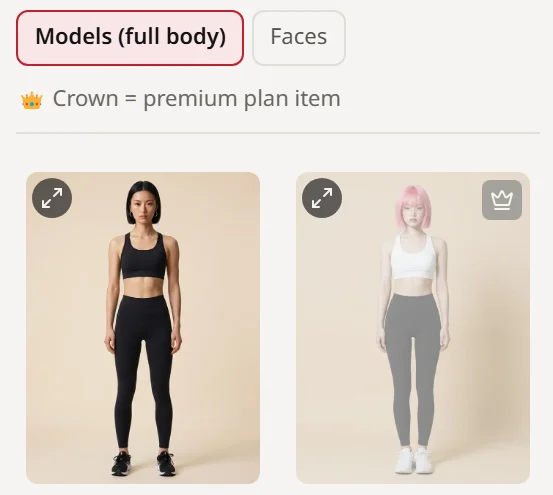
Pick the model, scene and pose
Choose from pictures. There is no prompt field, and no guessing whether the system understood you.
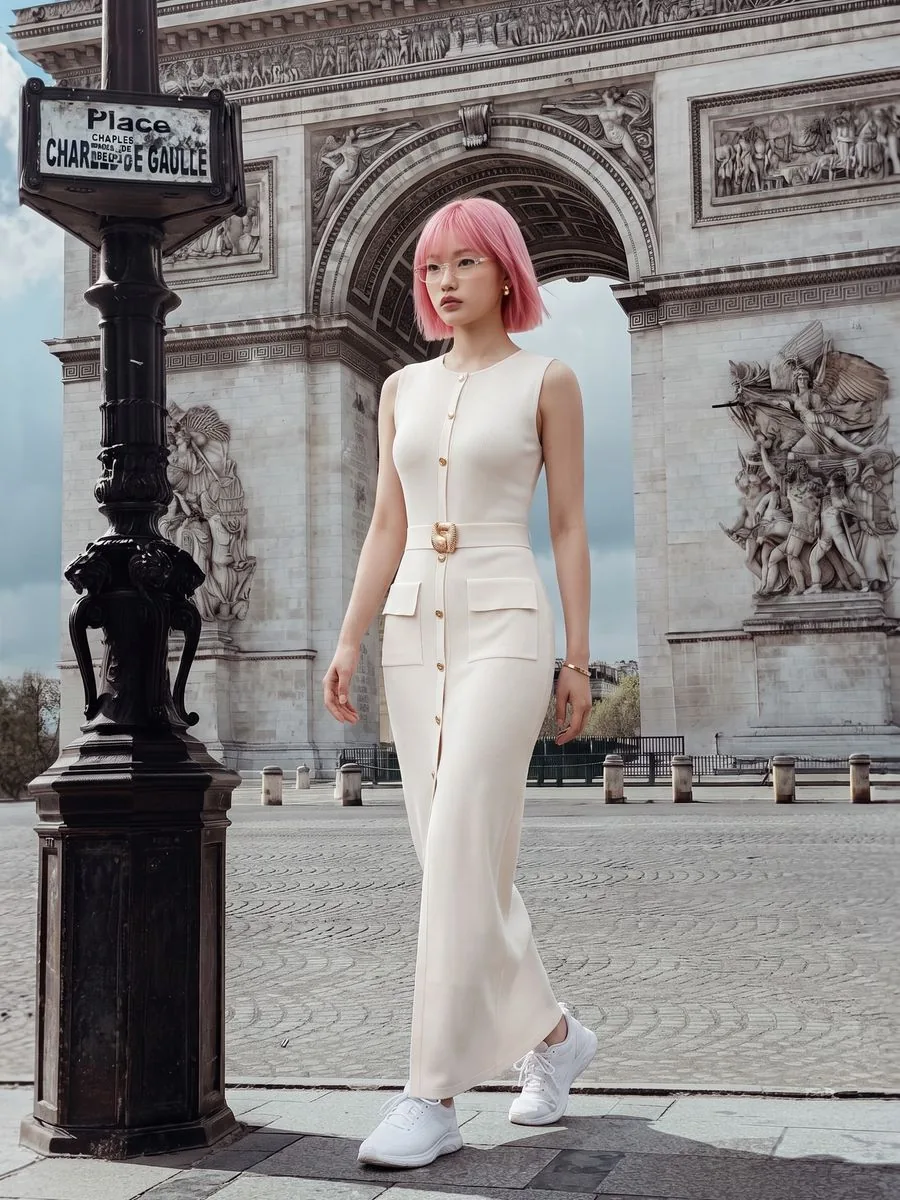
Generate and download
About a minute per image. Don't like it? Generate again straight away, as long as credits remain.
How this differs from the alternatives
Anything to learn first?
- Booking a studio shoot
- No, but you book and wait
- AI tools with a prompt box
- Yes — how to write prompts that work
- Plien Roob
- No — you pick from pictures
Time to first image
- Booking a studio shoot
- Days to weeks
- AI tools with a prompt box
- Immediate, if the prompt is right
- Plien Roob
- About a minute per image
Need 20 more images
- Booking a studio shoot
- Book another shoot
- AI tools with a prompt box
- Write a new prompt for each
- Plien Roob
- Just keep generating
Asian faces
- Booking a studio shoot
- If you can find and book one
- AI tools with a prompt box
- Describe it and hope
- Plien Roob
- Pick from the library, or let the system cast — about half the faces it generates are Asian
Print and lettering on the garment
- Booking a studio shoot
- It is the real thing
- AI tools with a prompt box
- Can drift, depending on the prompt
- Plien Roob
- The system is told to keep them as in your photo; small lettering can still drift, so zoom in and check before listing
| Booking a studio shoot | AI tools with a prompt box | Plien Roob | |
|---|---|---|---|
| Anything to learn first? | No, but you book and wait | Yes — how to write prompts that work | No — you pick from pictures |
| Time to first image | Days to weeks | Immediate, if the prompt is right | About a minute per image |
| Need 20 more images | Book another shoot | Write a new prompt for each | Just keep generating |
| Asian faces | If you can find and book one | Describe it and hope | Pick from the library, or let the system cast — about half the faces it generates are Asian |
| Print and lettering on the garment | It is the real thing | Can drift, depending on the prompt | The system is told to keep them as in your photo; small lettering can still drift, so zoom in and check before listing |
And if a generation fails, its credits are refunded automatically and in full.
Try it first, no card required
Sign up and get 10 credits immediately. A model photo costs 2 credits.
฿0
10 credits — about 5 images
First image watermark-free, later ones watermarked
฿590
180 credits — about 90 images
No watermark · ฿6.56 per image
฿1,290
465 credits — about 232 images
No watermark · ฿5.56 per image
Common questions
Do you make the photos for me?
No — this is not a made-to-order service with a queue. You do it yourself on the site: upload the product photo, pick a model, press generate, and the image is ready in about a minute. Make as many as your credits allow, without talking to anyone.
Are there male models?
Yes. The library has both women and men, picked the same way — from photos you can see. They work in try-on, product-to-model, image sets and batches, and some of them are premium-only. The sleepwear, lingerie and swimwear tool works differently: it sends no photo of a person at all, so there you pick male or female as a chip instead.
Can I use an AI model for free?
You can start free: signing up gives you trial credits straight away, with no card. Trial credits make images at each tool's entry tier, and the first image has no watermark. For many shop images or higher resolutions you need a paid plan.
How is this different from a text-to-image generator?
A text-to-image generator draws a new person along with clothes of its own invention. Here you start from your real product photo, and the system is told to keep its print, colour and lettering, so the image shows the item you actually sell rather than something that looks similar.
Can an AI model hold my product?
Yes, with Product Showcase. Upload the product photo, pick its type — perfume, serum, lipstick, a cup or food, for example — and the system picks a pose where the model holds or presents it; generate again for a new pose. The system is told to draw the product as uploaded, but small label text can still drift, so zoom in and check before listing.
What is an AI model?
An AI-generated person used to present a product instead of hiring someone for a shoot. You upload the product photo you already took, and the system produces an image of a model wearing that exact item, with its print, colour and lettering matching the real product, as long as the uploaded photo is sharp enough to read the lettering.
Do I need to know how to write prompts?
No. There is no prompt field anywhere in the product. You choose the model, scene and pose from pictures. That is the main difference from most AI tools.
Are there Thai or Asian faces?
Yes — there are Asian faces among both the women and the men in the library. And if you pick nobody from the library and let the system cast the person, about half the faces it generates are Asian; that balance is enforced by an automated test in the codebase, not by intention alone.
Can I sell with these images?
Yes on any paid plan — those images carry no watermark. The free plan gives you one image without a watermark, then adds one to the rest, so you can check the result against your own products before deciding.
Does it work for products other than clothing?
Yes. Bags, shoes, hats, necklaces, earrings, rings, bracelets and watches work once you set the product type to match, and results are best when the original photo shows the shape clearly. Products people hold or use, such as perfume, skincare or food, go through Product Showcase instead.
What if the result isn't what I wanted?
Generate again as long as credits remain. If the system fails to produce an image, its credits are refunded automatically and in full.

Plien Roob
Try it on your own products first
Sign up free and get 10 credits immediately. No card, no phone verification, and the first image has no watermark.
Photos by Alexander Dummer on Pexels