Studio tool
Product-Sexy
Female and male models wearing your sleepwear, lingerie and swimwear, from a single product photo. The person is built from buttons, never from a real person's photo, and every image is checked before delivery.
3
credits per image
1.7M+
combinations of the person
0
real people's photos used
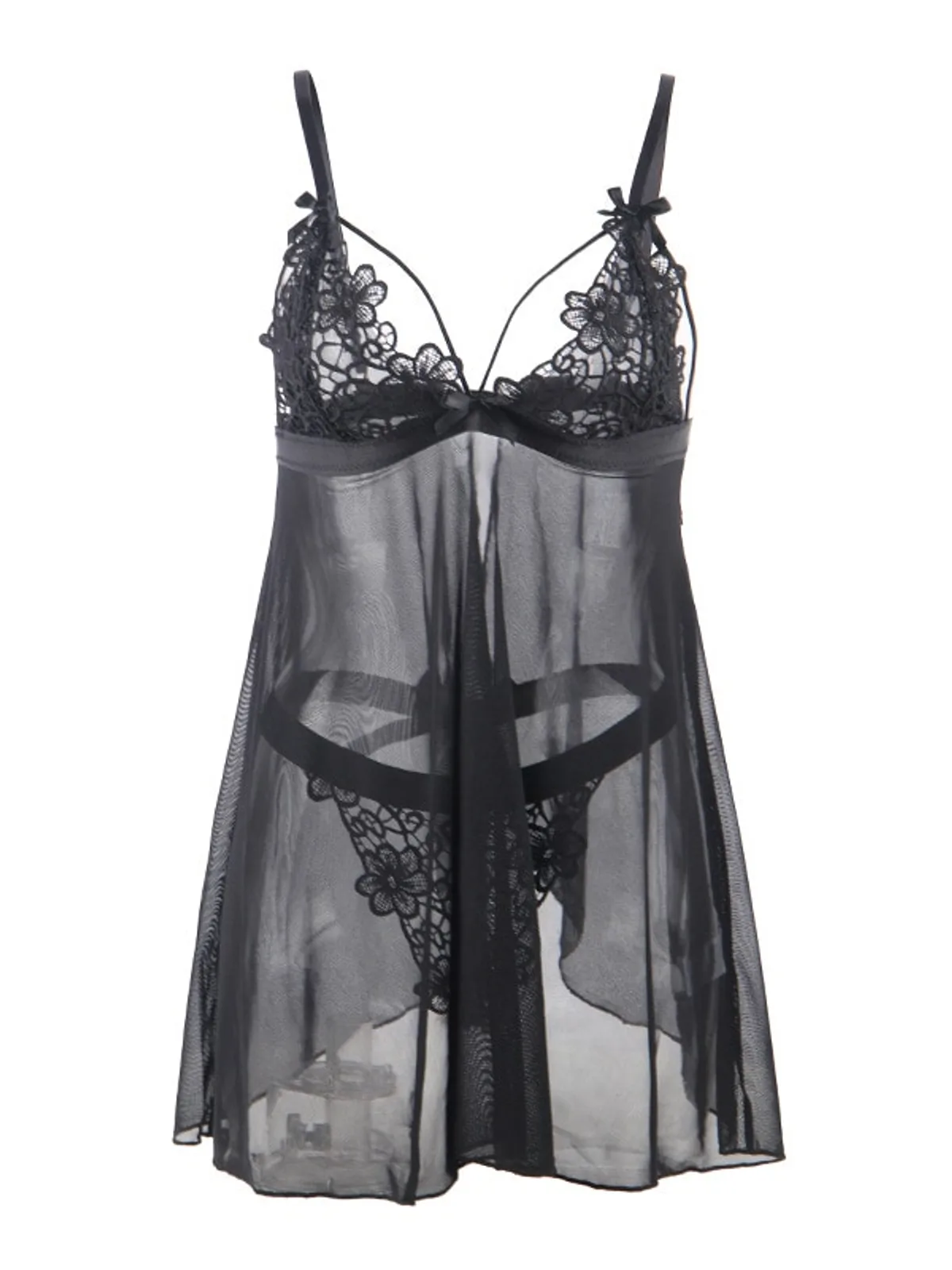 Uploaded
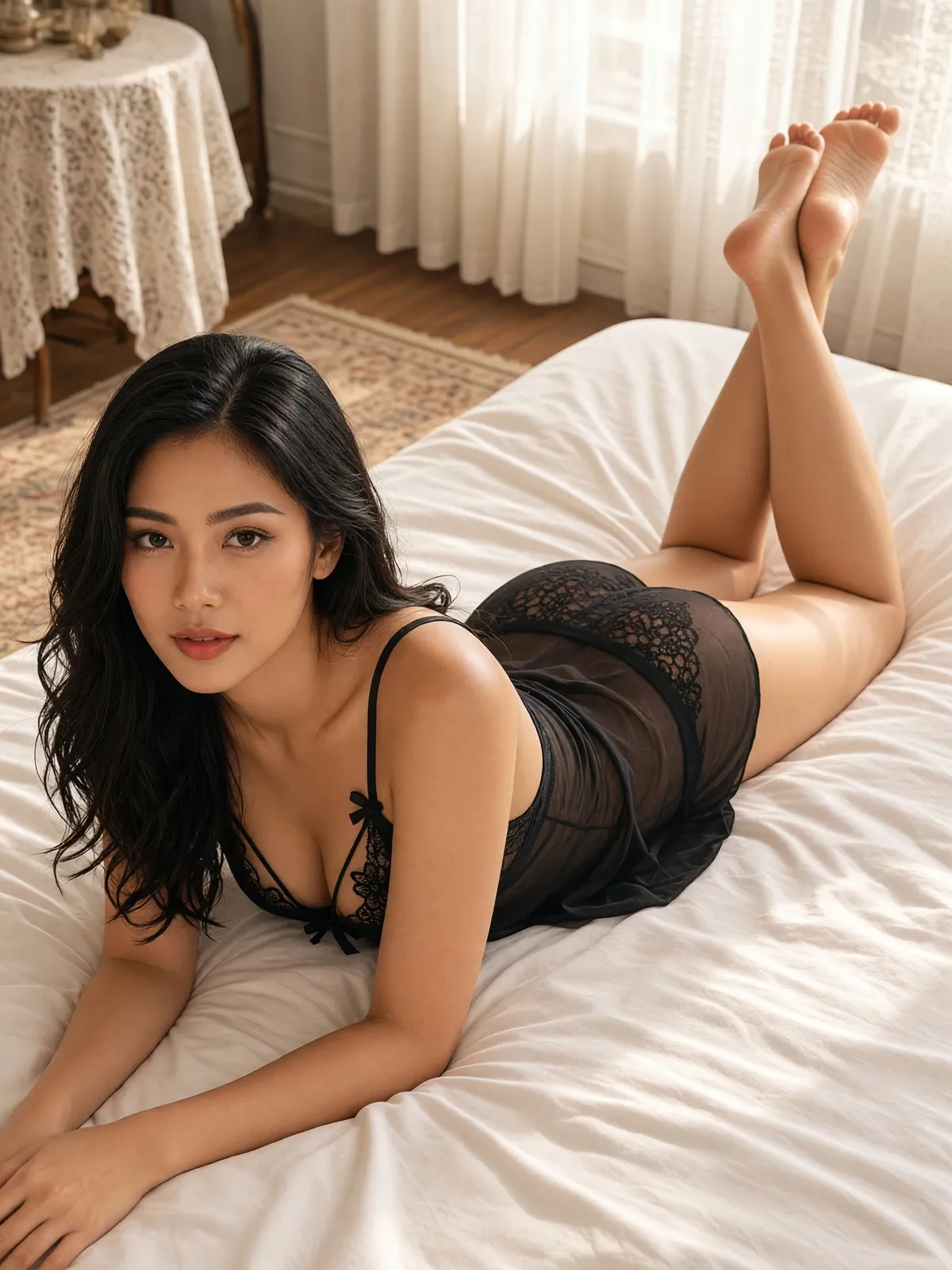 Result
In photography, lingerie is the hardest job to cast. Not every model takes this kind of work, and a shop that does find someone still needs a private studio, a team it trusts, and responsibility for that real person's photos for a long time afterwards. Plien Roob was built by someone who spent 10 years as a model, which is why we understand why many sleepwear and lingerie shops still sell with flat-lay photos.
Product-Sexy takes a different route: it never accepts a photo of a real person. The person in the image is built entirely from the buttons you press. That matches a major AI provider's policy from early 2026 against editing real people's photos into revealing clothing, and in our testing, attaching a real person's photo let sheer lingerie through the filter only 1 time in 5, while building the person from a description passed 4 times in 4.
How precisely you can choose the person
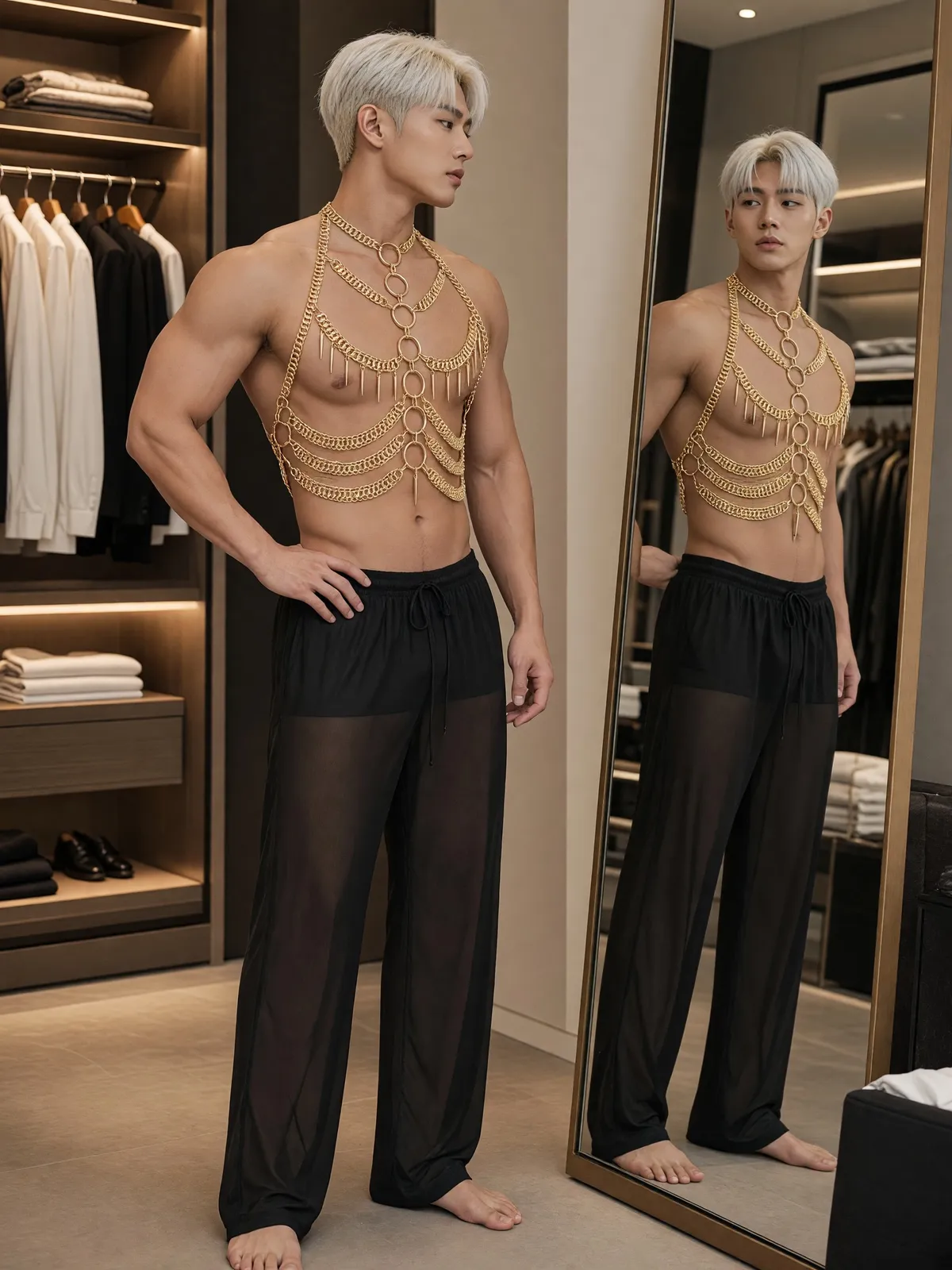
7 garment types: sleepwear and lingerie, bra only, panties only, swimwear, men's underwear, sheer menswear and men's swimwear.
A female or male model, chosen independently of the garment type.
4 adult age ranges, 8 ethnicities including Thai and Southeast Asian, and 6 skin tones.
13 hairstyles for female models, 12 for male models, and 12 hair colours.
6 body types for female models and 5 for male models, plus 4 facial hair options and 3 chest hair options for male models.
Together, more than 1.7 million combinations of the person to choose from.
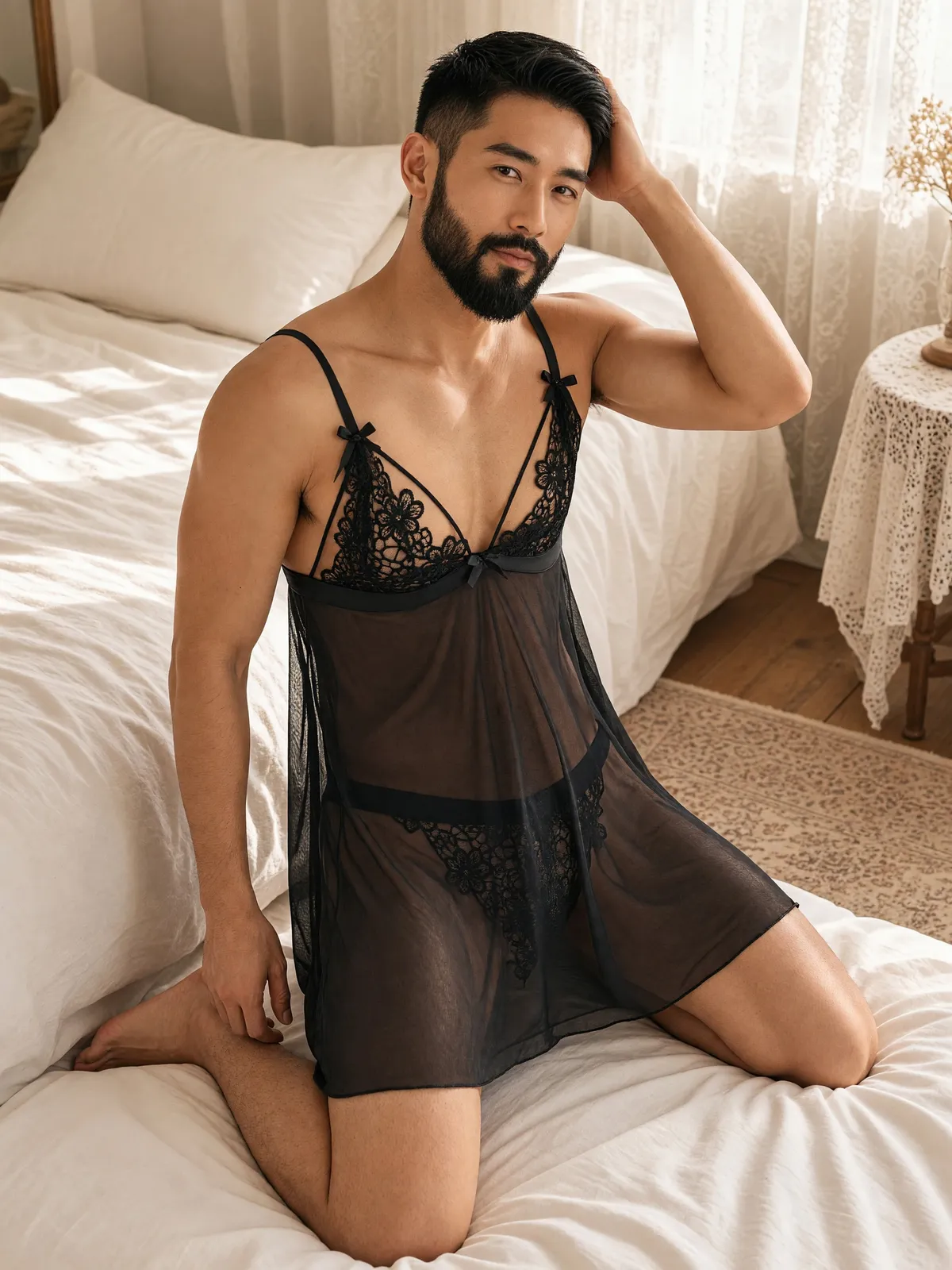 Result · male modelUploaded
Scenes and poses in one place
More than 30 scenes in 7 groups: bedroom, home, bathroom, pool, seaside, studio, and gym and city
More than 100 poses, showing only the poses that are actually possible in the chosen scene
A View button to show the front or the back of the garment
A gaze that meets the camera or looks away, and wet poses for swimwear
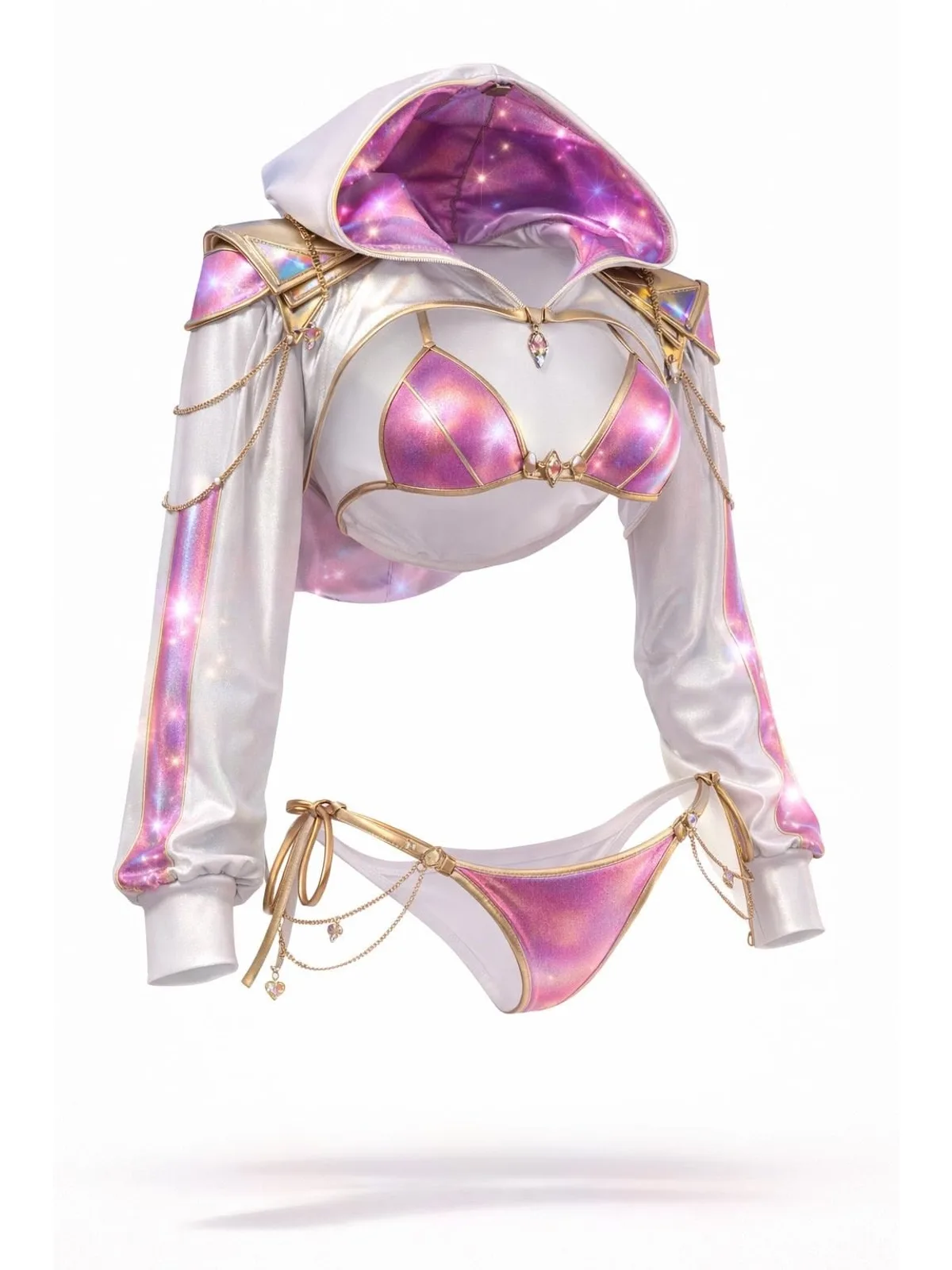
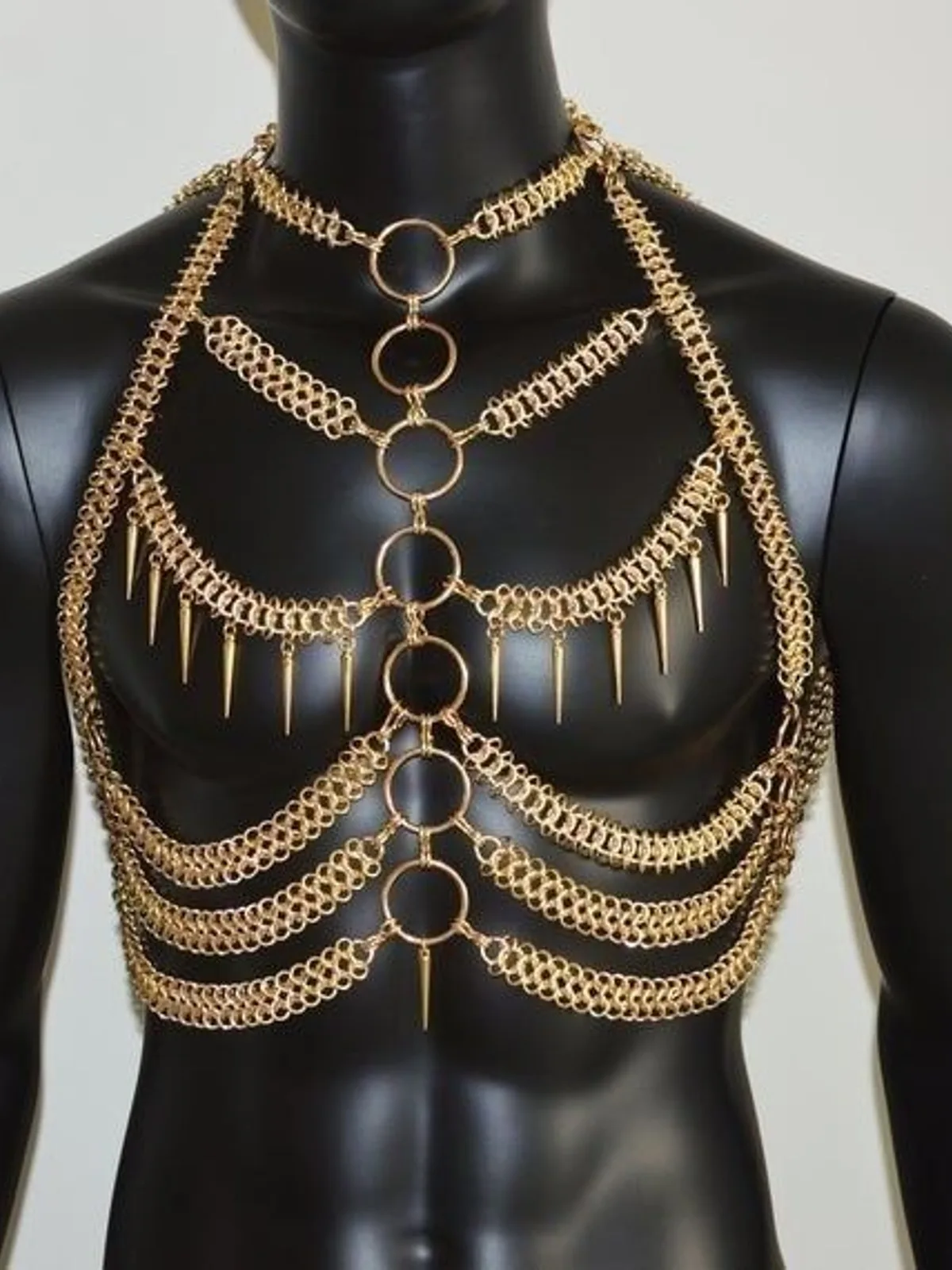 On a mannequin
 Result
Every image is checked before it reaches you
The first check looks at the product photo before any credits are taken. A photo with a person in it is not generated and costs nothing.
The second check looks at every result: the person must clearly be an adult, no woman's nipples or areolae may show, and no one's genitals may be visible.
An image that fails is not delivered, and the credits are returned automatically.
Not a single word to type
Upload a photo of the garment with no person in it
Tap Garment type, then choose a female or male model
Choose the age range, ethnicity, skin tone, hairstyle, hair colour and body type
Choose the scene, pose, view and gaze
Check the credit count on the button, then generate
Pricing
4K · 3:43credits / image
- 3 credits per image, in 4K, portrait 3:4
- About ฿6.26–฿10.50 per image depending on your plan, ready in about half a minute
- If all you have are photos of someone wearing it, the Remove the person button costs 2 credits
- Images that fail to generate or fail the check return their credits automatically
Studio tips for photos ready to sell
Lay the garment flat, hang it, or put it on a mannequin — just keep people out of the photo
Pick a contrasting surface: black garments on a light one, white on a dark one, so fine lace doesn't disappear
Spread it out so straps, bows, lace and hooks are clear; anything folded under is left for the AI to guess
The face changes with every image. The same trait buttons give a similar face, not the same person
The AI may add a piece that suits the scene, such as trousers. Check every image against the real product and your sales channel's image rules
Frequently asked questions
Can I use my shop's photos of a model wearing the garment?
Not directly, because this tool never uses real people's photos. A Remove the person button appears under that photo; it uses Ghost Mannequin to leave only the garment for 2 credits, and you can generate straight after. The AI's filter can still refuse an image with the person removed; if it does, the generation credits come back automatically, but the 2 removal credits do not.
Can I make images of a bare-chested male model?
Yes. The check is set not to count a man's bare chest against the image. What it checks is that he is clearly an adult and that no genitals are visible.
If an image fails the check, do I lose credits?
No. An image that fails is not delivered and the held credits return to your account automatically. An image that passes and is delivered is charged as usual.
Sign up free for 10 credits
Given once, with no card needed. Your first free-plan image has no watermark; the images after it do.
Sign up freeRead in depth
Still stuck?
Message us, and include the email you signed up with so we can answer the right question straight away.