AI clothes swap
Swap the outfit in a photo for your own product, one piece at a time
Already have a model photo but want your new product on it? Upload both images and generate. Only the piece you upload changes; the person and pose stay the same.
From Plien Roob — AI model photography for online stores
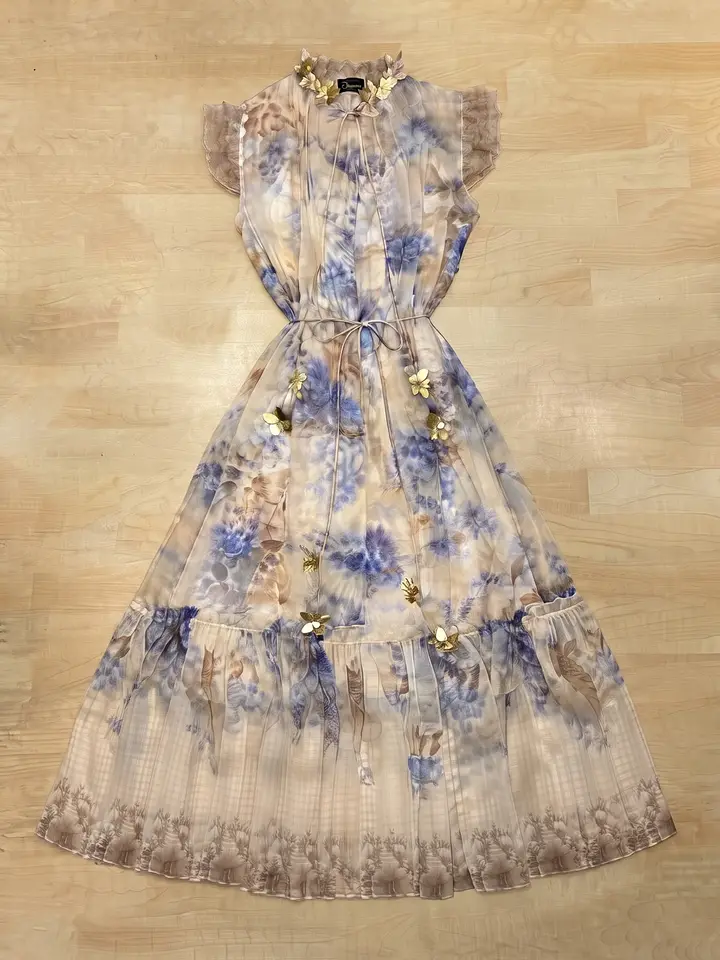 Garment to put on
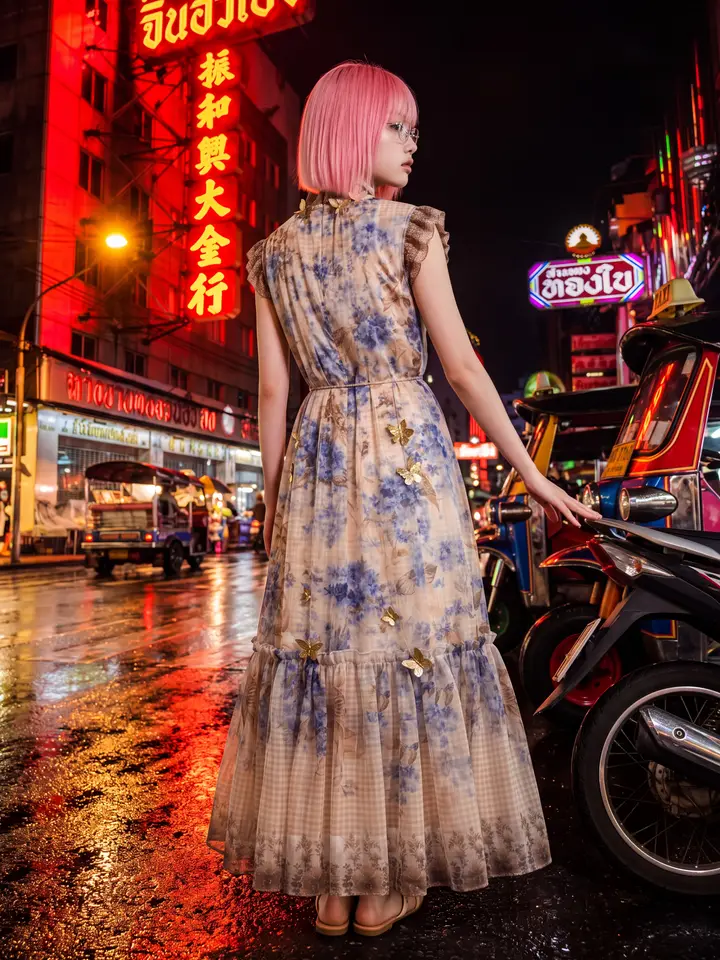 Result
116
models
210
faces
84
poses
360
scenes
250
styling items
One piece at a time, not a brand-new image
Most 'clothes changer' tools regenerate the whole picture, which means the face, the scene and everything else shift too. Here only the piece you upload changes — upload a top and the top changes, upload trousers and the trousers change. Same person, same pose.
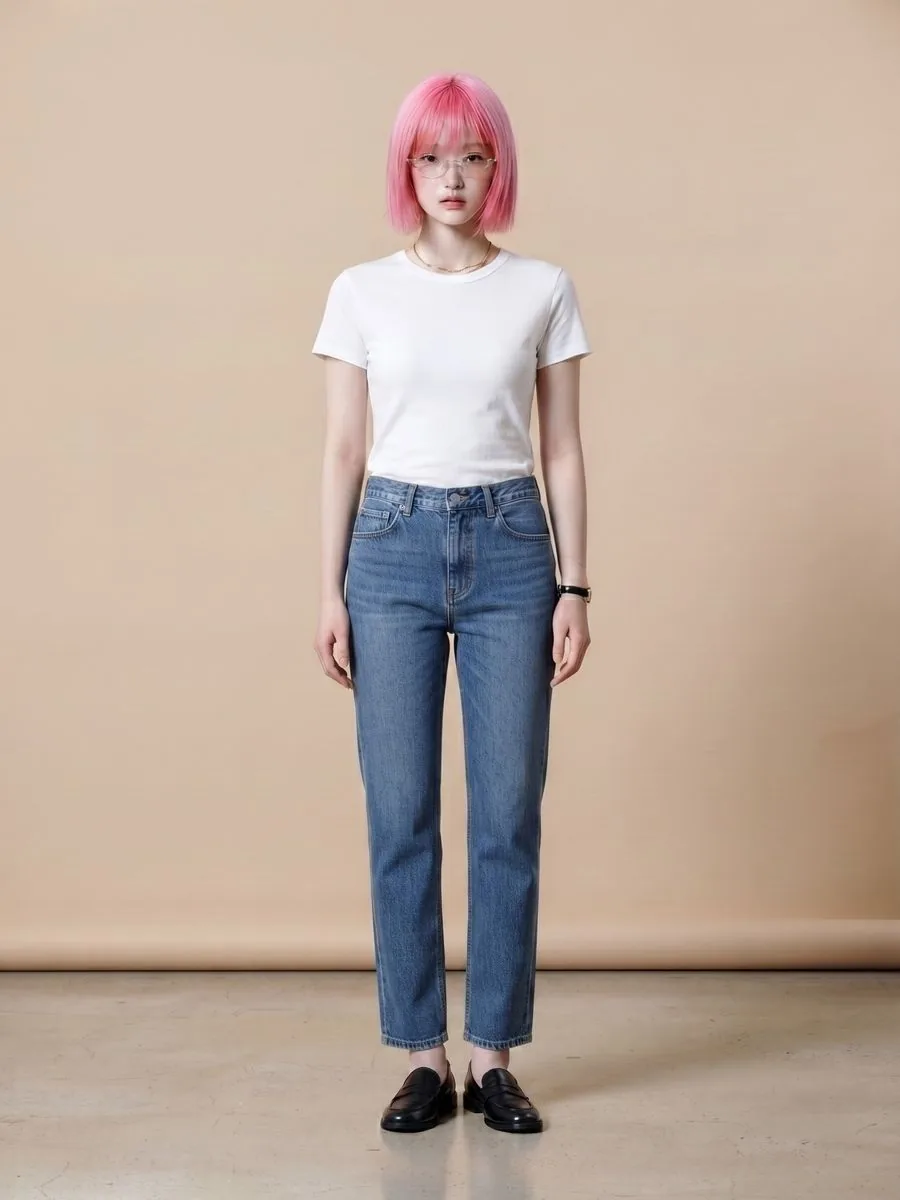 Original photo
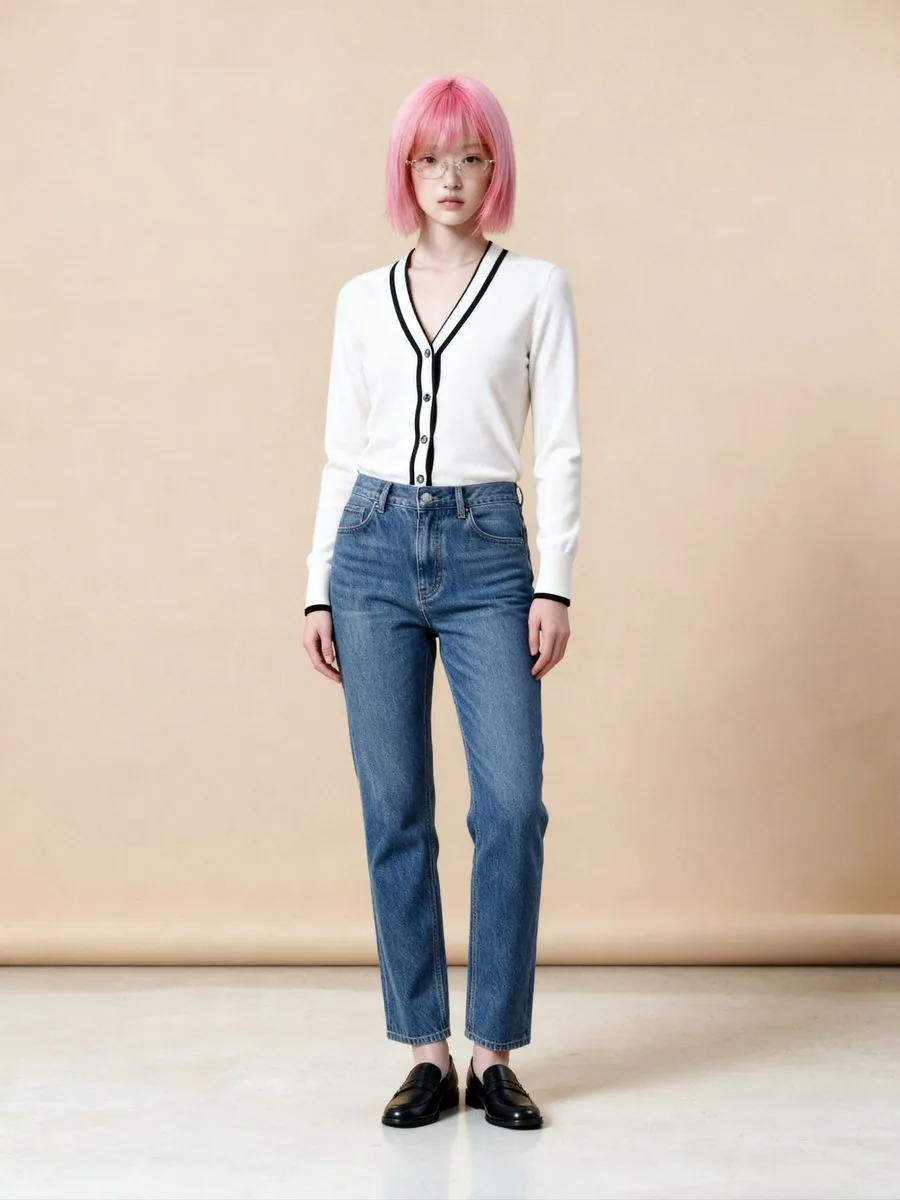 Only the top changed
What AI clothes changing can make for your shop
What you can do with an AI model on this site. Each card is that tool's cover image; tap it to read how the tool works.






Three steps
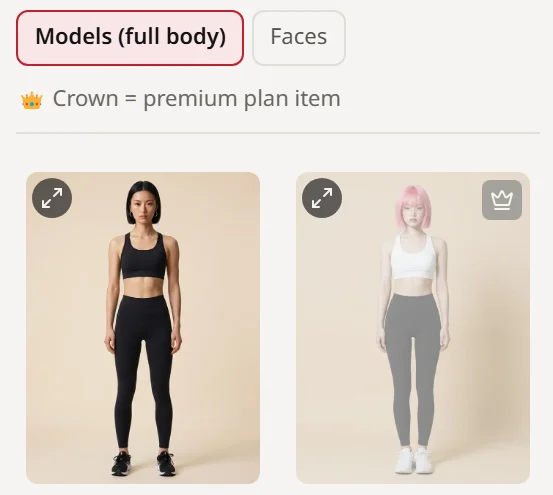
Upload a photo of someone wearing clothes
Use your own model photo, or pick a model from our library.
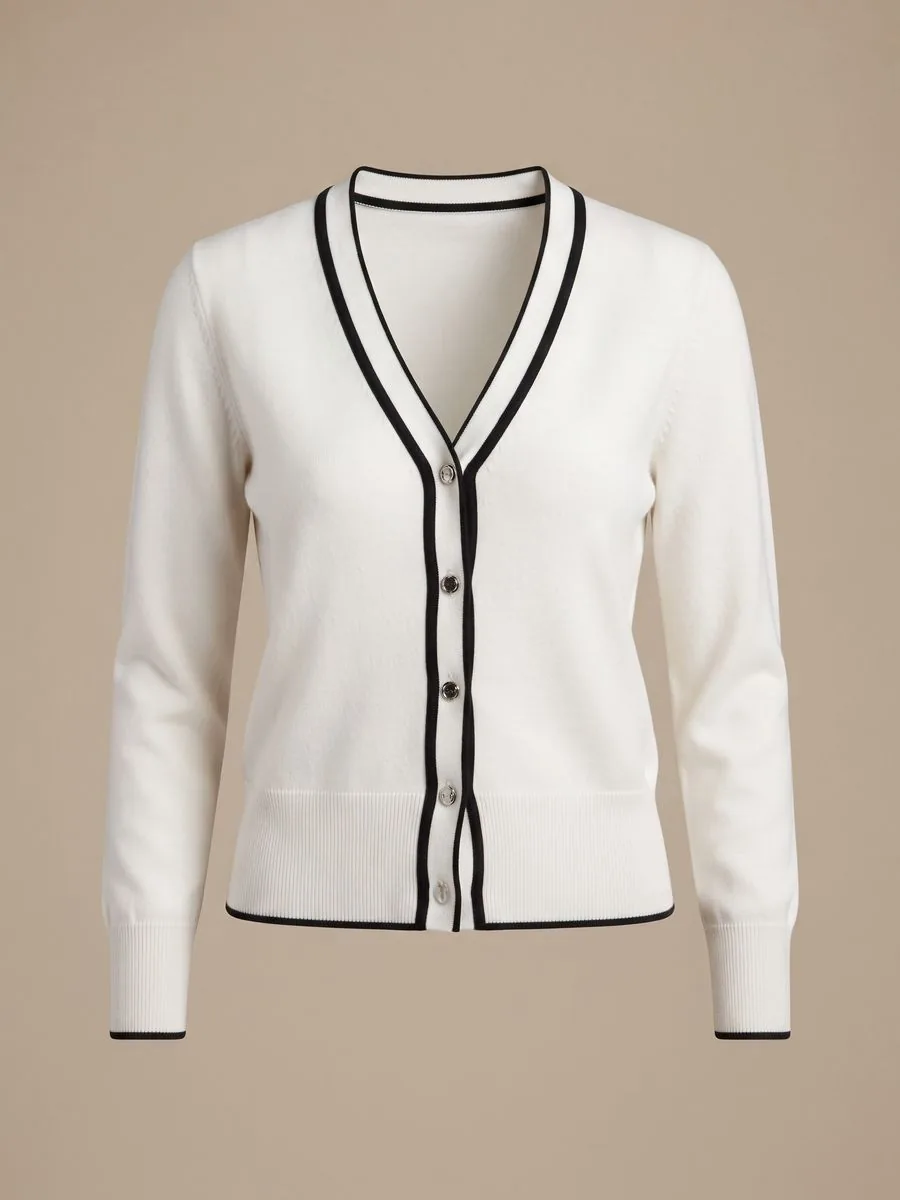
Upload the garment to put on
Flat-lay or on a hanger. The piece in the photo is the piece that gets replaced.
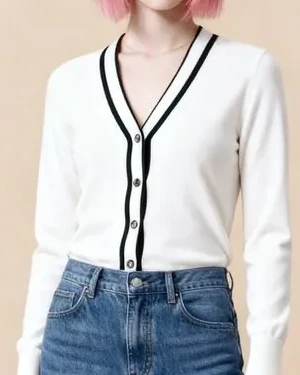
Generate
Same person, new outfit. Zoom in and check the print and lettering against the real item before listing.
How this differs from the alternatives
Change only the piece you want?
- Free clothes-swap apps
- Usually regenerates everything
- AI tools with a prompt box
- Describe it in detail and hope
- Plien Roob
- Only the piece you upload changes; same person and pose
Print and lettering
- Free clothes-swap apps
- Often distorted or lost
- AI tools with a prompt box
- Can drift, depending on the prompt
- Plien Roob
- Taken from the garment photo you upload; small lettering can still drift, so zoom in and check
Usable for selling?
- Free clothes-swap apps
- Often watermarked or low resolution
- AI tools with a prompt box
- Yes, if you pay
- Plien Roob
- Yes — no watermark on paid plans, 4K available
Language and support
- Free clothes-swap apps
- Mostly English
- AI tools with a prompt box
- Mostly English
- Plien Roob
- Thai throughout, interface and support
| Free clothes-swap apps | AI tools with a prompt box | Plien Roob | |
|---|---|---|---|
| Change only the piece you want? | Usually regenerates everything | Describe it in detail and hope | Only the piece you upload changes; same person and pose |
| Print and lettering | Often distorted or lost | Can drift, depending on the prompt | Taken from the garment photo you upload; small lettering can still drift, so zoom in and check |
| Usable for selling? | Often watermarked or low resolution | Yes, if you pay | Yes — no watermark on paid plans, 4K available |
| Language and support | Mostly English | Mostly English | Thai throughout, interface and support |
And if a generation fails, its credits are refunded automatically and in full.
Try it first, no card required
Sign up and get 10 credits immediately. A model photo costs 2 credits.
฿0
10 credits — about 5 images
First image watermark-free, later ones watermarked
฿590
180 credits — about 90 images
No watermark · ฿6.56 per image
฿1,290
465 credits — about 232 images
No watermark · ฿5.56 per image
Common questions
How does AI clothes swapping work?
The system reads the shape of the person in the photo and fits the garment you uploaded onto the matching part of the body, using the print, colour and lettering from your garment photo. The person and the pose stay the same. Small lettering on the garment can still drift, so zoom in and check it against the real item before listing.
Why one piece at a time?
Changing several pieces at once forces the system to guess more, which raises the chance the fit or the print drifts. Doing one piece and repeating gives a result you can control.
Can I use my own model photo?
Yes, and if you don't have one, you can pick from our model library instead.
Do I need to write prompts?
No. There is no prompt field anywhere in the product.
Can I use a blurry photo?
There is a sharpness check at upload, and photos that are too blurry are rejected because the result would be unusable. The upscaler makes a photo bigger but cannot make a blurry one sharp, so if blurry photos are all you have, find the original file or reshoot.
Can I change clothes in a photo with AI for free?
You can try it free, but the amount is limited. Signing up gives you 10 credits, once, with no card needed. Your first free-plan image has no watermark; the images after it do. Trial credits buy the entry level of each tool. This is not an unlimited free clothes changer.
Does it work for men?
Yes. Use a photo of your own male model, or pick one from our library, which has both women and men. Some are open to Premium plans only.
Do I need to download an app?
No store download is needed. It works in the browser on a phone or a computer, and you can install the site as an icon on your device (the steps for each browser are in Settings after you sign up).

Plien Roob
Try it on a photo you already have
Sign up free and get 10 credits immediately. No card required, and the first image has no watermark.