Library and styling
Models, scenes, poses and styling
Ready-made choices you click instead of prompts you write — and each plan opens up a different amount of them.
From Plien Roob — AI model photography for online stores
Rather than asking you to describe what you want to the AI, the system offers picture cards. You click, and the system turns that into instructions. There are five groups to choose from.
Models · the person who will wear your product, across body types, ethnicities and age ranges.
Faces · used to lock the same face across several images.
Poses · how the person stands or sits.
Scenes · the place and the light, covering Thailand, international, indoor and outdoor settings, plus plain single-colour backdrops.
Styling · what is worn with your product — other garments, footwear and accessories.
Styling works differently from the other groups. It is sent as a written description alongside the instructions, not as an image, so the result matches that description rather than being the exact item on the card.
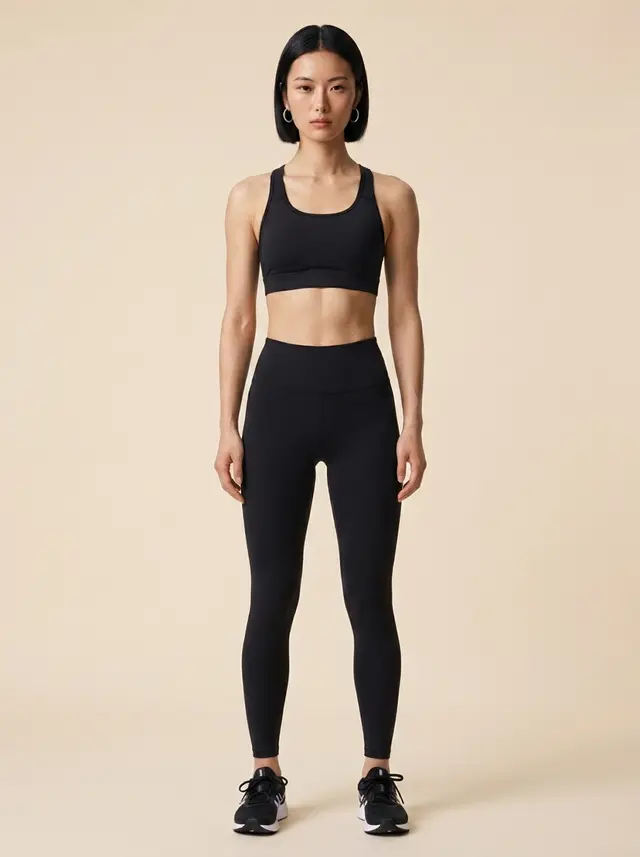

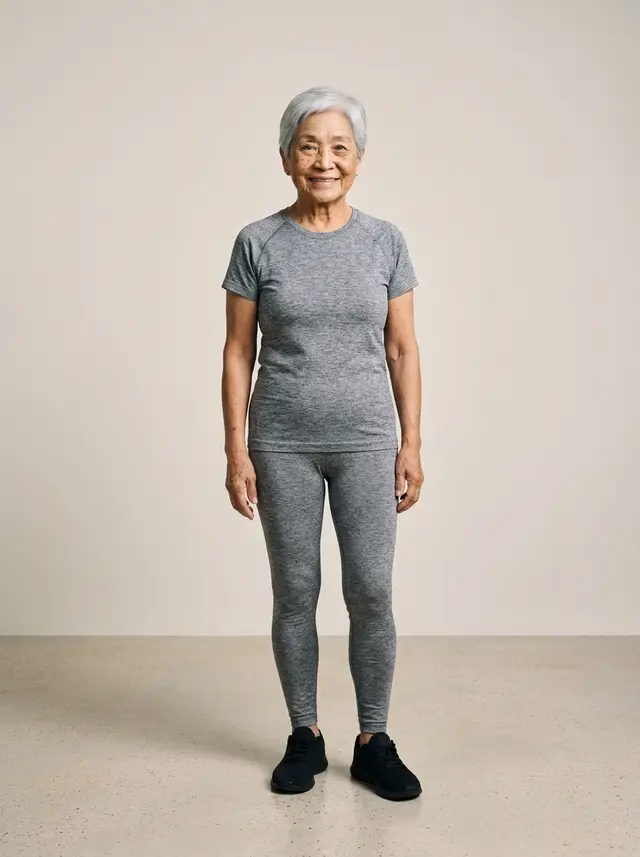
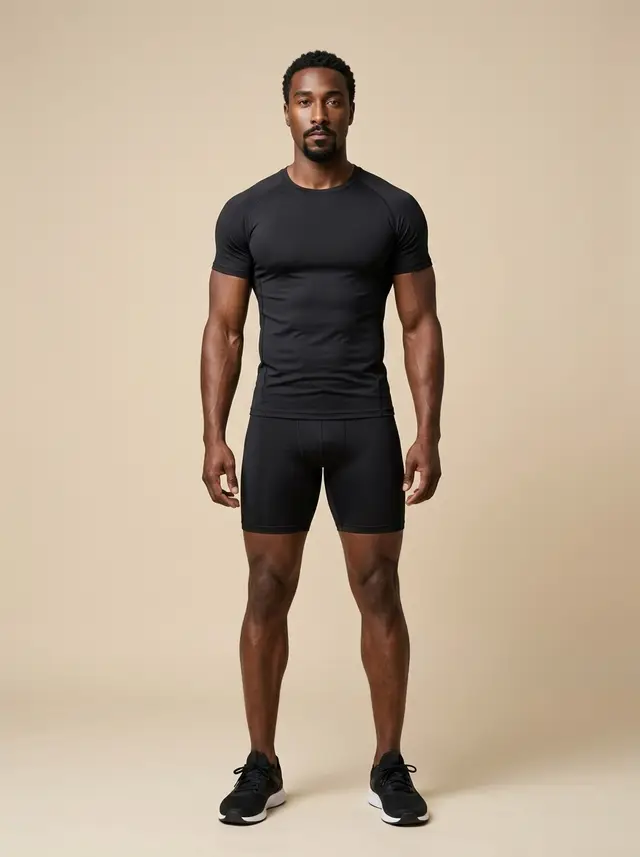
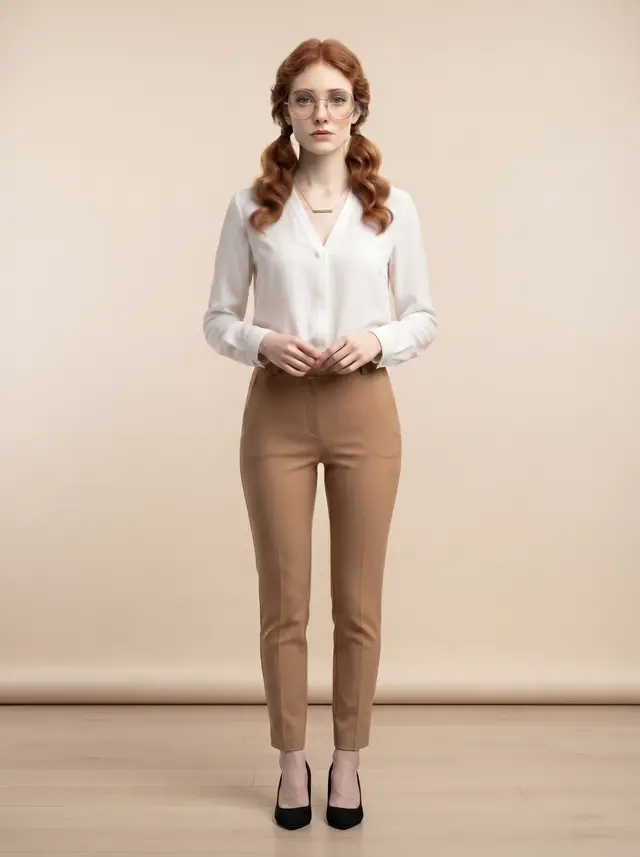
Plans open up different amounts
Cards your plan cannot use are marked and cannot be clicked, and they tell you which plan unlocks them. How much each plan opens up is shown on the pricing page, which counts the real library and moves on its own whenever we add more.
Cards with a crown
A crown on a card means it comes with the Premium plan, not with a higher image quality level. If your plan is below that, the card cannot be selected at all — it is not a card you can pick and then pay more credits for. Upgrading the plan opens the whole library.
Uploading your own people
If your shop already has model photos, upload and use them. No model charge applies, because the photo is yours. The model charge only applies to people from the system library.
People in photos you upload must be adults, and you must have the right to use the photo. The system asks you to confirm this during upload.
Still stuck?
Message us, and include the email you signed up with so we can answer the right question straight away.