AI Tools
Why the model stays the same person across every photo
Last updated 2026-09-07From Plien Roob — AI model photography for online stores
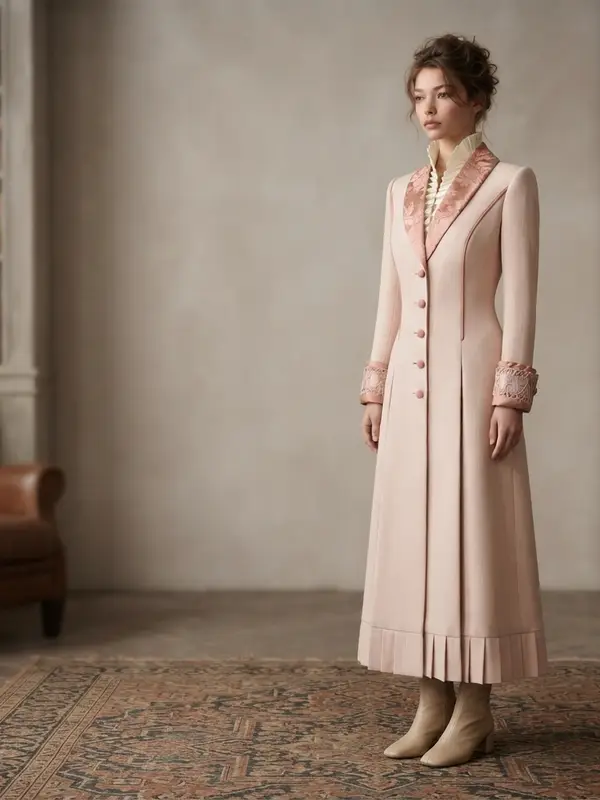

The most common complaint about general AI image tools is that every image returns a different person. A shop that posts five products ends up with five models, which does not read as one shop — and buyers spot it as AI immediately.
We solve it with a photo, not a description
Plien Roob's people library stores real image files. When you pick a person, the system sends that person's high-resolution master image as a reference alongside your product photo. It does not send a written description of hair and face. The same description yields a different face on every run; the same reference image yields the same face.
Choose once, use across the whole shop
Once you find the right person, use the same one every time you make a new image. The product changes, the scene changes, the pose changes — the face does not. The result reads like a shop with a regular model on retainer, without the retainer.
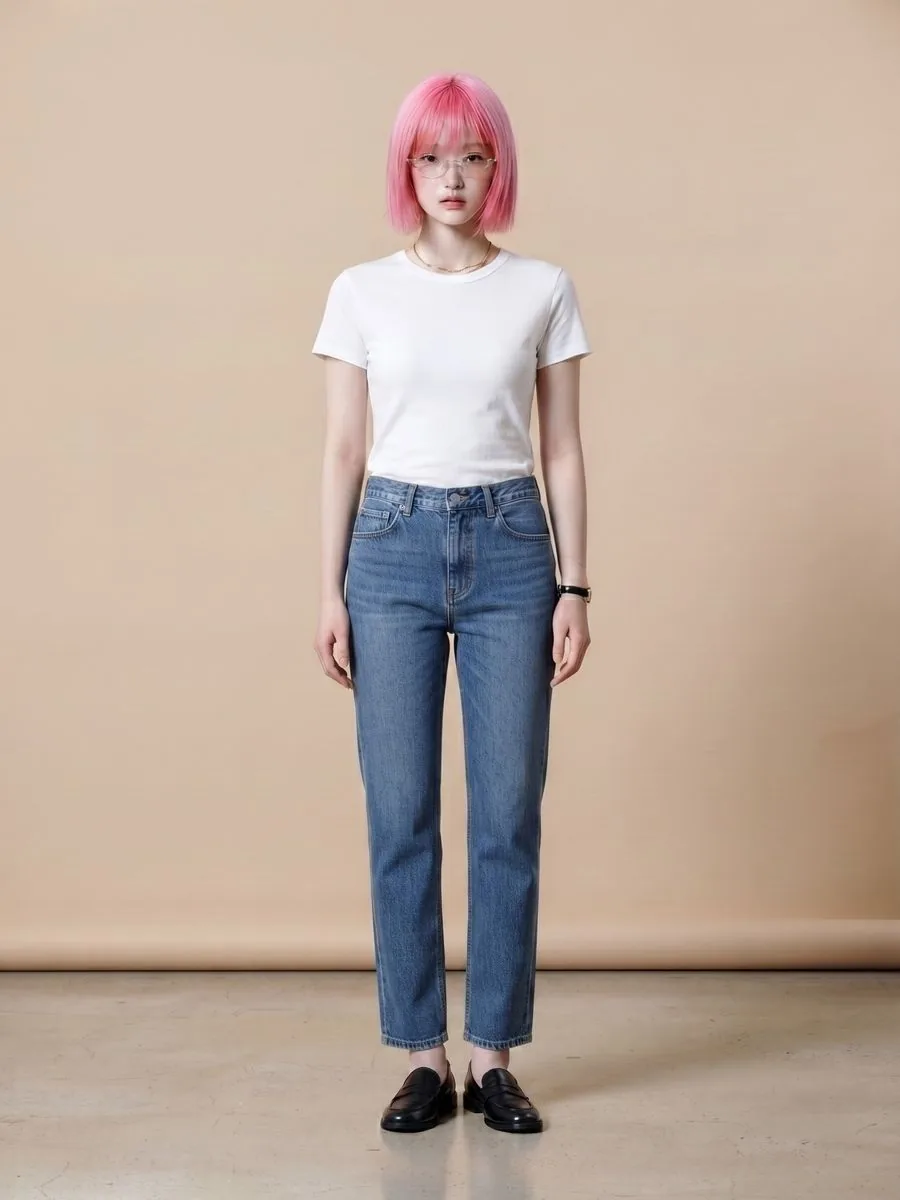
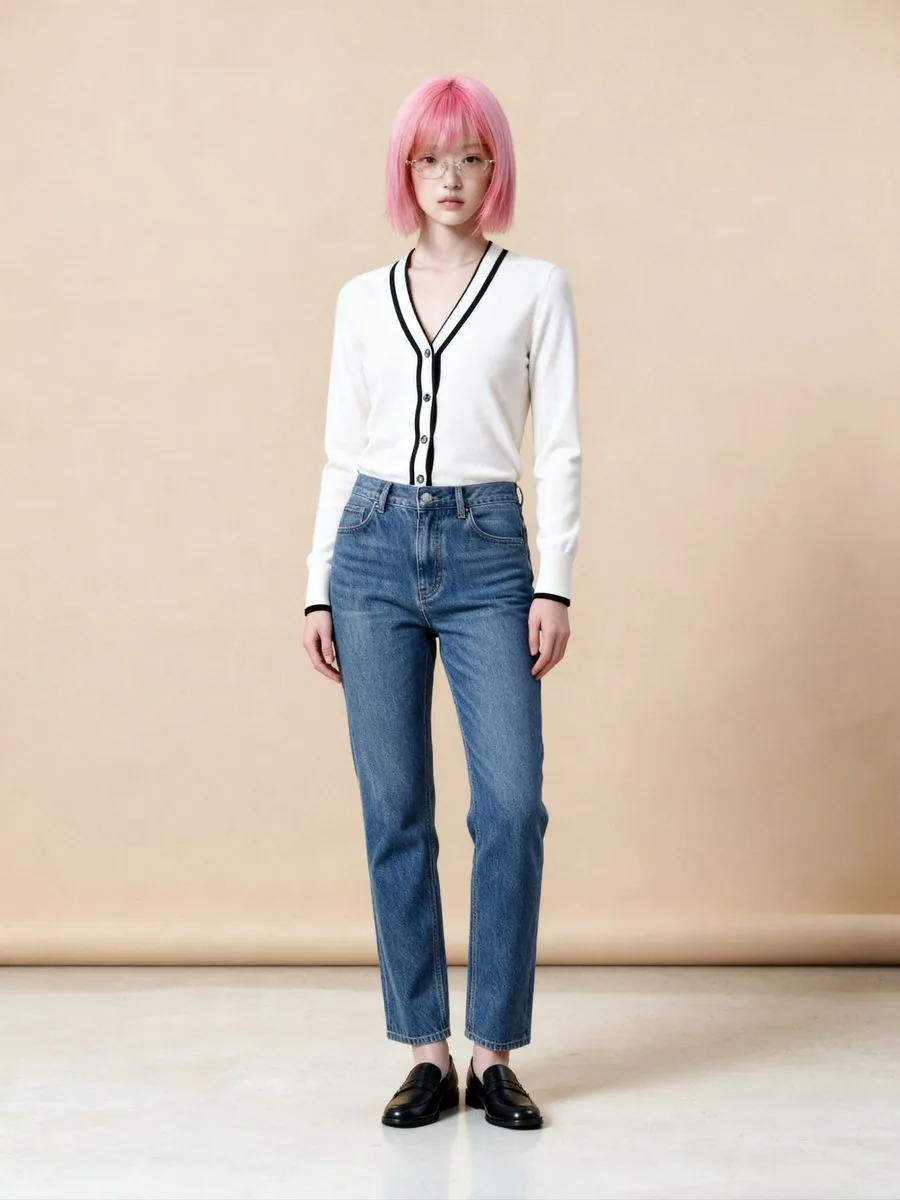
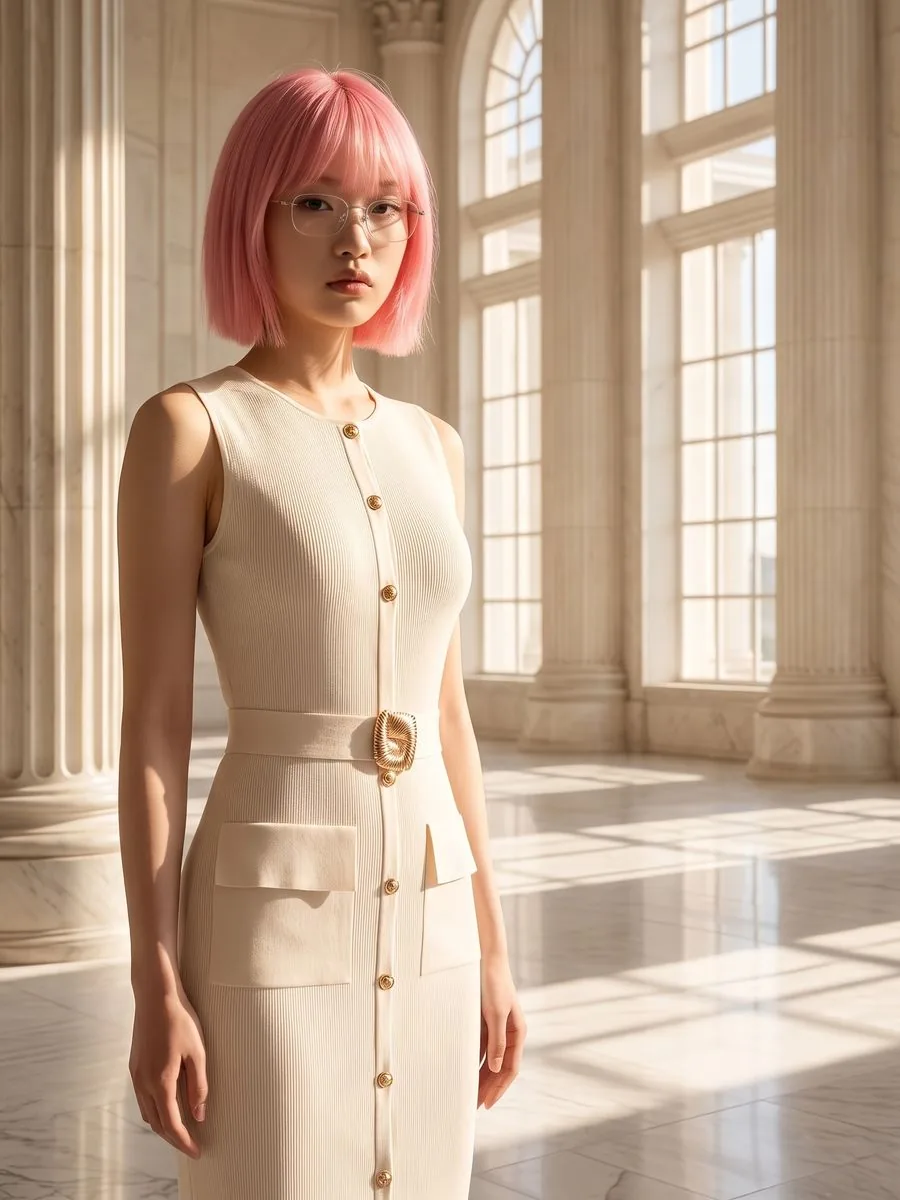
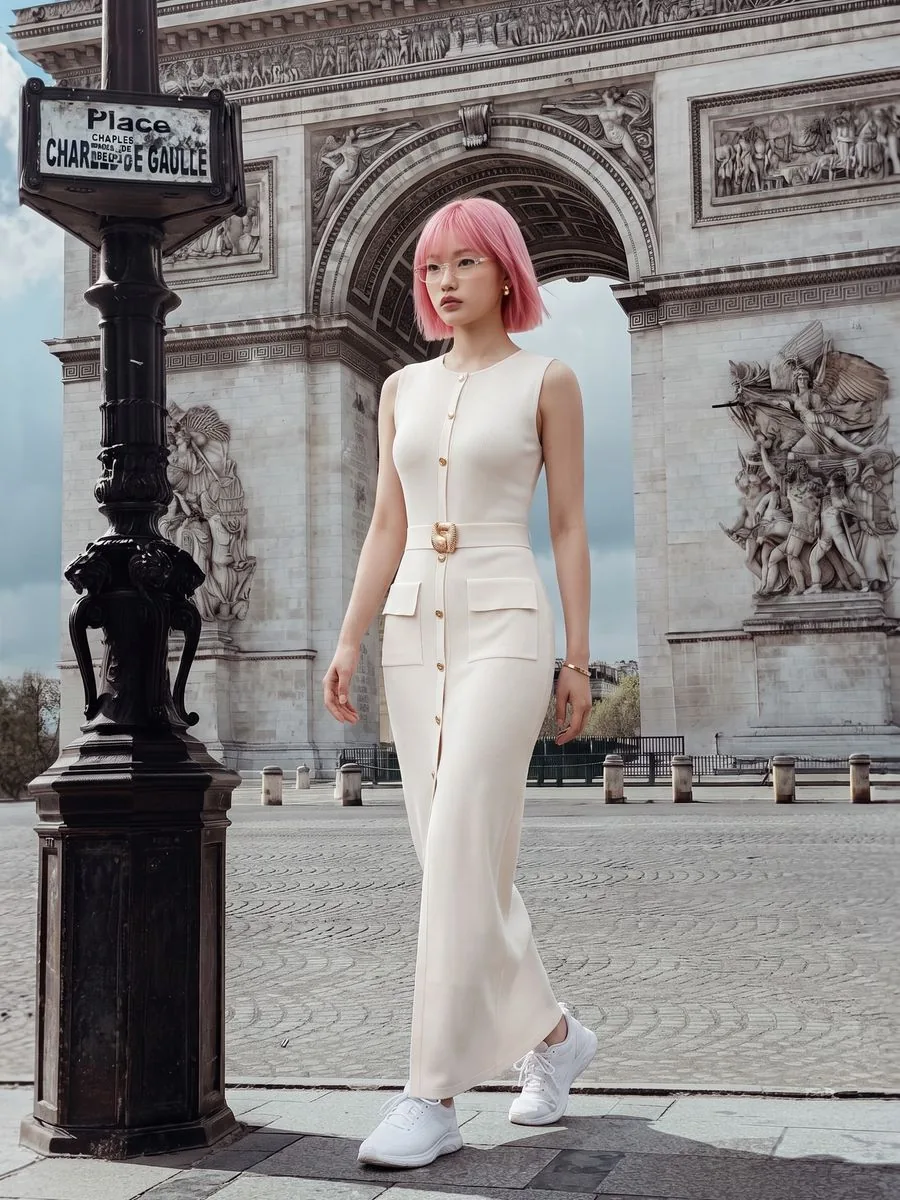
Where your shop's same model can go next
What you can do with an AI model on this site. Each card is that tool's cover image; tap it to read how the tool works.





The person you picked is never swapped for someone else
Each person in the library is bound to their own image file for life. If we retire someone, the others are not shuffled into their place, because shuffling would make your older jobs point at a different person. The easiest way to get the same person again is the Use this model button on a result you liked — nothing to remember.
Some people in the library are premium-plan only. They carry a crown marker on the card, and the count your plan can use is always shown above the library.
Frequently asked questions
How do I get the same model in every photo?
Press Use this model under a result you are happy with and keep going with other products and scenes, or pick the same person's card from the people library every time you make a new image. Either way the system sends a photo of that person as a reference on every run rather than a written description, so the product, the scene and the pose can change while the face does not.
Are there Asian faces in the model library?
Yes. The people library includes Asian faces, so a Western face is not a default you have to accept, and the scene library covers locations in Thailand as well as international ones. Every scene image is AI-generated rather than photographed on location.
Are there any plus-size models?
Yes, the ready-made library holds some, and there is a body-shape filter to find them. There are still far fewer than slim bodies, so if your shop sells mainly larger sizes and you want someone who genuinely matches your buyers, uploading your own photo and using it with try-on gets closer — and a photo you supply yourself carries no model charge.
If people are added to or removed from the library, does the person I picked change?
No. Each person in the library is bound to their own image file for life. Adding new people or retiring someone never swaps the others for a different person, so your older jobs always point at the same person.

Plien Roob