Selling Online
What AI can do for a small online shop
Last updated 2026-09-20From Plien Roob — AI model photography for online stores
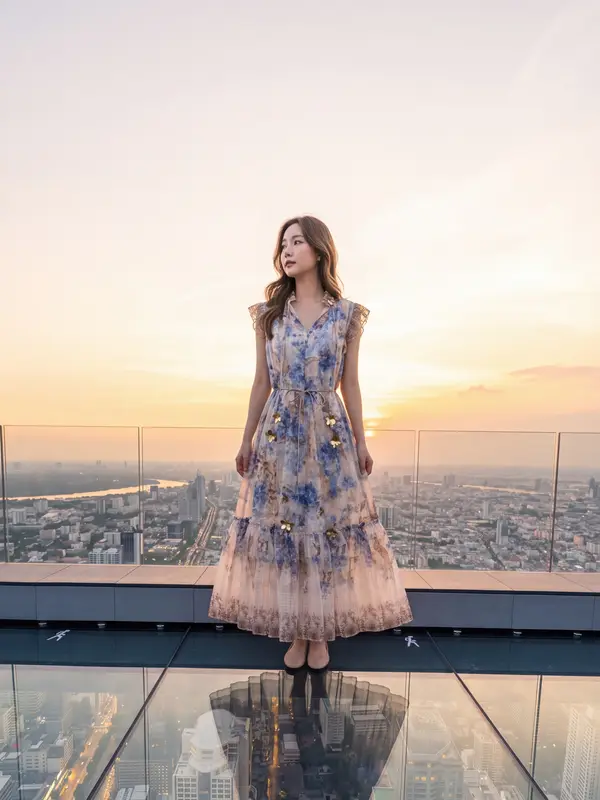

The work AI can help an online shop with today falls into four groups: product photos, such as removing backgrounds, changing the scene and putting garments on a model; product information, such as drafting descriptions and selling points; answering buyers' questions in chat automatically; and images for promotion. Shopee Thailand's AI tools already cover several of these. What AI cannot do for you is take responsibility for images and information matching the real product: TikTok Shop states plainly that this is the seller's job, and Shopee's cover-image criteria prohibit editing a photo so the product looks different from reality.
This page is written by the team behind a website that makes product photos with AI. What we say about marketplace tools is summarised from official pages we read ourselves on 20 September 2026. We cover Shopee's tools because those are the official pages we have read; for other marketplaces, see that marketplace's seller help centre.
Four kinds of work AI can help an online shop with
Product photos · removing backgrounds, changing the scene, making white-background shots, putting garments on a model, and enlarging photos that are too small.
Product information · helping draft descriptions and selling points; the numbers in a size chart still have to come from measuring the real item.
Chat · answering questions about products and recommending sizes to buyers automatically.
Promotional images · turning product photos into posters, and making images for posts.
One: product photos
This group covers removing the old background, placing the product in a new scene, making a white-background image, or creating a photo of someone wearing a garment from a flat-lay shot. In Shopee's Seller Education Hub, the page on Shopee AI Creation (Shopee AI เครื่องมือสร้างมีเดีย), dated 26 May 2026, describes AI Poster, which changes the background of product images, and the AI Optimiser page says that if you upload a watermark-free product photo on a white background with the product filling at least 60% of it, the system creates an AI image with a more eye-catching background and adds the product's selling points.
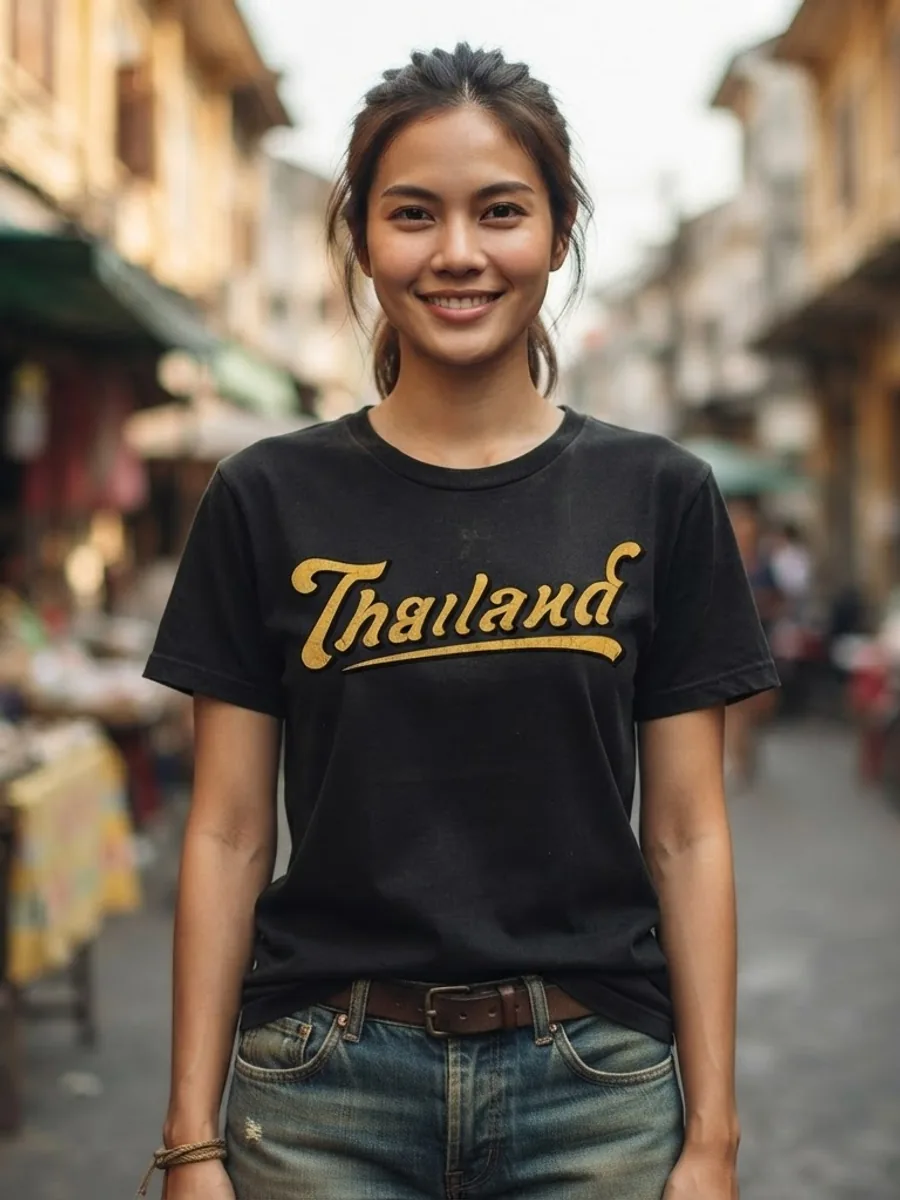
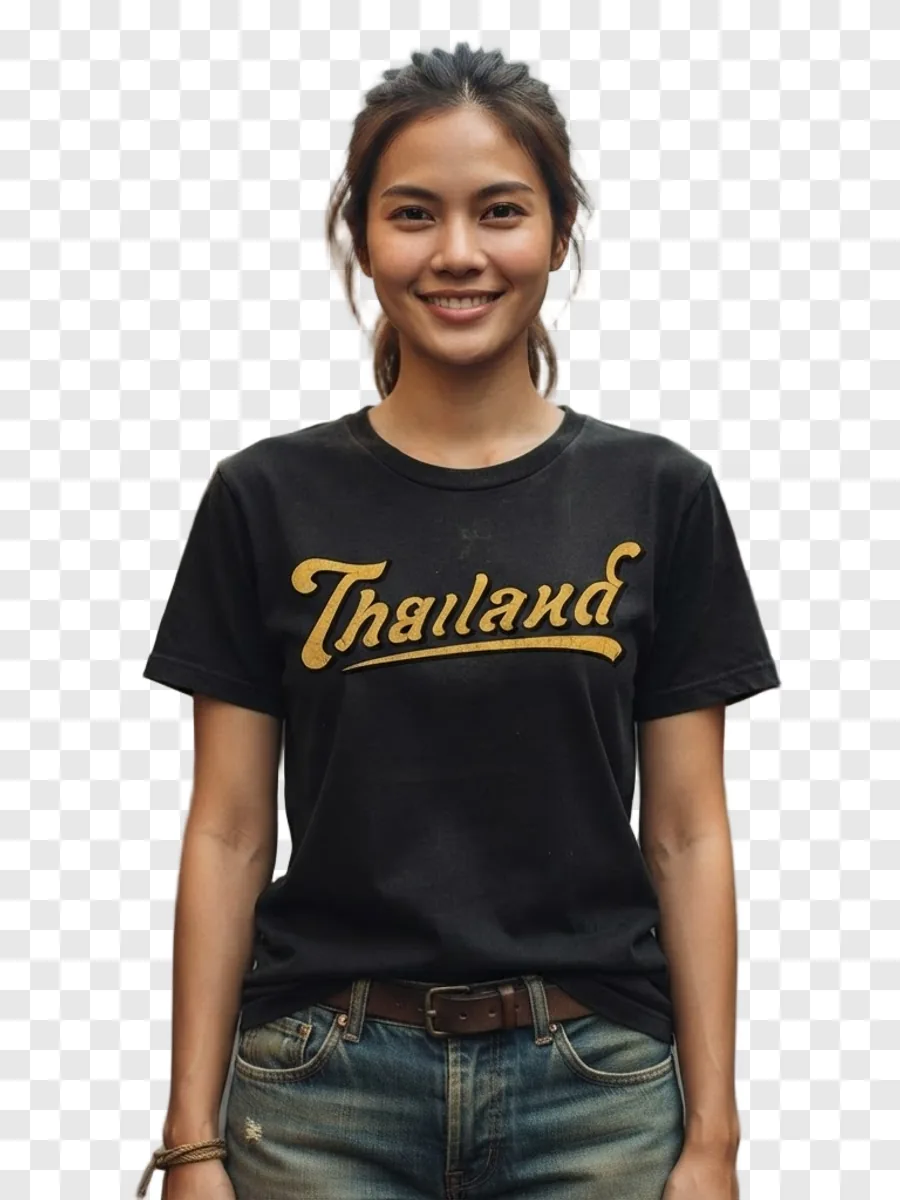
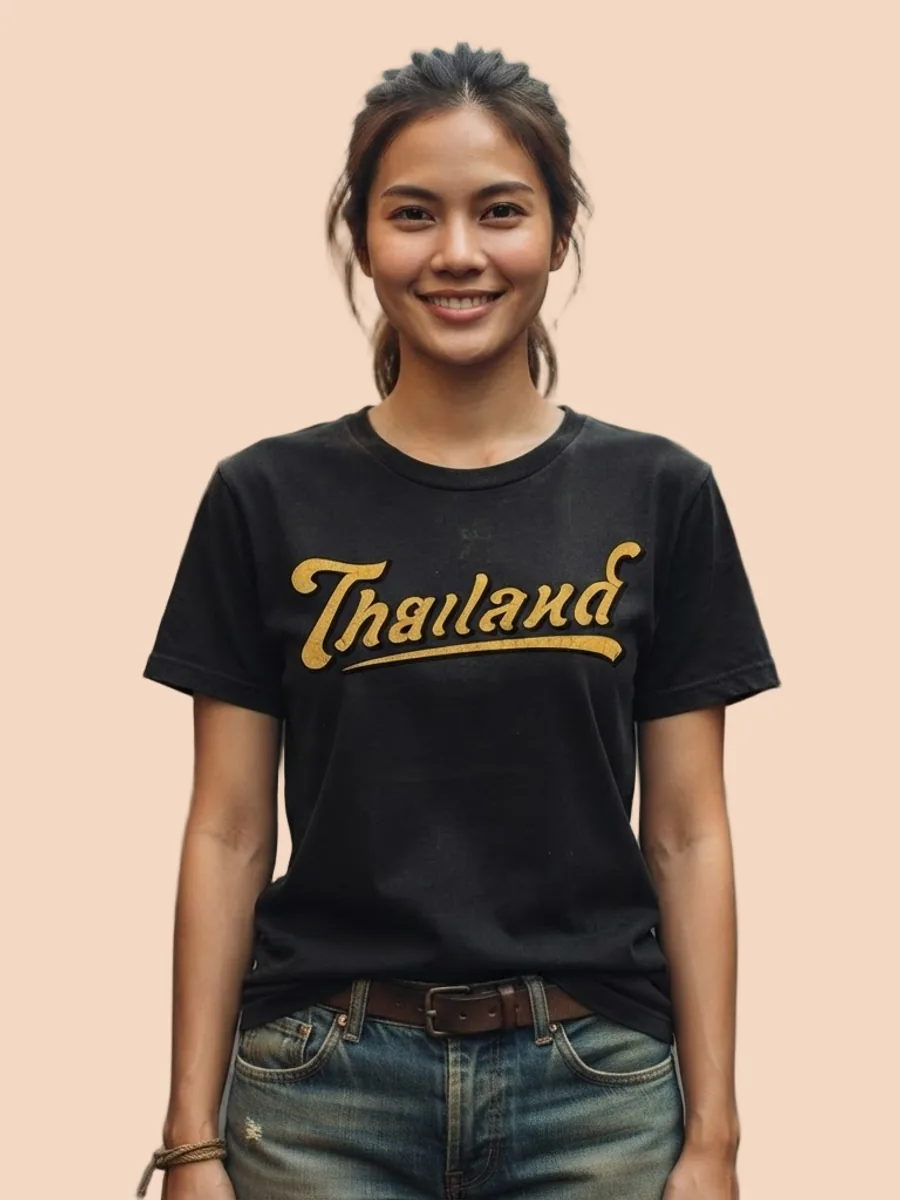
A tool that creates a photo of someone wearing the garment, or draws a new scene, does not edit your original photo — it draws a new image from it. Wherever the source photo is unclear, the tool has to guess. Small lettering, fabric colour and small hardware are therefore the places to zoom in and compare against the real item before listing, and results usually differ from one run to the next: the same photo generated twice will not come back exactly the same.
What AI can make for your product photos
What you can do with an AI model on this site. Each card is that tool's cover image; tap it to read how the tool works.






Two: product information
Shopee's page on its AI Optimiser feature (ฟีเจอร์ Shopee AI ช่วยเพิ่มประสิทธิภาพ), dated 6 January 2026, works the other way round from what many people expect: the shop fills in the size chart and selling points and uploads a product photo on a white background, and Shopee's AI uses that to recommend sizes to buyers, help answer chats, and create a product image with a more eye-catching background and the selling points added. The same page says product attributes are not yet available, and it does not mention any cost.
This information is what buyers use to decide, and AI cannot know it on its own. The numbers in a size chart have to come from measuring the real garment, and selling points have to be things the product really has. If you let AI help draft them, read every line against the product before saving, and watch for words like “best” or “number one”: TikTok Shop's False Display of Information and AIGC Guidelines page gives claims like these, made without supporting evidence, as examples of false information.
Three: chat replies and size recommendations
The Shopee AI Optimiser feature page from the previous section also mentions replying to buyers' chats automatically and recommending product sizes to buyers. The benefit is that repeat questions — what's the chest measurement, how long is it — don't have to wait for an admin. But an automatic reply cannot know anything the shop never entered. If the information is incomplete or wrong, the system has nothing correct to work from, and the buyer reads the reply as the shop's own words. Clause 5.1 of the Shopee AI Terms of Service says Shopee may switch new AI features on for a shop automatically, and clause 5.2 says you can turn them off at any time in Seller Centre, so check whether it is already on. Before you switch it on, do three things.
Fill in the size chart from measurements of the real garment, for every size.
Write the things buyers ask most into the product description, such as whether the fabric stretches or can go in the washing machine.
Read the replies the system sends from time to time, especially in the first days after switching it on.
Four: promotional images and posts
Posters and images for posts are also work AI can help with: Shopee's AI Poster changes the background of product images. Once content is posted, though, rules on saying it is AI apply. The TikTok Shop Content Policy, dated 16 March 2026, requires creators to label such content as AI-generated, and does not allow any content, including AI-generated content, intended to mislead, deceive or impersonate someone. Clause 3.3 of Shopee's AI Terms of Service, version dated 21 February 2025, says AI-generated content from tools outside Shopee that is used on Shopee, including on product listings, in Shopee Live and in videos, must be identified as AI-generated. And if you post AI-generated content to Shopee Video, Shopee's AI guidelines for Shopee Video, dated 7 May 2026, require the “ระบุว่าเป็นเนื้อหาที่สร้างโดย AI” (AI-generated Inform) option to be switched on.
 Illustration
What AI still can't do for the seller
Know what the real product is like. AI sees only the photos and information you give it; flaws, true colour and real measurements are things only you know.
Take responsibility for you. TikTok Shop's False Display of Information and AIGC Guidelines page, dated 16 September 2026, says the seller is responsible for ensuring the final listing accurately represents the actual product.
Vouch for the source photo. Shopee's AI Terms of Service have the user warrant that they hold the rights needed for AI content they use on Shopee, so photos saved from a supplier or another website are a risk.
Decide which image is ready to sell. An image that looks good but doesn't match the real item risks a buyer asking to return it.
Where a small shop should start
Pick the one job that takes the most time every time you list something new, rather than starting everything at once. If photos are the bottleneck, start with product photos; if chats go unanswered, start by completing your product information before letting the system reply on its own.
Try it on one product first and compare the result with the real item in your hand. If it doesn't match, fix the source photo or the information before switching tools.
Always keep a real photo of the product in the image set so buyers can compare.
Say the content is AI-made, following the rules of wherever you sell.
Move on to the next kind of work once the first one runs smoothly.
Official pages we read on 20 September 2026 · Shopee Thailand Seller Education Hub: AI Optimiser feature (ฟีเจอร์ Shopee AI ช่วยเพิ่มประสิทธิภาพ, 6 January 2026) · Shopee AI Creation (Shopee AI เครื่องมือสร้างมีเดีย, 26 May 2026) · AI guidelines for Shopee Video (แนวทางปฏิบัติการใช้ AI บน Shopee Video, 7 May 2026) · AI chat assistant (AI ผู้ช่วยตอบแชท, 23 June 2026) · quality listing criteria on Shopee (เกณฑ์การลงขายสินค้าที่มีคุณภาพบน Shopee, 23 September 2025) · Shopee Help Centre: Shopee AI Terms of Service, version dated 21 February 2025 · TikTok Shop Thailand: False Display of Information and AIGC Guidelines (16 September 2026) · TikTok Shop Content Policy (16 March 2026) · These pages can change at any time; go by the live page on the day you use it.
Which of these our site does
Plien Roob, our own site, works in the product photo group: a model wearing your product, a garment shaped as if worn with nobody in the frame, upscaling and background removal, with no prompt box anywhere. We don't handle chat replies or product information. Every image still needs zooming in and checking against the real item, and saying an image is AI-made is still the seller's job, because the system does not label images for you.
Frequently asked questions
What can AI do to help me sell online?
It helps with four kinds of work: product photos, such as removing backgrounds, changing the scene and putting garments on a model; product information, such as drafting descriptions and selling points; answering buyers and recommending sizes in chat automatically; and promotional images. What it cannot do is check that images and information match the real product — TikTok Shop Thailand says that is the seller's responsibility — and Shopee's AI Terms of Service require AI content from tools outside Shopee to be identified as AI-generated.
Does Shopee have AI to help sellers, and where do I find it?
Yes. Shopee Thailand's Seller Education Hub has two pages on it. The first, on the AI Optimiser feature (ฟีเจอร์ Shopee AI ช่วยเพิ่มประสิทธิภาพ), dated 6 January 2026: the shop fills in the size chart and selling points and uploads a product photo on a white background, and the AI uses that to recommend sizes, reply to buyers' chats automatically, and create a product image with a more eye-catching background and the selling points added; the page says product attributes are not yet available. You reach it from My Products (สินค้าของฉัน), the Live tab (ขายอยู่), then AI Optimiser. The second, on Shopee AI Creation (Shopee AI เครื่องมือสร้างมีเดีย), dated 26 May 2026, includes AI Poster, which changes the background of product images; in Seller Centre it is under My Products, Product Settings (ตั้งค่าสินค้า), then Shopee AI Creation. Neither page states a cost.
Can I use AI to reply to customer chats?
In some systems, yes. Shopee Thailand's AI Optimiser feature page (ฟีเจอร์ Shopee AI ช่วยเพิ่มประสิทธิภาพ), dated 6 January 2026, mentions replying to buyers' chats automatically and recommending product sizes to buyers, using the information the shop has entered, and Shopee's page on its AI chat assistant (AI ผู้ช่วยตอบแชท), dated 23 June 2026, says it is available only to selected sellers. Before switching it on, fill in the size chart from real measurements, write the questions buyers ask most into the product description, and keep reading the replies the system sends, because an automatic reply cannot know anything the shop never entered, and buyers read it as the shop's own words.
I run a small shop. Where should I start with AI?
Start with the one job that takes the most time every time you list something new. If photos are the bottleneck, start with product photos; if chats go unanswered, start by completing your product information before letting the system reply on its own. Try one product first and compare the result with the real item in your hand, keep a real photo in the image set so buyers can compare, and say the content is AI-made, following the rules of wherever you sell.

Plien Roob