Selling Online
How to start selling clothes online: what to prepare before your first listing
Last updated 2026-10-02From Plien Roob — AI model photography for online stores
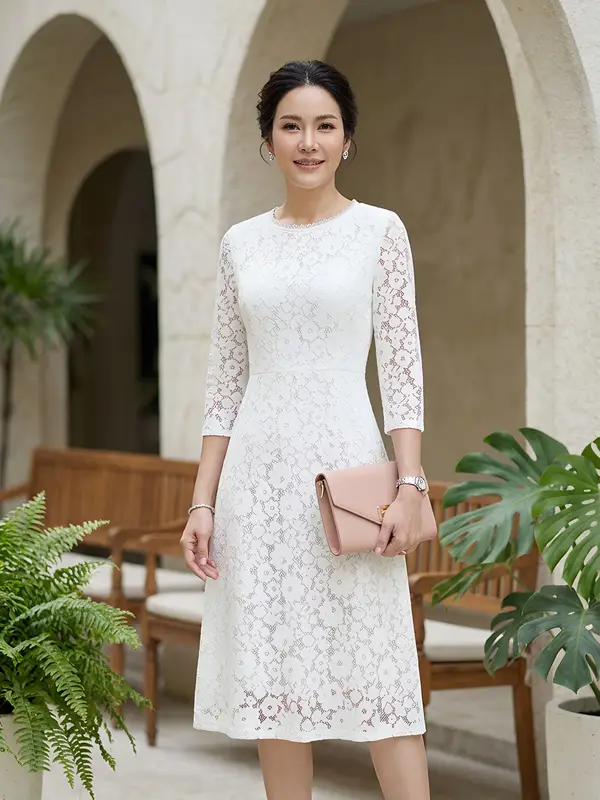

You can start selling clothes online in six steps: choose what to sell and to whom, source the clothes, prepare product photos, pick a sales channel, write the name and description, then make your first listing. Photos are the first thing a customer sees on screen, and that is the part Plien Roob can help with. Tax and law this article does not answer; ask someone who can advise you directly.
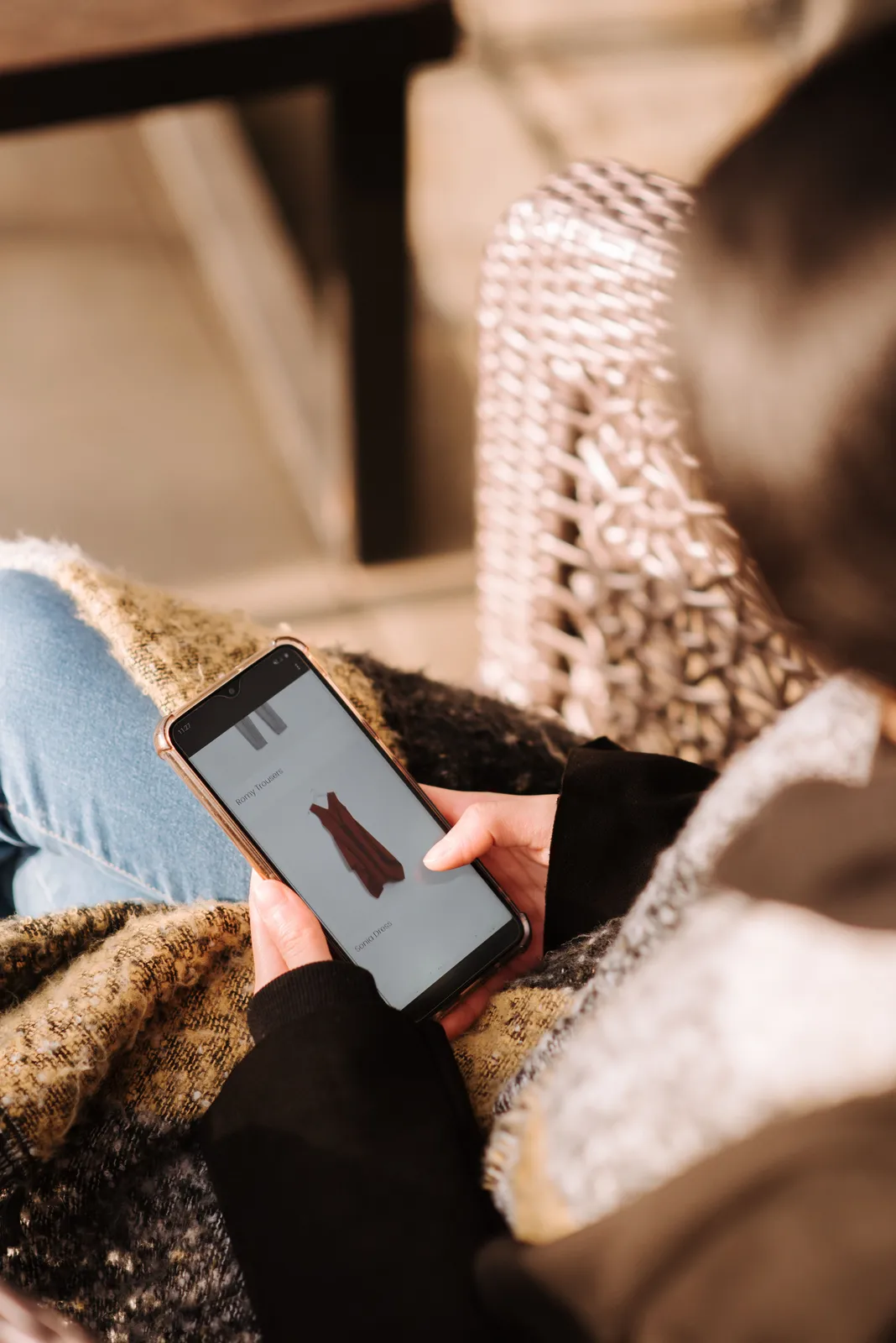 Illustration
Six steps before the first listing
Decide what to sell and to whom, for example T-shirts, workwear, Thai dress or secondhand clothes. Start with a few items; you do not need every style.
Source the clothes: make them, order from a supplier, or resell secondhand. Each has different things to watch for in photos.
Prepare the product photos: shoot them yourself, hire someone, or use an image tool. See the table below.
Pick a sales channel: a marketplace, social media or LINE. Each asks for photos differently.
Write a name and description that match the real item: size, colour and material.
Make your first listing, then see what customers ask again and again, and use that to adjust the photos and description next time.
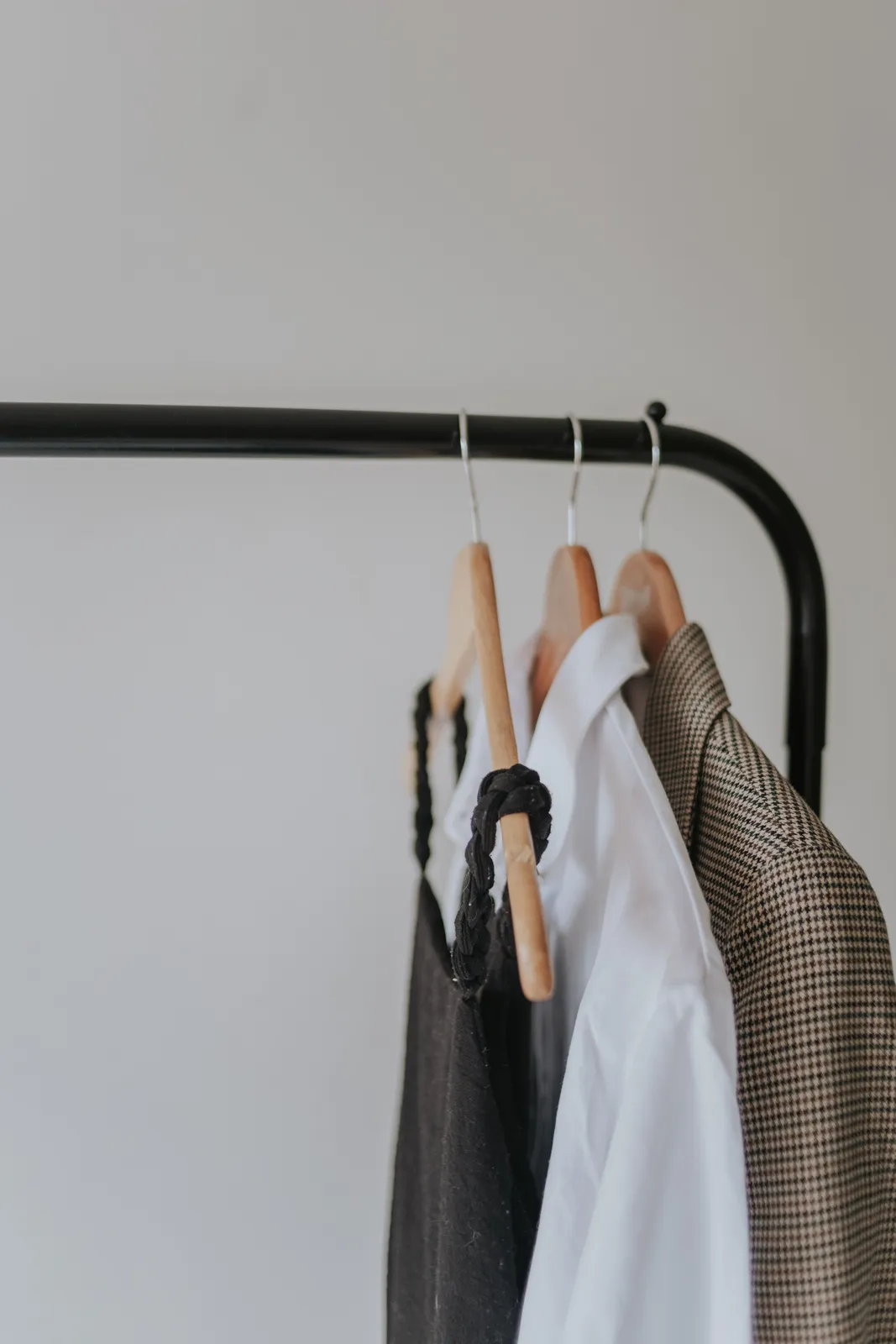 Illustration
How many ways are there to get product photos
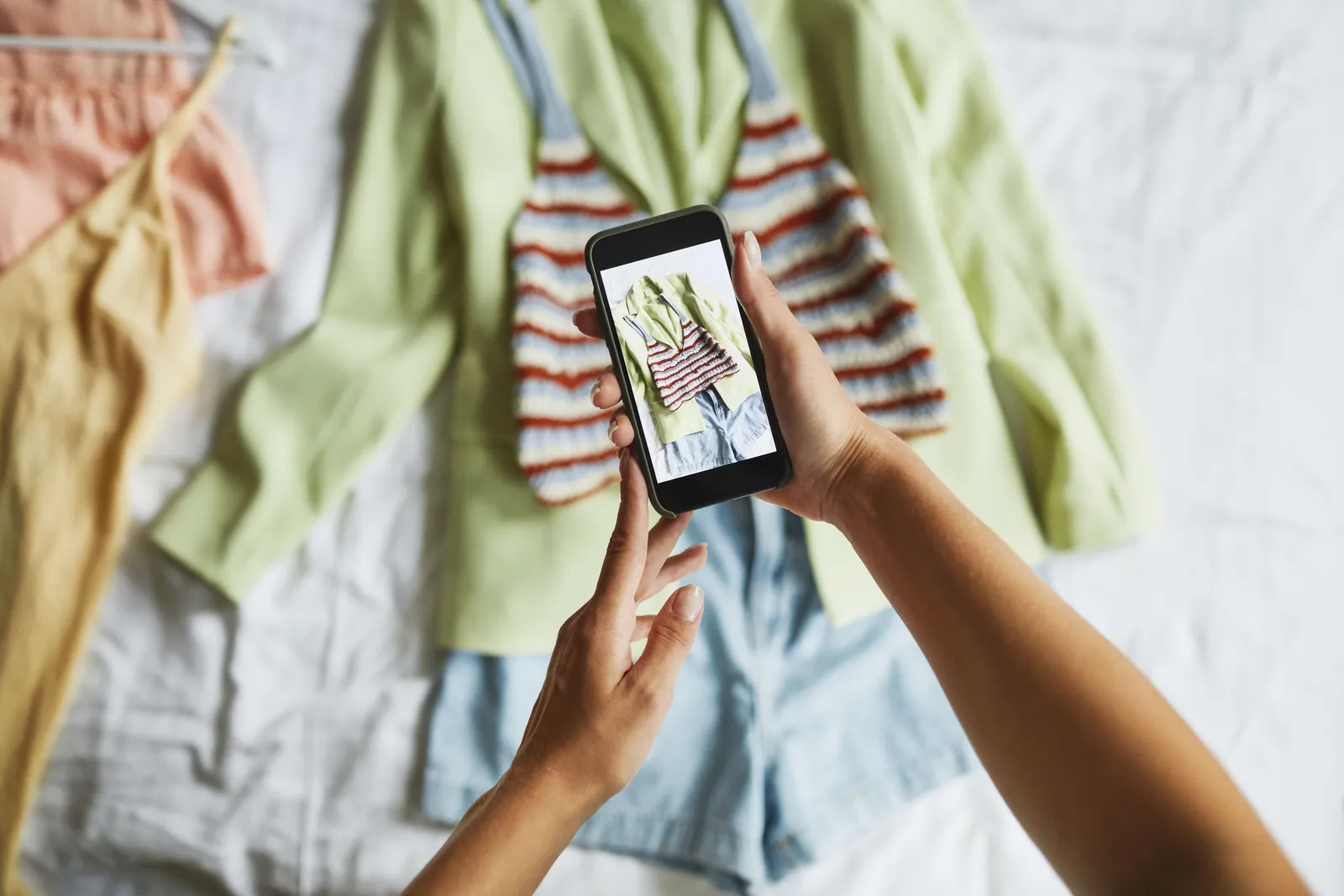
Shoot it yourself on a phone
- Suits
- Starting with a few items on a small budget
- Watch out for
- The photo has to be sharp, well lit and show the shape of the garment; see the guide to shooting clothes on a phone
Use supplier photos
- Suits
- Only people with clear permission
- Watch out for
- Supplier photos only with clear permission, and some carry a watermark or another brand's logo
Hire a photographer and models
- Suits
- Shops that want high-end brand photos
- Watch out for
- The cost comes back every time there is a new item
Make photos with Plien Roob
- Suits
- You already have product photos and want photos of a model wearing them
- Watch out for
- Check the result against the real item before you list, and check each platform's rules for AI-made images
| Option | Suits | Watch out for |
|---|---|---|
| Shoot it yourself on a phone | Starting with a few items on a small budget | The photo has to be sharp, well lit and show the shape of the garment; see the guide to shooting clothes on a phone |
| Use supplier photos | Only people with clear permission | Supplier photos only with clear permission, and some carry a watermark or another brand's logo |
| Hire a photographer and models | Shops that want high-end brand photos | The cost comes back every time there is a new item |
| Make photos with Plien Roob | You already have product photos and want photos of a model wearing them | Check the result against the real item before you list, and check each platform's rules for AI-made images |
 Indoor scene
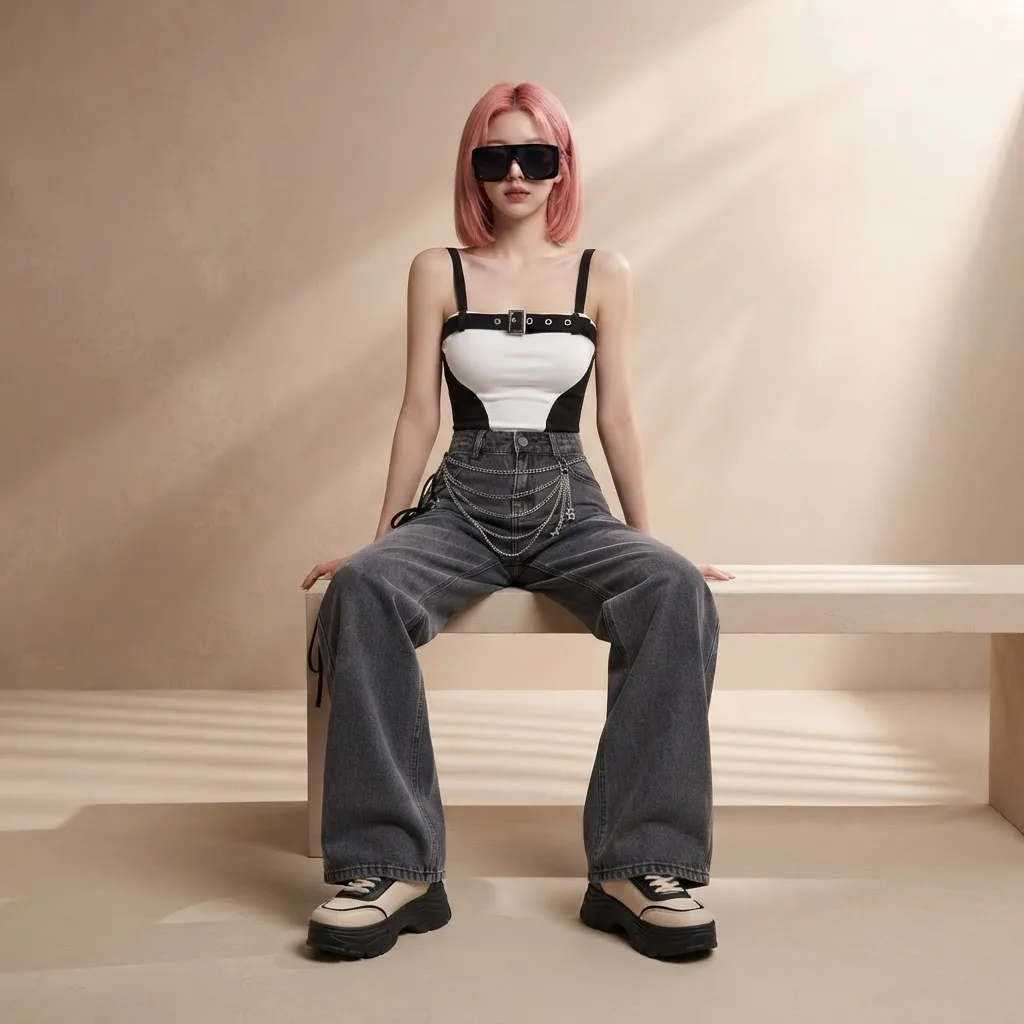 Studio
 Outdoor scene
 Illustration
Choosing where to sell
Each sales channel asks for photos differently: sizes, aspect ratios and rules about images, all of which change. So we do not print any platform's numbers here. Open the guide that has its sources checked, then take the numbers from the platform where you will actually list.
What this article does not answer
This article does not answer tax and law questions, such as whether you have to register a business or when you owe tax, because they depend on your own status and income, and the rules change. Ask an accountant or the agency responsible directly.
If you use AI-made photos
If you already have a product photo and want a photo of a model wearing it, Plien Roob's product-to-model tool takes a single product photo with no prompt to write. Signing up gives you 10 credits, once, with no card needed. Your first free-plan image has no watermark; the images after it do. Check every result against the real item before you list it.
Frequently asked questions
How do I start selling clothes online?
In six steps: choose what to sell and to whom, source the clothes, prepare product photos, pick a sales channel, write a name and description that match the real item, then make your first listing. Start with a few items, then widen once you know what sells.
What do I need to prepare to sell clothes online?
You need the clothes, product photos that show the shape and colour clearly, a sales channel, and a name and description that match the real item. Photos are the first thing a customer sees and the part Plien Roob helps with. Tax and law this article does not answer; ask someone who can advise you directly.
Do I need model photos to sell clothes online?
Not always. A garment laid flat or hung up can be listed if its shape and colour are clear. Photos with a person wearing it help customers see the shape on a body, which can be done by shooting it or by making an image from a product photo. Check any photo against the real item before you list it.
Can I use my supplier's photos to sell?
Only with clear permission, and you should check that the photo carries no watermark or another brand's logo. If you are unsure, shoot it yourself or make photos from your own real item.
Do I have to register or pay tax to sell clothes online?
This article does not answer tax and law questions, because they depend on your own status and income, and the rules can change. Ask an accountant or the agency responsible directly.

Plien Roob
Ready for your first product photo?
Sign up free for 10 credits, given once, with no card needed. Your first free-plan image has no watermark; the images after it do.
Photos by Anete Lusina · Letícia Alvares · Marcus Aurelius on Pexels