AI Tools
AI clothing photography: what it actually does, and what it does not
Last updated 2026-09-07From Plien Roob — AI model photography for online stores
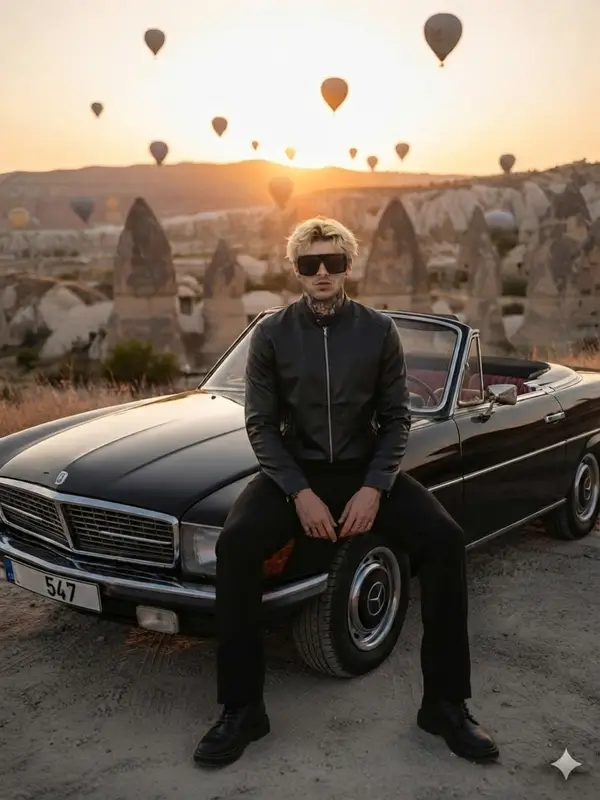

You searched for AI yourself, so you already know tools like this exist. What is left is working out which claims hold up. This page belongs to Plien Roob, one of the companies selling such a tool, so we are not asking you to take our word for anything. We are asking you to read two lists side by side: what the system does, and what it does not. There is not a single customer testimonial or borrowed statistic on this page — only things we measured ourselves, on dates we can name.
What an AI clothing photo tool actually does
The name misleads people, because no AI picks up a camera and walks over to photograph your stock. What it does is read one photo you already have and draw a new image from it. One conclusion follows immediately: you still have to shoot the product yourself at least once. There is no shortcut past that step, and how sharp that one photo is sets the ceiling on everything downstream.
Five things the system does today
Virtual try-on — put a garment onto a model photo you already have, with the face and pose unchanged.
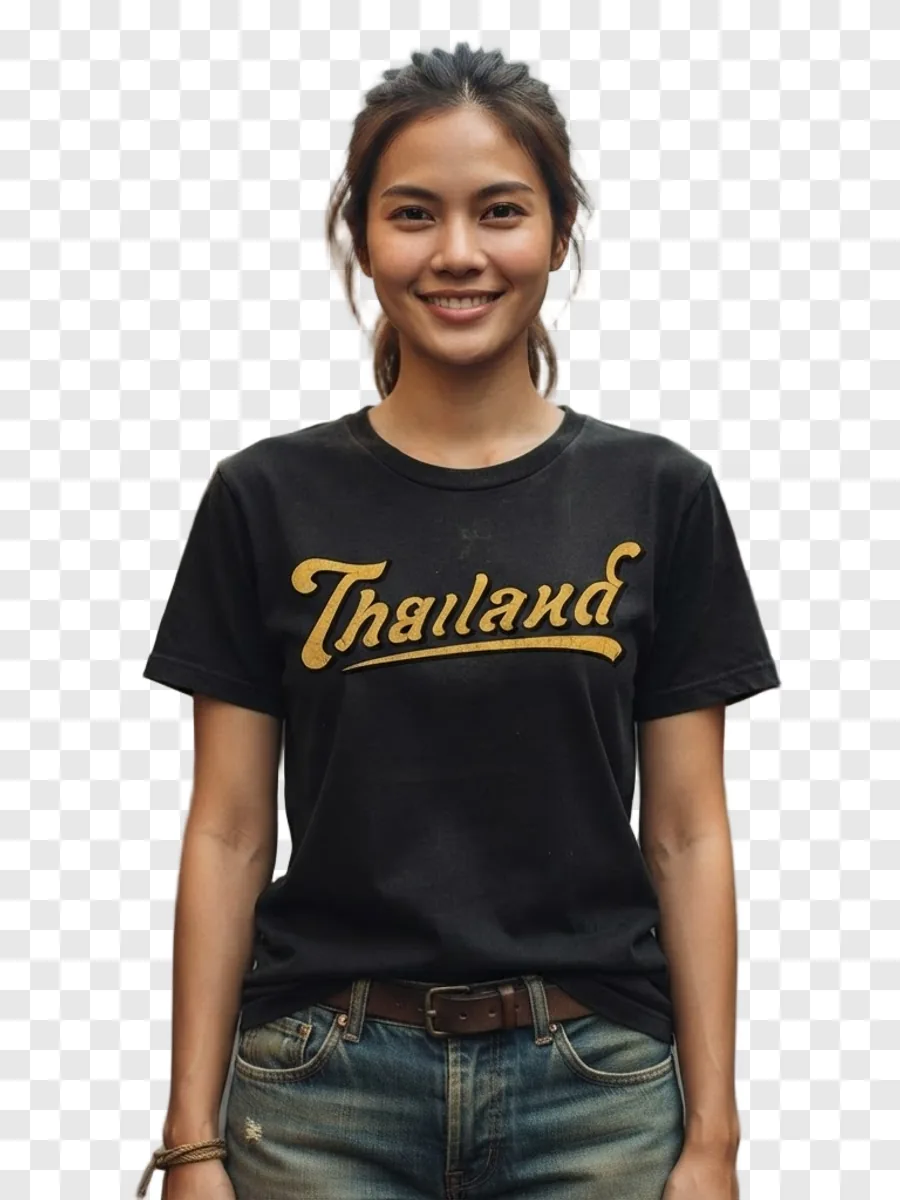
Product to model — turn one product photo into a photo of a person wearing it, choosing the model, scene, pose and framing.
Ghost mannequin — give the garment its worn shape with no person and no mannequin in the frame.
Upscale — make an existing file larger for work that needs higher resolution.
Background removal — cut the background away, leaving the product on a transparent file.
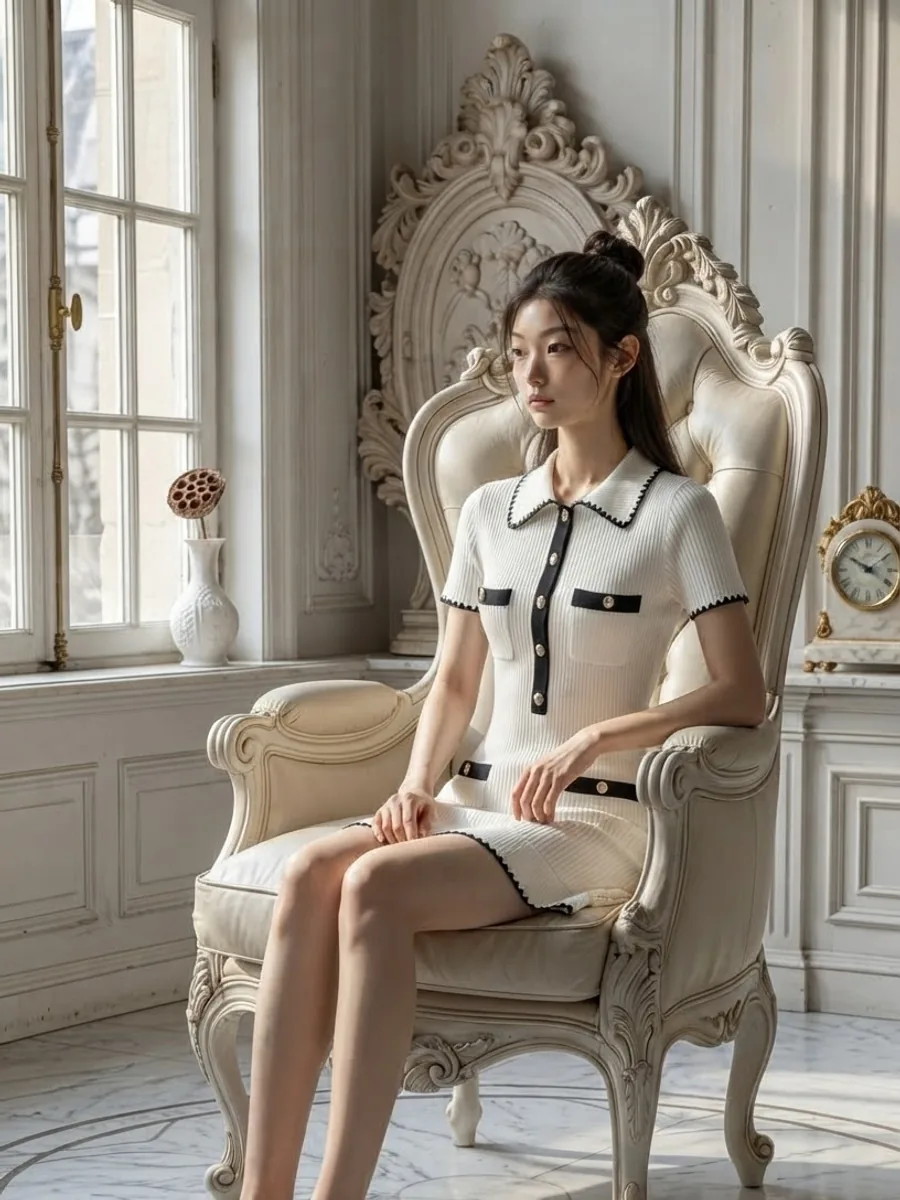
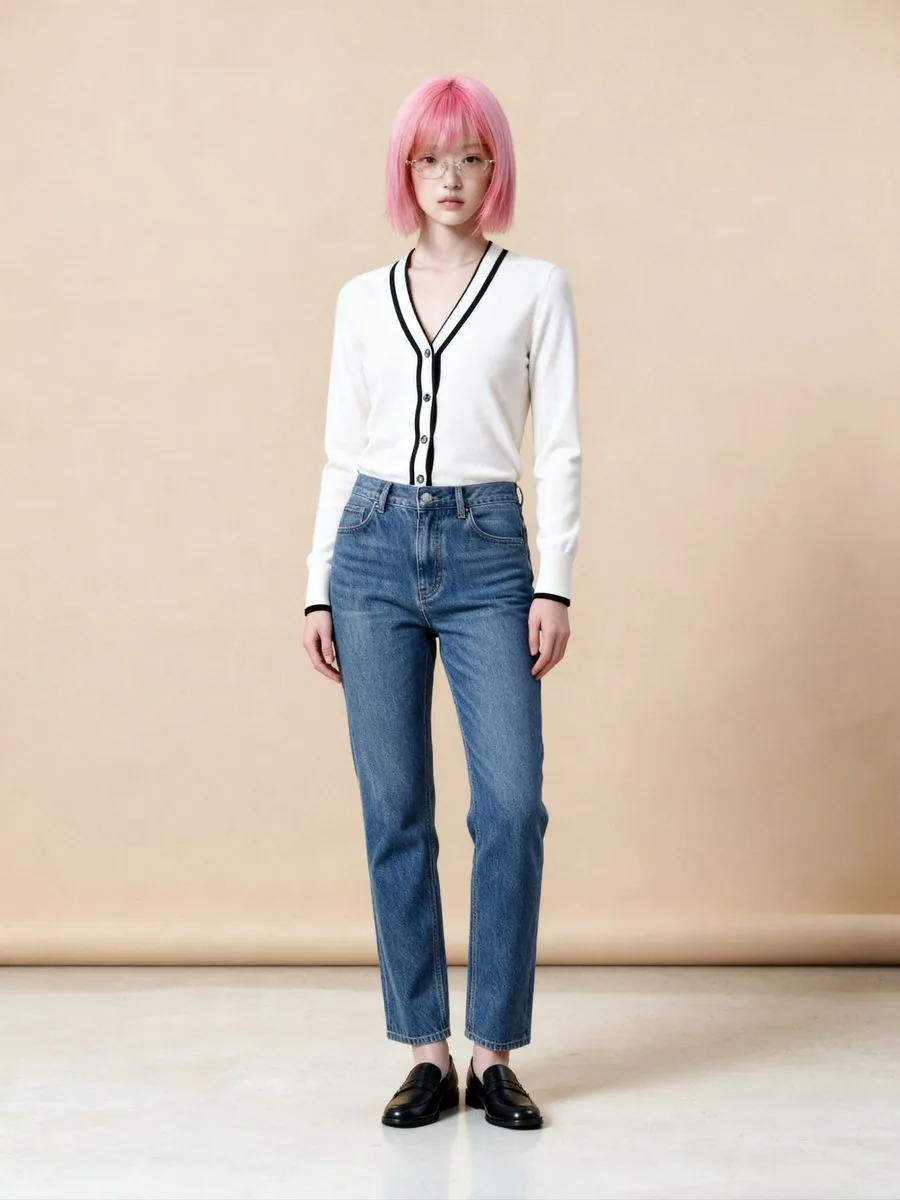
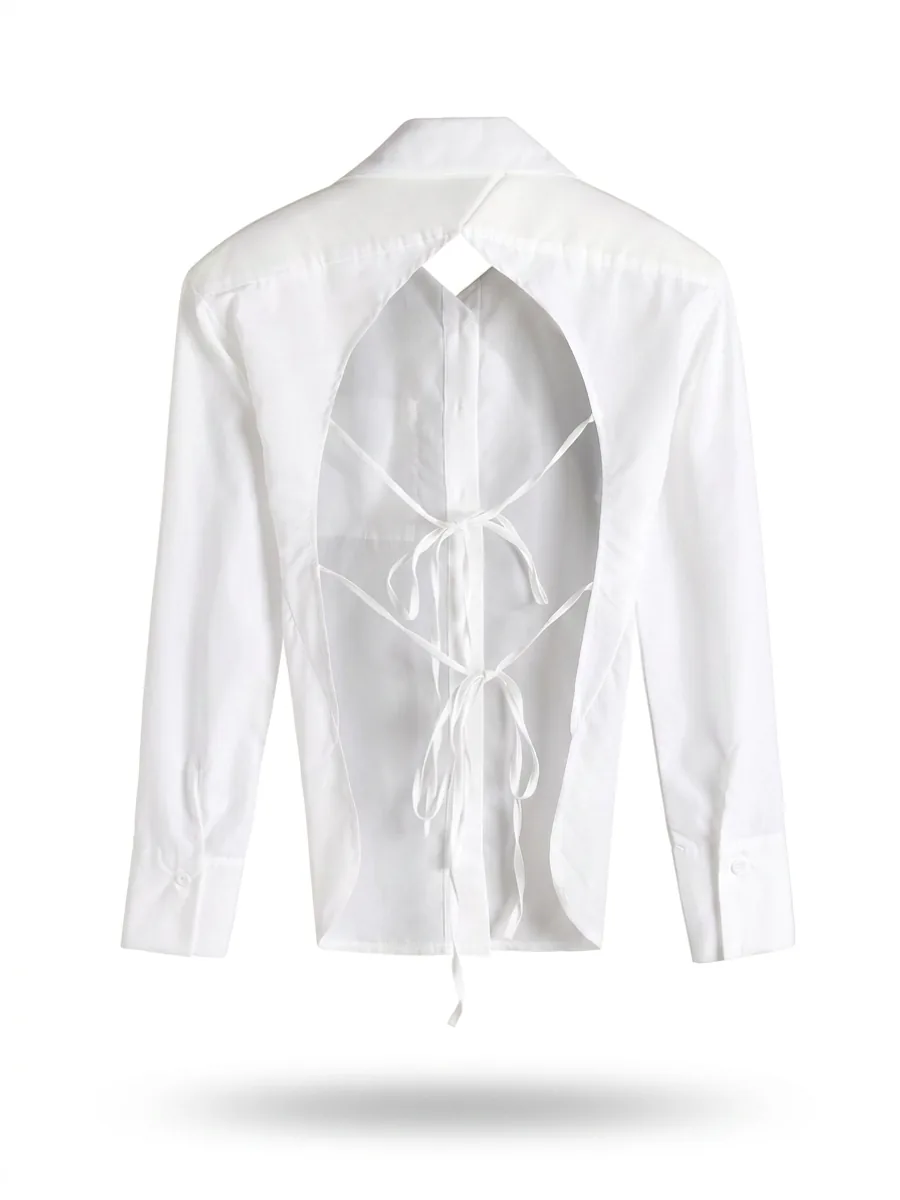
What an AI clothing photo tool can make for your shop
What you can do with an AI model on this site. Each card is that tool's cover image; tap it to read how the tool works.






There is no prompt box, and that is a trade rather than a bonus
Most AI tools you have seen give you a text box to describe the image you want. Ours has none, anywhere. Everything is picked from prepared libraries: the model, the scene, the pose, the framing. The upside is that someone who has never touched an AI tool gets a usable result on the first try, and today's images rest on the same instructions as next month's. The downside is real: if you want something the library does not hold, you cannot ask for it. That is a trade we made deliberately, not a feature we have not finished.
Does the product drift? Here is the number we have
This is the question that decides whether a tool like this is usable for selling at all. If the print shifts, the colour shifts or the silhouette shifts, even the most beautiful image still leads to a return. On the morning of 27 August 2026 we generated 17 images from one jacket, across 14 poses, 9 settings and 3 models, and reviewed every frame. The black collar, the black placket with its gold buttons and the black cuffs were right in all 17. But in 3 of them the jacket's cream hem band came out black, and one of those also gained black trim on the chest pockets. In 2 more, the model wears it open although it is buttoned in the upload. That is why every image needs checking against the real product before it goes on sale.
The limits of that number, stated plainly: it is one product, on one day, with one tool — product to model. It is not a survey, and it is not a guarantee that every category behaves the same way. We do not yet have a comparable record for the other four tools. Writing that it is accurate every time on every product would be claiming something we cannot prove.
What it cannot do
The ready-made library does now hold curvy and plus-size bodies, and there is a body-shape filter, but far fewer than slim ones. A shop selling mainly larger sizes will often not find someone who genuinely matches its buyers. The closer route is to upload your own model photo and use it with try-on, which carries no model charge.
Ghost mannequin results sometimes come back slightly lighter than the real garment. If colour is what closes the sale, compare against the physical item before you list.
Video is not available. The system returns still images only.
When you pick a scene from the library, the scene's light falls on the garment too, which can shift the colour slightly. The print and any lettering stay as they are. If you need the most accurate colour, use the mode without a scene, which still locks colour exactly.
An image that has already been upscaled once cannot be upscaled again. The input ceiling is 2048 by 2048 pixels, which is always smaller than an upscaled result.
The output is probabilistic. The same photo run twice will not be identical, so some jobs need a second run. Do not judge a tool on a single image.
The biggest variable is not the system, it is the photo you upload
We measured this ourselves on the ghost mannequin tool: two Thai-print T-shirts, five runs each, every setting held constant, changing only the photo going in. A sharp 1280-pixel photo with large lettering held the correct shape 5 times out of 5. A blurred 720-pixel photo with small lettering held it 3 out of 5, and the Thai lettering on the garment came out wrong all 5 times. The alarming part of that last result is that it did not produce obvious gibberish — it guessed, and wrote a new, correctly spelled Thai word over the original. If you are not watching for it, you will not notice the text on the shirt is no longer real.
What product to model works with, beyond clothing
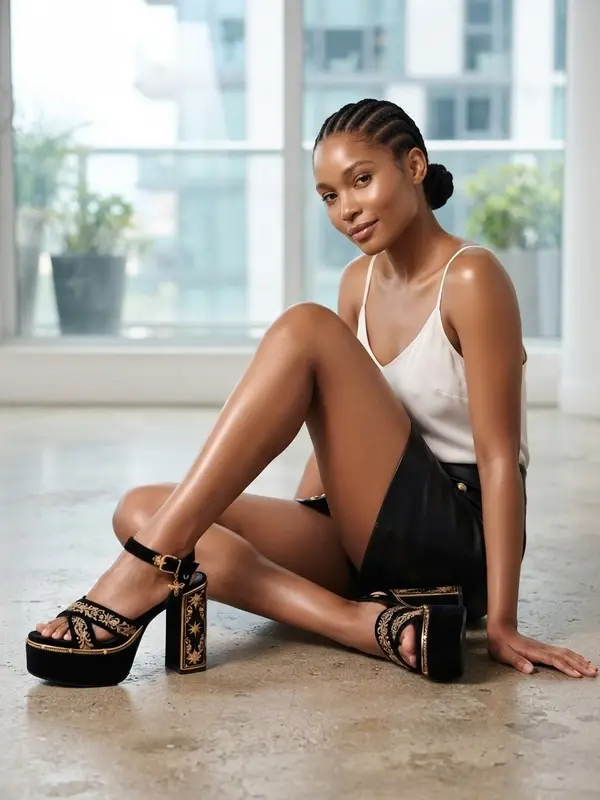
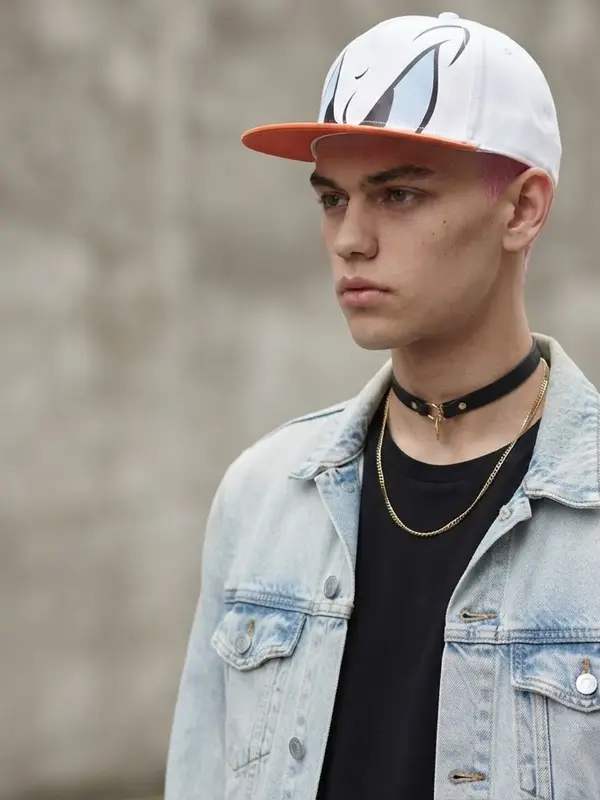
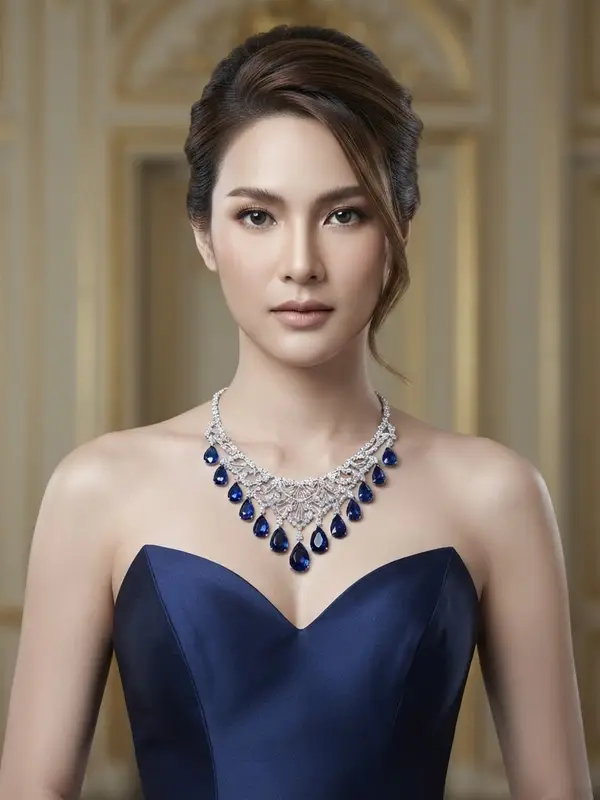
Clothing — tops, bottoms and one-pieces.
Footwear.
Bags.
Hats and glasses, grouped together because the camera has to frame them the same way.
Necklaces, which need a raised chin and an open neckline.
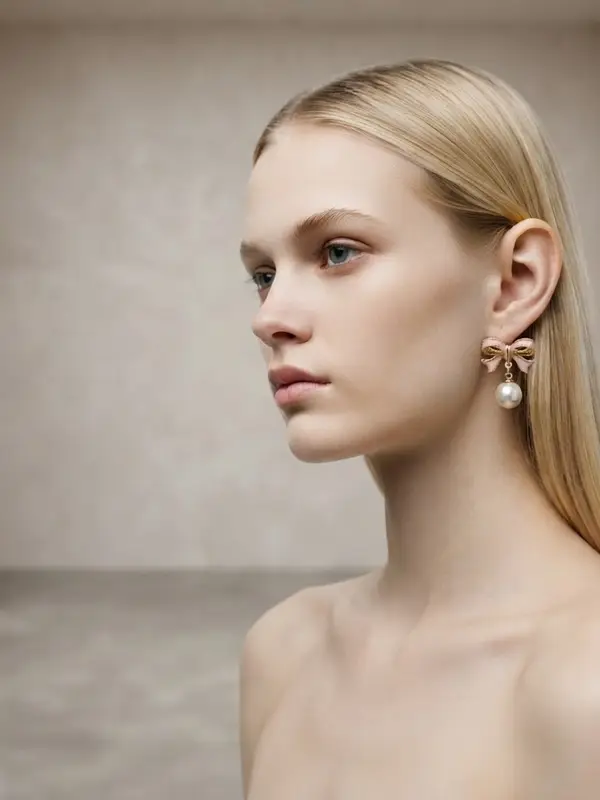
Earrings, which need a turned head with the hair tucked behind the ear.
Rings, bracelets and watches, which need the hand lifted towards the face.
The last three are separate options because each genuinely needs a different pose, not merely a different label.
The parts built specifically for Thai shops
The interface, help centre and support are entirely in Thai — written in Thai, not a translated menu.
The scene library covers locations in Thailand as well as international ones.
The model library includes Asian faces, so a Western face is not the default you have to accept.
Prices are in Thai baht, with no currency conversion charge.
Credit top-ups are paid by scanning PromptPay. Monthly plans are still charged to a credit or debit card.
It runs in the browser. There is nothing to install.
Trying it before paying anything
Signing up gives you 10 free credits, once, with no card required — enough to find out whether your products suit the system. One thing to know before you spend them: your first image on the free plan has no watermark, but every image after it carries our watermark burned into the file itself, not laid over the screen, so it cannot be removed and the image cannot be listed for sale. The free plan is there to let you judge the quality, not to do real work with.
Frequently asked questions
Can AI clothing photos replace a photographer?
Not for every job. No AI picks up a camera for you, so you still have to shoot the product yourself at least once, and the system draws new images from that photo. What it does replace is producing many angles and many scenes from that one source photo.
Is it hard to use if I have never used AI before?
There is nothing to type. The system has no prompt box anywhere — the model, the scene, the pose and the framing are all picked from prepared libraries by tapping. The trade is real: if the library does not hold what you want, you cannot ask for it.
Will the print or the text on the garment come out wrong?
It depends mostly on how sharp the photo you upload is. Running two Thai-print T-shirts through the ghost mannequin tool five times each, a sharp 1280-pixel photo with large lettering held the correct shape 5 times out of 5, a blurred 720-pixel photo with small lettering held it 3 out of 5, and the Thai lettering printed on the garment came out wrong all 5 times.
Do I have to enter a card to sign up?
No. Signing up gives you 10 free credits, once, with no card required. Your first image on the free plan has no watermark, but every image after it carries our watermark burned into the file itself, so it cannot be removed and the image cannot be listed for sale — the free plan is for judging quality, not for doing real work.

Plien Roob