Selling Online
Shopee and TikTok Shop product photo sizes
Last updated 2026-09-27From Plien Roob — AI model photography for online stores
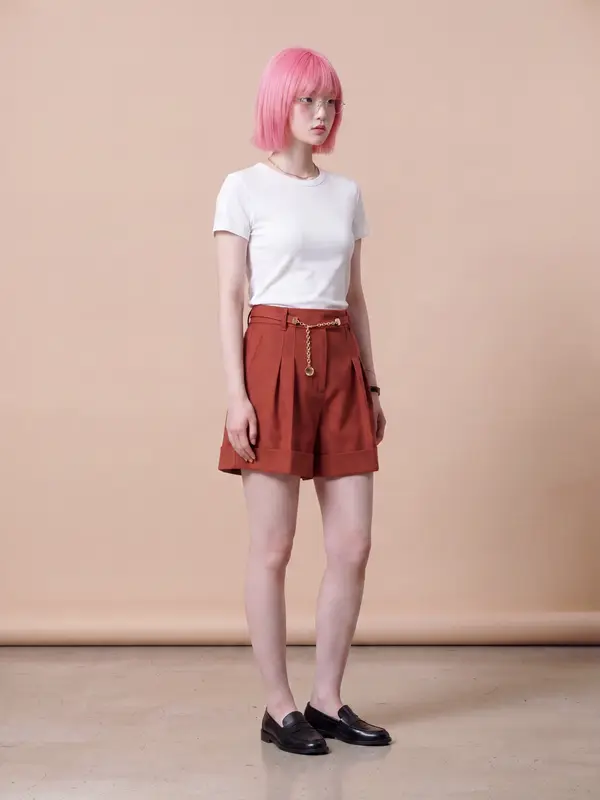

Shopee recommends a cover image larger than 500 pixels on each side, and TikTok Shop requires every image to be at least 600 pixels on each side. Use a square image of 1024 pixels or more on each side, with the product in the centre filling at least 60% of the frame, and one set of photos clears the size minimum for Shopee, for Shopee Ads' advice page and for TikTok Shop, going by the official pages Plien Roob read on 20 September 2026. The table below puts both platforms' numbers in one place, and the sections after it show which page each number comes from.
Image size
- Shopee
- Cover: over 500 px on each side recommended · for ads, Shopee Ads' advice page recommends at least 1024 px, square
- TikTok Shop
- At least 600 px on each side, every image
Number of images
- Shopee
- Up to 9, including the cover
- TikTok Shop
- Up to 9 square images
Product in the frame
- Shopee
- More than half of the image
- TikTok Shop
- Main image: at least 60% of the frame
Product position
- Shopee
- The centre of the picture is recommended
- TikTok Shop
- Main image: whole product, front view
First-image background
- Shopee
- White recommended
- TikTok Shop
- Main image: solid colour, white recommended
Rules on the image
- Shopee
- Cover: no watermark, logo or text over the product; no four-sided frame
- TikTok Shop
- Nothing covering the product; every image in colour, each from a different angle
Pages we read
- Shopee
- Quality listing criteria (dated 23 Sep 2025) and Shopee Ads' advice page
- TikTok Shop
- TikTok Shop Product Listing Guidelines (dated 16 Mar 2026)
| Shopee | TikTok Shop | |
|---|---|---|
| Image size | Cover: over 500 px on each side recommended · for ads, Shopee Ads' advice page recommends at least 1024 px, square | At least 600 px on each side, every image |
| Number of images | Up to 9, including the cover | Up to 9 square images |
| Product in the frame | More than half of the image | Main image: at least 60% of the frame |
| Product position | The centre of the picture is recommended | Main image: whole product, front view |
| First-image background | White recommended | Main image: solid colour, white recommended |
| Rules on the image | Cover: no watermark, logo or text over the product; no four-sided frame | Nothing covering the product; every image in colour, each from a different angle |
| Pages we read | Quality listing criteria (dated 23 Sep 2025) and Shopee Ads' advice page | TikTok Shop Product Listing Guidelines (dated 16 Mar 2026) |
Shopee's numbers
Cover image, from Shopee's quality listing criteria page in the Seller Education Hub, dated 23 September 2025: the image must be sharp, not blurred or broken up, and a size larger than 500 pixels on each side is recommended.
The same page says the product “must take up more than half of the whole area”, and allows up to 9 images including the cover.
Products being advertised: Shopee Ads' page on improving product details for effective advertising recommends at least 1024 pixels on each side, a square image, and a product larger than 50% of the picture. The page carries no date, its footer shows a 2021 copyright, and it is advice for advertising, not the cover rule for every product. The same page also recommends photographing the real product without exaggeration, adding no other text to the image, and a clean cover on a white background.
Images placed inside the product description follow a separate rule. Shopee's page on improving listing quality (การปรับปรุงคุณภาพรายการสินค้า) in the Seller Education Hub, dated 20 June 2022, says from 700 x 32 pixels upwards, with a file size no larger than 2MB, and says the section is only available to some sellers who have been granted access. Those numbers are not for the cover image, so don't mix them up.
TikTok Shop's numbers
These come from the TikTok Shop Product Listing Guidelines, in the images and video section, in TikTok Shop Academy. The page is dated 16 March 2026 and marked as applying to Thailand.
Every image must be at least 600 pixels on each side.
You can upload up to 9 square images.
Main image: the product should fill at least 60% of the frame.
The minimum is not the size to aim for
500 and 600 pixels are the floor, not the target. Both platforms also say images must not be blurred or broken up, and an image big enough to pass can still be blurred if it was shot badly. It also helps to know that file size says nothing about how sharp the product is: a large photo taken from far away, with the product as a small patch in the middle, holds less product detail than a smaller photo taken up close. Following the rules that have the product fill more than half the image, or at least 60%, therefore makes the product sharper too.
If you will also use the photo for Shopee ads, start with a square image of 1024 pixels or more on each side, as Shopee Ads' advice page says.
If you think you will crop later, leave room: every crop leaves fewer pixels behind.
If the photo will go through an AI tool afterwards, the source needs to be even larger and sharper, because AI can only read the detail that is in the image.
Cover rules that aren't about size
Shopee · the position the cover-image rules recommend for the product is the centre of the picture.
Shopee · a white background is recommended.
Shopee · the cover must have no watermark, logo or text covering the product.
Shopee · images with a frame on all four sides are not allowed.
Shopee · the image “must not be edited so that the product looks different from reality”.
TikTok Shop, every image · it must be in colour, the product must not be obscured, and each image must show the product from a different angle.
TikTok Shop, main image · the background must be a solid colour, with white recommended, the whole product must be visible, and it must show the front of the product being sold.
 Illustration
Why a photo looks blurry, and what to do about it
There are four possible causes, and each one has a different fix.
A file forwarded through a chat app gets compressed on the way. Use the original file from the device that took it.
A screenshot only has the resolution of the screen and has been compressed again. Use the real file.
Heavy cropping: every time you cut the edges away, fewer pixels are left. If you need to crop a lot, reshoot from closer instead.
A photo blurred when it was taken, by camera shake, missed focus or low light. No tool can bring that detail back; it has to be reshot.
 Illustration
A photo that is sharp but small can be enlarged without the edges breaking up. A photo that was blurred when it was taken only becomes a bigger blurred photo when you enlarge it.
One set of photos for both Shopee and TikTok Shop
If you list on both, follow whichever rule is stricter on each point, and one set of photos matches the criteria of both platforms, as the pages we read describe them.
A square image of 1024 pixels or more on each side clears the size minimum on all three pages.
The product sits in the centre and fills at least 60% of the image, which is automatically more than the half Shopee asks for.
The first image shows the product on a plain background, white if you can, from the front and in full.
The first image has no frame, watermark, logo or text on it.
The remaining images show the product from other angles, one angle per image, with nothing covering the product.
Images for Shopee's product description are made separately, to that section's own rules.
 Illustration
The rules above are for product images in a listing. If you want to use the same image somewhere that displays portrait, such as a feed or a short video, a square image won't fill the frame, and the aspect ratio is a separate question.
The numbers can change: where to check them yourself
Every number on this page comes from pages we read on 20 September 2026. The platforms can change these pages at any time, so open the current version again before you list a large batch.
Shopee: open the Seller Education Hub and search for the page title เกณฑ์การลงขายสินค้าที่มีคุณภาพบน Shopee (quality listing criteria on Shopee), dated 23-09-2025 on the page.
Shopee Ads: the page ปรับปรุงรายละเอียดสินค้าเพื่อการโฆษณาที่มีประสิทธิภาพ (improving product details for effective advertising), in the learning section of the Shopee Ads site.
TikTok Shop: open TikTok Shop Academy, go to Policy Center, choose Seller, then ลงขายสินค้า (listing products), where you will find แนวทางการลงรายการสินค้า TikTok Shop (the TikTok Shop Product Listing Guidelines), dated 16/03/2569 on the Thai page.
If the numbers in any article, including this one, don't match the platform's own page on the day you check, go by the platform's page.
How images from our system fit these rules
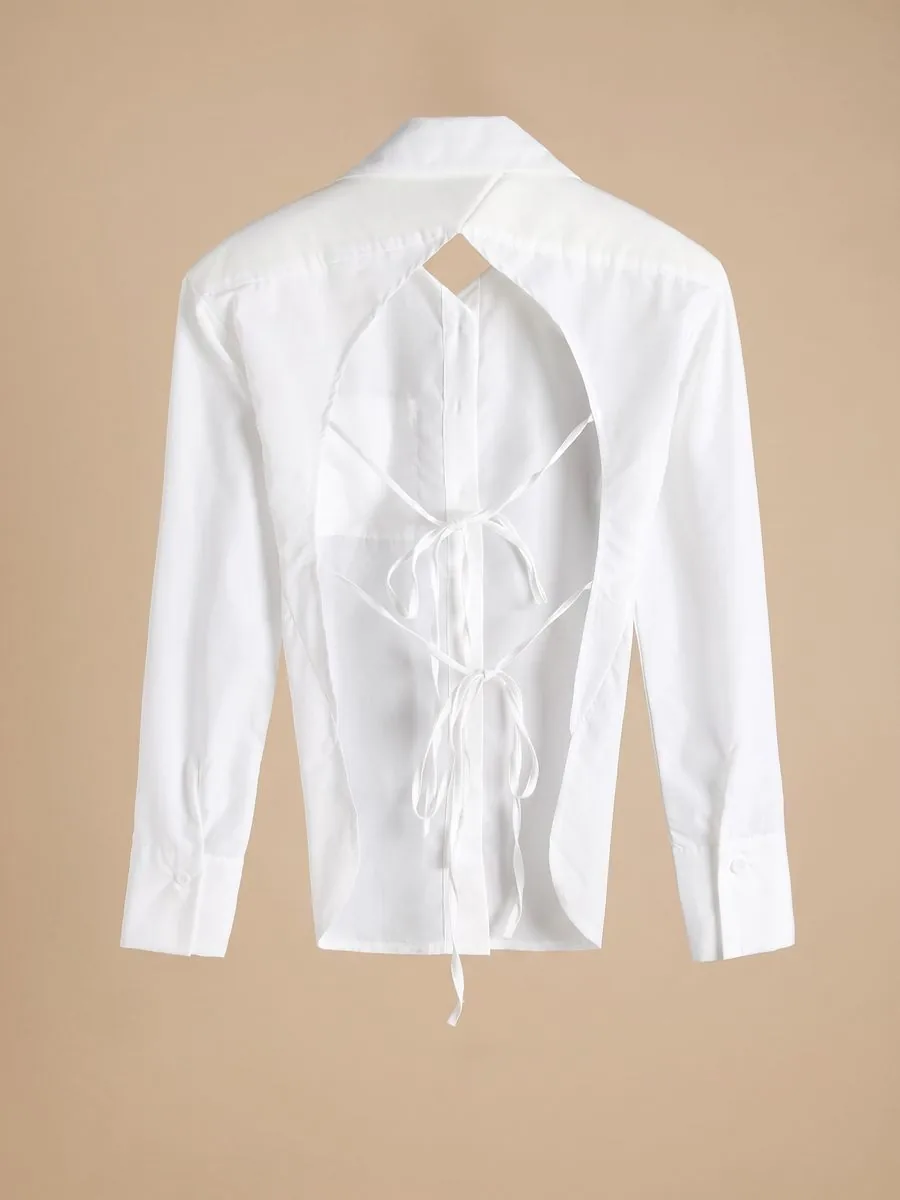
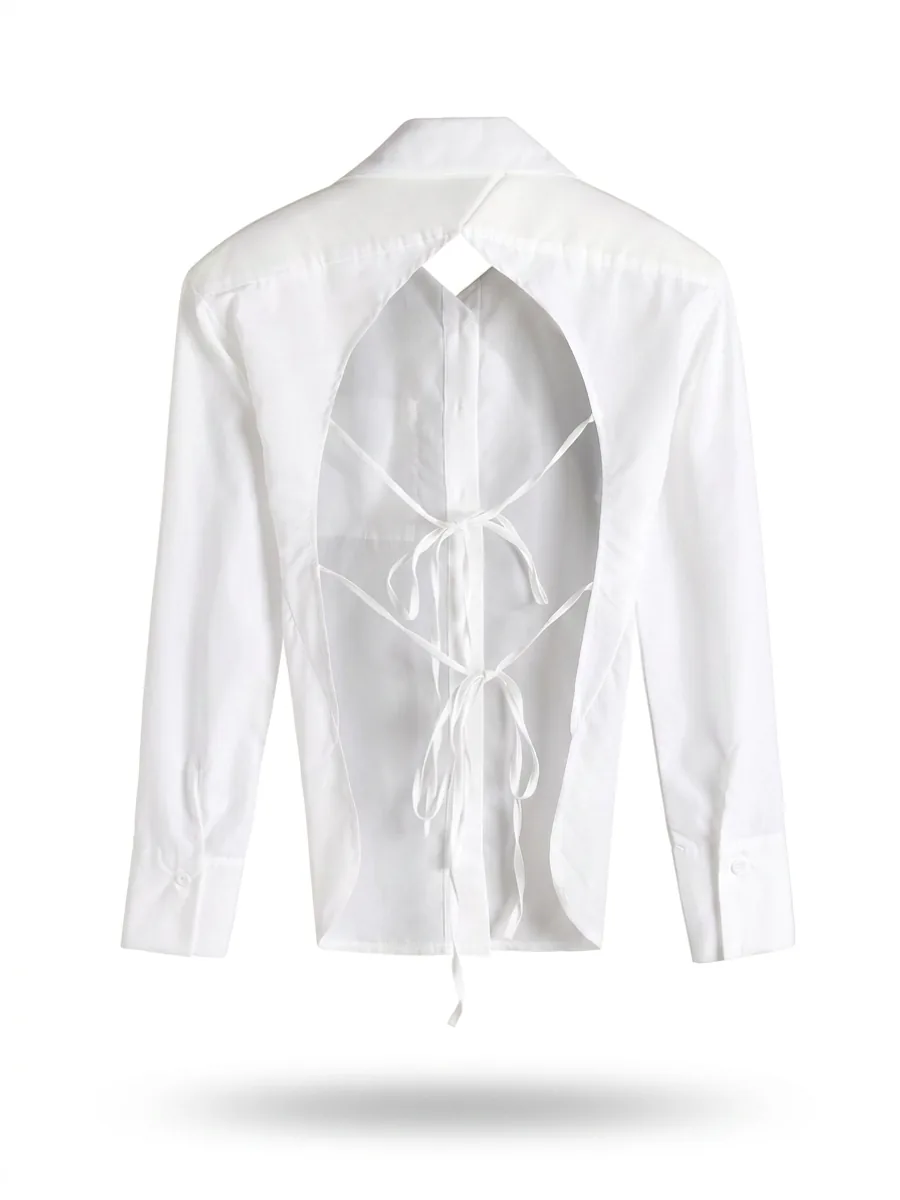
In our system you can choose a 1:1 aspect ratio before generating, in Virtual Try-On, Product to Model, Product Showcase and Ghost Mannequin. A square image from Product to Model or Ghost Mannequin at Standard 1K comes out at 1024 pixels on each side, and from Product to Model or Product Showcase at Standard 2K at 2048 pixels on each side; Virtual Try-On delivers a file 4,096 pixels on the long side. All of these clear the size minimum on all three pages. What the system does not do is make an image meet the other rules: a model photographed in a location scene does not meet TikTok Shop's solid-background rule for the main image, so it belongs further down the listing, and AI-generated images must be declared under each platform's rules. For the photos you upload, we recommend a shorter side of at least 1024 pixels, and around 1280 pixels or more is better still.
Frequently asked questions
What size should Shopee product photos be?
Shopee's quality listing criteria page, dated 23 September 2025, recommends a cover image larger than 500 pixels on each side, says it must be sharp and not blurred or broken up, and says the product must take up more than half of the image. If you also advertise, Shopee Ads' advice page says at least 1024 pixels on each side, in a square format. A square image of 1024 pixels or more on each side therefore works for both. These numbers come from pages we read on 20 September 2026, and the platform can change them at any time.
What size should TikTok Shop product photos be?
The TikTok Shop Product Listing Guidelines, dated 16 March 2026 and marked as applying to Thailand, require every image to be at least 600 pixels on each side and allow up to 9 square images. Images must be in colour, not blurred or pixelated, and each one must show the product from a different angle. The main image needs a solid background, with white recommended; the product should fill at least 60% of the frame, and it must be shown in full and from the front. These numbers come from the page we read on 20 September 2026.
My Shopee product photos look blurry. How do I fix them?
Start by working out why. If the file was forwarded through a chat app or is a screenshot, go back to the original file from the device that took it, because both of those are compressed until detail is lost. If you cropped until few pixels were left, reshoot from closer instead of cropping. If the photo is sharp but small, enlarging it makes it bigger without the edges breaking up; but if it was blurred when taken, through camera shake or missed focus, no tool can bring the detail back and it has to be reshot. Shopee's own cover rules say the image must be sharp and not blurred or broken up.
Can I use the same photos on Shopee and TikTok Shop?
Yes, if you follow whichever rule is stricter on each point. Use square images of 1024 pixels or more on each side, with the product in the centre filling at least 60% of the image. Make the first image the product on a plain background, white if you can, shown from the front and in full, with no frame, watermark, logo or text on it, and use the remaining images for other angles, one per image. That set matches the points we summarised from Shopee's cover rules and TikTok Shop's product listing guidelines, as published on the pages we read on 20 September 2026.
Can I put text or my shop logo on the cover image?
You can, as long as it doesn't cover the product, but be careful. Shopee's quality listing criteria page, dated 23 September 2025, says the cover must have no watermark, logo or text covering the product, and does not allow images framed on all four sides; Shopee Ads' advice page recommends adding no other text to the image; and the TikTok Shop Product Listing Guidelines, dated 16 March 2026, say the product must not be obscured in any image. The safe route is a cover that shows only the product, with your shop name or a promotion on a later image, away from the product, or in the product description instead. These rules come from pages we read on 20 September 2026.

Plien Roob
Ready for your first product photo?
Photos by Ryan Hoffman · Mona Jain · V H on Unsplash