AI Tools
Nine AI model-photo tools compared: which fits your shop
Last updated 2026-09-22From Plien Roob — AI model photography for online stores

In fairness to you, here is the disclosure first. This article sits on Plien Roob's own website, Plien Roob is one of the nine tools on the list, and we have put ourselves first. A comparison that hides who wrote it is a comparison you cannot trust, so we are saying it before you read on.
Everything written here about the other tools comes from their own official pages, which we opened and read ourselves on 21 and 22 September 2026 — not from hearsay, not from someone else's article, and not from an AI chat answer. You can open the same pages and check every line.
We have put ourselves first. The rest comes from counting, not from picking: on 18 September 2026 we put nine Thai-language questions about AI models and clothing photos to four AI chat assistants, collected the 36 answers, and kept the seven most frequently named whose pages we could still open, plus one marketplace's own built-in tool. Our own name did not appear in those 36 answers at all.
Plien Roob
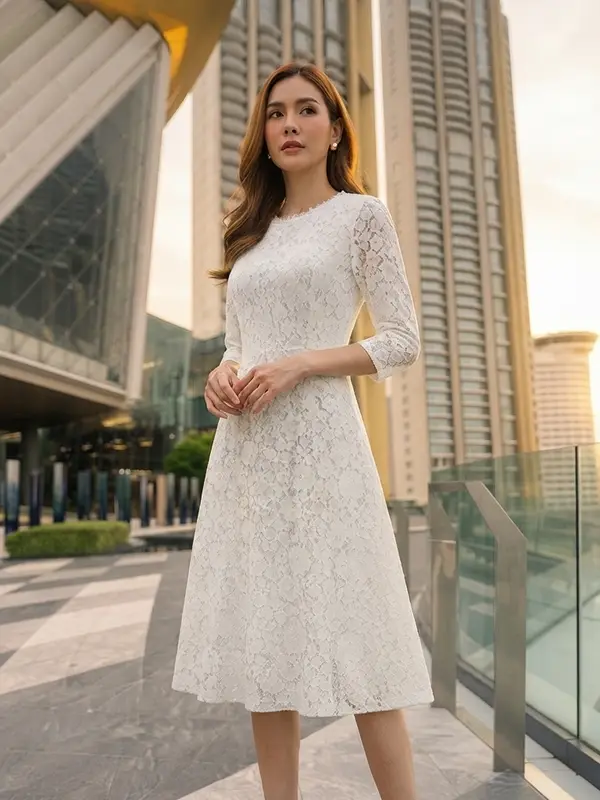
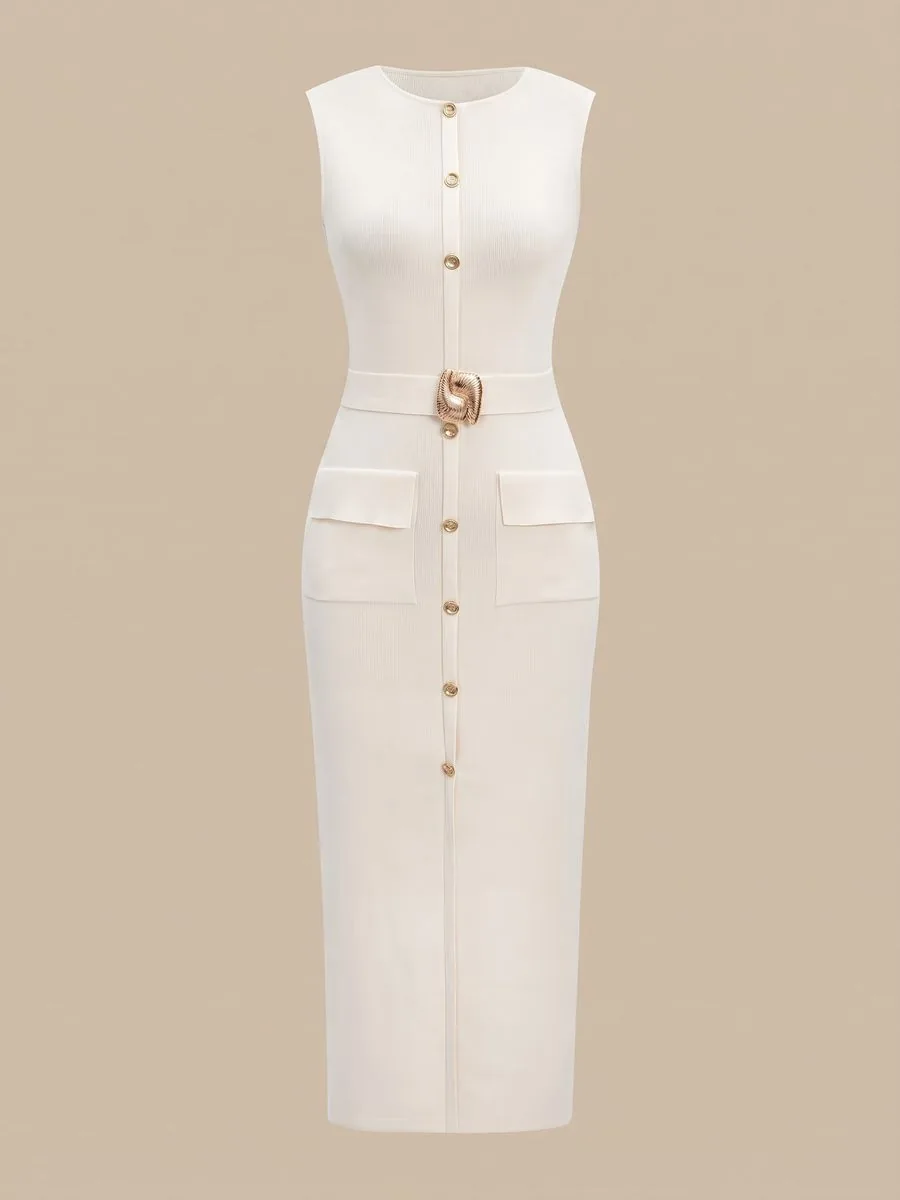
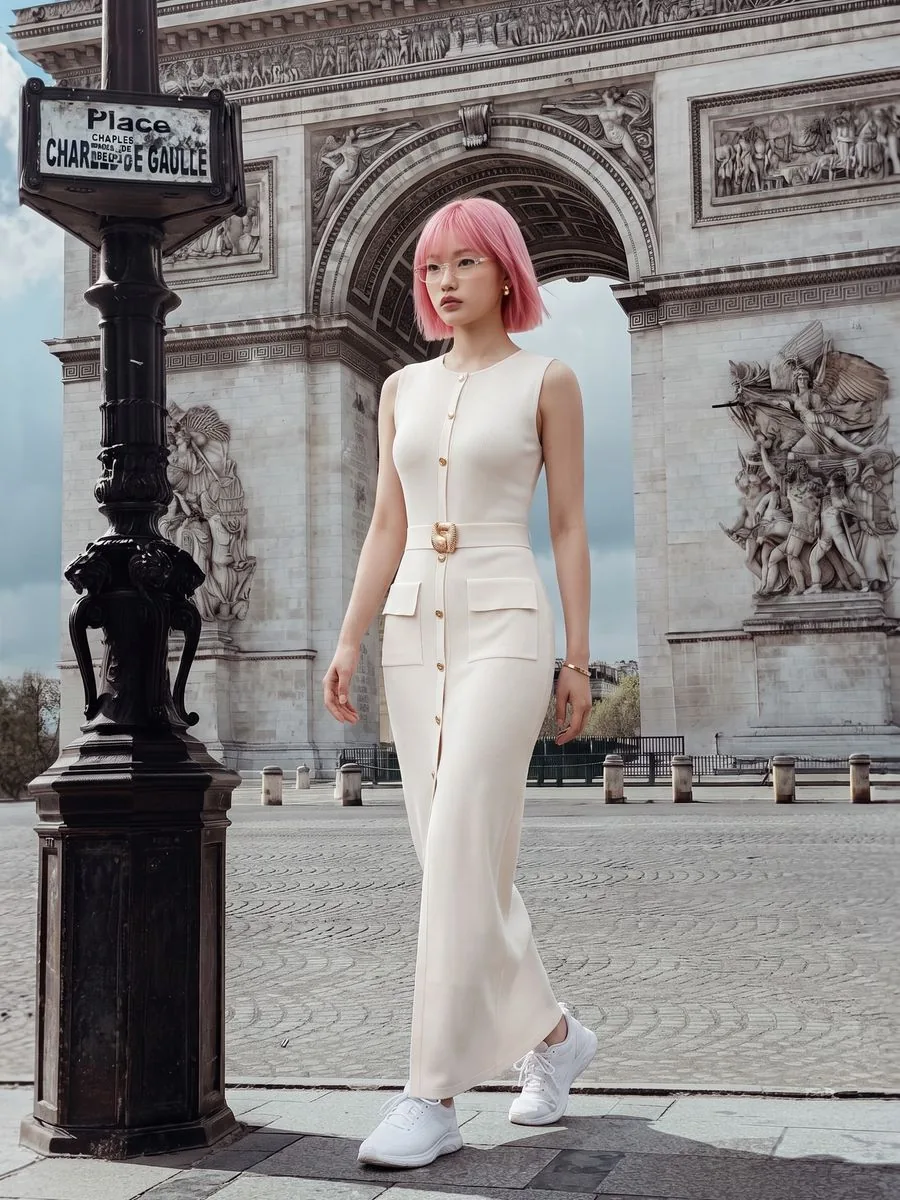
Built specifically for Thai online shops. The clearest difference from the others is that there is no prompt box anywhere — everything is a button. You upload a photo of the product as it lies, then pick the person, pose, scene and styling from a library of 326 people, 84 poses, 360 scenes and 250 styling items, which combine into nearly ten million variations.
It is not only for clothing. The Product Showcase tool covers 15 non-clothing categories, with a model holding, placing or using the real product: perfume, serum, cream tubes and jars, lipstick, cups, water bottles, plated food, dumbbells, yoga mats, fishing rods, and on up to cars and motorcycles. You can also choose whether the model holds the product on its own or together with its box.
Another category we give a tool of its own is sleepwear, lingerie and swimwear, for women and for men. The difference is in how it starts: ours starts from the product photo alone, with no photo of a person at all, because the model is built from the buttons you press rather than from a photo you have to go and find. For a shop selling these garments with no model to photograph, that is what decides whether the job is possible. Among the providers we looked at on 22 September 2026, some that cover this category take a product photo and some require a photo of a person first, so read that provider's own conditions before signing up.
What customers worry about most is the product coming back wrong: the print changed, the lettering garbled, the colour off. Our system writes the instruction that locks the product's print, lettering and colour on every single run, without you typing anything, and locks what the model is wearing so it is not altered along with it. How well that holds depends mostly on the photo you upload. Lettering too small to read with the naked eye in the source photo is something no tool, ours included, gets right every time.
The other thing clothing shops use constantly is the same model across a whole queue: upload several products and every photo comes back with the same person, so the shopfront reads as one catalogue rather than a different face on every listing. The interface, the help pages and the support channel are in Thai written by people. On the Thai site prices are in baht and PromptPay works once you hold a plan; the English site bills in US dollars by card. The free plan gives 10 credits once with no card required, and the first image on the free plan carries no watermark.
The limits are worth knowing too. We do not yet offer a developer interface for connecting your own systems, a multi-product queue takes at most 20 products per run, and the queue only advances while its page is open — close the tab and you have to come back to it. If your shop has thousands of items and you want your back office to drive the work automatically, a tool with a developer interface answers that better than we do.
What Plien Roob's AI model tools make
What you can do with an AI model on this site. Each card is that tool's cover image; tap it to read how the tool works.






Pic Copilot
The name AI assistants mentioned most often in our count: ten times across 36 answers, against eight for the next name. If you ask an assistant which tool to use, there is a good chance this is what comes back.
Its AI model page says you upload a clothing photo and then pick from the AI models provided, or upload a model of your own. It takes a product photo directly, with no photo of a person needed, it has Thai pages, and its free plan hands out coins to try with before you pay anything. A good fit if you want to start with the most-talked-about name, and a particularly good one if you already have your own house model and want to keep using the same person.
Updated 2 October 2026: PicCopilot's official notice says it will fully shut down on 8 December 2026. The paragraph above is a snapshot of what we saw on 21–22 September 2026, before this notice existed.
Adsmaker
Its strength is thinking in campaigns rather than single images. The commercial modeling page takes a product or clothing photo, then asks what the campaign concept is, which ad style you want and who the audience is — the way an advertiser thinks about a shoot, not the way a photo editor does.
Another of its pages builds a model from a short written description, with body shape, ethnicity, skin tone and hairstyle as further choices. Its site states that the free plan gives monthly credits with no credit card required, and that full commercial usage rights are included. The Thai pages read properly. A good fit if you make images specifically to run as ads and want the tool to help with the angle, not just hand you one attractive picture.
Photoroom
The only one of the international providers on this list whose pricing page shows Thai baht, which makes budgeting far easier because you are not guessing what the card will actually be charged. Its pricing page also notes that the number of credits may vary by country or region.
It is also a broad toolkit that goes well beyond model photos: background removal, retouching, generative fill, upscaling, shadows and whole-catalogue work. Its virtual model page takes a clothing product photo, then lets you pick an AI model from a portfolio, plus a pose and a background. The resolution you get depends on the plan, and its page states that the highest level is on the top plan only. A good fit for a shop that wants all of its image work in one place rather than a different website for each job.
Fashio
Focused squarely on fashion, rather than a general image tool that happens to handle clothing as well. Its Thai page lists 19 tools covering models, try-on, ghost mannequin and catalogue sets, and states the size of its library: 91 published models and 50 ready-made scenes.
Its pricing page says commercial rights are included with every result, and charges credits per image. A good fit for a clothing brand that wants several fashion-specific tools in one place. The thing to read carefully is the free-trial condition: when we looked, its home page, its pricing page and its FAQ each described that differently.
CapCut
Its biggest advantage is that a great many people in Thailand already have the app and already know how to use it: no new account, no new interface to learn. The clothes changer page takes a clothing photo, then lets you pick a pose and a model or adjust with a text prompt, returns several images per run, and the site says it is free to use. A good fit if you already make videos and want still images too.
What to be ready for is that CapCut's Thai pages are machine-translated. When we looked on 22 September 2026, the page's main heading rendered the word generator as the electrical kind, the browser tab title was a string of Thai words that do not form a sentence, and an English paragraph had been left in the middle of the Thai page. This may have been fixed by the time you read it, but if it has not, allow extra time for working out what the screens mean.
insMind
Its site says the AI model tool is free to use and lets you set the model's age, gender and skin tone. The Thai pages read properly, with a clear FAQ and step-by-step instructions.
The most important thing to know is what photo it accepts. Its tool page states plainly that you must upload a photo in which the face and upper body are visible, and that photos taken from the side, or showing only the lower body, cannot be used. That means a garment laid flat on a surface — the photo most shops already have — cannot be used here. So it fits people who already have photos of someone wearing the product and want them to look more professional, rather than people starting from a bare product shot.
BeautyPlus
One of the easiest apps on this list and one of the best stocked. Its clothes changer page takes a photo and adds clothing to it, chosen from a preset wardrobe, from a reference image you upload, or described in a text prompt — more flexible than the tools that only let you pick from a library — and the site says it is free and works online with nothing to install.
What to watch is that the starting image has to have a person in it, while a garment photographed flat can be used as the reference for the outfit. Its page addresses sellers too. The other tools in the same menu are general photo editing: hairstyle change, face swap, body reshaping, even dressing up pets. If you already have a photo of a model in an outfit and want to try a different one quickly, this does it fast and costs nothing.
Shopee's own seller-centre tool
Its advantage is that you open no new account and it sits where you already work. A seller centre page dated 26 May 2026 describes a tool called AI try-on that presents fashion products on an AI model, and states that it accepts only photos in which the product is placed on a flat surface, shot straight down from above, against a single-colour background. The images are for posting to Shopee Video. That page does not state a cost.
The fastest thing to decide on is the photo you already have
Before comparing price or looks, check whether the photo you have already taken can be used at all — because if it cannot, nothing else matters. This is what we opened every provider's page to find out.
Accept a product photo as it lies, with no photo of a person: Plien Roob, Pic Copilot, Adsmaker, Photoroom, Fashio and CapCut.
Need a photo of a person first: insMind, which asks for the face and upper body to be visible, and BeautyPlus, which works from a photo that already has a person in it.
Accepts only a product on a flat surface, shot straight down, on a single-colour background: Shopee's built-in AI try-on.
These pages change faster than you would expect. We reopened the same pages the following day: of the eight providers, one had raised its monthly price from the day before, and another's tool page, which had explained how the tool works, had become a general landing page without that explanation. Both within a single day. That is why we quote no provider's price here at all: check the provider's own page on the day you pay. This article is a picture of the day we looked, not of the day you are reading.
So what do we recommend?
If your shop has thousands of items and a team that can connect systems itself, a tool with a developer interface will serve you better than we will. And if you already have photos of someone wearing the product and simply want them to look better, the photo editors on this list are faster, and several of them are free.
But if you are an online shop in Thailand holding a photo of the product as it lies, you want model photos ready to list tomorrow, you do not want to learn how to write prompts, you want the same model across the whole shop, and you want the screens and help pages in Thai written by people — that is the case we built for. You can try it with 10 free credits, no card required, and the first image carries no watermark.
The most direct way to decide is not to believe this article. Take your single best-selling product, run it through two or three of the tools that accept your kind of photo, then zoom in on the fabric pattern, on any lettering on the product, and on the model's hands. Those three places are where the difference between tools shows up first, every time.

Plien Roob