Selling Online
Already selling on Lazada — do you still need separate AI product photos?
Last updated 2026-10-02From Plien Roob — AI model photography for online stores


Lazada really does have an AI tool for sellers — Lazada Seller Center has a terms-of-use page called AI Model Image Tools Terms and Conditions on Lazada's own domain (our team found this on 6 September 2026), and BigSeller, a site serving Lazada sellers, describes a tool called AI Smart Product Optimisation that suggests improvements to an existing listing's title, description and images (checked 2 October 2026, sources at the end of this page).
What Lazada's tool does, as far as we can confirm
As BigSeller describes it, the tool suggests improvements — it isn't written as fully automatic editing. The full details sit on Lazada Seller Center's terms page, which requires logging in with a seller account to view, so we can't confirm the exact scope ourselves, or whether it's free or paid.
The gap for shops selling on several platforms at once
Shops that sell on several platforms at once — Shopee, Lazada, TikTok Shop and LINE — face a problem that a single platform's own back-office tool doesn't fully answer, because Lazada's tool works on listings inside its own system, and the source we could read doesn't say whether an improved image can be downloaded and used on another channel.
If you only sell on Lazada, try its own tool first
If your shop sells only on Lazada, try opening this tool in your own seller account first — it's the most convenient option because it sits in the same screen you already manage your shop from, with no new account anywhere.
7 things you can do in Plien Roob
What you can make on this site. Each card is that tool's cover image; tap it to read how the tool works.






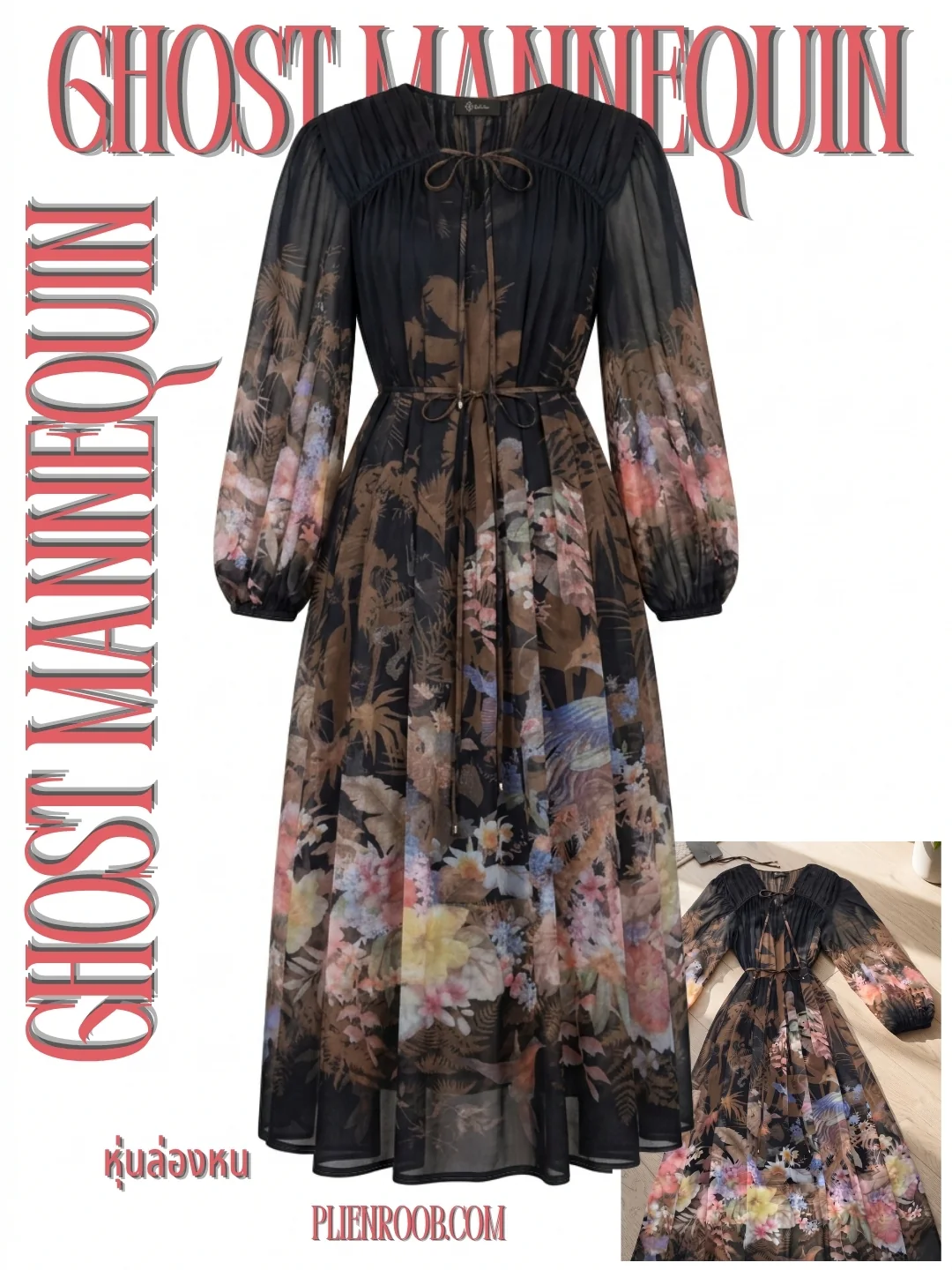
Selling on several channels? Make one photo set that works everywhere
Plien Roob builds model photos from a product photo you take yourself, as files you download and keep yourself, not tied to any one platform's back office. Post it on whichever channel you like, following that platform's own rules. A good fit for shops that sell on several channels and don't want to redo photos for each system separately — each platform sets its own photo size, so check each one before you upload.
Frequently asked questions
Does Lazada have its own AI product photo tool?
Yes — Lazada Seller Center has a terms page for an AI image tool (our team found this on 6 September 2026), and BigSeller describes Lazada's AI Smart Product Optimisation tool as suggesting improvements to a listing's title, description and images. The full details require logging into your own seller account.
If I use Lazada's own tool, do I still need Plien Roob?
If you sell only on Lazada and are happy with the results, maybe not. If you sell on several channels at once, one photo set you own and can post to several platforms is more convenient than redoing photos per system.
What photo size does Lazada require?
Lazada's seller centre page requires login to view, so we cannot verify a publicly checkable number. Check your own seller centre directly. Shopee's and TikTok Shop's sizes are confirmed in the linked article above.

Plien Roob
Ready for your first product photo?
Sources
- Lazada Seller Center · AI Model Image Tools Terms and Conditions · accessed 2026-09-06
- BigSeller · 9 AI Tools Lazada Sellers Can Use to Grow Faster in 2025 · accessed 2026-10-02