AI Tools
Which AI clothes changer suits a Thai shop?
Last updated 2026-09-20From Plien Roob — AI model photography for online stores
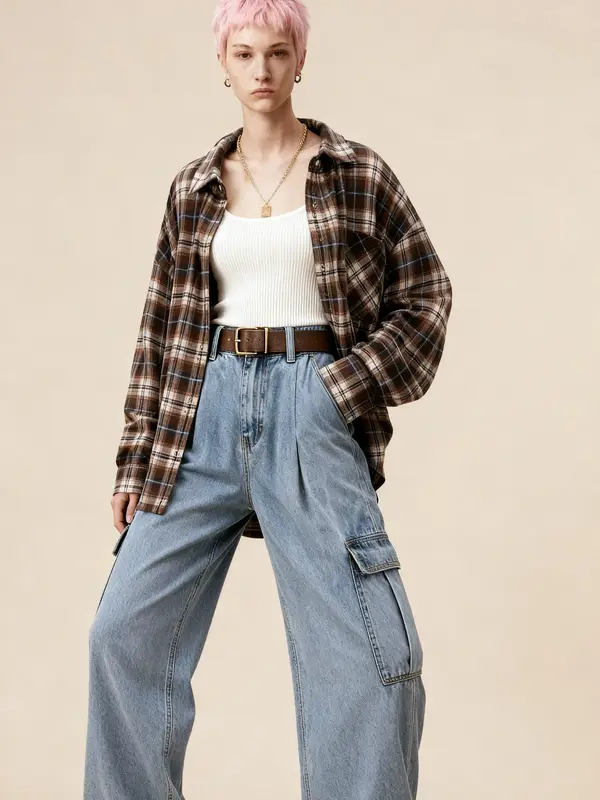

No tool is the best for every shop. Three things decide it: what kind of photo you already have, whether you would rather type instructions or pick from a library, and how you are able to pay. Each kind of tool is strong at something different. Whichever you choose, zoom in on the print and lettering before every listing, because TikTok Shop states that the seller is responsible for images matching the real product, and Shopee's cover-image criteria prohibit editing a photo so the product looks different from reality.
This page is written by the team behind one tool of this kind, so we do not rank who is better. What we can offer is a way to group the tools by how they work, checks you can make yourself on any provider's website, and what we found when we opened real pricing pages on 20 September 2026. Our own site comes at the end of the article, along with its limits.
Ask yourself three questions before looking at tool names
What kind of photo do you have? If you only have garments laid flat or on a hanger, you need a tool that creates a person to wear them. If you already have your shop's model photos, use a tool that changes the outfit on the existing photo, which aims to keep the face, pose and scene, though the pose or small details can still change, so check every image. Some tools accept only one kind of photo, so check this before anything else.
Would you rather type or tap? Describing what you want in words gives finer control, but you need to know what to write, and the result depends on the words you use. Picking from a library is easier, but you only get what the library holds.
How can you pay? Check whether prices are in baht or dollars, whether a card is the only option, and whether it is a monthly plan that charges your card automatically or a one-off purchase.
What kinds of AI clothes-changing tools are there?
AI clothes-changing tools work in one of two ways: they change the outfit on an existing photo of a person, or they create a person wearing the garment from a product photo. Grouped by how you use them rather than by brand, they fall into the groups below. Each suits a different shop, and each asks you to give up something different. The route without AI at all is hiring a photographer to shoot a real model: a real person in the real garment, but you book a date and wait for the photos.
General AI chat apps where you upload a photo and type instructions. They suit people who already use AI chat and are good at describing things in words. The trade-off is that the result depends entirely on your wording: the face, the scene and anything that must not change all have to be spelled out, and whether you may use the images commercially depends on each provider's terms.
Photo-editing or video apps on your phone with an outfit-change button. They suit people who already use those apps. Check whether the button redraws the whole image or changes only the outfit, and whether the free version adds a watermark or limits how many images you can make.
AI model websites built for clothing shops. They suit shops that list new stock often and want one consistent look across the shop. The trade-off is a monthly plan or credits, and several of them price in US dollars.
Hiring a freelancer who makes AI model photos. This suits people who would rather not do it themselves. The trade-off is waiting for the work and paying per job, and you need to ask clearly which tool they use, where the source photos come from, and who owns the rights to the result.
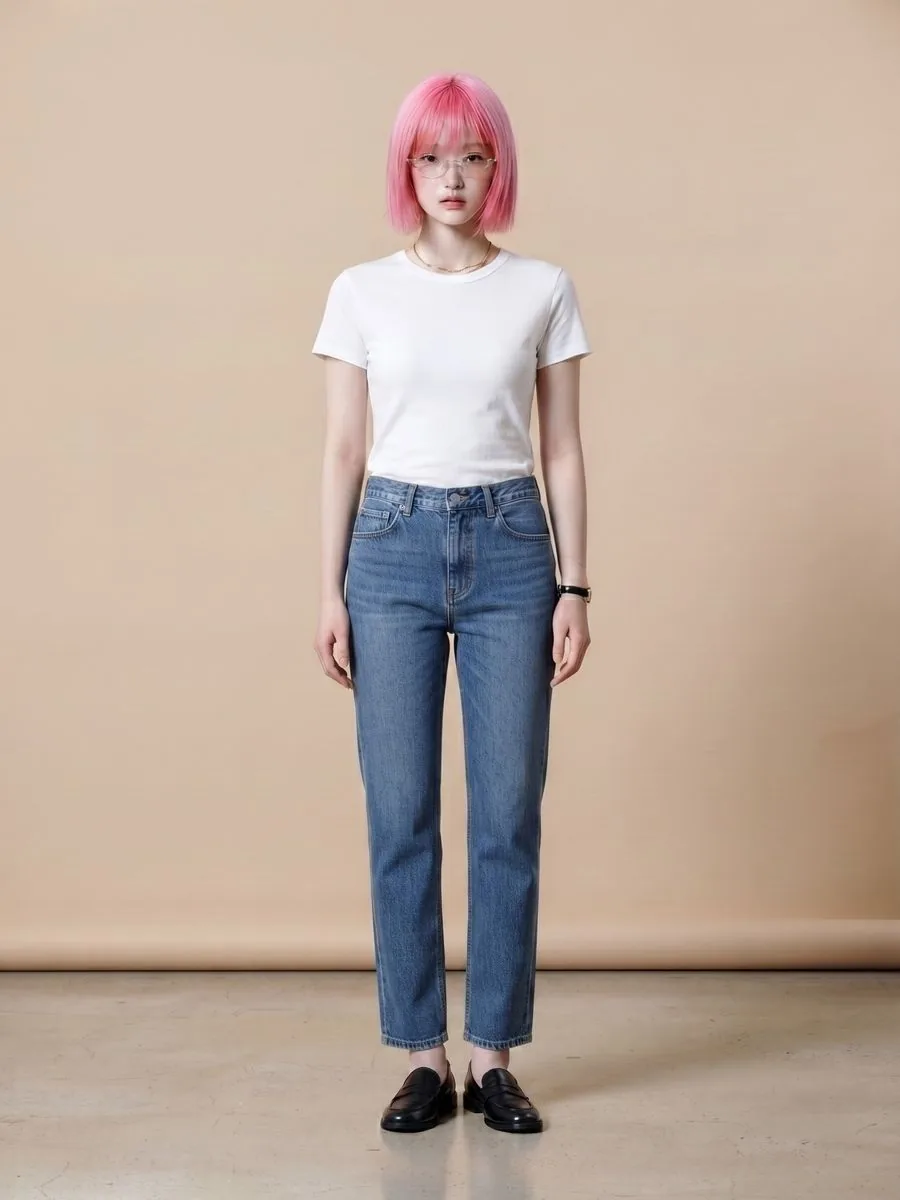
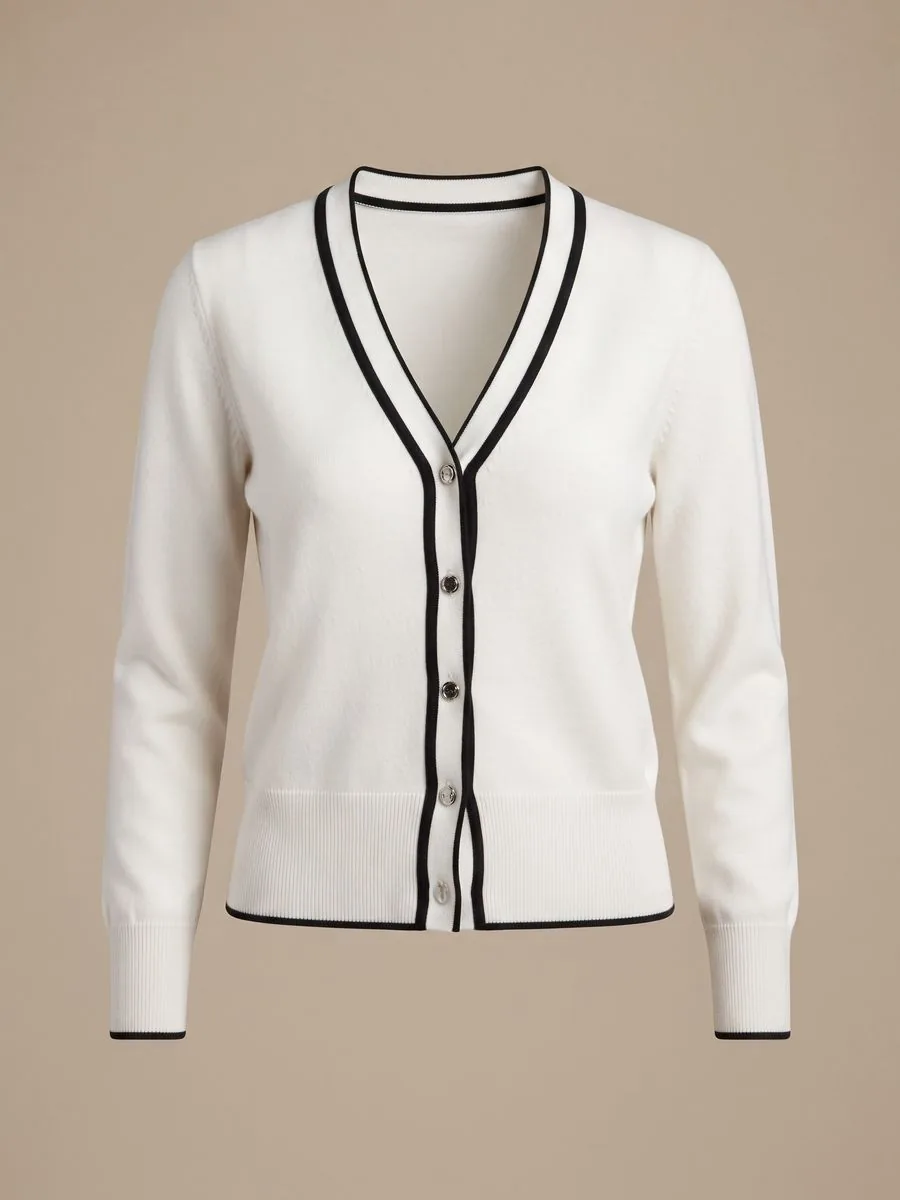
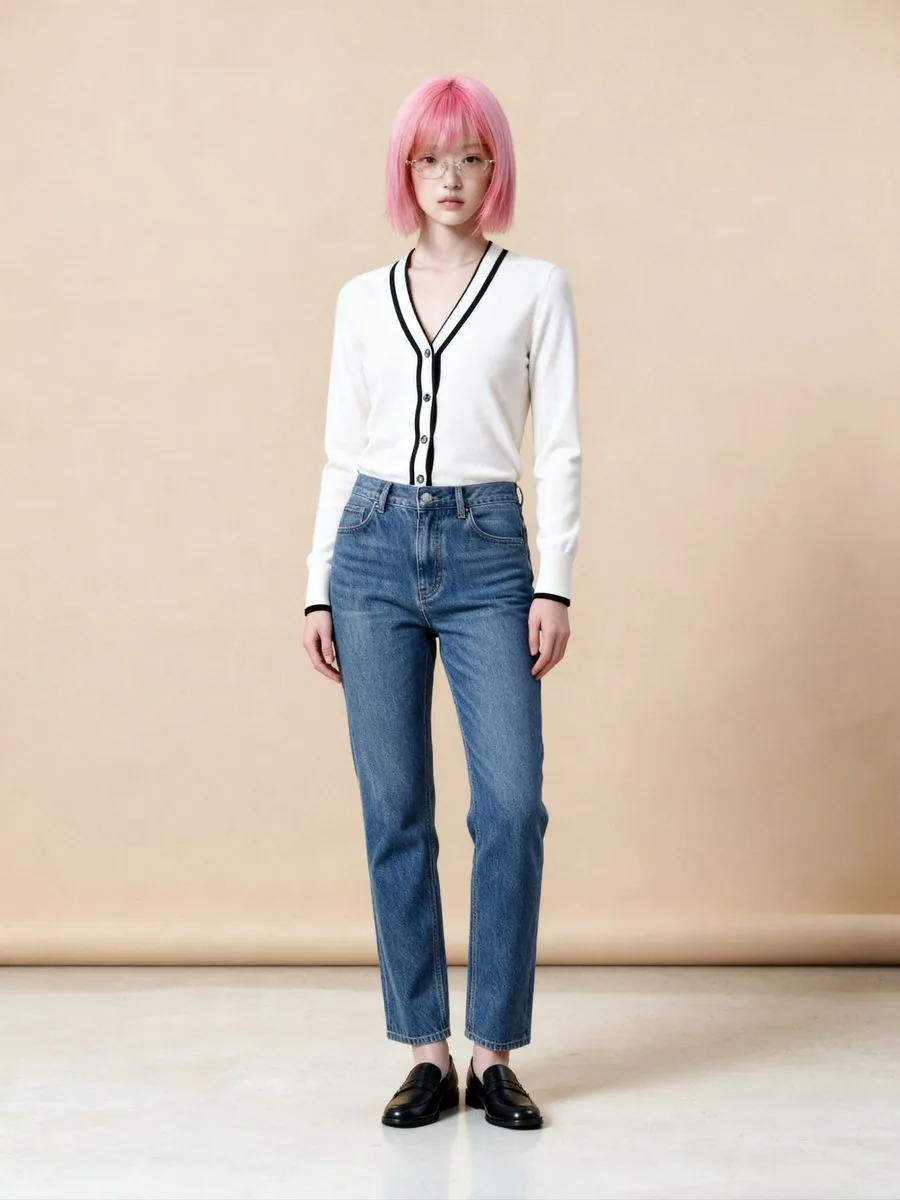
AI clothes changing on our site: what it makes
What you can do with an AI model on this site. Each card is that tool's cover image; tap it to read how the tool works.






Seven checks you can make on any provider's website
Which photos it accepts. Some tools ask for a photo of a person together with a photo of the garment, some require a photo that shows the face and upper body, and some accept only product photos laid on a plain, single-colour surface and shot from directly above. Read this before you sign up.
Whether you have to type. Some let you pick a model from a library, some have you describe the model you want in words, and some offer both.
How Thai it really is. A Thai landing page does not mean the working screens, the help pages and the support channel are in Thai as well. Click through before you pay.
Currency and payment. A price in dollars is charged to your card in baht at the exchange rate and on the terms of the bank that issued it, so the final amount may differ from what you expected. Also check whether the monthly price shown is what you pay when billed yearly.
What the free option gives and what it holds back. “Free” means different things on different sites: some give credits every month, some give credits daily for a short period, some offer a trial of a paid plan for a set number of days, and some remove the watermark only on paid plans. Read the terms on the pricing page and in its FAQ, not just the homepage.
Rights to the images, and to what you upload. Images you sell with have to be licensed for commercial use. Some pages list this right among the benefits of paid plans. If the pricing page says nothing about it, read that provider's terms of use, and check how long the photos you upload are kept and what they are used for, especially photos of real models.
The size of the images you get. Some providers keep their highest resolution for their most expensive plan. Check what size the plan you are buying delivers, then compare it with what your marketplace asks for.
What we found on 20 September 2026, opening the pricing pages of tools that AI chat assistants often name when asked about AI models and clothing photos: of the 5 pricing pages we opened, 4 showed prices in US dollars and 1 in Thai baht, and all 5 showed a discount or promotion. Some open on the monthly price you pay when billed yearly. Prices move, so check the provider's own page on the day you pay, not an article or an AI chat answer — this one included.
Which one keeps the garment print most accurate?
We cannot answer that with a name. We have not found a neutral comparison across providers, and we have not measured one ourselves. The sample images on every provider's website, ours included, are images the provider chose to show, so they cannot tell you how your product will turn out.
What we can offer is a principle. A tool that draws a new image can only follow what it can read in the source photo; anything too small to read leaves it nothing to follow. On our own system, small lettering on a garment is among the first things to be guessed anew, and a bigger variable than file size is how much of the frame the product fills: a close shot where the garment fills the frame gives the lettering more detail than a large photo taken from far away. So whichever tool you test, use a photo in which you can read the lettering with the naked eye.
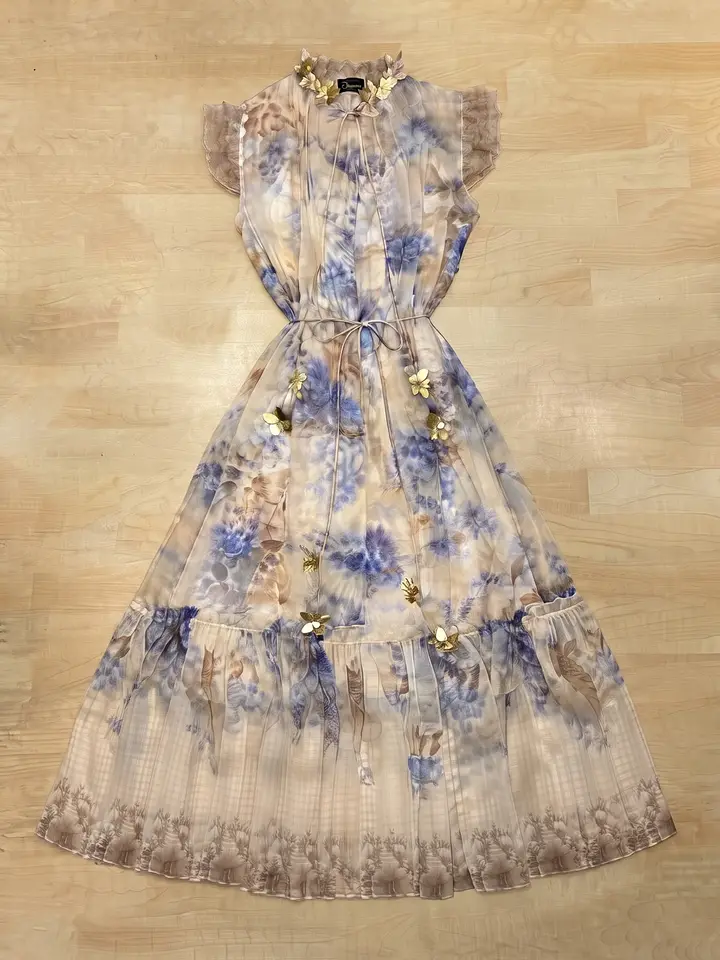
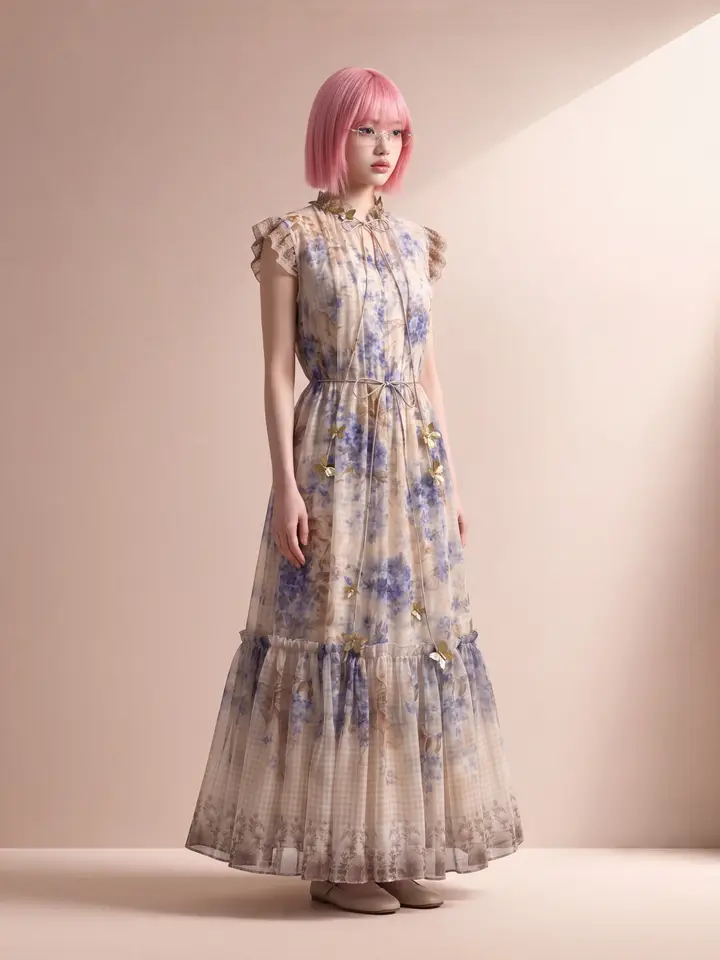
Test before you pay, in a way you can actually compare
Almost every tool we looked at has a free option or a trial. Use it to compare fairly: if each tool gets a different photo, the difference you see may come from the photo rather than the tool.
Pick one product and use the same original photo with every tool — not a copy sent through a chat app, which compresses the file along the way.
Choose a product with something to check, such as lettering, a fine print, or buttons and hardware. A plain garment gives you almost nothing to compare.
Generate at least twice with each tool. Tools that draw new images usually give a different result each time, even from the same photo.
Zoom in and compare four places against the real item: the lettering and print, the colour of the fabric, the neck label — to see whether a brand tag the real garment doesn't have has appeared — and the model's hands and fingers.
Note what each free option delivers: the image size, whether there is a watermark, and whether that image could actually go on your listing.
One good or bad image is not enough to judge a tool. AI results differ every time — ours do too — so look at several images of the same product before you decide.
Marketplace rules apply whatever tool you use
Whichever tool made the image, the rules of the place you sell stay the same. Clause 3.3 of Shopee's AI Terms of Service, version dated 21 February 2025, says AI-generated content from tools outside Shopee that is used on Shopee, including on product listings, must be identified as AI-generated. TikTok Shop's False Display of Information and AIGC Guidelines page, dated 16 September 2026 and marked as applying to Thailand, says the seller is responsible for ensuring the final listing accurately represents the actual product.
Where our own site fits
Plien Roob is our own site, in the group of AI model websites built for clothing shops. It has no prompt box and works both from a product photo alone and from your shop's own model photo. The Thai site is in Thai with prices in baht. Signing up gives 10 free credits, once, with no card required; the first image has no watermark, and the images after it do.
The library has few curvy or plus-size models so far; a shop selling larger sizes gets a closer match using its own model photo with Try-On.
Try-On cannot choose a scene or a pose. Whatever else the person in the photo is wearing, and the original background, carry over.
Small lettering on a garment can come out wrong when the source photo is small or blurred, so zoom in and check every image before listing.
Frequently asked questions
Which AI clothes changer should I use?
No single tool is best for every shop, so decide on three things. First, the photo you have: with only flat-lay or hanger shots, you need a tool that creates a person to wear the garment; with your shop's own model photos, use one that changes the outfit on the existing photo. Second, whether you would rather type instructions or pick from a library. Third, how you can pay, since several providers price in US dollars. Then test every tool with the same photo and zoom in on the lettering, colour, neck label, and hands and fingers before you pay.
Is there a free AI tool that puts my product on a model?
Yes. Almost every tool we looked at on 20 September 2026 has a free option or a trial, but “free” means different things: some give credits every month, some give credits daily for a short period, some offer a trial of a paid plan for a set number of days, and some remove the watermark only on paid plans. Read the terms on the pricing page and its FAQ before you sign up. On Plien Roob, our own site, signing up gives 10 free credits, once, with no card required; the first image has no watermark, and the images after it do.
Is there a Thai-language AI clothes changer that charges in baht?
Yes. Of the 5 pricing pages we opened on 20 September 2026, 1 showed prices in baht and 4 in US dollars. Every tool we looked at had a Thai landing page, but check whether the working screens and the support channel are in Thai too. Plien Roob, our own site, is in Thai with prices in baht: Basic is ฿590 a month by card, and credit top-ups can be paid by PromptPay once you have a plan. The English site bills in US dollars by card.
Which AI clothes changer keeps the garment print most accurate?
We cannot answer with a name. We have not found a neutral comparison across providers, and we have not measured one ourselves. The sample images on every provider's website, ours included, are chosen by the provider. To get an answer for your own product, run the same original photo through each tool at least twice and compare the lettering against the real item character by character. Use a photo in which you can read the lettering with the naked eye: if the source photo cannot be read, no tool has anything to follow.
I already have a model photo. What kind of tool puts my new garment on it?
One that takes a photo of a person together with a photo of the garment, and changes only the outfit on the existing photo. Before choosing, check whether the face, pose and background stay the same, whether the other pieces the model is wearing carry over, and make sure the person in the photo has agreed to its use.

Plien Roob