Solutions
Secondhand and personal-shopper stock: with AI, one photo makes a model shot
Last updated 2026-09-17From Plien Roob — AI model photography for online stores
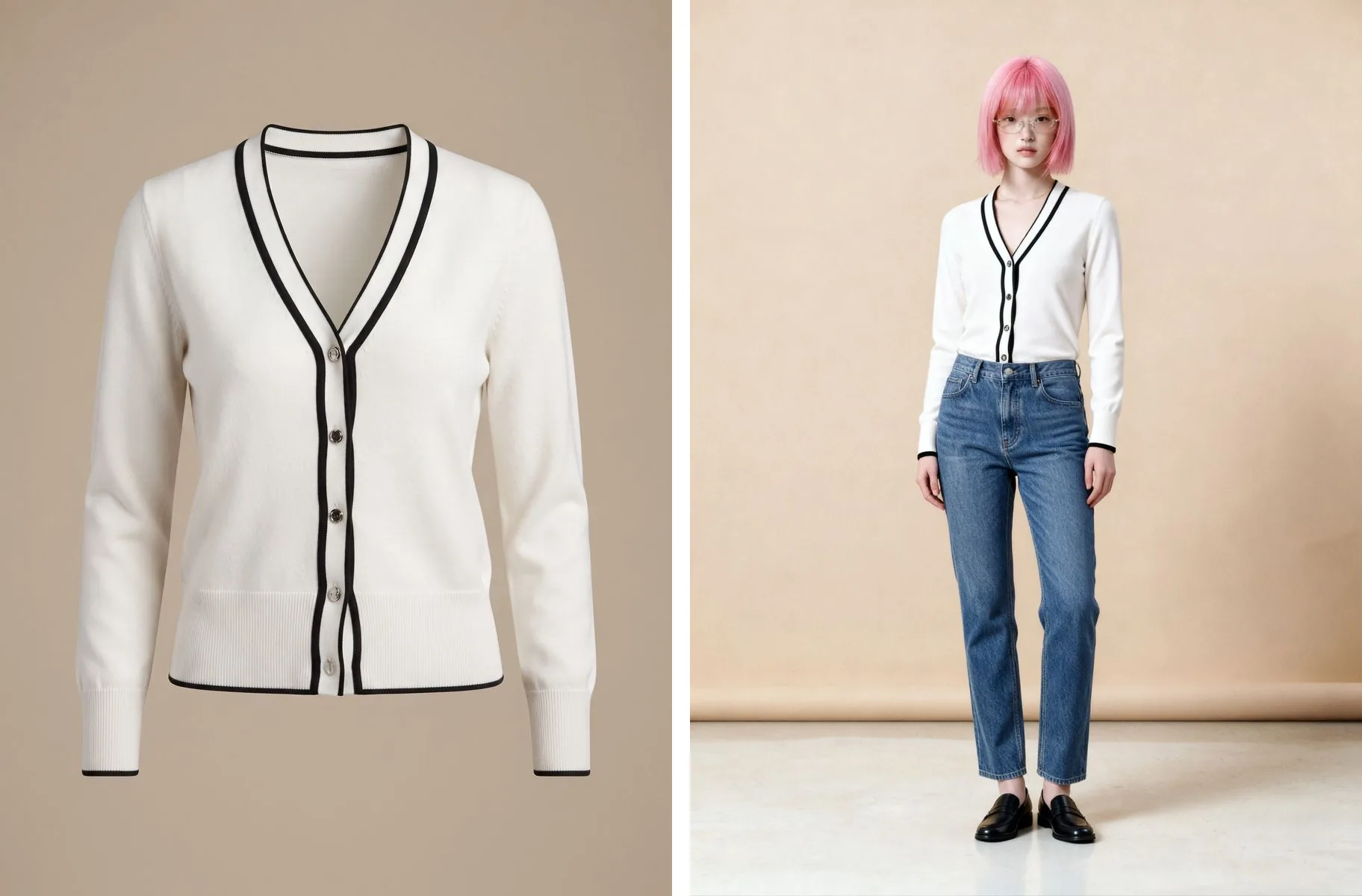

Secondhand shops and personal shoppers share the same problem. Every item is one of a kind: once it sells, there is nothing left to reshoot, and even while it's still there, hiring a model for a single piece isn't worth it. The fashion model category on Fastwork starts at ฿1,000, checked in September 2026. With only a flat-lay or a hanger shot, buyers are left to imagine how it looks on.
 Illustration
One photo you already took is enough, and the item doesn't need to be in your hands when you generate. Upload a product photo to Plien Roob you took yourself and choose what you want back: a model wearing it in a new scene, the item on the same person your shop always uses, or a shaped shot on white with no one in it. Not a word to type.
Three things from one photo
Product to Model: one product photo becomes a model wearing it. Pick a model from the library or let the system create a person, and choose a scene if you like. From 2 credits an image, about ฿4.17–฿7.00
Virtual Try-On: puts the item on an existing photo of a person, with the same pose and the same setting. Use your shop's own model photo or a person from the system's library. 2 credits an image, about ฿4.17–฿7.00, with a file 4,096 pixels on the long side. Use the same person photo for every item and the shop reads as one set
Ghost Mannequin: a flat-lay becomes a garment holding a worn shape on white, with no one in the shot. Standard 1K is 2 credits an image, about ฿4.17–฿7.00
The baht ranges come from real plan prices, from Premium yearly up to the smallest credit top-up, and images that fail get their credits back automatically
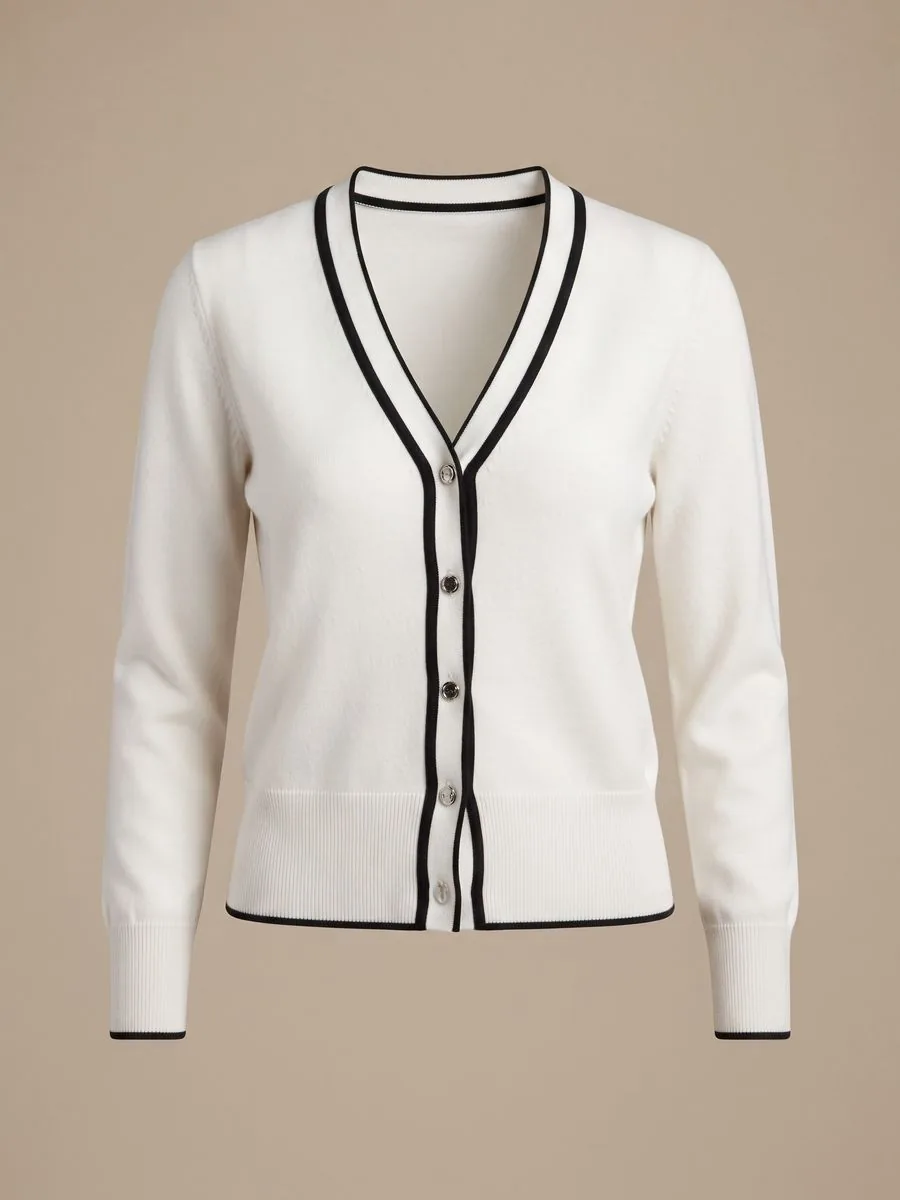
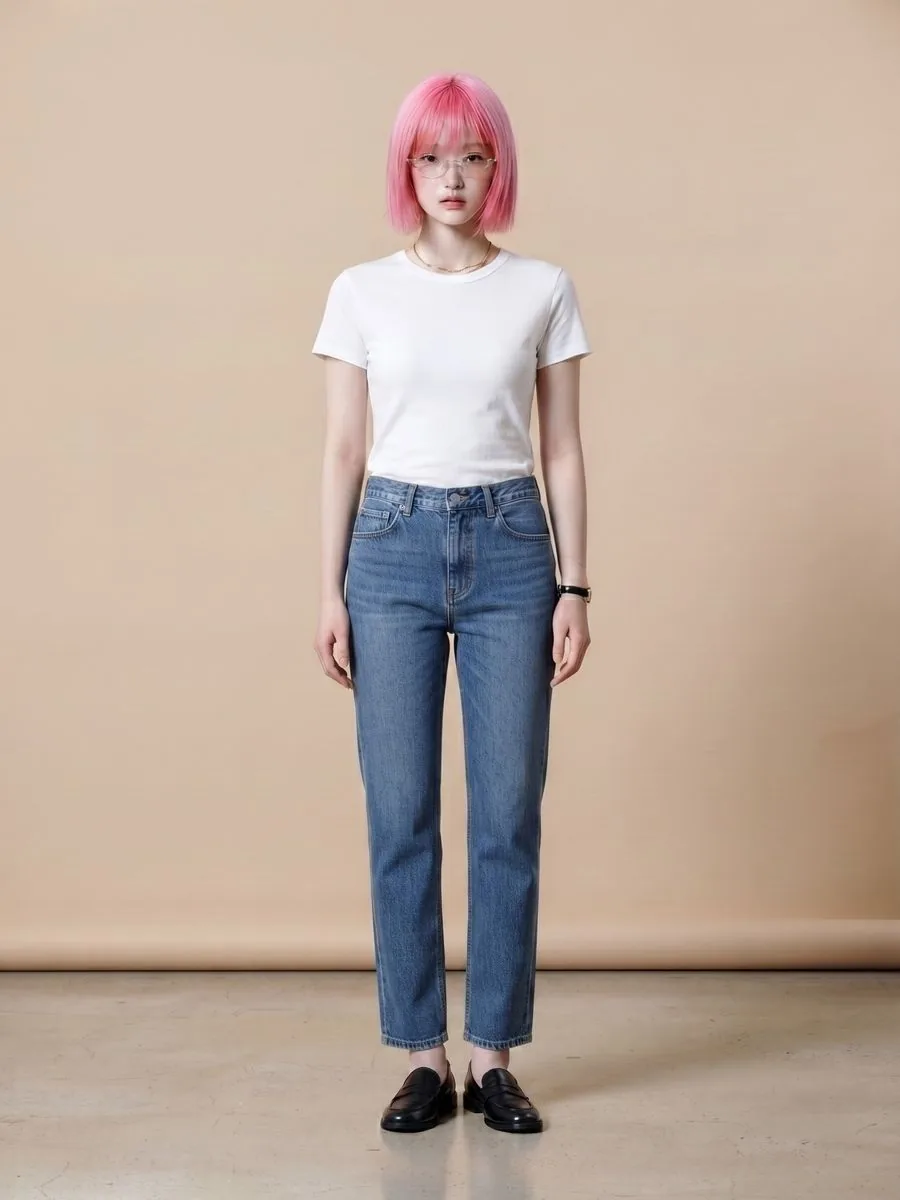
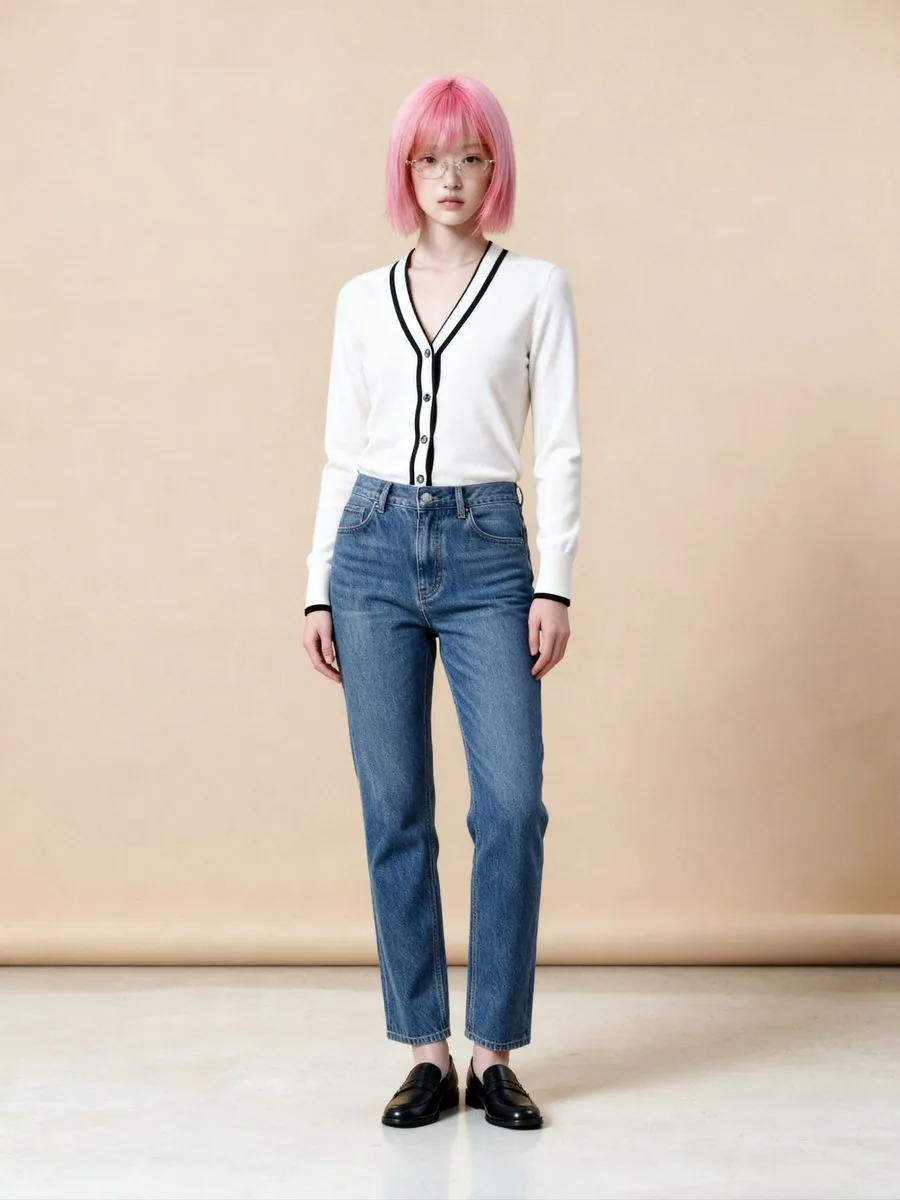
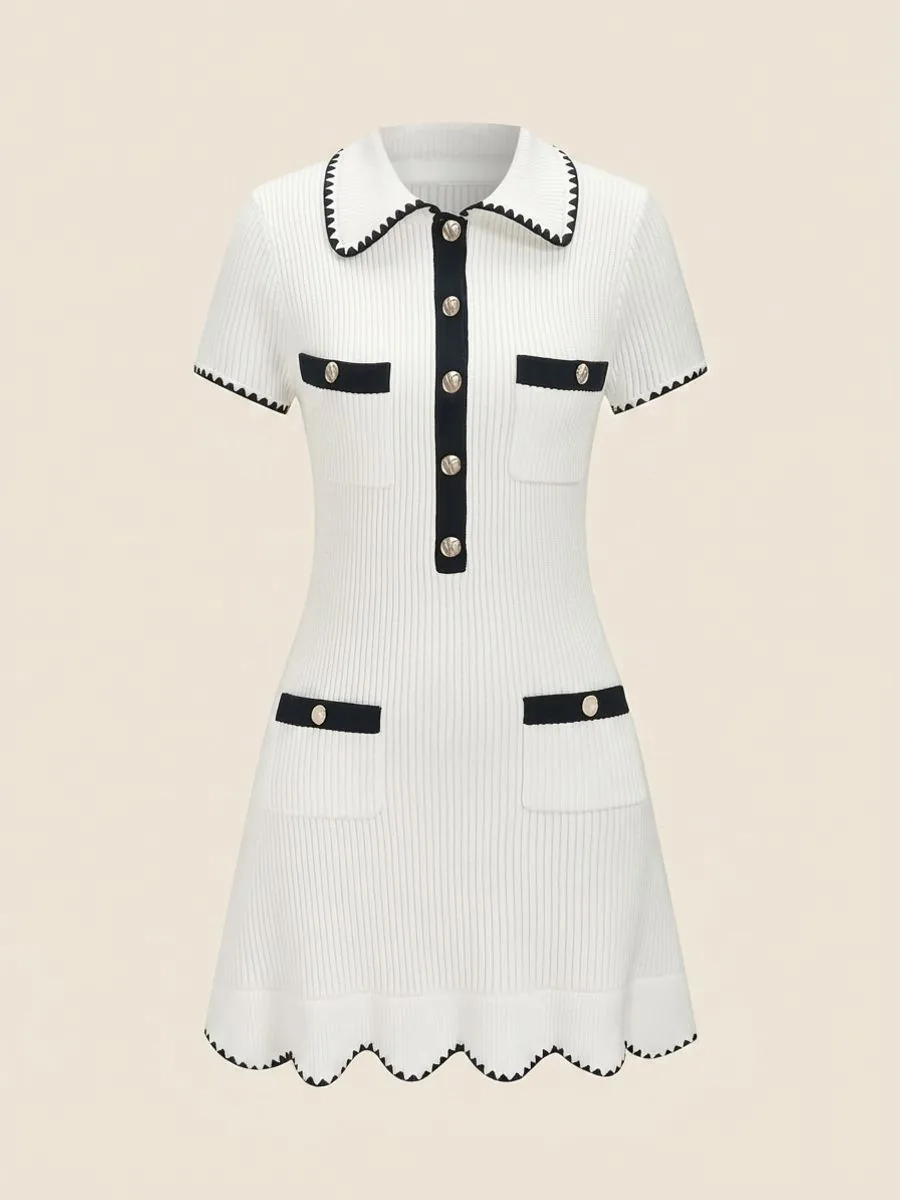
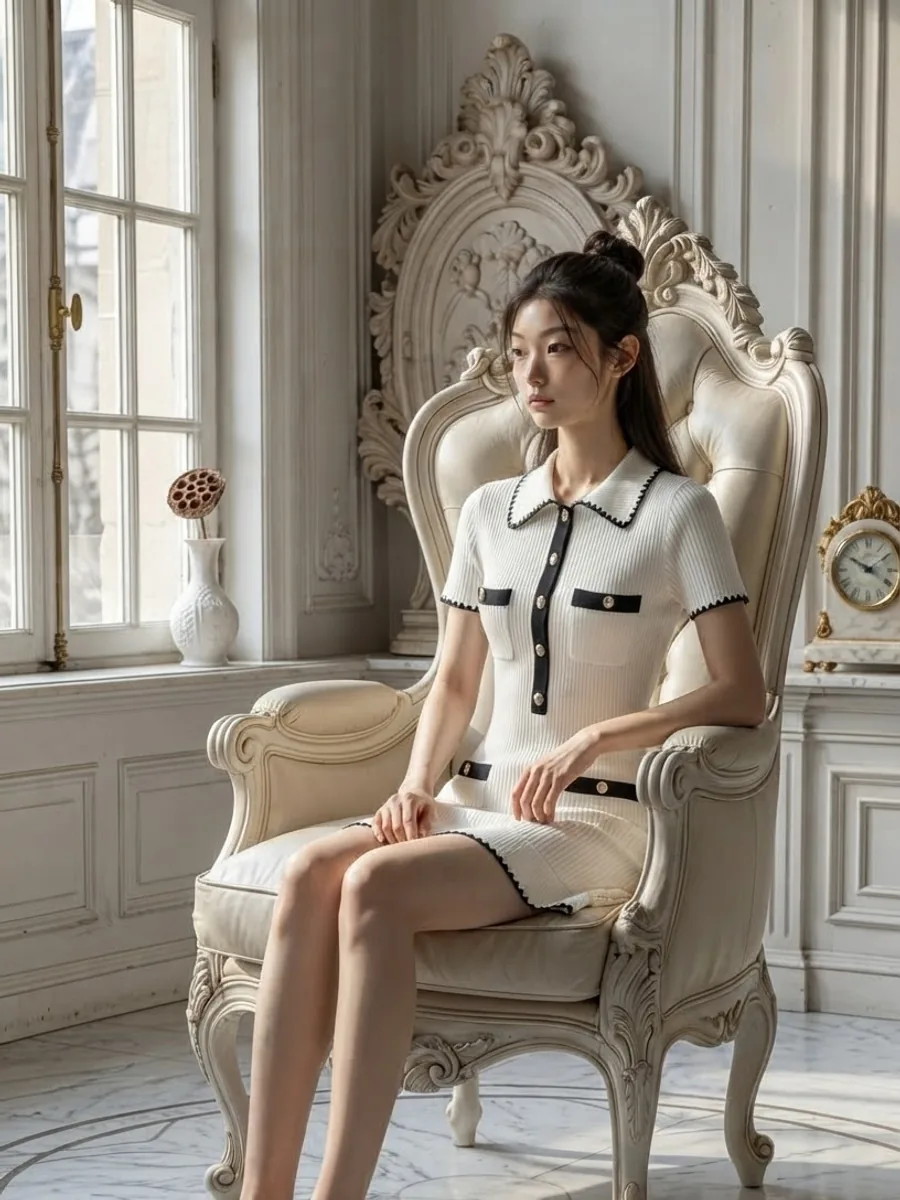
What one secondhand photo can become
What you can do with an AI model on this site. Each card is that tool's cover image; tap it to read how the tool works.






The responsibility that comes with secondhand
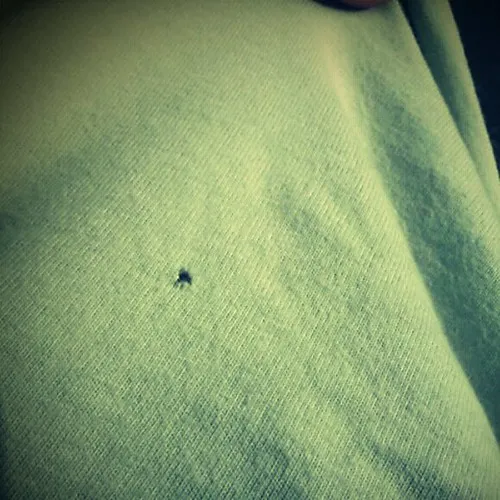
Secondhand sells on its real condition. In Product to Model and Ghost Mannequin, the system tells the AI to keep the wear, fading and cracked prints shown in your photo, and never to make the item look new. But the AI creates a new image every time, and small flaws such as stains, pilling, tiny holes or creases may not show up in the generated image. A photo that looks better than the item misleads the buyer and can end in a return.
Always post real photos of the item alongside, especially close-ups of any flaws
Describe the condition in words: where the flaws are and how noticeable they are
For neck labels and size tags, use real photos you took; small lettering on a tag can come out wrong in a generated image
Use generated images to show buyers how it looks on, not in place of photos of its condition
Some marketplaces have started setting rules about disclosing AI-generated images, so check the rules wherever you sell
 Illustration
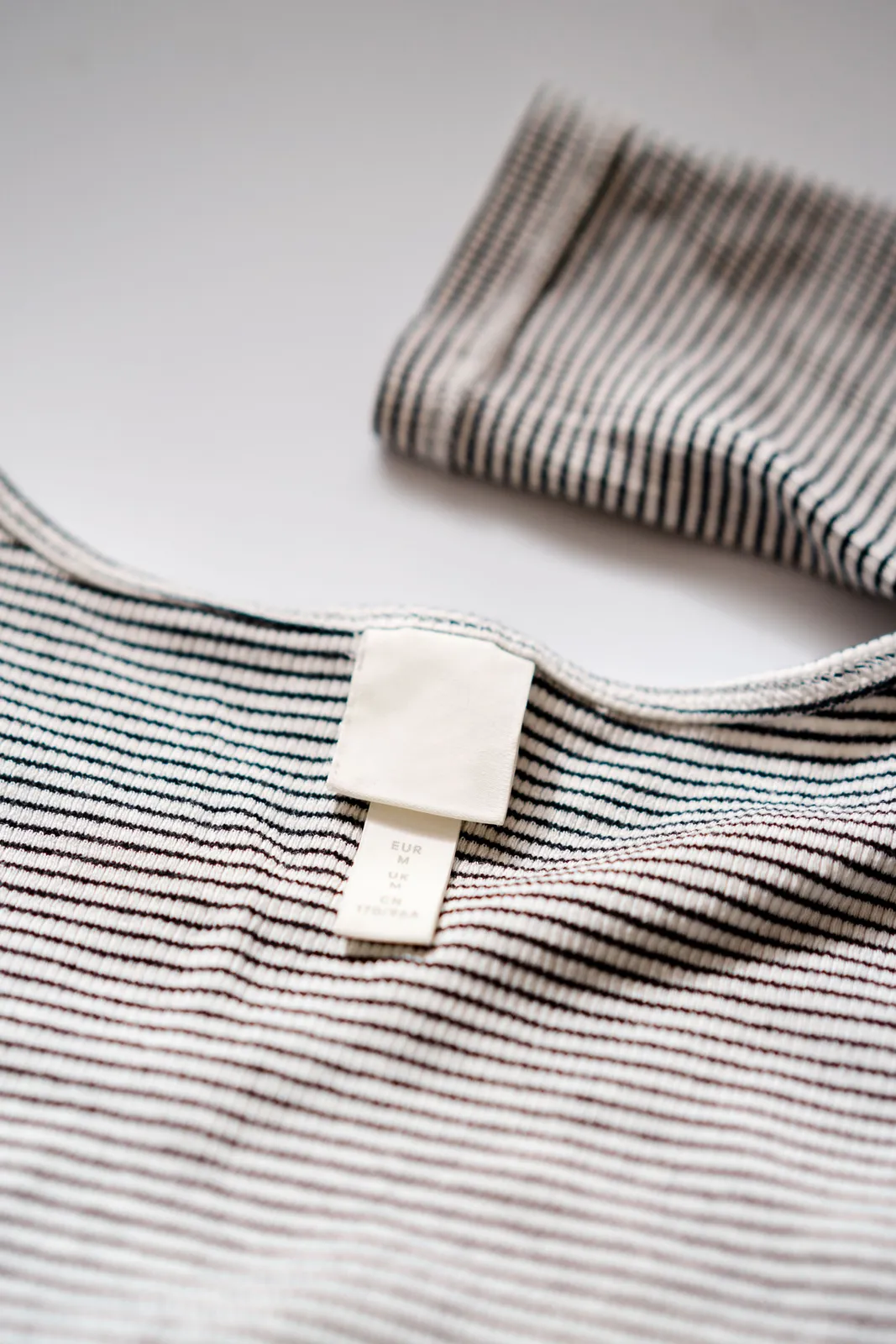 Illustration
Personal shoppers and pre-order shops: shoot the real item yourself
The photos personal shoppers and pre-order shops find most easily are the brand's website photos, supplier photos or another shop's photos. Those usually belong to the photographer or the brand, not to whoever resells the item, even for the same model of product, so they shouldn't be your source. And if a photo carries another site's watermark, the AI copies that watermark into the result. The safe route is to photograph the real item yourself once, when it arrives and before it goes to the customer. That one photo can make every kind of image in this article, even after the item has left your hands.
If your shop sells branded goods, the system doesn't block uploading them, and the instructions sent to the AI forbid creating any label or logo that isn't in the original photo. But an AI-generated image can lead buyers to think it came from the brand itself. This point has not yet been reviewed by a lawyer, so if branded goods are your main business, get advice first.
Studio tips to get the most out of one photo
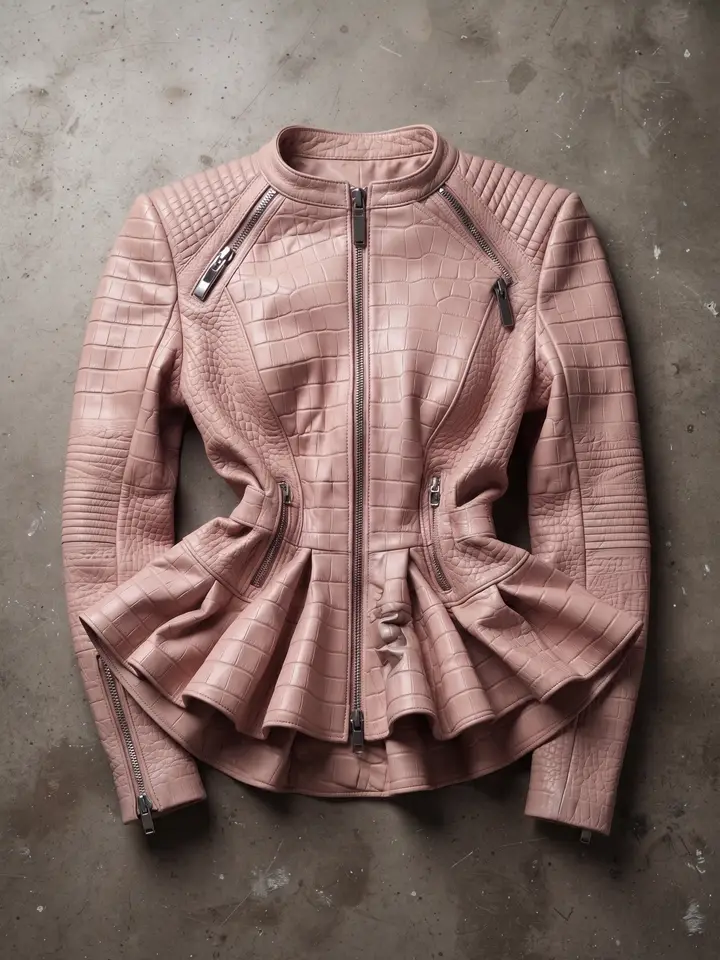
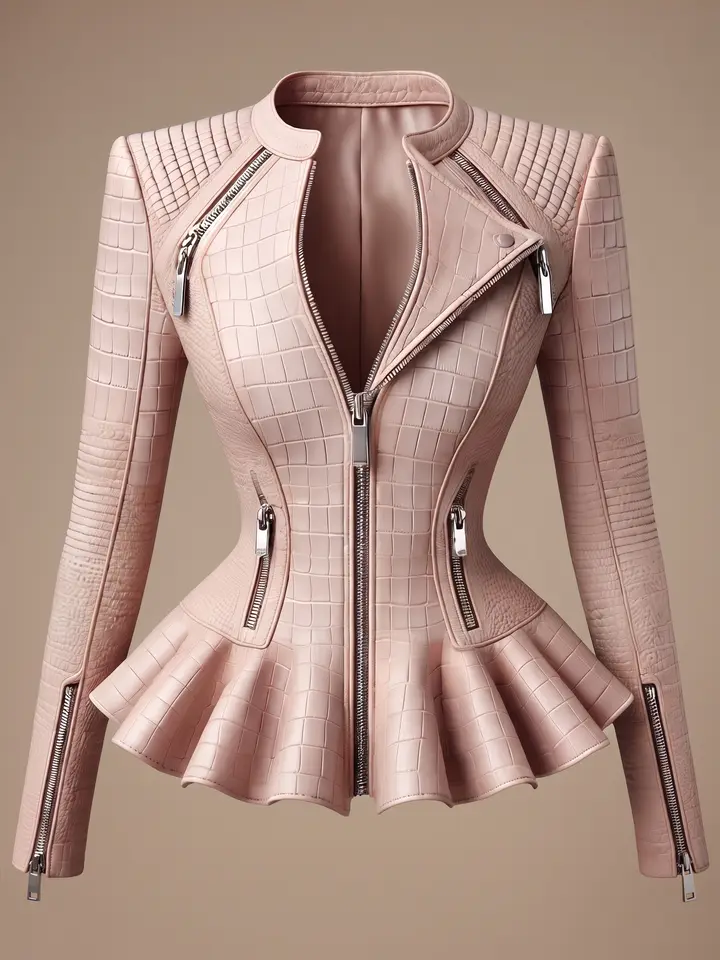
Shoot while the item is still with you: one item per photo, in good light, laid out so the neck, sleeves and hem all show
Keep the original file on your phone; a photo sent through a chat app is shrunk along the way
Virtual Try-On changes only the piece you send in. The trousers and shoes in the person photo carry into the result, so choose a person photo whose bottom half suits the item
Virtual Try-On needs a person standing straight with free hands and the whole torso visible, and whatever the pose covers stays covered. It can't choose a scene, pose or matching pieces; for that, use Product to Model
Small hardware such as belt buckles or fashion buttons can be redrawn in a new shape, so zoom in before you list
Ghost Mannequin is less consistent than the other tools: the same photo run twice gives a different shape, so don't judge it on one image
A person photo you upload must show someone who agreed to its use, and the system asks you to confirm consent before you upload a person photo
The AI creates a new image every time, so the same photo run twice won't come out exactly the same. If one misses, generate it again or change the source photo, and always check it against the real item before you list it.
Frequently asked questions
The item has sold and I can't reshoot it. Can I still get a model photo?
Yes, if you still have even one photo you took yourself of the real item. Use it for a model wearing it with Product to Model, the item on an existing person photo with Virtual Try-On, or a shaped shot on white with Ghost Mannequin, without the item in your hands. If you have no photo of your own, you always need a source photo you have the right to use first. The habit that prevents this is one photo of the real item before every item ships.
Selling secondhand, can I use AI images instead of real photos?
Not instead; use them alongside. The AI creates a new image every time, and small flaws such as stains, pilling or tiny holes may not show up in the generated image. Always post real photos showing the condition and any flaws, and describe the condition clearly in words. The generated images are there to show buyers how it looks on.
Can a personal shopper use photos from the brand's website to make model shots?
We don't recommend it. Photos from a brand's website or another shop usually belong to the photographer or the brand, not to whoever resells the item, even for the same model of product. And if the photo carries a watermark, the AI copies it into the result. Photograph the real item yourself once when it arrives; that photo stays usable even after the item has gone to the customer. We are not lawyers, and this is general caution only.

Plien Roob
Ready for your first product photo?
Sign up free for 10 credits, given once, with no card needed. The first image you make on the free plan has no watermark; the images after it do.
Photos by cottonbro studio · Atlantic Ambience on Pexels · Takuya Nakayama (CC BY 2.0) on Flickr