Solutions
Only flat-lay photos? How AI gives a garment the shape of being worn
Last updated 2026-09-17From Plien Roob — AI model photography for online stores
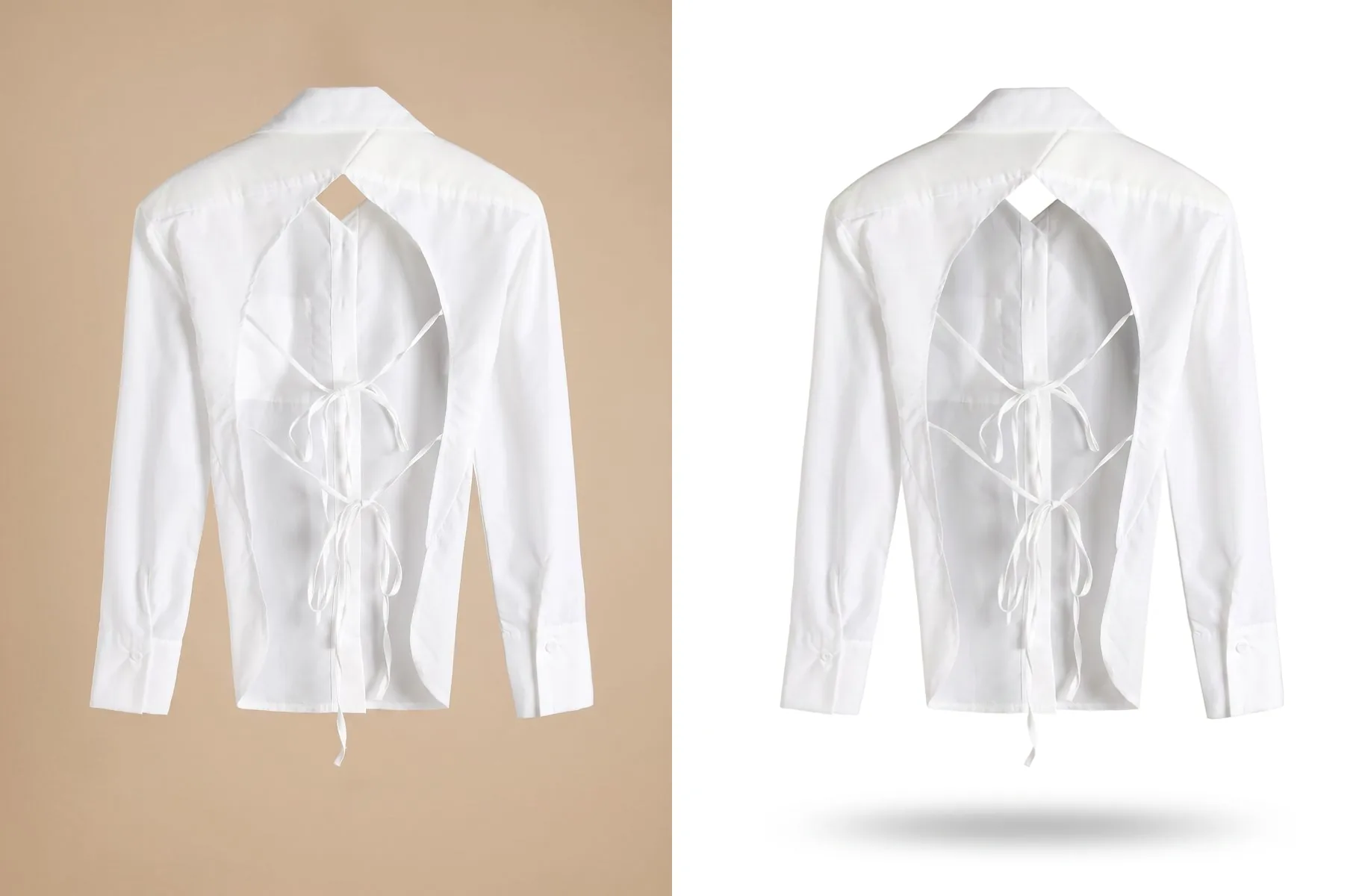

A garment on the floor shows its pattern and colour in full, but not how it looks when worn. The shoulders sink, the body lies flat and the collar folds into itself. The viewer has to guess whether it's fitted or loose — and people who have to guess tend to scroll past before they tap.
In catalogue work, a garment that holds its shape with nobody inside is traditionally made by dressing a mannequin, shooting it, then removing the mannequin in photo-editing software, one image at a time. Plien Roob was built by someone who spent 10 years as a model and ran a rental photo studio, so we know every one of those steps costs money per item. Ghost Mannequin is built to give you that photo from a single flat lay: no mannequin to buy, no retouching to remove it.
 Illustration
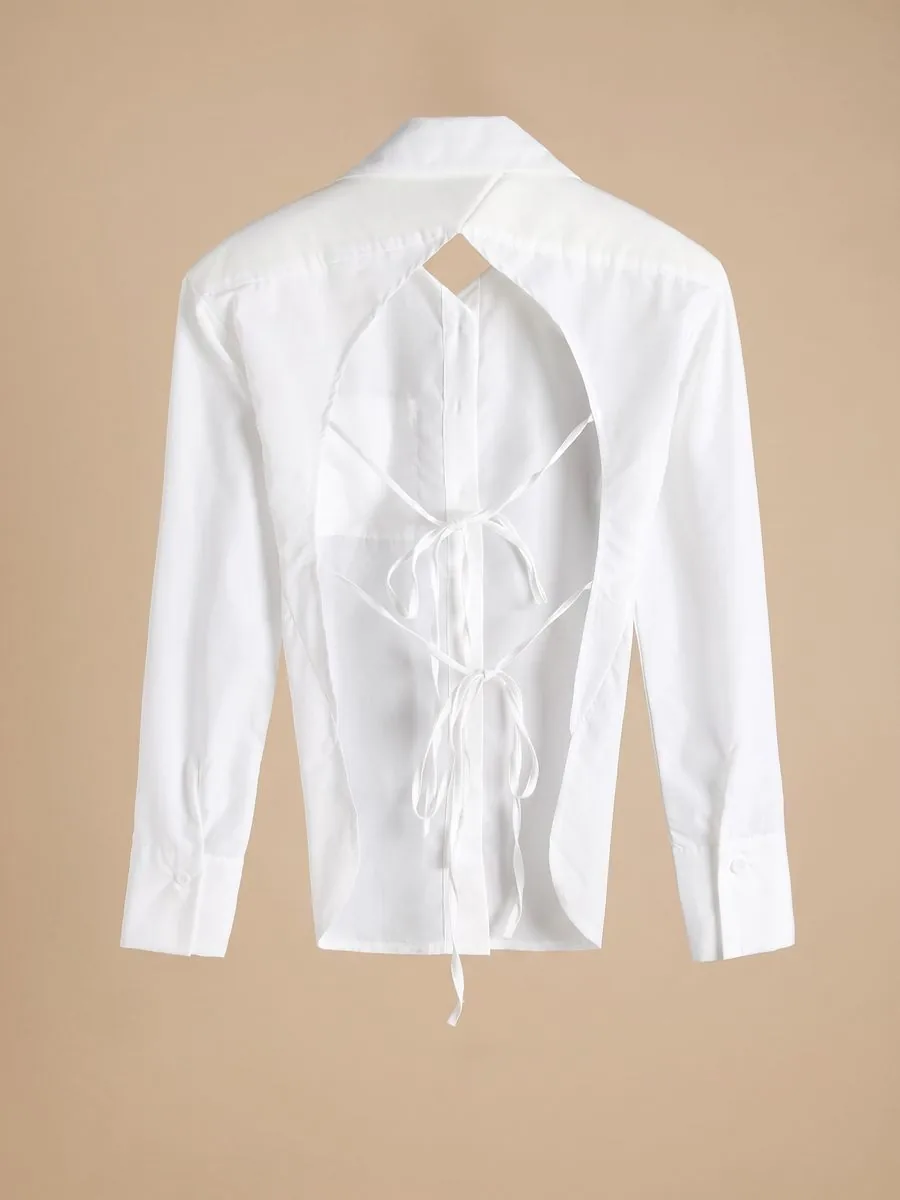
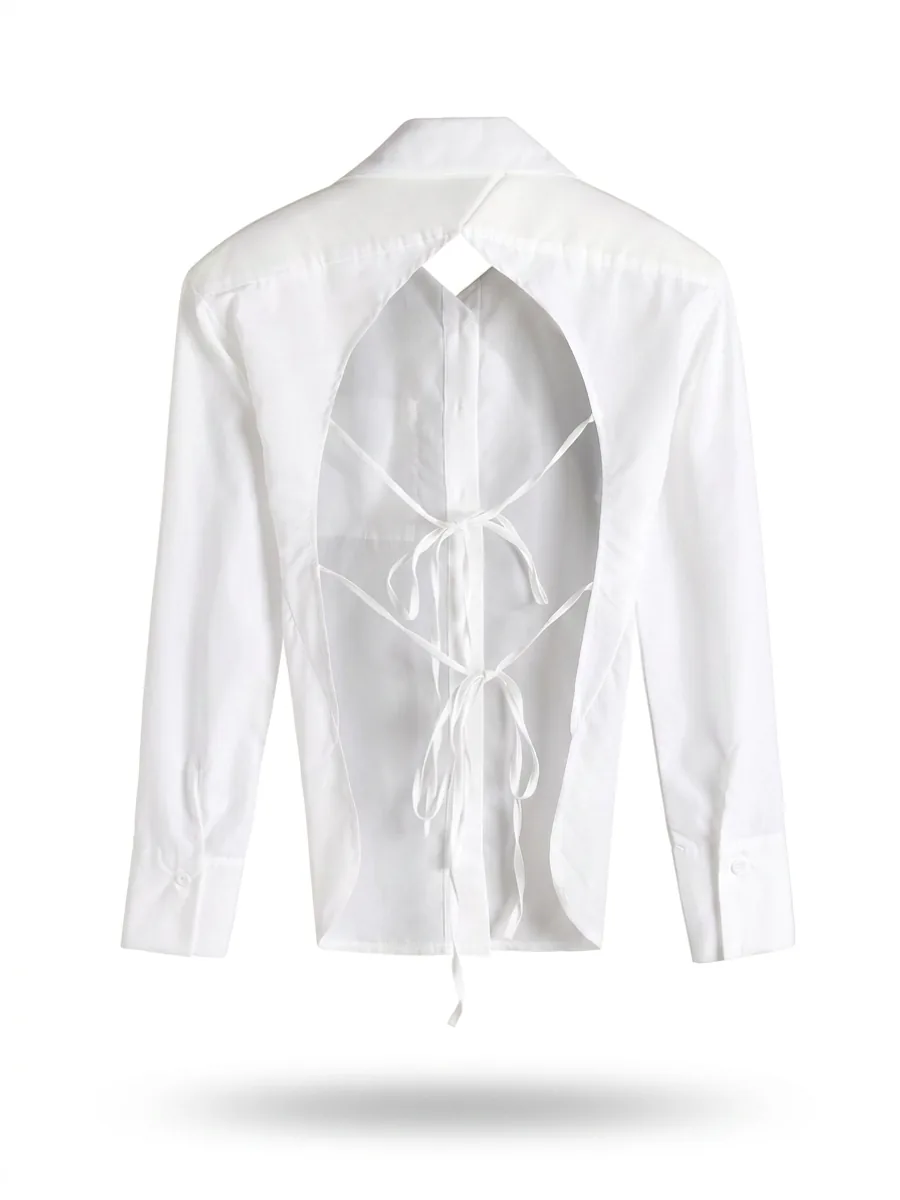
Option one: shaped with nobody in it, with Ghost Mannequin
Upload the garment photo and tap its category, the kind of photo and the side it shows. The system draws the same garment holding the shape of a body that isn't there, on a white background, with no person and no mannequin in the frame — the kind of shot clothing catalogues use. If your photo shows both the front and back of the same garment, choose Front + back in one image, at no extra credit cost.
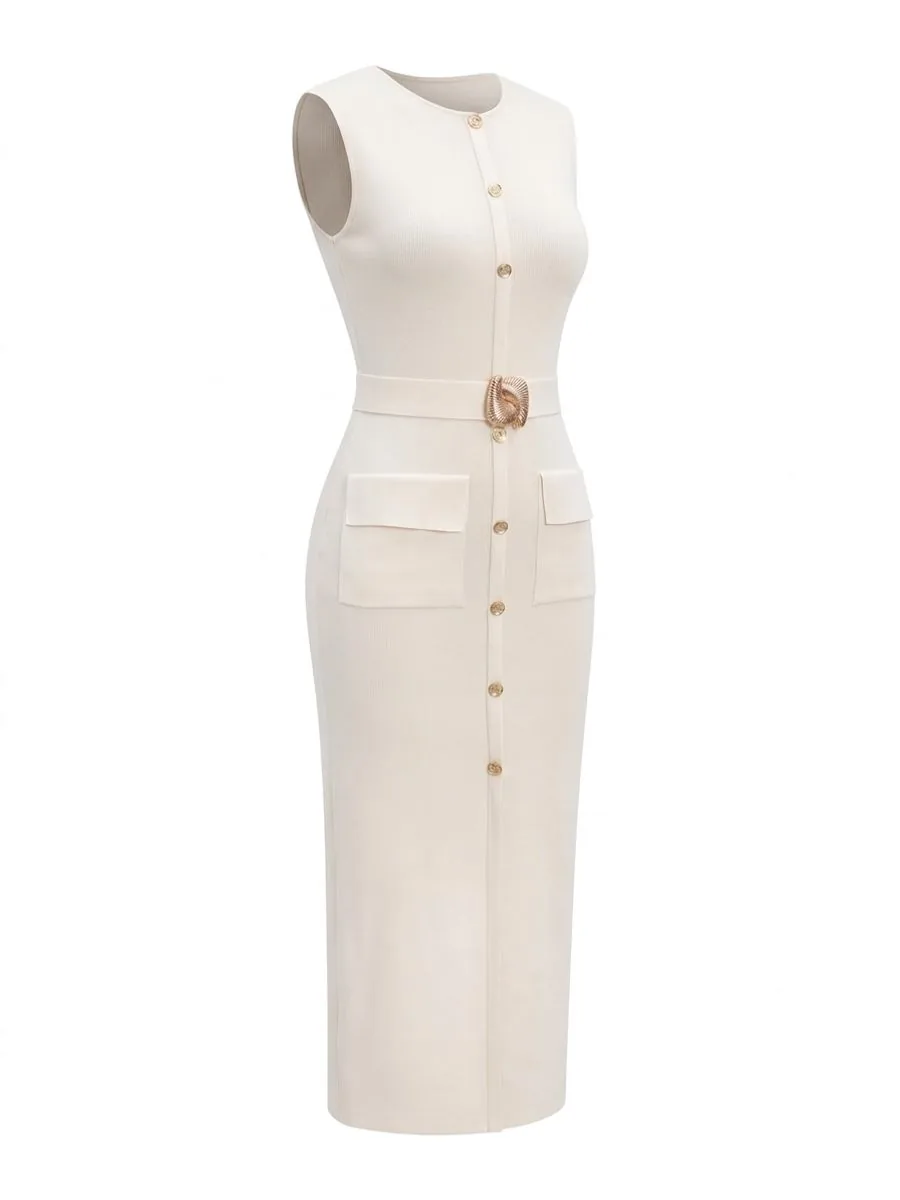
Option two: onto a person, with Product to Model
If you want customers to see how it looks worn, take the same flat lay to Product to Model. The system puts the garment on a person, with a setting and light around them. Choose the person, pose and scene from the library, or let the system choose. If the photo shows the garment's front and back, Front + back in one image is available here too, at no extra cost.
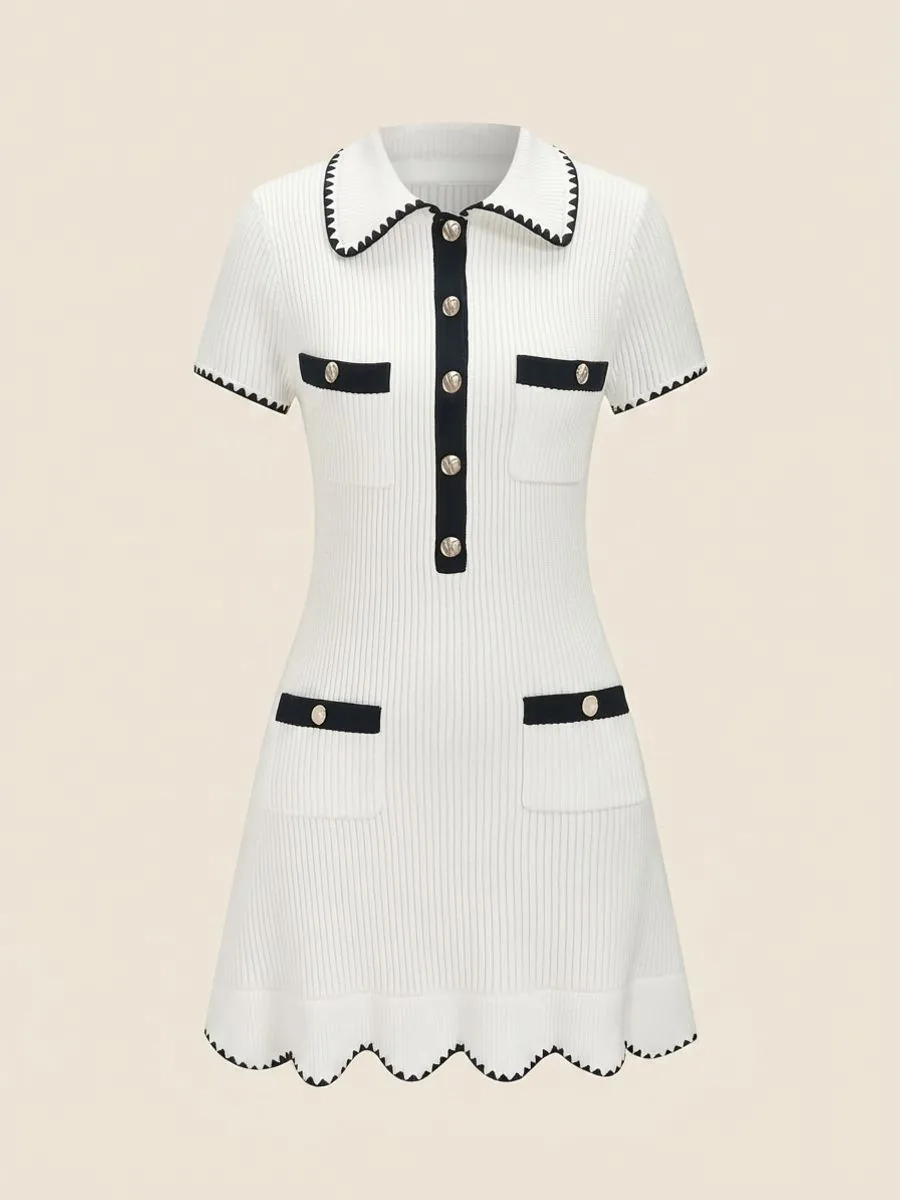
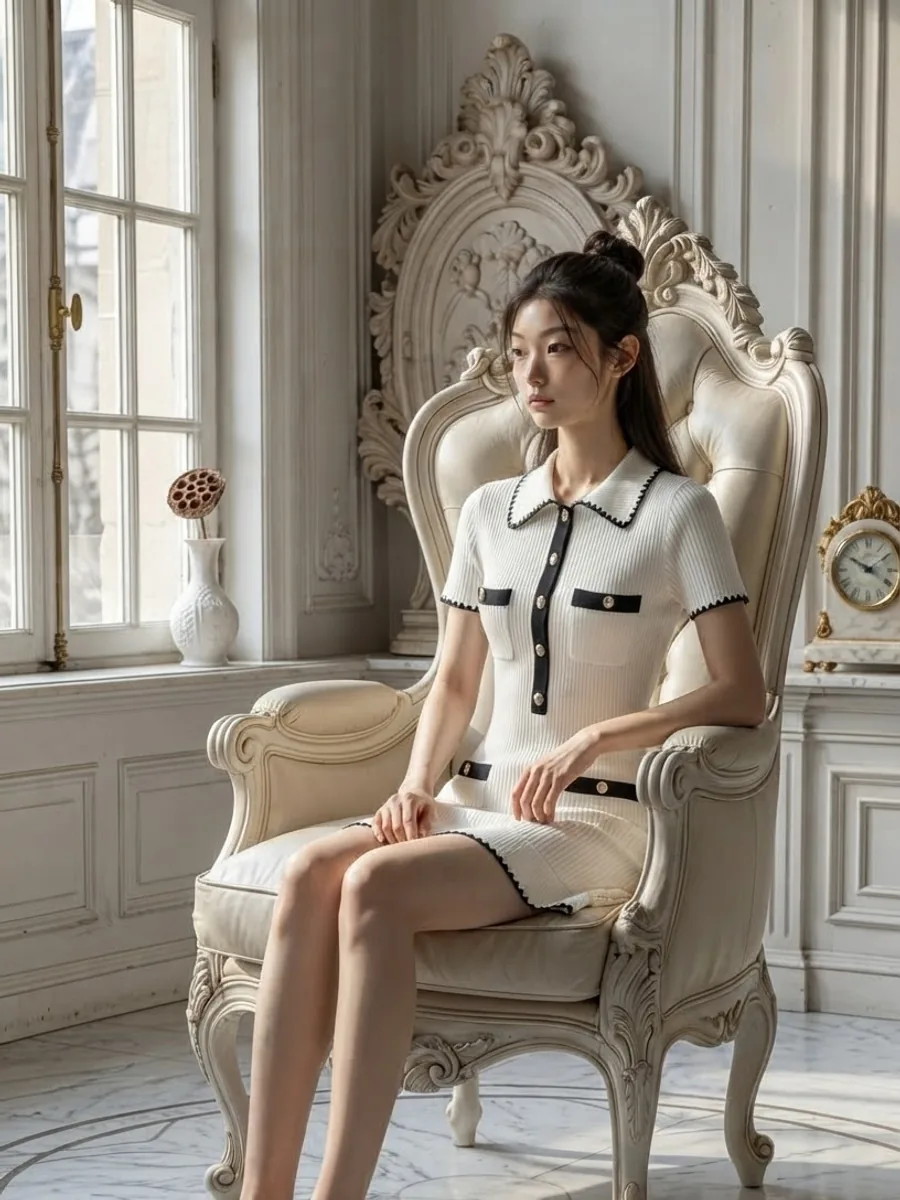
What one flat-lay photo can become
What you can do with an AI model on this site. Each card is that tool's cover image; tap it to read how the tool works.






Shoulder ruffles? Make a ghost mannequin first
When a top with shoulder ruffles is laid flat with the ruffles spread out, Virtual Try-On can read those ruffles as long sleeves. The fix is to make a ghost mannequin first: once the garment is shaped, the image itself tells the AI that the ruffles sit on the shoulders and the sleeves sit on the arms. Check that the shape is right, then send that image straight on to Virtual Try-On, where a person from the library costs nothing extra. It uses credits for two steps, so save it for when sending the flat lay straight to Virtual Try-On goes wrong.
Pricing
The generate button shows the credit count before every press. Baht prices are calculated from real plan prices, from Premium yearly up to the smallest credit top-up.
Ghost Mannequin, Standard 1K: 2 credits per image, about ฿4.17–฿7.00, ready in about half a minute
Ghost Mannequin, Premium 4K: 4 credits per image, about ฿8.34–฿14.00, four times larger on each side, for print
Product to Model, Standard 1K: 2 credits per image, about ฿4.17–฿7.00; a person from the library adds 1 credit
Ghost Mannequin at 1K, then on to Virtual Try-On: 4 credits for the two steps, about ฿8.34–฿14.00
Front + back in one image: no extra charge, in both Ghost Mannequin and Product to Model
If a job fails, the credits come back automatically
Studio tips for photos ready to sell
 Illustration
Arrange the collar, shoulders and hem so all three are visible before you shoot — they are what define the shape. Anything folded out of sight is left for the AI to guess
Iron it flat first: the system deliberately keeps the creases and fading that are in your photo
Don't lay a white or light garment on a white surface. Use grey or something darker, so the edges and folds show
If the garment has small lettering, crop to one side and do one side at a time: in Front + back in one image, the lettering gets only about half the detail
Premium gives a larger image but doesn't make small lettering any more accurate. Zoom in on the lettering, the collar and the colour against the real garment before you list
Ghost Mannequin is less consistent than the other tools: the same photo run twice can come back with a different shape. Don't judge it on one image. If the first one misses, generate again or change the source photo before concluding it can't handle that garment.
Frequently asked questions
I only have flat-lay photos. Can I make the garment look like it's being worn?
Yes, with Ghost Mannequin. Upload one flat lay and the system draws the same garment holding the shape of a body, on a white background, with no person and no mannequin in the frame. Standard 1K is 2 credits per image, about ฿4.17–฿7.00 depending on your plan. Results are less consistent than in the other tools, so if the first image misses, generate again before deciding.
My photo shows both the front and the back. Do I pay twice?
No. If the uploaded photo shows the front and back of the same garment, choose Front + back in one image to get both sides from a single generation at no extra credit cost, in both Ghost Mannequin and Product to Model. The back has to really be in your photo: with a front-only photo, don't switch this on, because Product to Model will invent a back that looks convincing. If the garment has small lettering, one side at a time gives more detail.
My top has shoulder ruffles and Virtual Try-On turned them into long sleeves. How do I fix it?
Make a ghost mannequin from the flat lay first. Once the garment is shaped, the image itself tells the AI that the ruffles sit on the shoulders and the sleeves sit on the arms. Check that the shape is right, then send that image on to Virtual Try-On, where a person from the library costs nothing extra. The two steps come to 4 credits with Ghost Mannequin at Standard 1K, about ฿8.34–฿14.00 depending on your plan.

Plien Roob
Ready for your first product photo?
Sign up free for 10 credits, given once, with no card needed. Your first free-plan image has no watermark; the images after it do.
Photos by 言 李 · Mediamodifier on Unsplash