Solutions
Many angles of one garment with AI: 7 photos from one product shot
Last updated 2026-09-17From Plien Roob — AI model photography for online stores
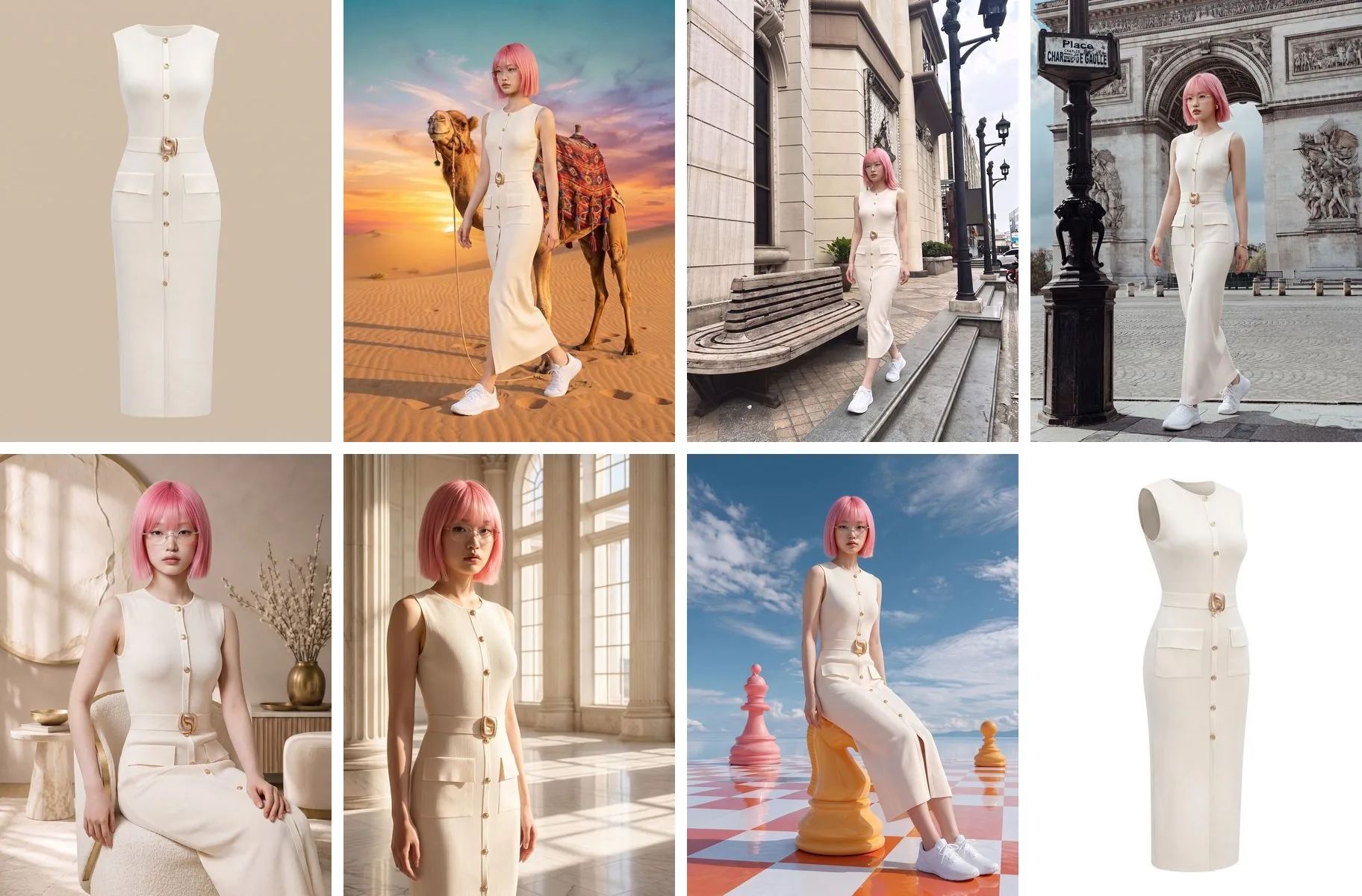

A clothing listing with only one photo leaves the buyer's questions half answered. A full-length shot shows the cut and the length, a half-length shot shows the neckline and the detail up top, a location shot shows where the outfit can go, and a shot on white shows what the garment itself looks like. Shooting a full set like that for real means moving location, changing angle and relighting several times over.
Plien Roob was built by someone who spent 10 years as a model and ran a rental photo studio. We have seen from both sides of the camera how the whole crew stops and waits every time a shoot moves location or changes angle. Image set is designed to give one garment many angles in many places, without anyone going anywhere.
What this costs when you hire a shoot
A clothing shoot with a model, photographer, creative and studio on Fastwork: 6 products for ฿16,500, with a 5-day delivery time
Fashion models on Fastwork: the category starts at ฿1,000
Image set: 7 photos per garment, from 16 credits a set, about ฿33.38–฿56.00 depending on your plan
Reference prices come from pages anyone can open on Fastwork, checked on 17 September 2026 — prices from listings we found, not a market average. Our per-set price is calculated from real plan prices, from Premium yearly up to the smallest credit top-up.
One press, 7 photos, the same model in every one
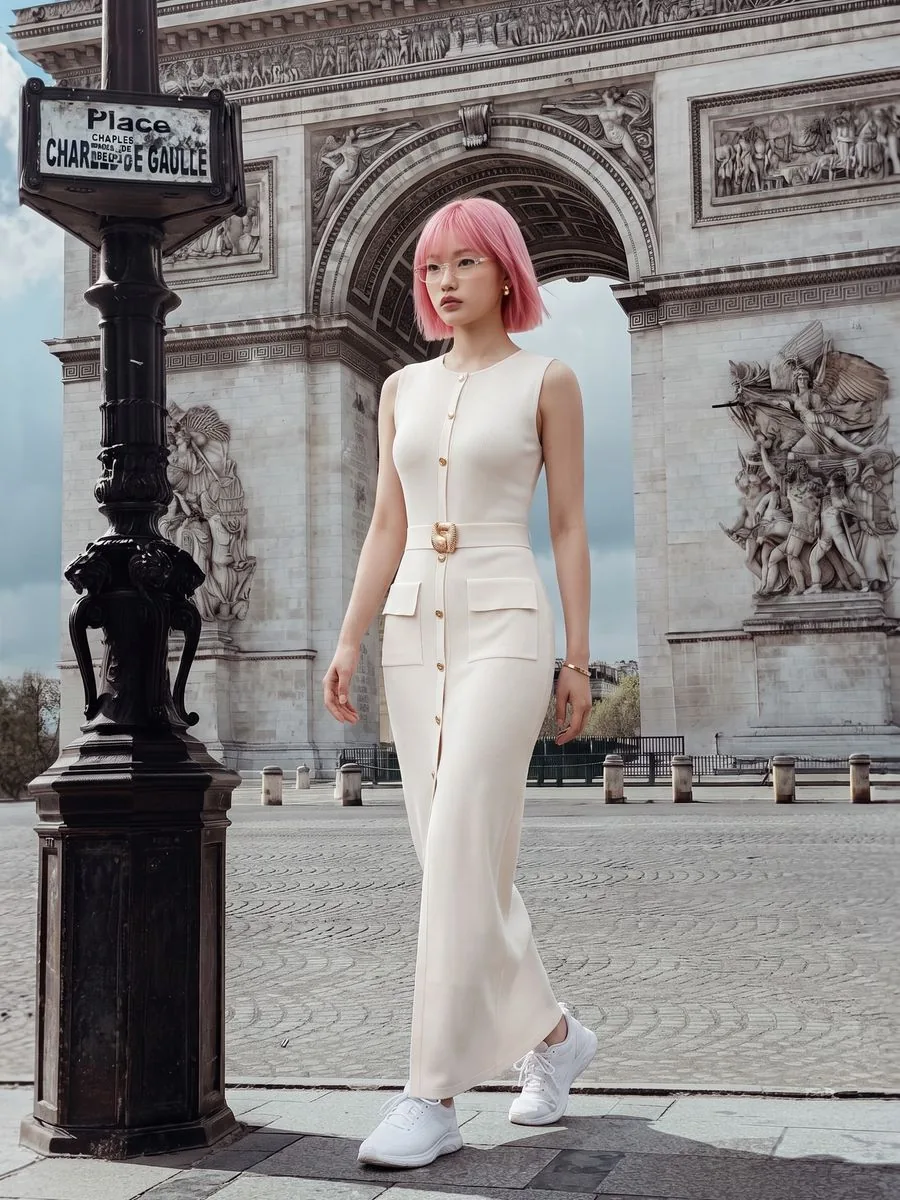
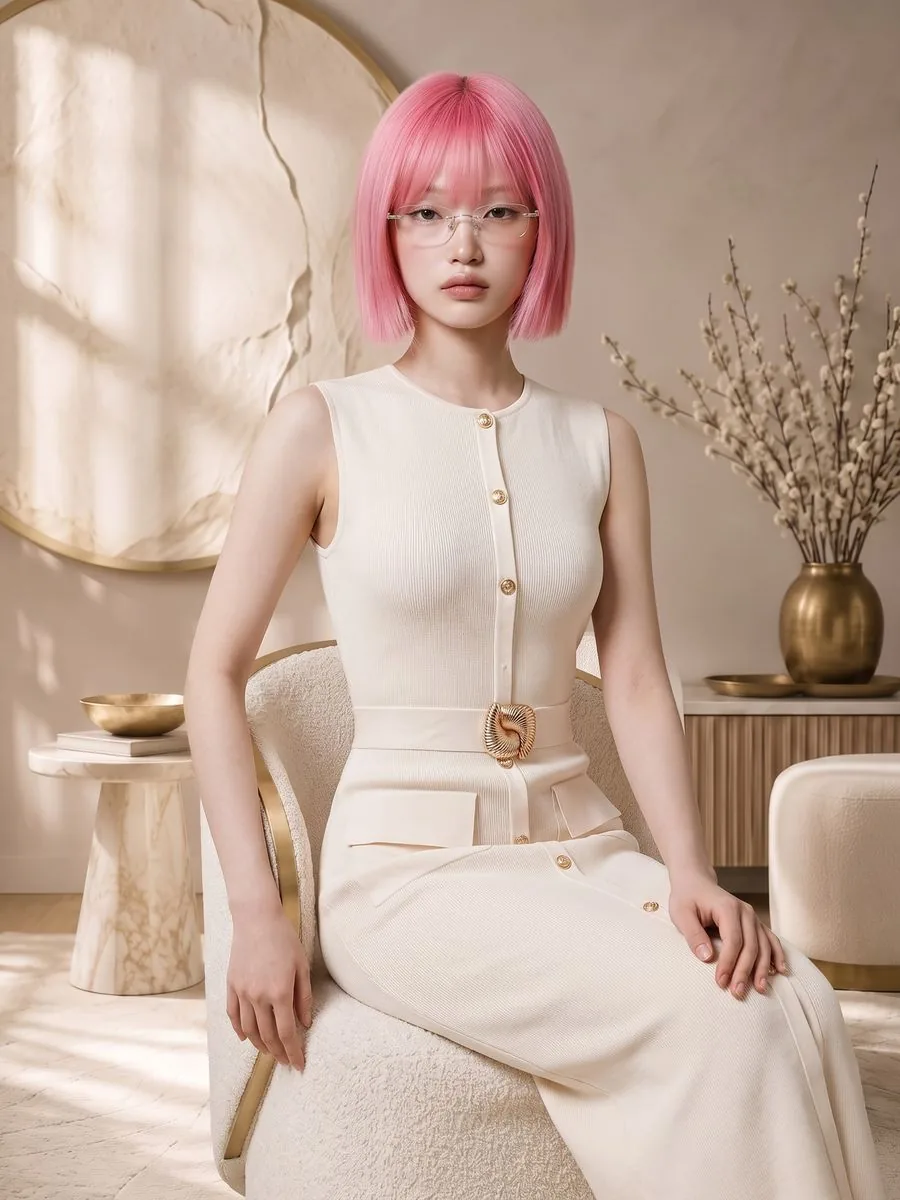
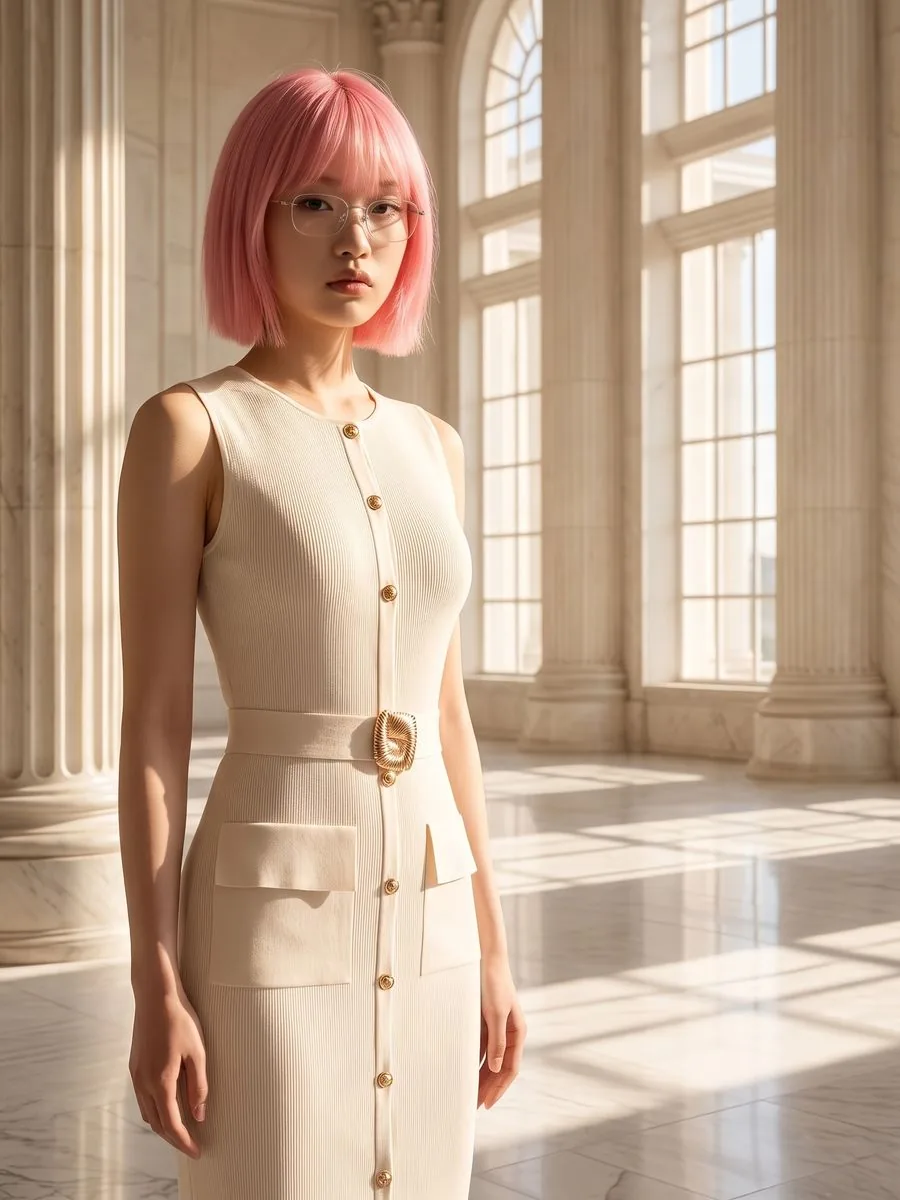
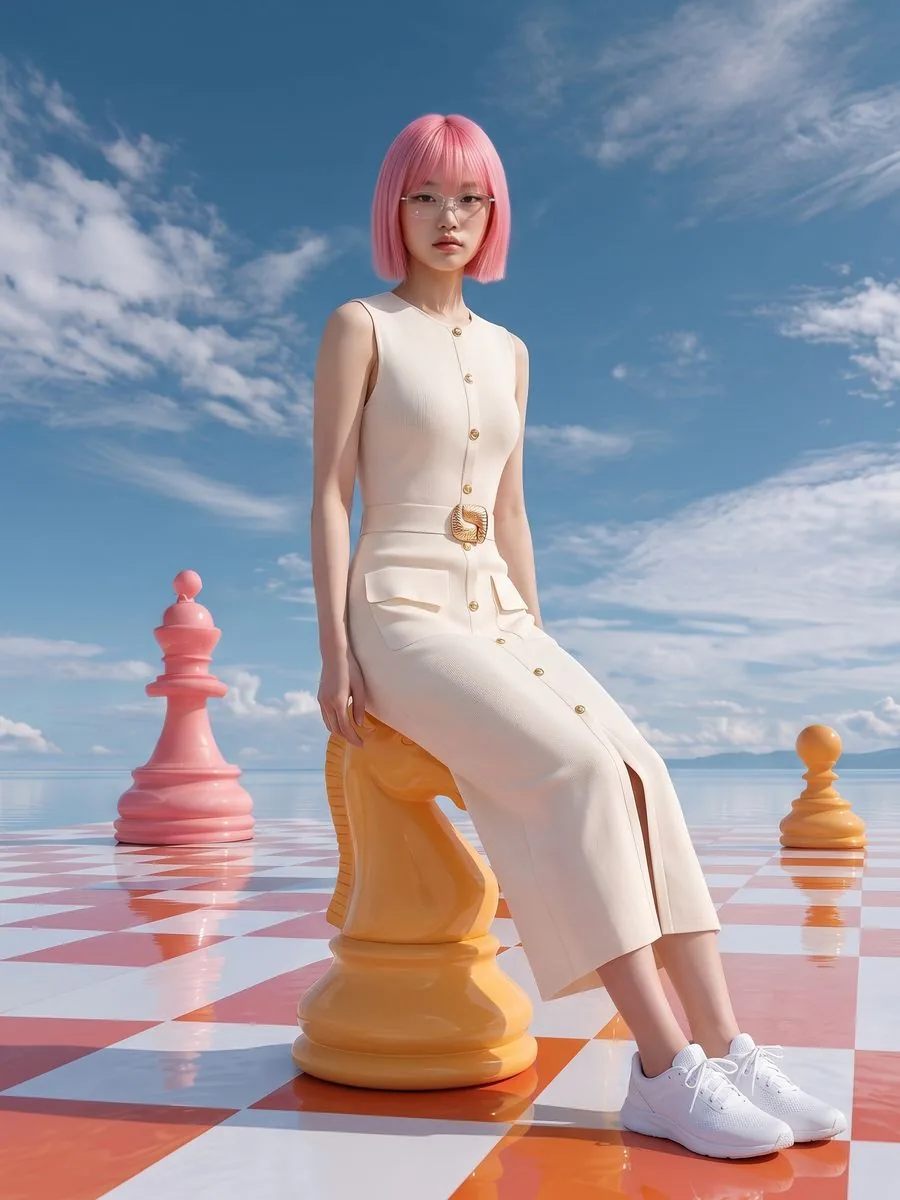
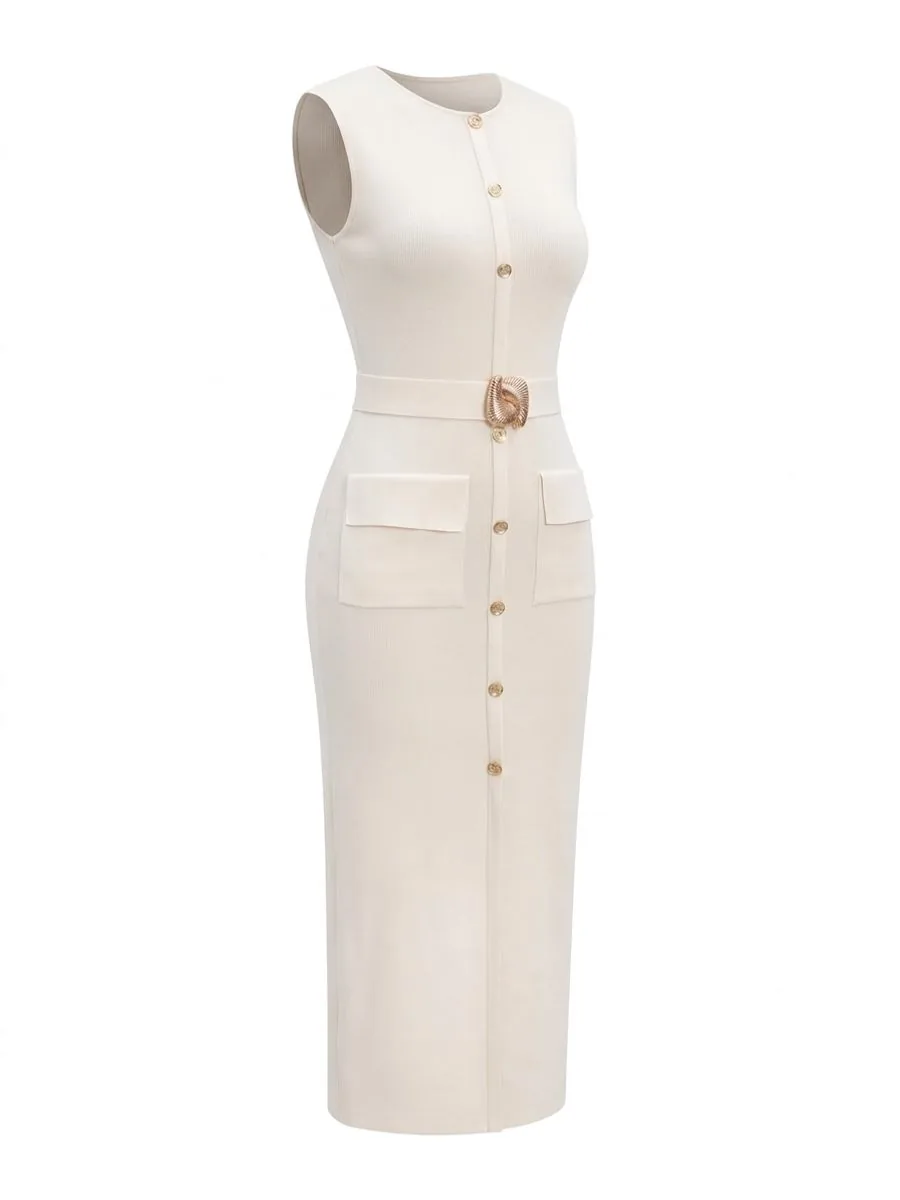
Upload one product photo, pick one model and generate an Image set. The system orders 3 full-length and 3 half-length shots of the model, plus 1 ghost mannequin shot on white to use as the listing's main photo. All 6 model shots get different scenes, the pose follows each scene, and the model is the same person throughout. There is no box to type instructions into.
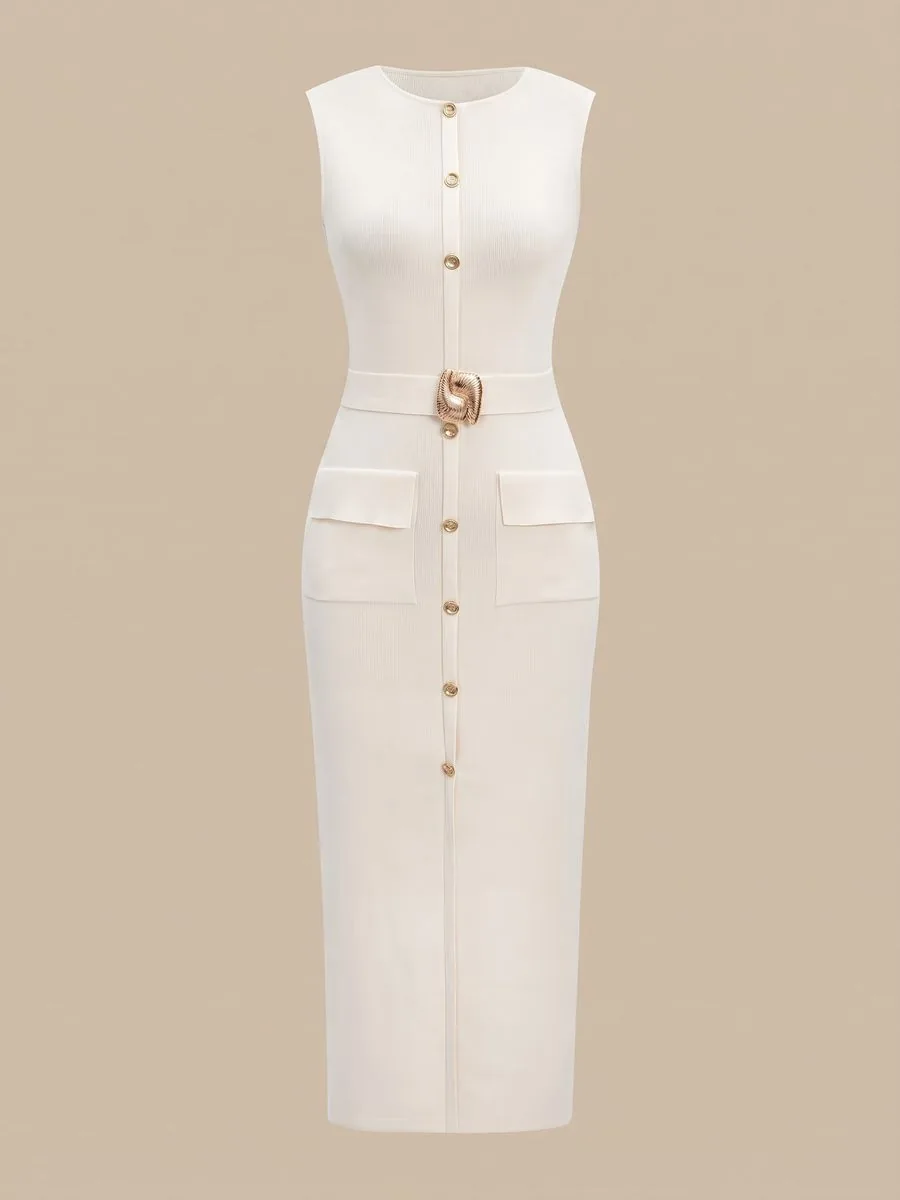
What the system keeps in check across the set
The same model in every shot, because the system sends the photo of the person you chose along with the product photo each time, not just a written description of a face
Every image is made from the same original product photo, never from an image the set just produced, so errors don't build up from one shot to the next
No scene repeats within a set, and the pose follows each scene with no pose charge
The scene charge is paid once for the whole set, not per image
More ways to get several shots from one garment
What you can do with an AI model on this site. Each card is that tool's cover image; tap it to read how the tool works.






One shoot, many locations
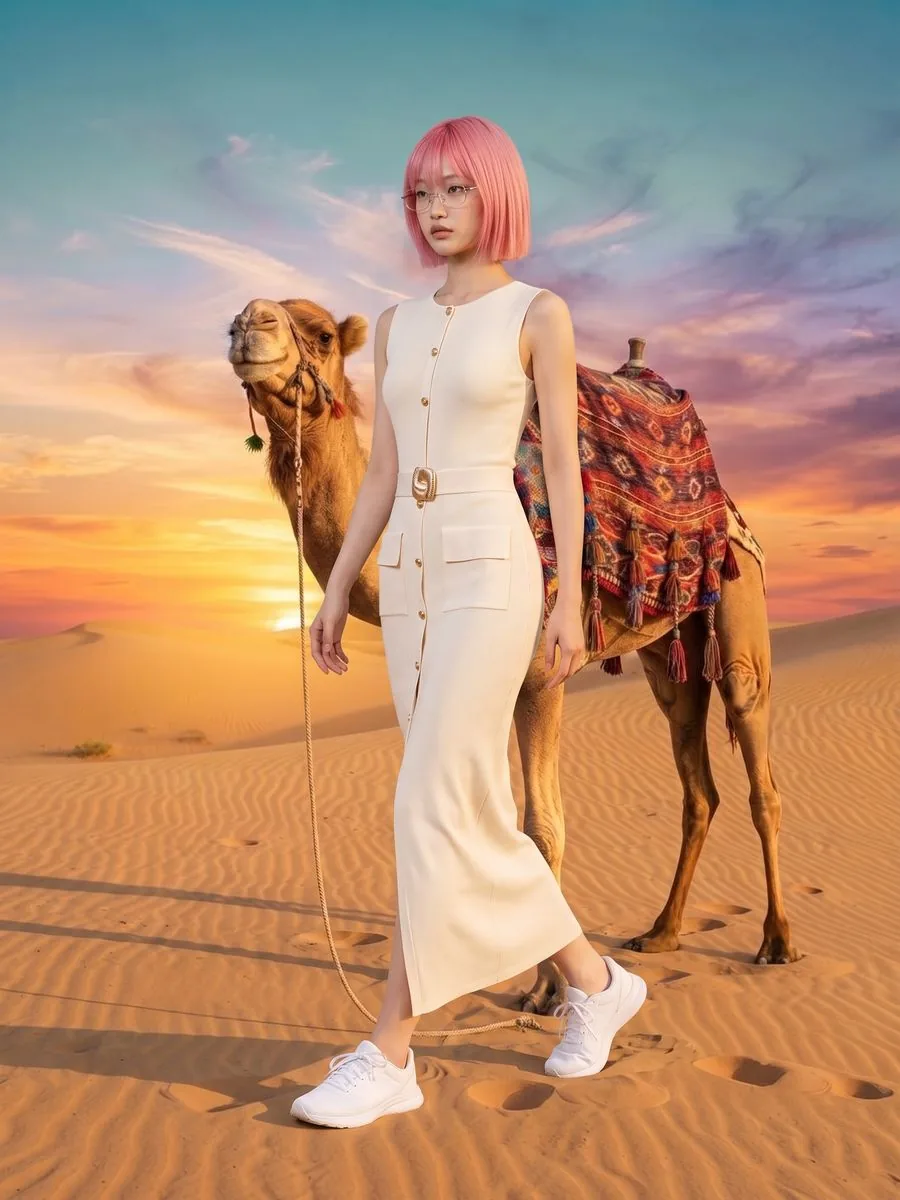
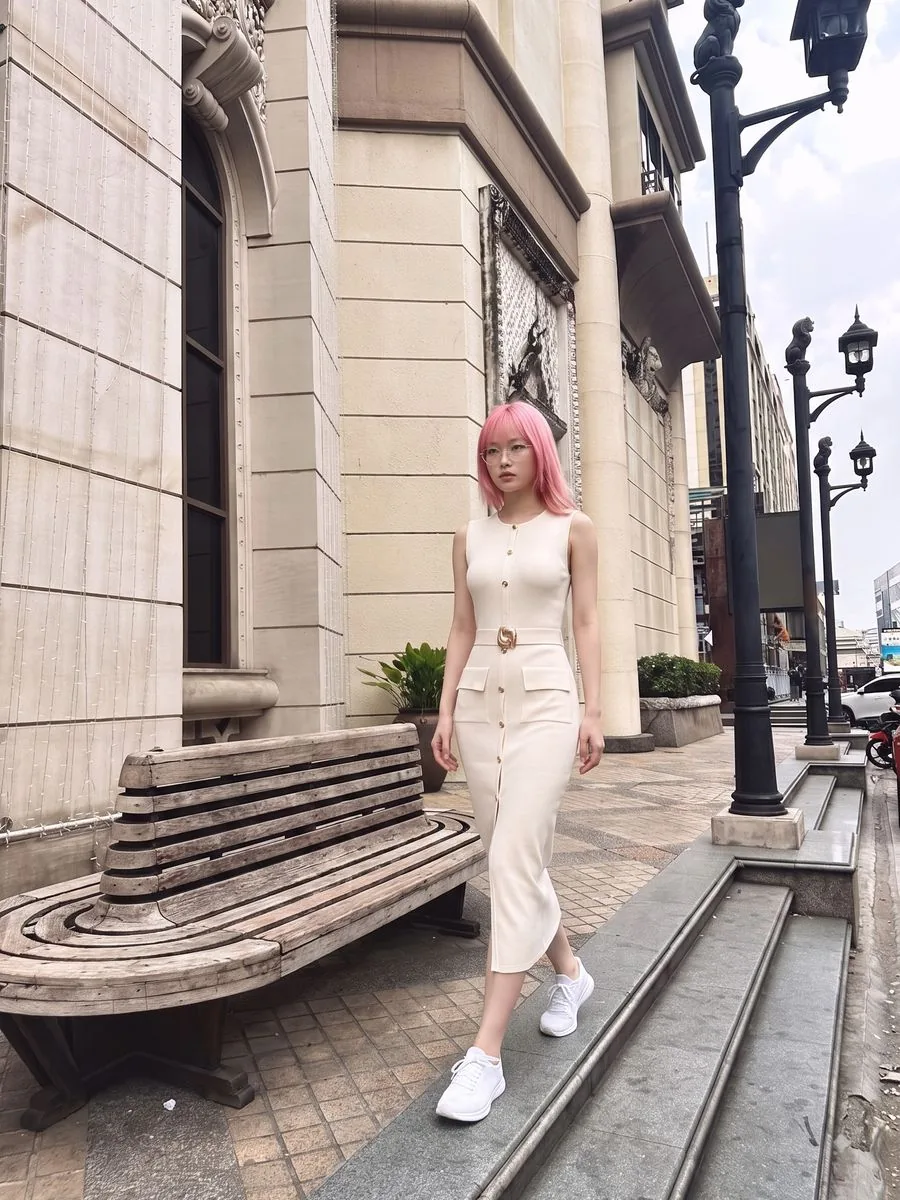
In the set above, one model appears in the desert, on a city street, in front of the Arc de Triomphe, in a living room and in a marble hall, and nobody travelled anywhere. Every scene comes from the system's library, which is AI-generated rather than photographed on location. A set chooses its scenes for you; to choose one yourself, one image at a time, use Product to Model. The full Premium library has 360 scenes, and Basic has 235 to choose from, grouped into Thailand, International, Indoor, Outdoor and Plain backdrop. Picking a library scene yourself adds 1 credit per image.
Angles a set doesn't cover, one image at a time
Close-up · in Product to Model, open Shot and choose Close-up. The camera moves in until the fabric, print and stitching are visible, and the face stays out of frame. Choosing a shot costs no extra credits
The back · a set has no back view. If the garment has a print or detail on the back, open Sides shown in Product to Model and choose Front + back to get the same model twice in one image, at no extra cost. The system needs a real photo of the back to work from; without one, it draws the back itself
Pricing
Standard 1K: 16 credits a set, about ฿33.38–฿56.00
Standard 2K: 22 credits a set, about ฿45.89–฿77.00
Premium 4K: 34 credits a set, about ฿70.92–฿119.00; the ghost mannequin shot in a set is always made at standard quality
A model from the library adds 1 credit per set at 1K and 2K, and Premium already includes it; a model taken from an image you made before costs nothing extra
Making the same 7 images one at a time with a library model costs 26 credits at 1K, 32 at 2K and 38 at 4K, and the screen shows both prices side by side before you press
If an image fails, the system returns that image's credits automatically
Studio tips for a set that's ready to sell
That one product photo is used for every image in the set, including the ghost mannequin, so lay it out to show the neck, shoulders, sleeves and hem, and iron it flat
For white or light garments, don't shoot on white; use a grey or darker surface so the edges and folds show
Sets suit clothing, because the ghost mannequin shot only works for clothing; shoes, bags and jewellery are better done one image at a time in Product to Model
For prints or small lettering, crop to one garment filling the frame before uploading, then zoom in on the lettering, buckles and buttons in every image before you list it
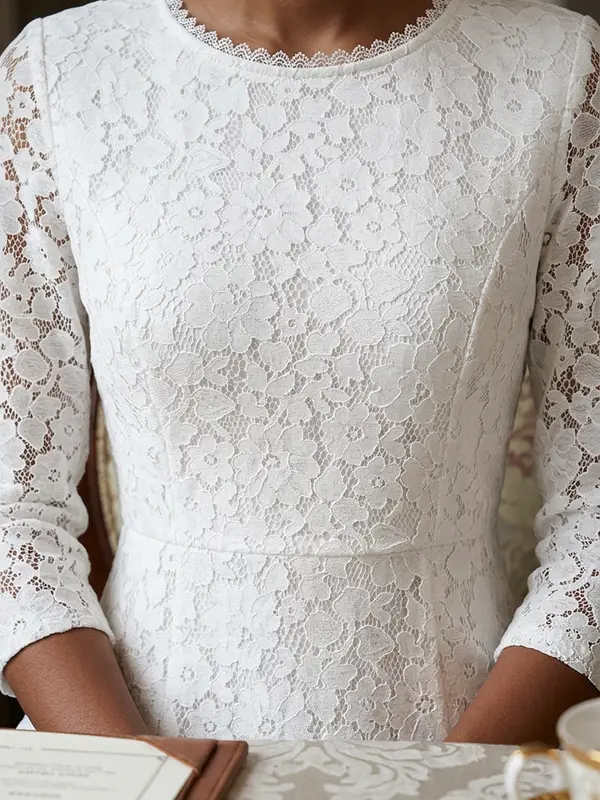
For lace or fine knit patterns, choose Premium; the upscaler can't fix this
Use photos you took yourself: if a photo carries another site's watermark, that watermark is copied into the result
The AI creates a new image every time, and the system picks a fresh set of scenes for every set, so no two runs match exactly. If one image in a set misses, make another on its own in Product to Model with the same model before deciding the garment doesn't work.
Frequently asked questions
How many images does Image set make, and what does it cost?
7 images from a single clothing photo: 3 full-length and 3 half-length shots of the model, plus 1 ghost mannequin shot on white. A set costs 16 credits at Standard 1K, 22 at 2K and 34 at Premium 4K. A model from the library adds 1 credit per set at 1K and 2K. Making the same 7 images one at a time with a library model costs 26 credits at 1K, 32 at 2K and 38 at 4K.
Is it the same model in every image of the set?
Yes. Before you press, you pick one model, either from the system's library or from an image you made before, and the system sends that person's photo with all 6 model shots. The scenes don't repeat within the set, and the pose changes with each scene.
Can I try Image set on a free account?
The 10 free credits aren't enough for a set, which starts at 16 credits, but they cover single images in Product to Model, which start at 2 credits each, so you can see how your clothing turns out. The first image you make on the free plan has no watermark; the images after it do.

Plien Roob
Ready for your first product photo?
Sign up free for 10 credits, given once, with no card needed. The first image you make on the free plan has no watermark; the images after it do.