Solutions
No model, no studio: on-model product photos with AI, from a single photo
Last updated 2026-09-17From Plien Roob — AI model photography for online stores
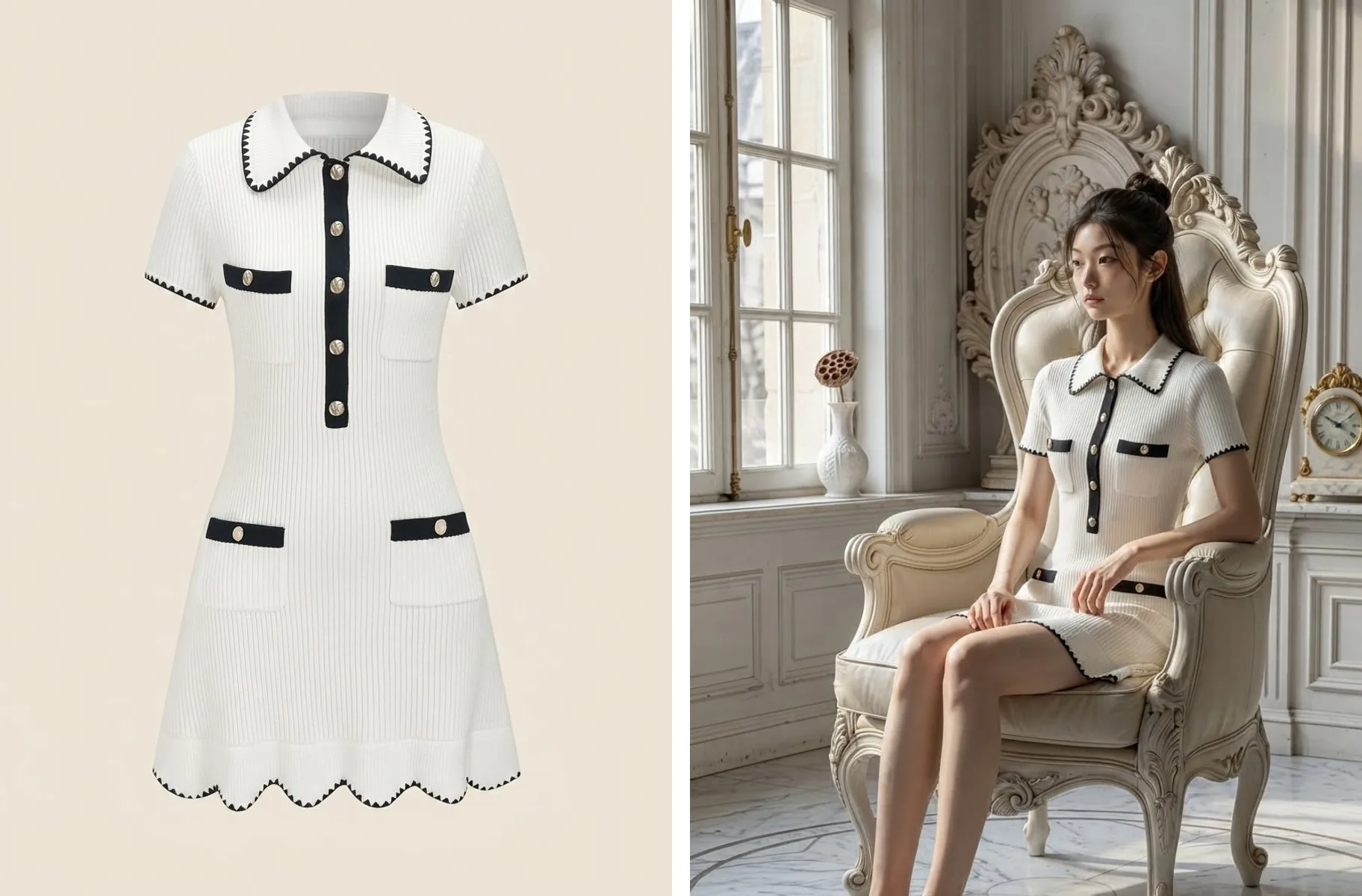

The stock has arrived, but the photos that sell it haven't. A garment lying on the floor tells a customer its pattern and colour and little more. The photo that closes the sale has someone wearing it: people see at once how the fabric falls, how long it is and how it looks on. But that photo needs a model, a photographer and a studio, and many shops don't have all three.
Plien Roob was built by someone who spent 10 years as a model and ran a rental photo studio — someone who has stood in front of the camera and also worked out what to charge for the studio. We know one round of on-model photos means booking people, reserving a room, setting up lights and then waiting days for the files. Plien Roob cuts those steps out and leaves just one product photo you took yourself.
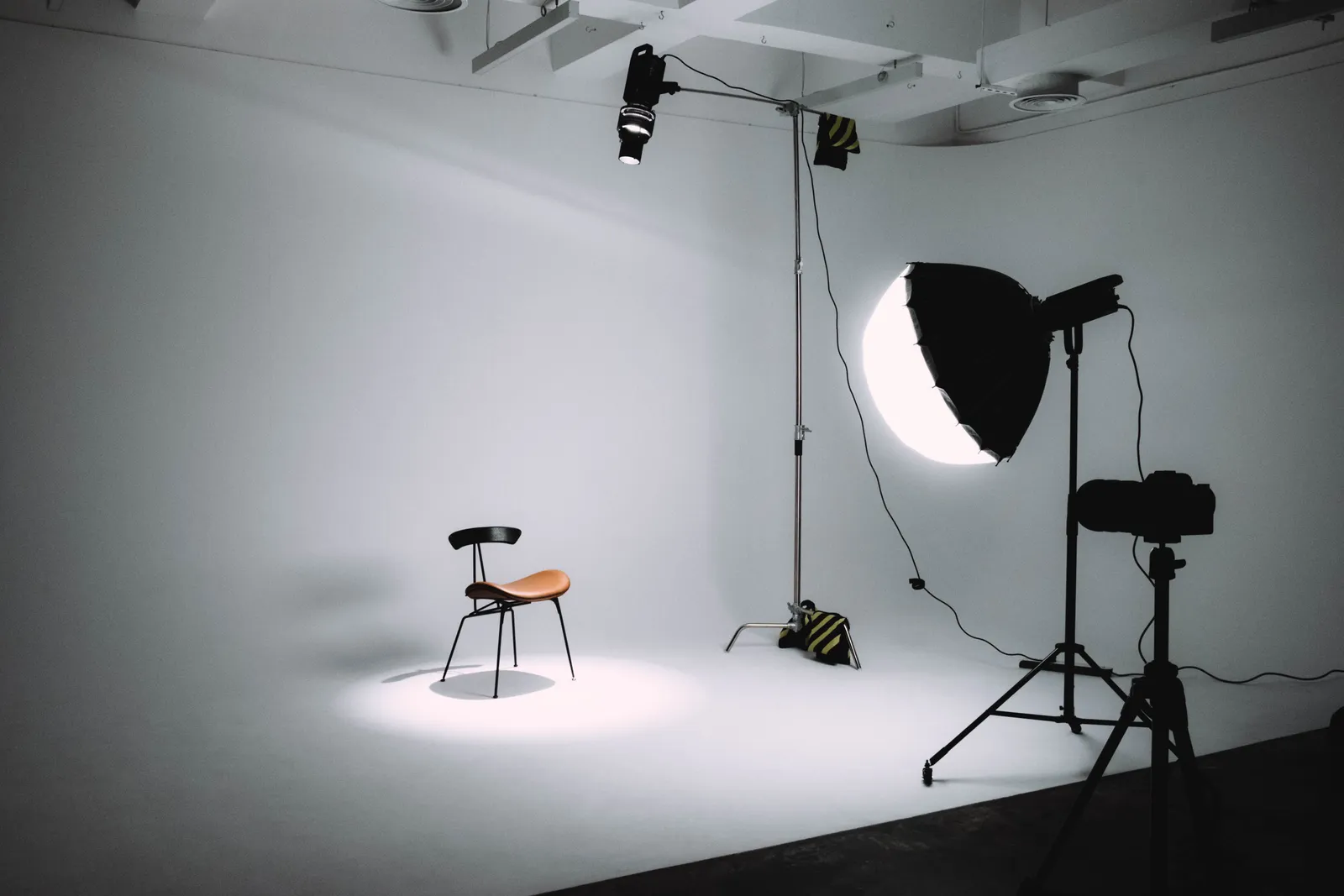 Illustration
What this photo costs when you hire a shoot
A product shoot with a model, photographer, creative and studio on Fastwork: 6 products for ฿16,500, with photos delivered in 4–5 days
The clothing-model category on Fastwork: from ฿1,000
Product to Model: from 2 credits per image, about ฿4.17–฿7.00 depending on your plan, ready in about half a minute
Reference prices come from pages anyone can open on Fastwork, checked on 17 September 2026 — prices from listings we found, not a market average. Our per-image price is calculated from real plan prices, from Premium yearly up to the smallest credit top-up.
No model, no studio: what you can still make
What you can do with an AI model on this site. Each card is that tool's cover image; tap it to read how the tool works.






Only a product photo? Use Product to Model
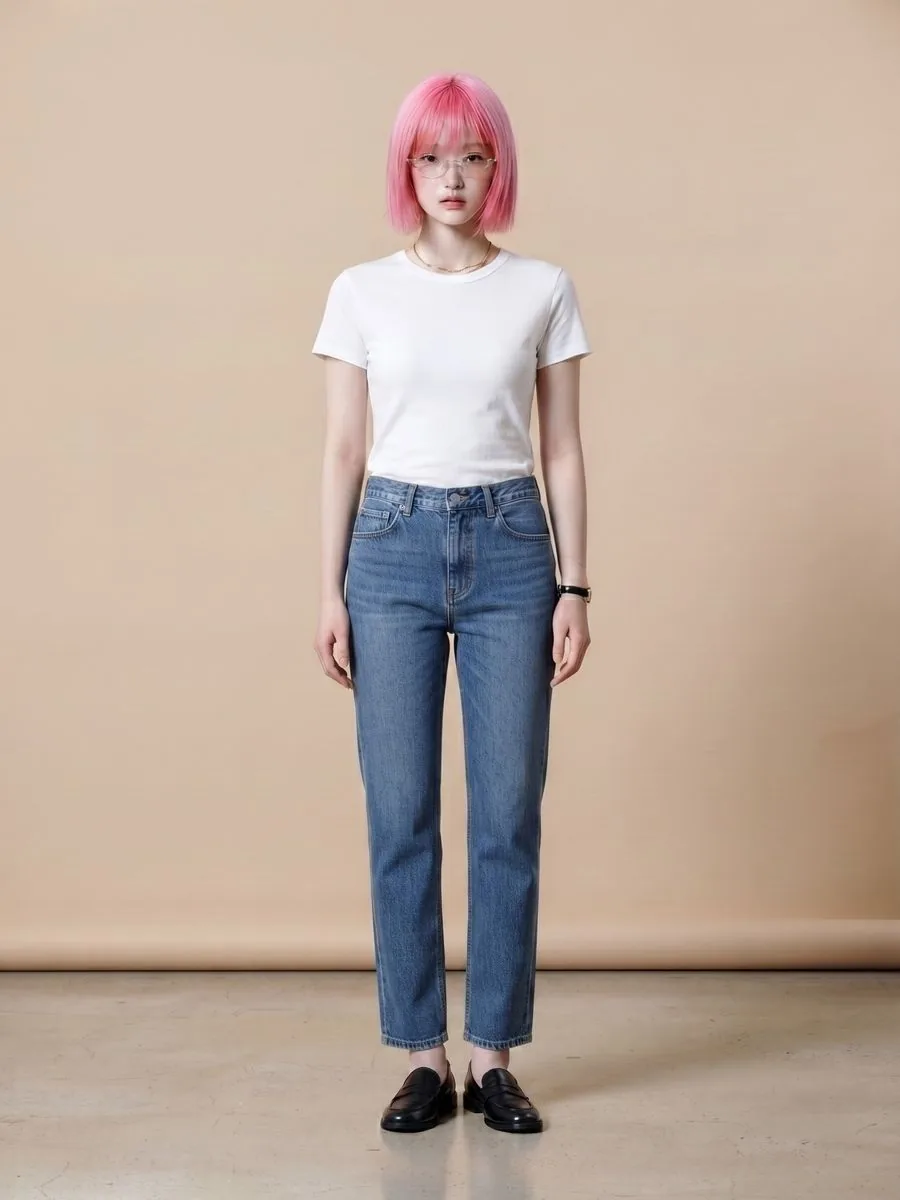
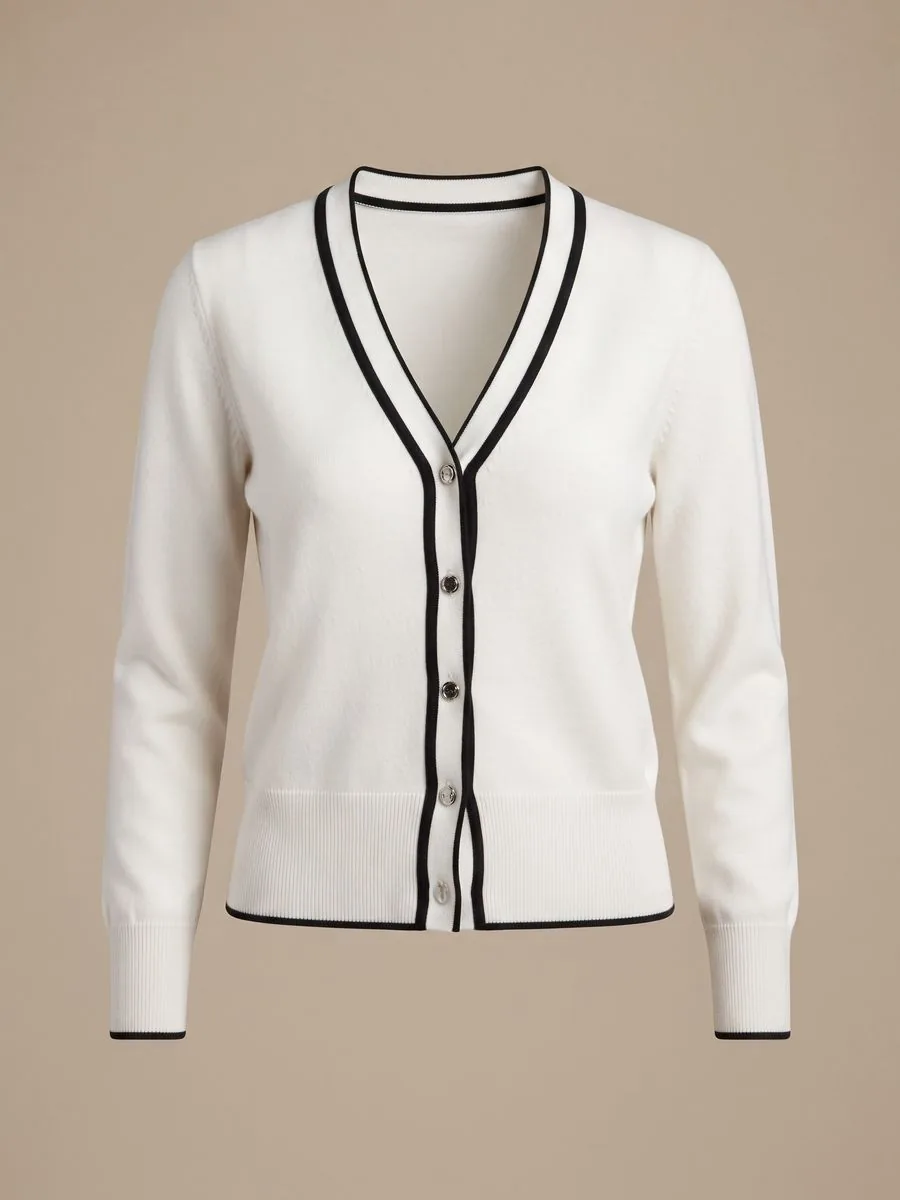
Upload one product photo — a flat lay or a photo of someone already wearing it. Choose a person from the library, or leave it empty and let the system create one. The system puts that product on the person and builds the setting and light around them, with instructions to keep the product's pattern, colours and lettering as in your photo.
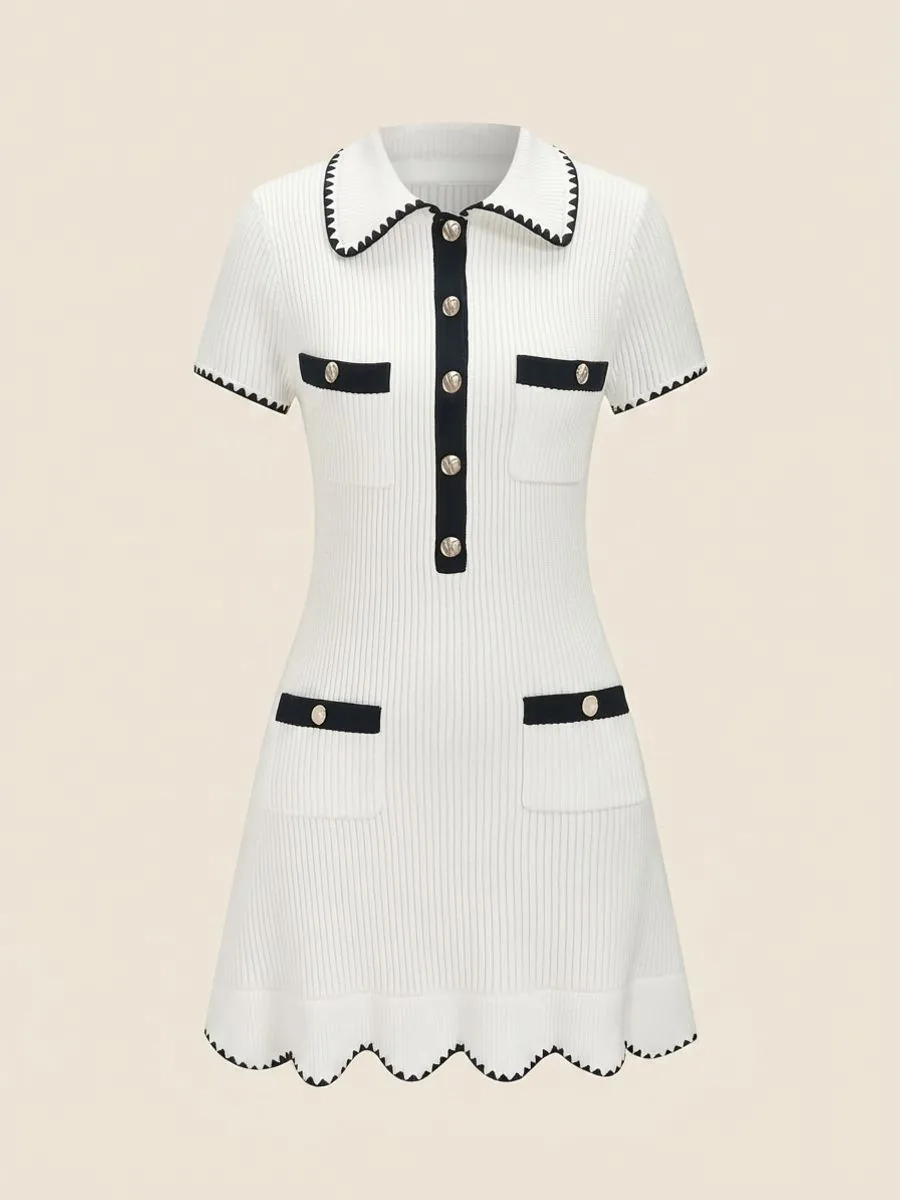
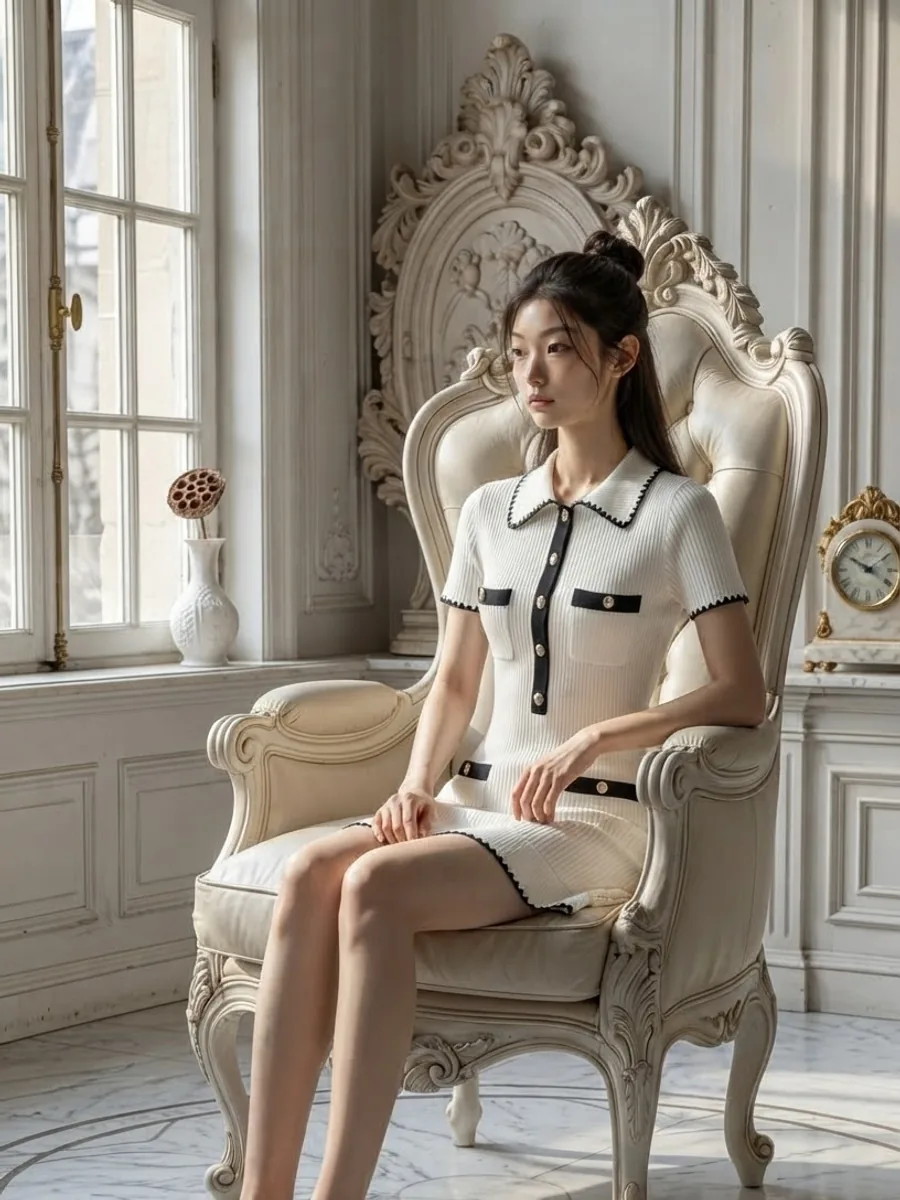
Already have your shop's model photos? Use Virtual Try-On
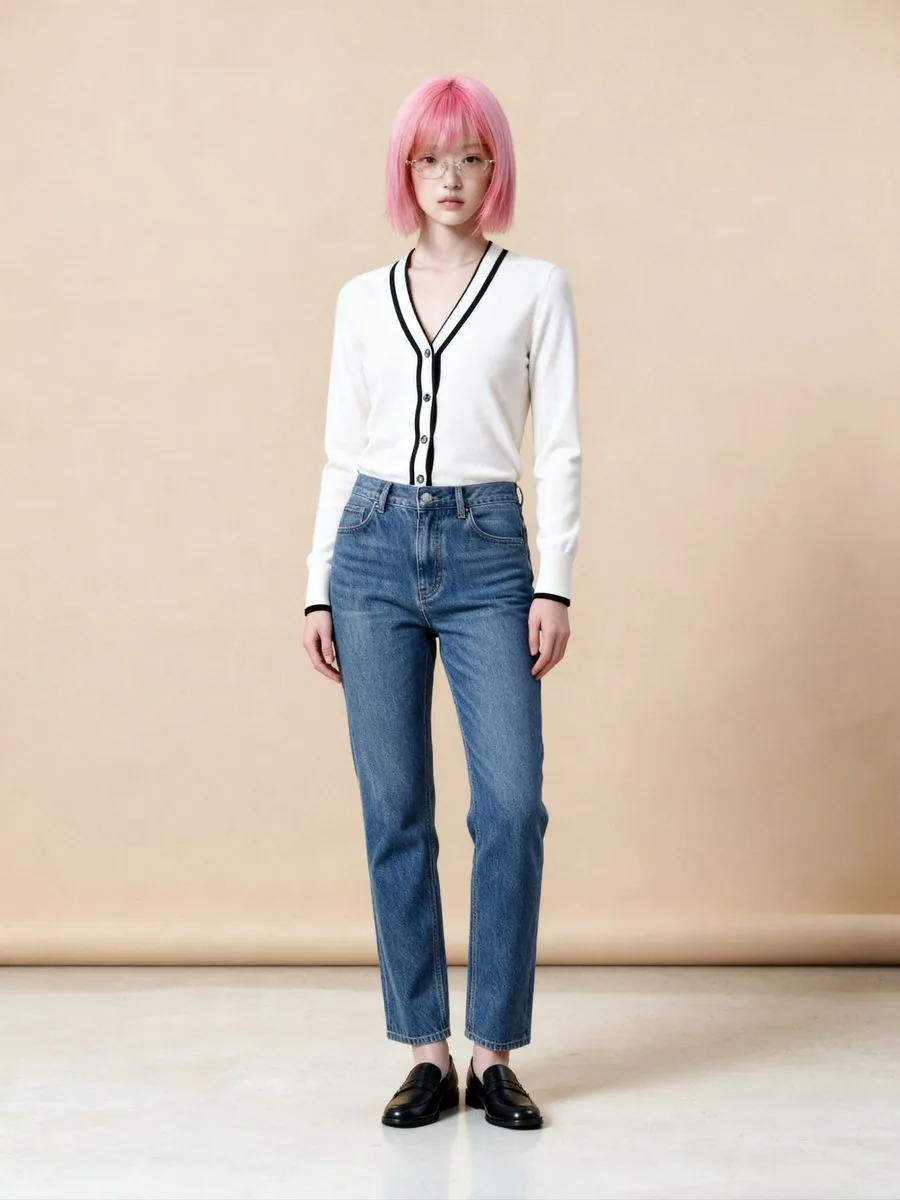
If your shop has photographed a model before, those photos can wear your new stock. Upload the garment photo and the model photo, and the system changes only the piece you send: same person, same pose, same setting. If you don't have model photos yet, choose a person from the library instead, at no extra credit cost.
Pricing
Product to Model, Standard 1K: 2 credits per image, about ฿4.17–฿7.00
Product to Model at 1K with a person from the library: 3 credits per image in total, about ฿6.26–฿10.50
Product to Model, Premium 4K: 5 credits per image, about ฿10.43–฿17.50, with a library person included
Scenes, poses and styling pieces together: 1–2 items add 1 credit, 3–5 items add 2
Virtual Try-On: 2 credits per image, about ฿4.17–฿7.00, with no charge for a library person and a file 4,096 pixels on the long side
If a job fails, the credits come back automatically
Studio tips for photos ready to sell
Fill the frame with the product, use even light and use the original file. If the photo is small or blurred, lettering on the garment may be guessed
When you pick a scene from the library, its light falls on the garment too, so the photo reads as one. If colour is what sells the item, compare it with the real thing before you list it
For Virtual Try-On, use a sharp model photo with the torso clearly visible. If the pose hides part of the garment, the result hides it too
Virtual Try-On changes only the piece you send: the trousers and shoes in the model photo stay, and it can't choose a scene, a pose or styling pieces. For that kind of control, use Product to Model
Small hardware such as a belt buckle or decorative buttons may be redrawn in a new shape. Zoom in and check before you list
People in photos you upload must be adults, and your shop must have the right to use the photo
The AI creates a new image every time you press, so the same product photo run twice won't come back identical. If an image misses, generate again or change the source photo before concluding it doesn't work.
Frequently asked questions
I don't have a model. How do I get photos of someone wearing my clothes?
Use Product to Model. Upload one product photo — a flat lay or one of someone already wearing it — then choose a person from the library, or leave it empty and let the system create one. The system puts the product on the person and builds the whole setting. Standard 1K starts at 2 credits per image, about ฿4.17–฿7.00 depending on your plan.
I have old photos of my shop's model. Can they wear my new stock?
Yes, with Virtual Try-On. Upload the garment photo and the model photo, and the system changes only the piece you send: same person, same pose, same setting, while the trousers and shoes in the model photo stay. It costs 2 credits per image, about ฿4.17–฿7.00 depending on your plan. People in uploaded photos must be adults, and your shop must have the right to use the photo.
How much does it cost to hire a model for clothing photos?
On price pages anyone can open on Fastwork, checked in September 2026, a shoot of 6 products with a model, photographer, creative and studio costs ฿16,500, with photos delivered in 4–5 days, and the clothing-model category starts from ฿1,000. Product to Model on Plien Roob starts at 2 credits per image instead, about ฿4.17–฿7.00 depending on your plan.

Plien Roob
Ready for your first product photo?
Sign up free for 10 credits, given once, with no card needed. Your first free-plan image has no watermark; the images after it do.
Photos by saad alawi on Pexels