AI Tools
Thai lettering on a garment: why AI rewrites it, and how to stop it
Last updated 2026-09-07From Plien Roob — AI model photography for online stores
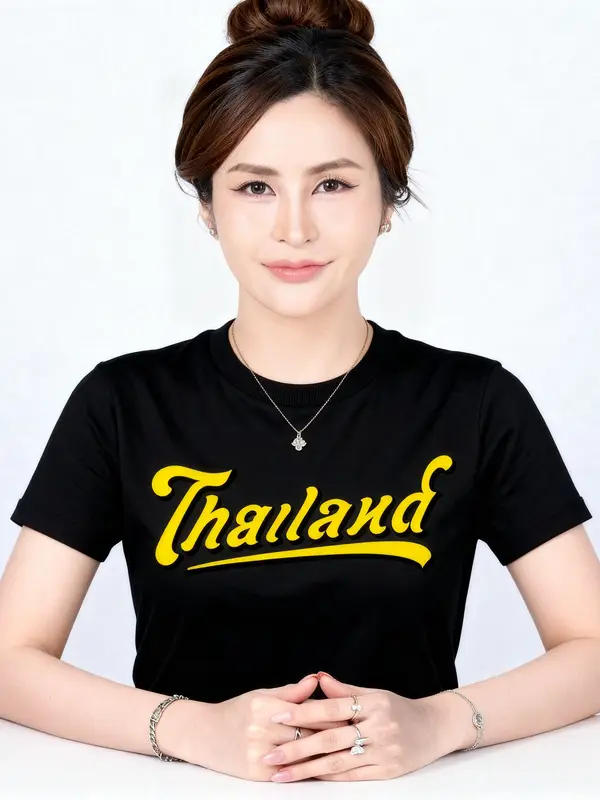

You ran a photo of a garment with Thai lettering printed on it, and the image that came back says something else. Sometimes it is obvious nonsense. Sometimes it reads perfectly well and simply is not your word. This is real, and we know the cause, because we hit it ourselves in testing. This page covers what causes it, how far Plien Roob protects you today, where it stops, and what you have to do yourself before the photo goes on your shop page.
The model is not redesigning your text — it guesses when it cannot read the original
The system does not cut pixels out of your old photo and paste them into the new one. It looks at what you sent and draws a whole new image. Wherever it can see clearly, it follows what it sees. Wherever something is too small to make out, it does not leave a gap — it fills in whatever it thinks belongs there. Lettering takes the worst of this, because one wrong character is already a different word, while one wrong petal in a floral print is something almost nobody notices.
What we measured: two shirts, one instruction, only the photo going in changed
We ran two Thai-print T-shirts with text on them through the ghost mannequin tool, five times each, holding every setting constant and changing only the photo going in. The first, a 1280-pixel photo with large, sharp lettering, held its shape 5 times out of 5, and the text on it was correct all 5 times, which we checked pixel by pixel. The second, a 720-pixel photo with small, blurred lettering, held its shape 3 times out of 5 — and the text came out wrong all 5 times. Not one run got it right. The two photos differ in both image size and lettering size, so the test shows that lettering the system can read comes out right; it cannot tell how much of that is down to the image size and how much to the size of the print.
The real line on the shirt began การเกินไทย, set in a decorative font and much smaller than the main word on the garment.
One run returned การเดินไทบ่อม.
One run returned การเกินโกน่อม.
One run returned การเดินไทข่อม.
And one run returned การเจ็บปวด.
The first three are obviously broken: they are not Thai words at all. The last one is a different kind of problem. การเจ็บปวด is a correctly spelled Thai word, it reads perfectly, and it happens to fit the theme of the shirt. Nothing about it invites suspicion. If the seller does not compare it against the real garment character by character, that photo goes up on the shop page while the shirt in the box says something else — the buyer is shown something other than what arrives, and that risk sits with the seller, not with us.
The instruction telling it not to is already there, and an instruction alone is not enough
Since 28 July 2026, every ghost mannequin run has carried a sentence locking the printed artwork and lettering on the garment — the shape of the characters, the spelling, the colour and the position — plus a second sentence forbidding any brand tag or lettering that the source image does not already show. Product to model carries its own version of the same rule, locking the print artwork and its spelling. But an instruction can only say do not change it. It cannot say what the original said, if the photo you sent could not be read in the first place.
The neck label tells the same story. In several earlier tests, the lettering on neck labels often came back as unreadable nonsense, but in the run with a sharp input the brand label at the collar came out legible and matched the real one. Between the two runs compared on this page, not a single character of the instruction changed; the only thing that changed was the photo going in. The variable that moved the result was the photo, not the wording.
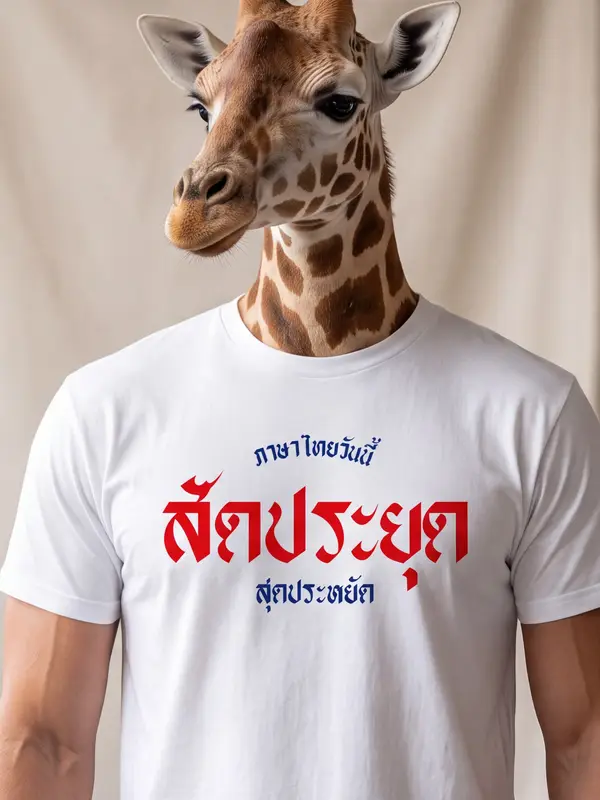
How far the system protects you today, and where it stops
Below 480 pixels on the shorter side, the system refuses the file. It cannot be uploaded at all.
From 480 up to just under 1024 pixels, it uploads, but a warning appears on screen every time.
From 1024 pixels upward is what we recommend.
Around 1280 pixels and up is what has been proven to work best.
The band to watch is 480 up to just under 1024, because 720 sits right in the middle of it — and 720 is the size proven to get the text wrong all 5 times. In that band the system warns rather than blocks, and that is a trade made deliberately, not a gap nobody noticed. Blocking at 1024 would refuse the product photos ordinary shops use every day, along with most of the small model photos shops already have on hand, which does more damage. So we tell you plainly that you are in a band nobody can guarantee, instead of stopping you.
Four things to check before you run it
Zoom the source photo to full screen and read the lettering with your own eyes. If you cannot read it, neither can the system. This matters more than the file size does.
Look at how much of the frame the lettering occupies. The smaller it is, the higher the risk — stepping closer so the garment fills the frame helps more than making the file bigger.
Use the original file from your phone or camera, not one forwarded through a chat app. Those apps compress files on the way, and small characters are the first thing to fall apart.
If the print has both a large word and a small line, judge by the small line. That is where it breaks first; the large word usually survives.
After the run, zoom in and read every character before you list it
Zoom the result to full screen on the print and read it one character at a time, rather than glancing over it.
Compare it against the physical garment in your hand, or against the source photo you uploaded. Do not compare it against memory.
Read the smallest line first, always. The small line is the first thing that changes.
Check the neck label and the care tag too, not only the print on the front.
If any character is off, do not list that image. Replace the source photo with a sharper one and run it again.
An image whose printed text does not match the real garment cannot be listed, however good it looks, because what the buyer sees at checkout and what is in the box are two different things. The system cannot check this on your behalf: it does not know what the real shirt says. You are the only one who does.
 Illustration
Does running it again with the same photo help?
The output is probabilistic, so two runs from the same photo never produce identical images — which is why people press generate again hoping the next one lands. In our test, the blurred 720-pixel photo was run five times and came back wrong all five, wrong in a different way each time, because a fresh guess is still a guess. What changed the result was changing the source photo to one that could be read, not pressing the button again. And every press costs credits again: ghost mannequin is 2 credits per image at standard quality and 4 at premium, product to model 2 at standard quality and 5 at premium.
The safest route when the lettering is the product
If people buy this shirt because of what it says, shoot it yourself flat, close enough that the print fills the frame, and use that photo as the main listing image without putting it through the system at all. That photo is your evidence that the text is real. Then use the generated images as the supporting shots — a model wearing it, or the garment in a scene — so buyers can see how it looks on. You get accuracy and attractive photos at the same time, without gambling on the characters.
Frequently asked questions
Why did the text on the shirt change by itself?
Because the system draws a whole new image from the photo you sent rather than cutting and pasting the original pixels. Wherever the characters are too small or too blurred to read, it guesses and fills in what it thinks belongs there instead of leaving a gap. In our test, a 720-pixel source photo with small, blurred lettering produced wrong text all 5 times, while another shirt photographed at 1280 pixels with large, sharp lettering produced correct text all 5 times.
If I run it again, will it fix itself?
Not if the source photo is the same one. The output is probabilistic, so a new run gives a different image — but it is a fresh guess on a photo that still cannot be read. In our test, one blurred photo was run five times and came back wrong all five, wrong differently each time. What works is switching to a source photo where the lettering is legible, then running it again.
My file is already large, so why is the text still wrong?
File size does not tell you whether the lettering is legible. A large photo taken from far away, where the garment is a small patch in the middle, leaves less detail on the characters than a smaller photo taken close up. Use the simple test: zoom the source photo to full screen and read it with your own eyes. If you cannot read it, neither can the system — which is why stepping closer helps more than making the file bigger.
If small images are risky, why does the system still let me upload them?
Below 480 pixels on the shorter side it genuinely refuses. From 480 up to just under 1024 it warns instead of blocking, because blocking at 1024 would refuse the product photos ordinary shops use every day, along with most of the small model photos shops already have on hand. That is a deliberate trade, and it is exactly why you should zoom in and check the lettering yourself before listing anything.

Plien Roob
Ready for your first product photo?
Photos by XinYing Lin on Unsplash