AI Tools
Virtual Try-On: when to use it, and why it changes one piece at a time
Last updated 2026-09-07From Plien Roob — AI model photography for online stores
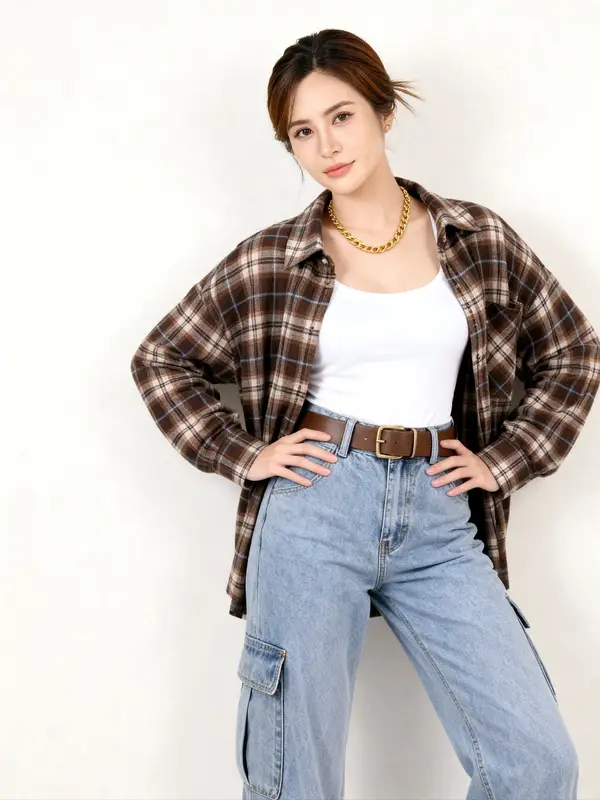

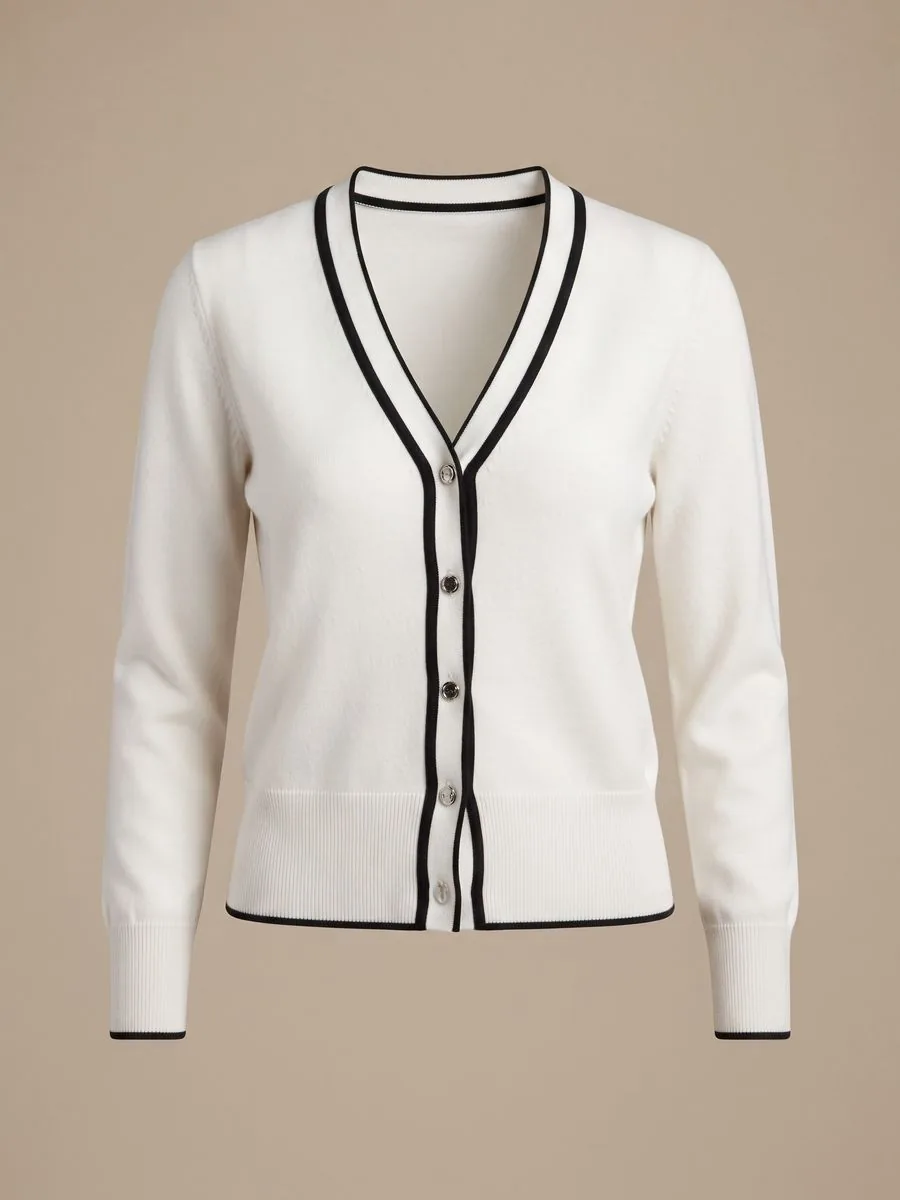
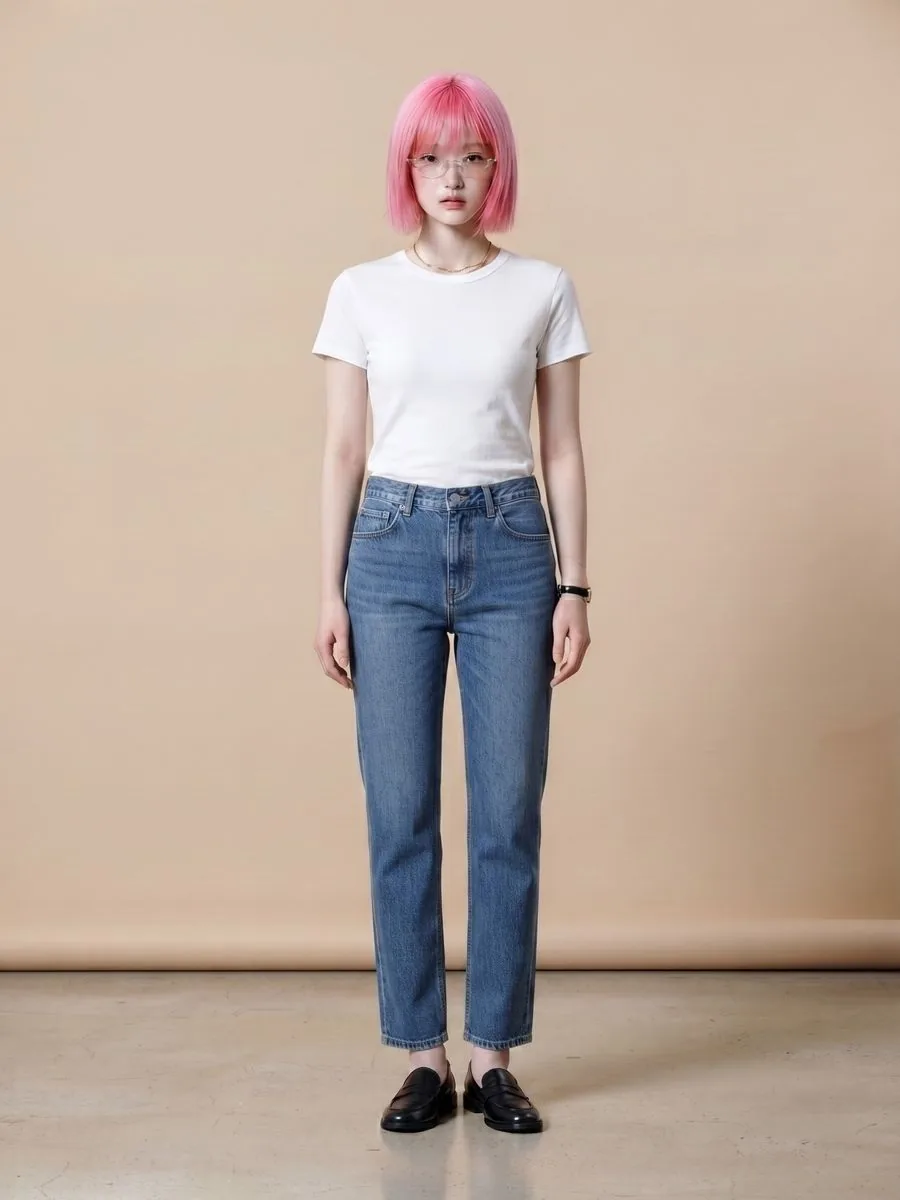
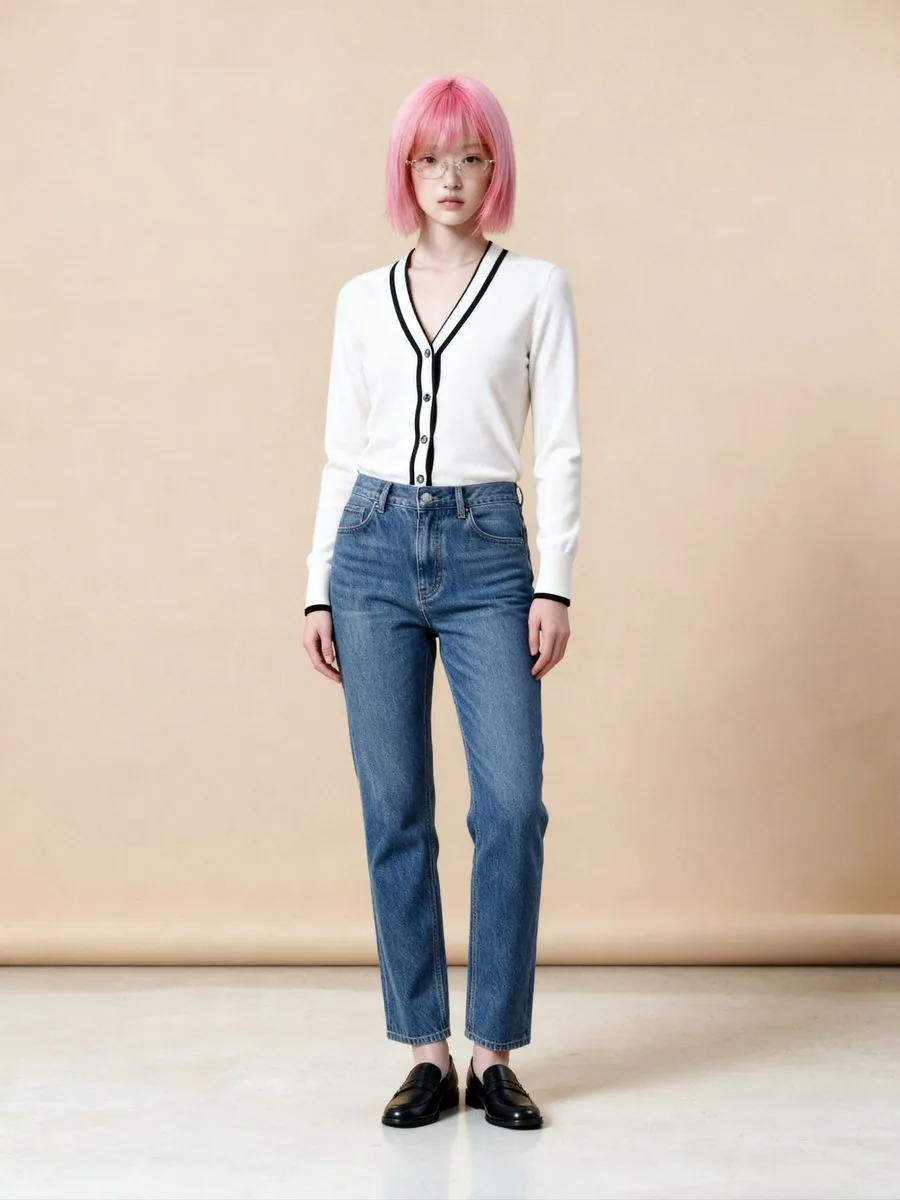
Plien Roob's Virtual Try-On takes two photos — a model photo and a garment photo — and returns the same model wearing that garment. What sets it apart from our other tools is that the model photo is yours: you upload it, rather than picking from a library. The system also pins the model's original pose on every run, because that pose is what you chose when you shot the photo.
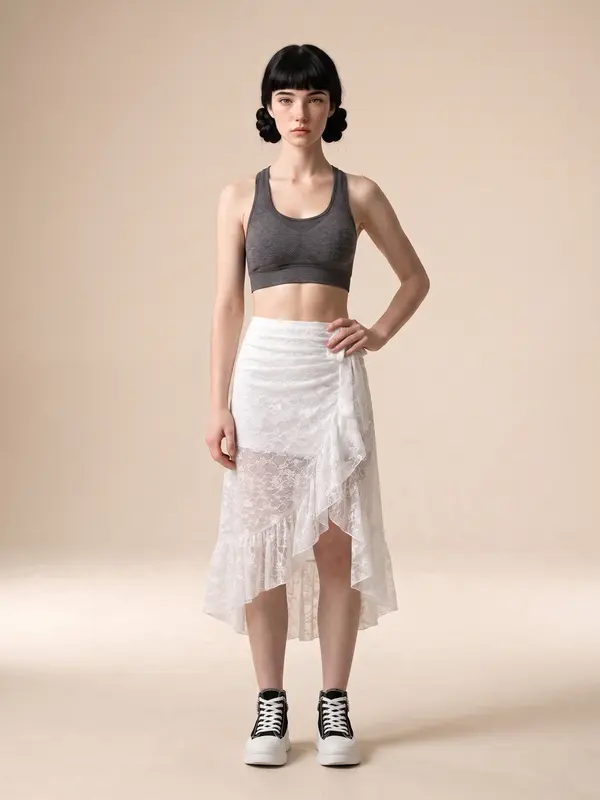
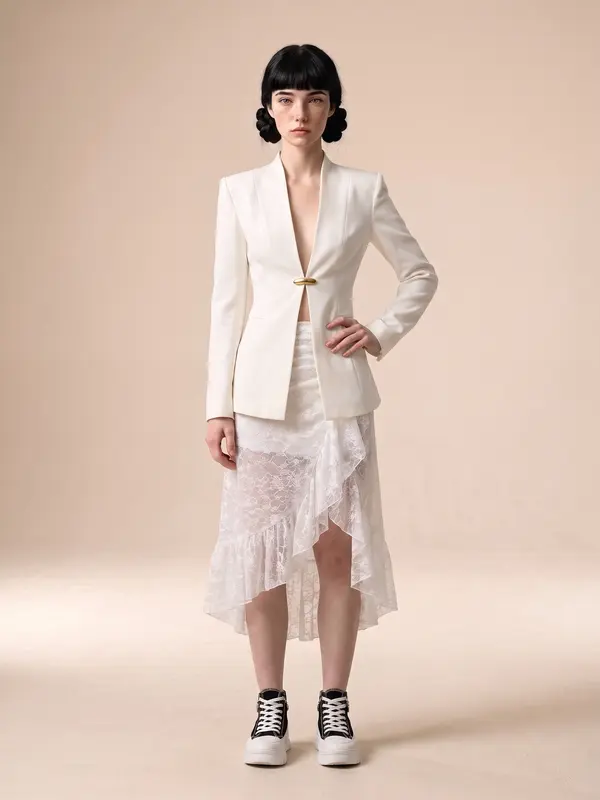
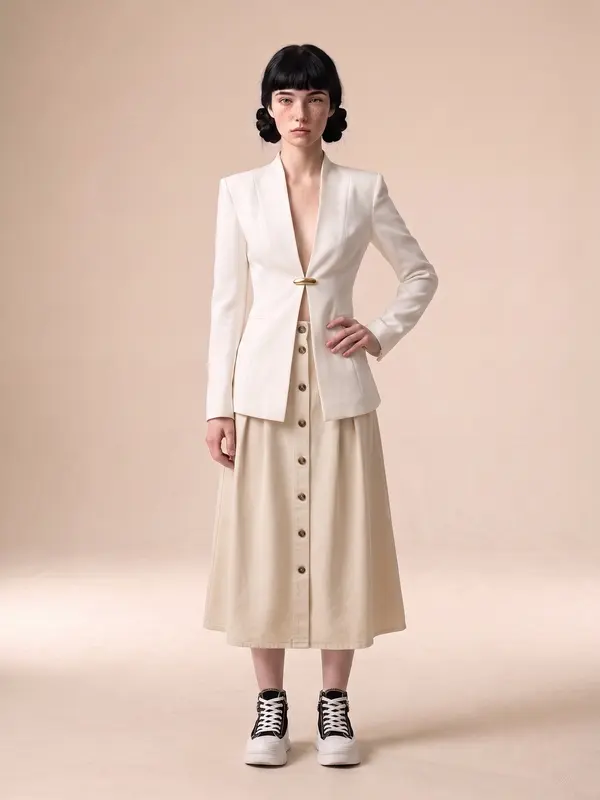
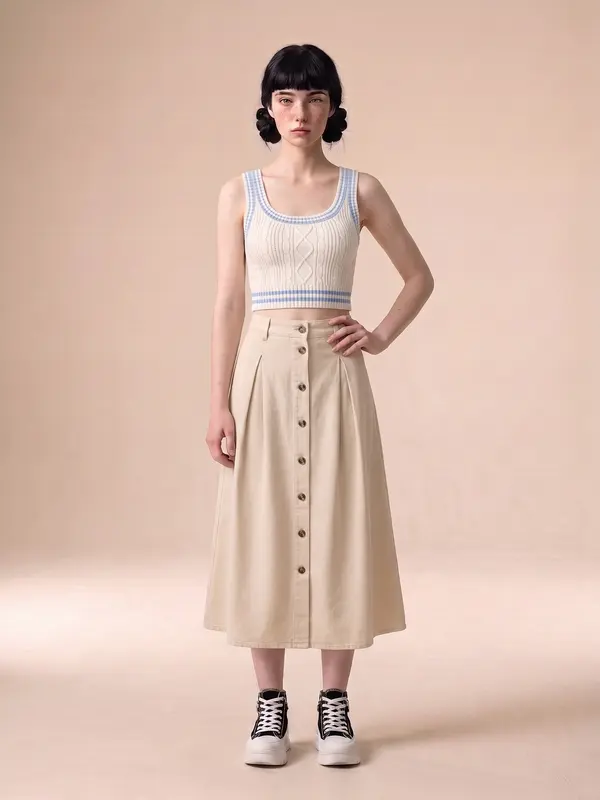
One piece at a time, not a whole look in one run
The piece you send is the piece that changes. The rest of the outfit stays as it was in the model photo. To change several pieces, run it more than once and use the previous result as the model photo for the next run. You can chain that indefinitely, and the face and pose hold throughout.
What else you can do with an AI model
What you can do with an AI model on this site. Each card is that tool's cover image; tap it to read how the tool works.





There is no instruction channel at all — not even for us
The model behind this tool accepts exactly three things: the model photo, the garment photo, and the instruction to keep the pose. It has no text prompt field whatsoever. That means neither you nor we can tell it to style the rest of the outfit to match the product. Whatever the person in your photo was already wearing stays exactly as it is.
If you want the whole look styled around the product, use Product to Model instead. That tool carries a full instruction set and lets you add up to 3 styling pieces — at the cost of not being able to upload your own model photo, since it draws from the library.
Who it fits
Shops that already have their own model photos — those photos are already styled, so the rest-of-the-outfit problem never arises
Shops that want many products on the same model in the same pose, so the storefront reads as one set
Work where the pose and face you photographed must be preserved exactly
Credits
2 credits per image, one quality level, so there is no wrong option to pick
Changing several pieces means several runs, and credits follow the number of runs actually made
Frequently asked questions
What is the difference between Try-On and Product to Model?
Try-On uses a model photo you upload yourself and swaps one garment at a time, leaving the face and pose untouched. Product to Model starts from a single product photo and lets you pick the model, scene, pose and framing from libraries — but you cannot upload your own model photo there.
Can it change a whole outfit in one run?
No. The piece you send is the piece that changes, and the rest of the outfit stays as it was in the model photo. To change several pieces, run it more than once and use the previous result as the model photo for the next run — the face and pose hold throughout.
Can I ask it to style the rest of the outfit to match?
Nobody can, including us. The model behind this tool accepts exactly three things — the model photo, the garment photo, and the instruction to keep the pose — and has no text prompt field at all. If you want the whole look styled around the product, use Product to Model instead.
How many credits does Try-On cost per image?
2 credits per image, at a single quality level, so there is no wrong option to pick. Changing several pieces means several runs, and credits follow the number of runs actually made.

Plien Roob