Selling Online
Sleepwear that isn't for sleeping: why general AI tools fail at product photos and what works
Last updated 2026-10-23From Plien Roob — AI model photography for online stores
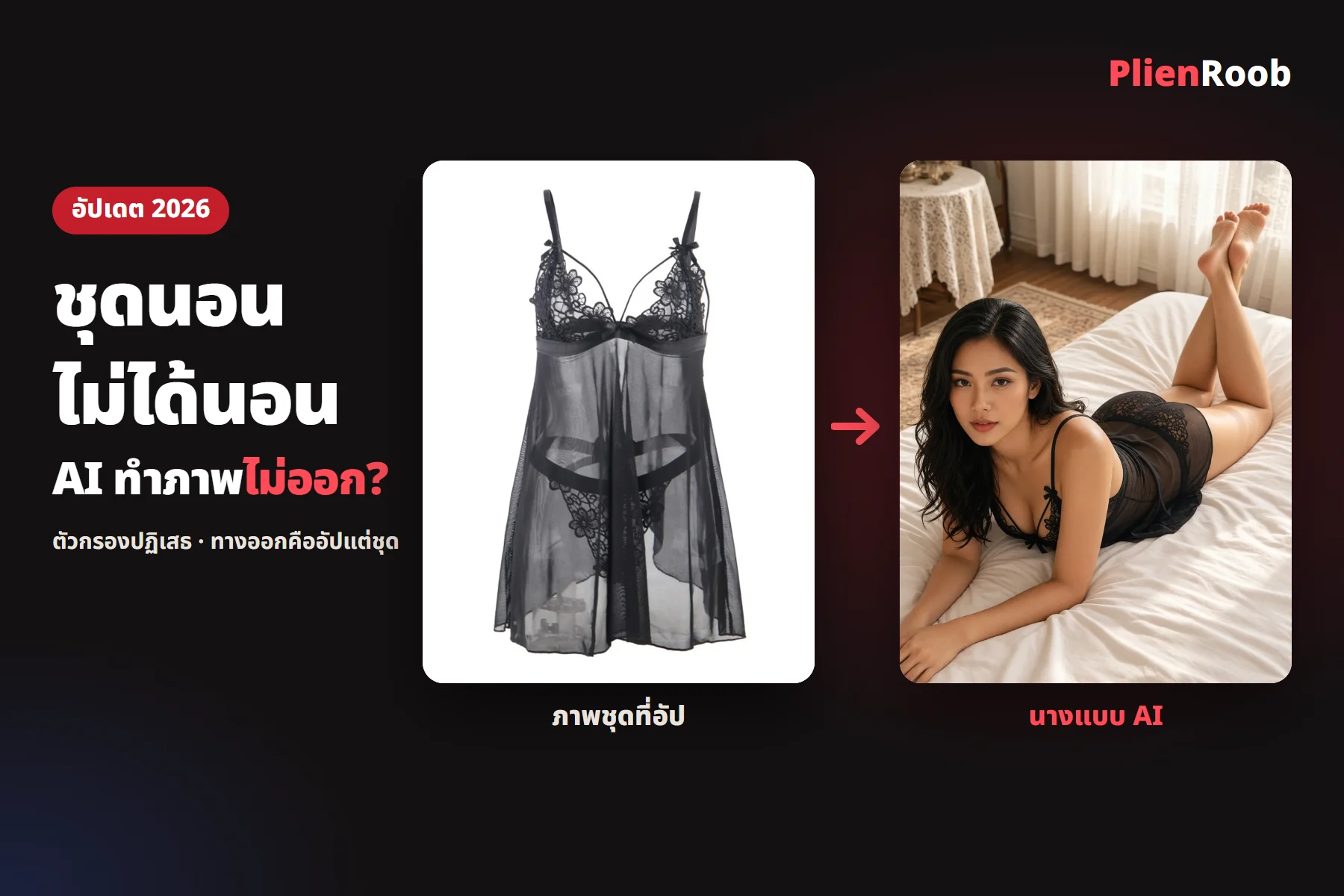

Sleepwear that isn't for sleeping is the Thai shop term for sheer, lacy nightwear or babydolls bought to be seen, not to sleep in. Shops selling it struggle to photograph it because general AI tools often won't make an image of a model wearing it. What works is uploading a photo of the garment with nobody in it and picking the model from buttons in Plien Roob, at 3 credits an image.
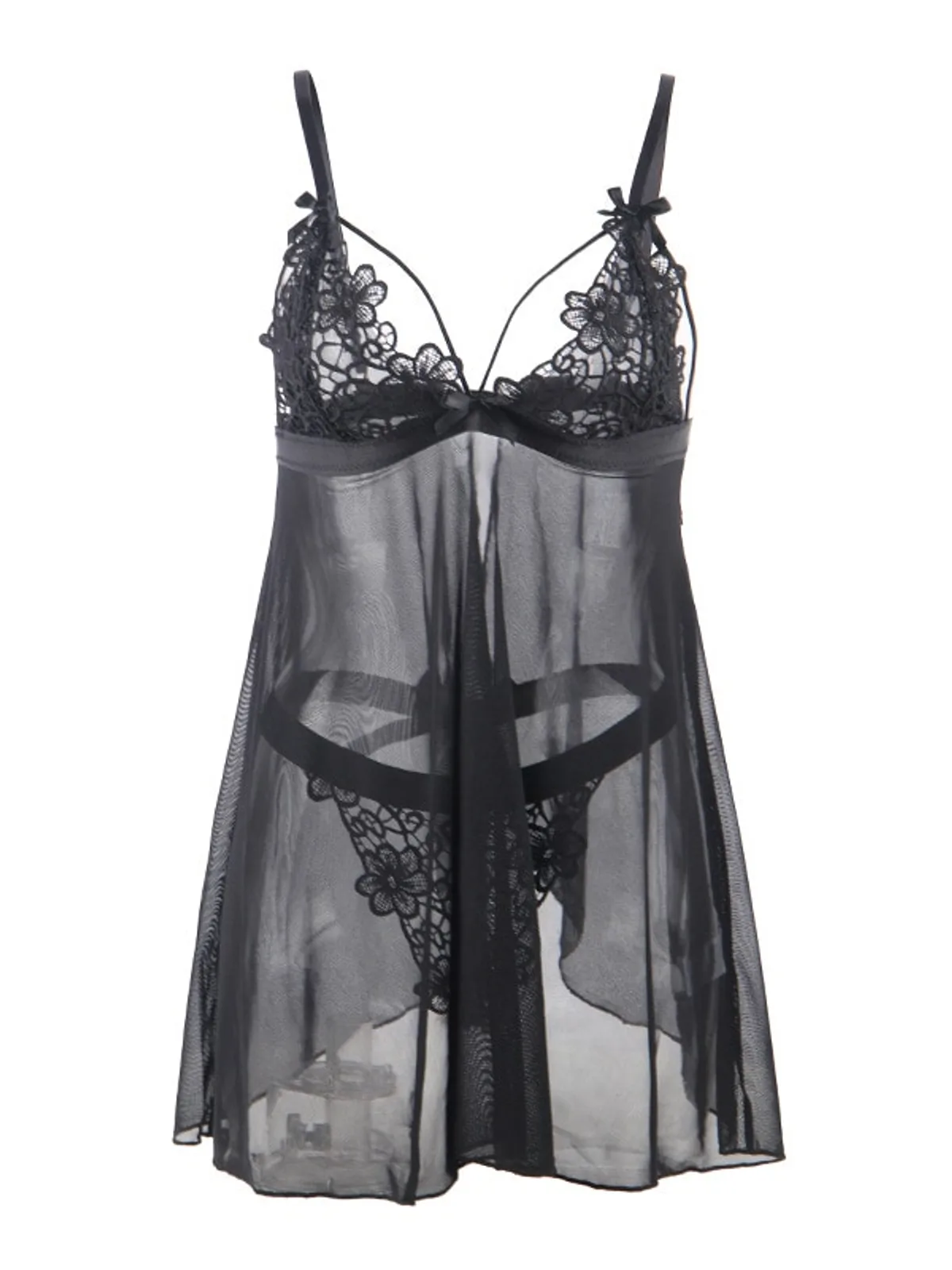 Garment photo
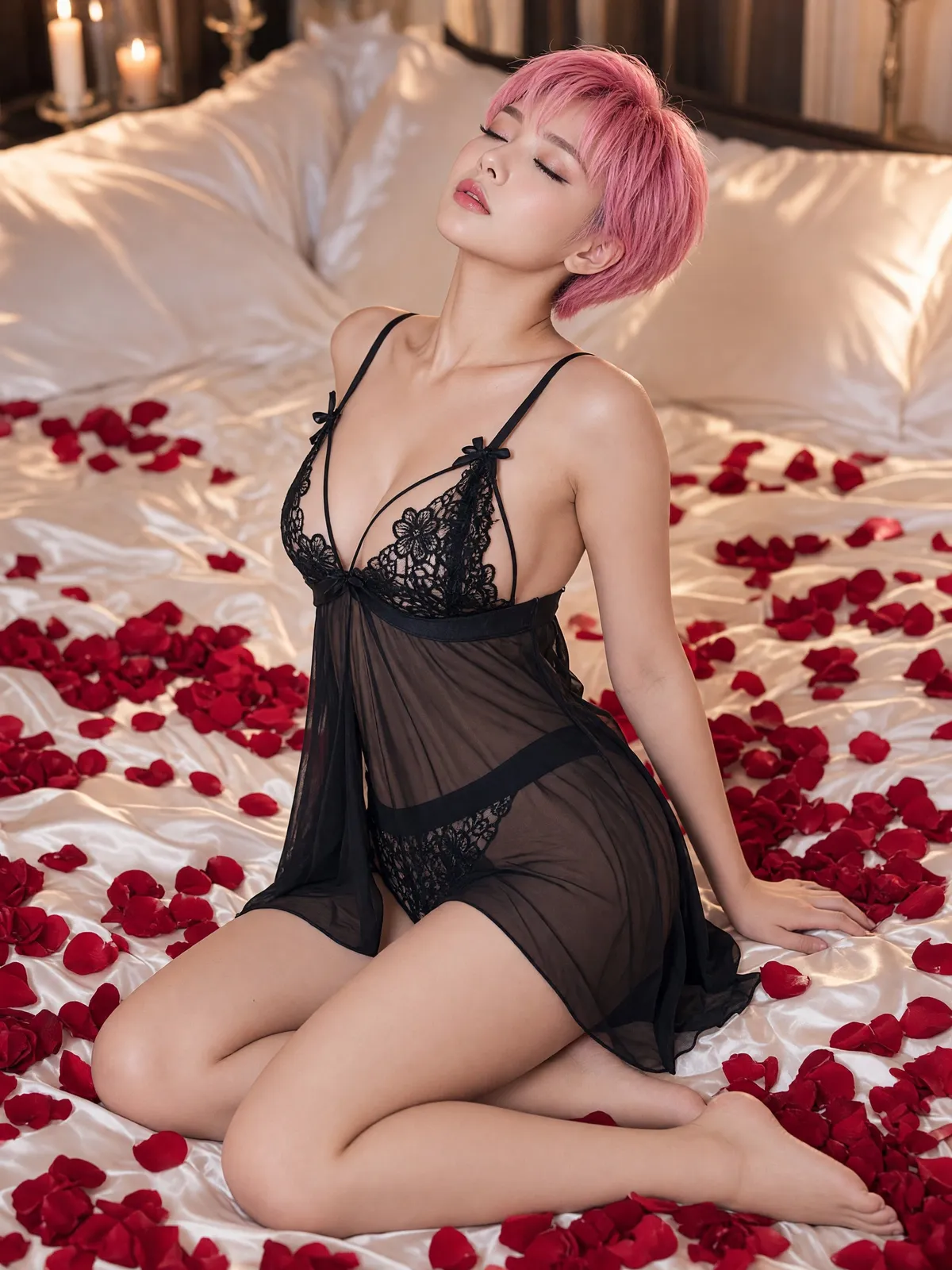 Real result
Sleepwear that isn't for sleeping: why general AI tools can't make the image
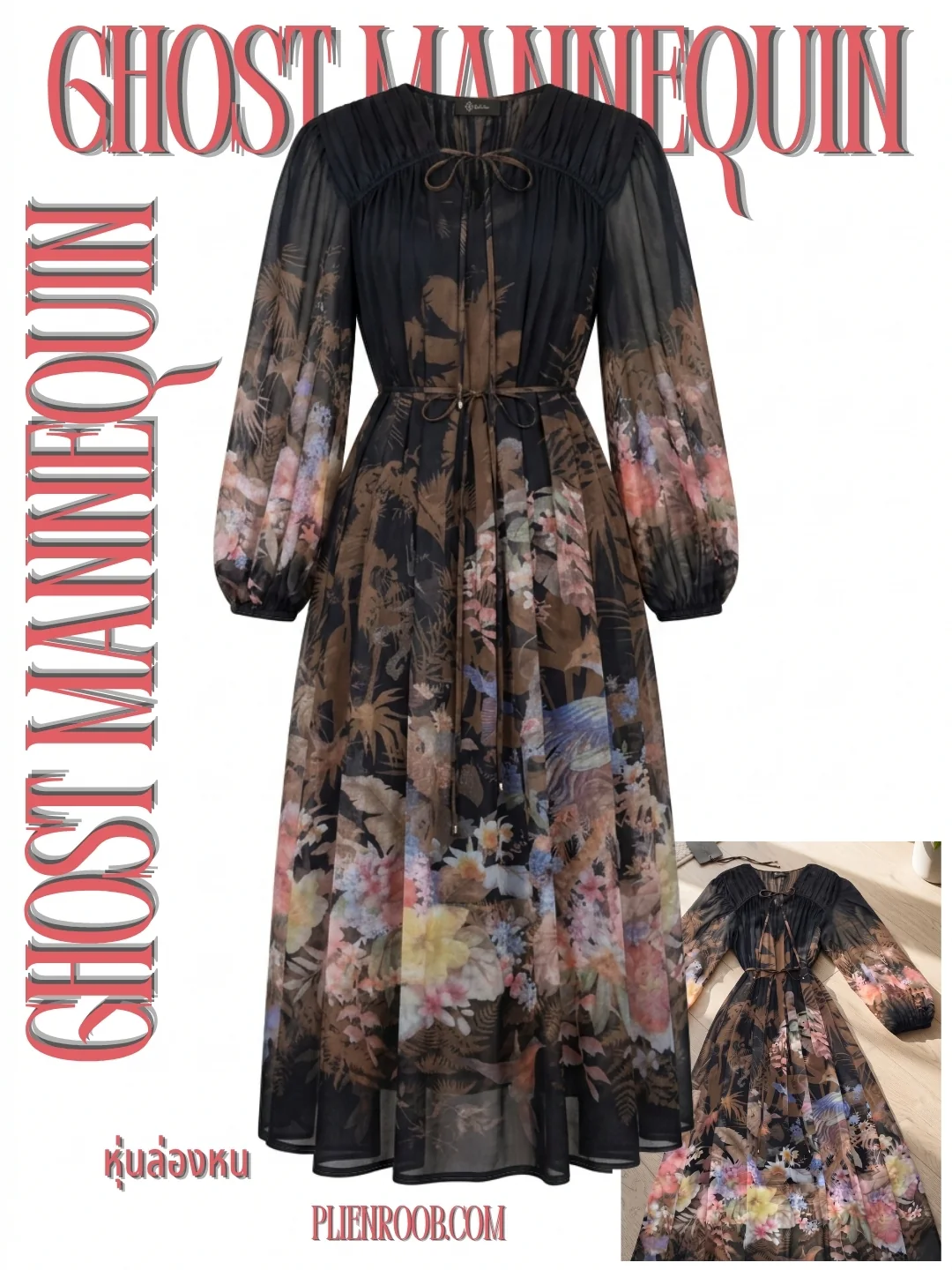
AI providers screen images of a person in sheer garments more strictly than ordinary clothing photos. In our system, one customer uploaded a single lace set and every result with a person in it was refused by the AI provider's filter, 8 times out of 8 across two tools, but the ghost mannequin worked because nobody was in the image.
In Plien Roob's internal test in September 2026, a small sample, when a photo of a model was sent to one AI provider to be restyled, the sheer garment passed only 1 time out of 5, but when the model was described in words instead of sent as a photo, the sheer garment passed all 4 times out of 4.
The symptoms shops with this kind of garment see
Refused at once · no image comes out and no reason is given
The lace changes · the flower pattern on the cups or the underwear edge doesn't match the real garment
Straps and bows lost or added · small parts the real garment doesn't have appear
The back is wrong · for a garment with an open back or ties, the AI guesses
The face changes every image · so the shop doesn't look like one brand
7 things you can do in Plien Roob
What you can make on this site. Each card is that tool's cover image; tap it to read how the tool works.






The way out: upload the garment, not a photo of a person
Product-Sexy has no slot for a photo of a person at all. You upload a photo of the garment with nobody in it and pick the model with buttons; the system writes the description for the AI itself. It's 3 credits an image, and if an image doesn't pass the check before delivery, the credits are returned automatically.
In the studio, open the Product-Sexy tool and pick or upload a photo of the garment with nobody in the frame
Tap the garment-type button, choose the kind of garment, then choose a female or male model
Tap the model button and choose the age range, ethnicity, skin tone, hairstyle, hair colour and body shape
Pick a scene and a pose, check the 3-credit price on the button, then tap generate
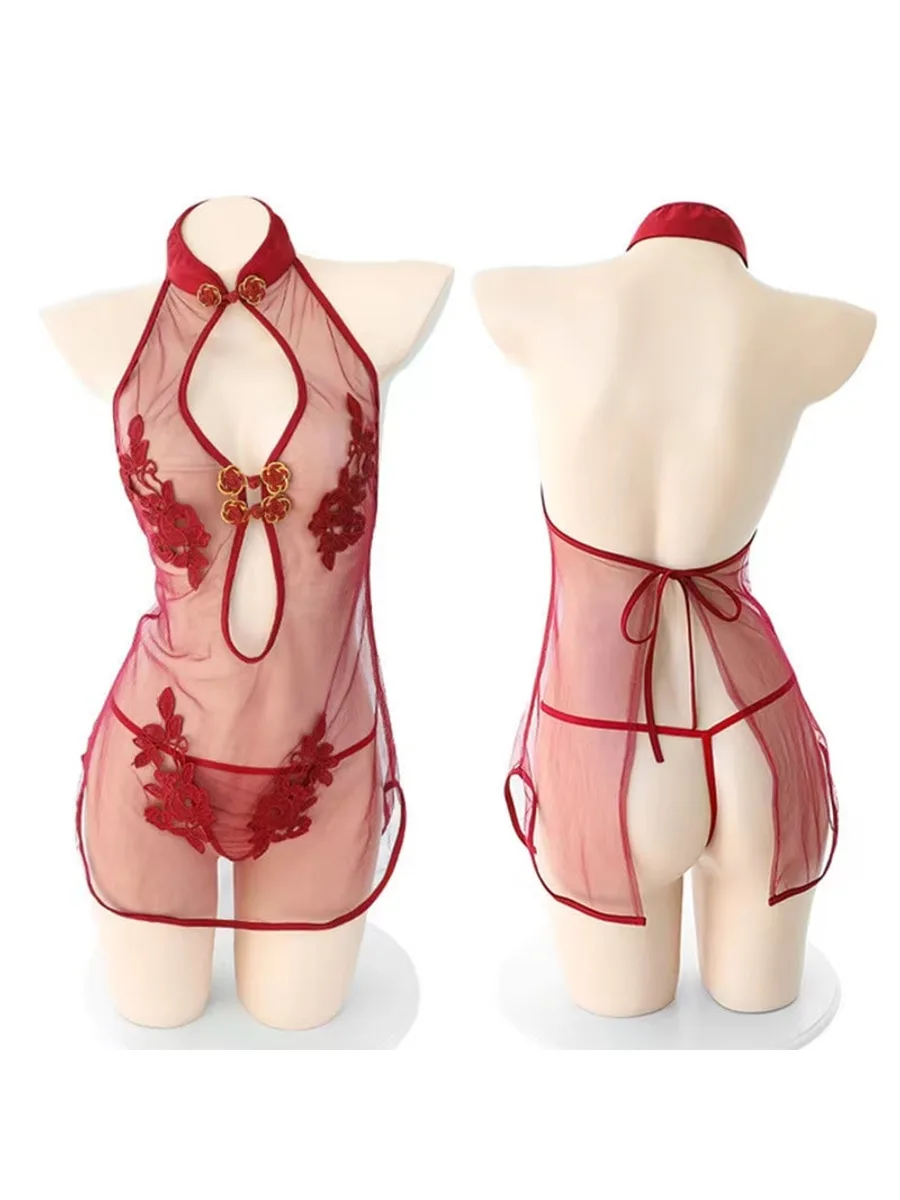 Garment photo, front + back
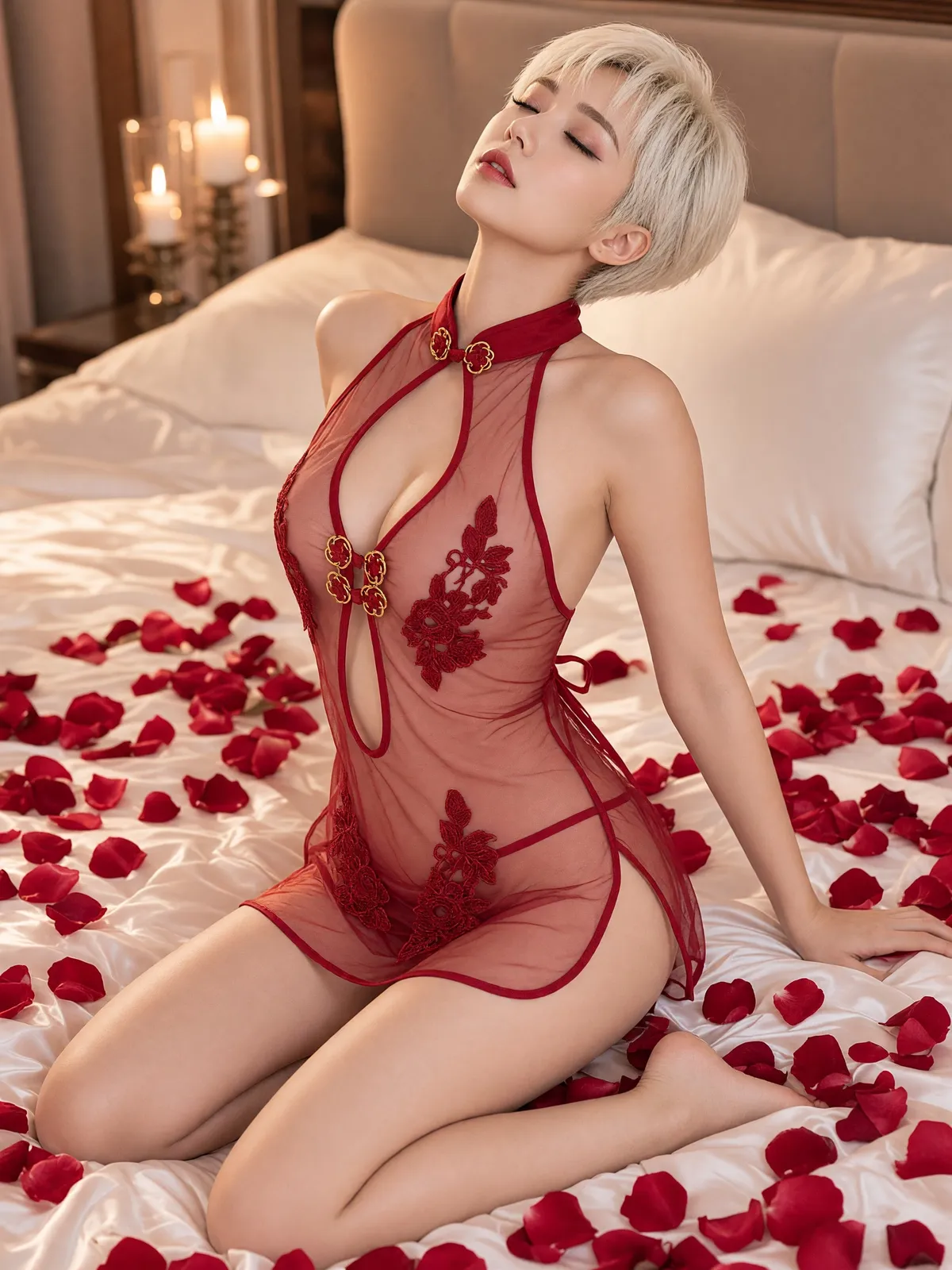 Leaning back
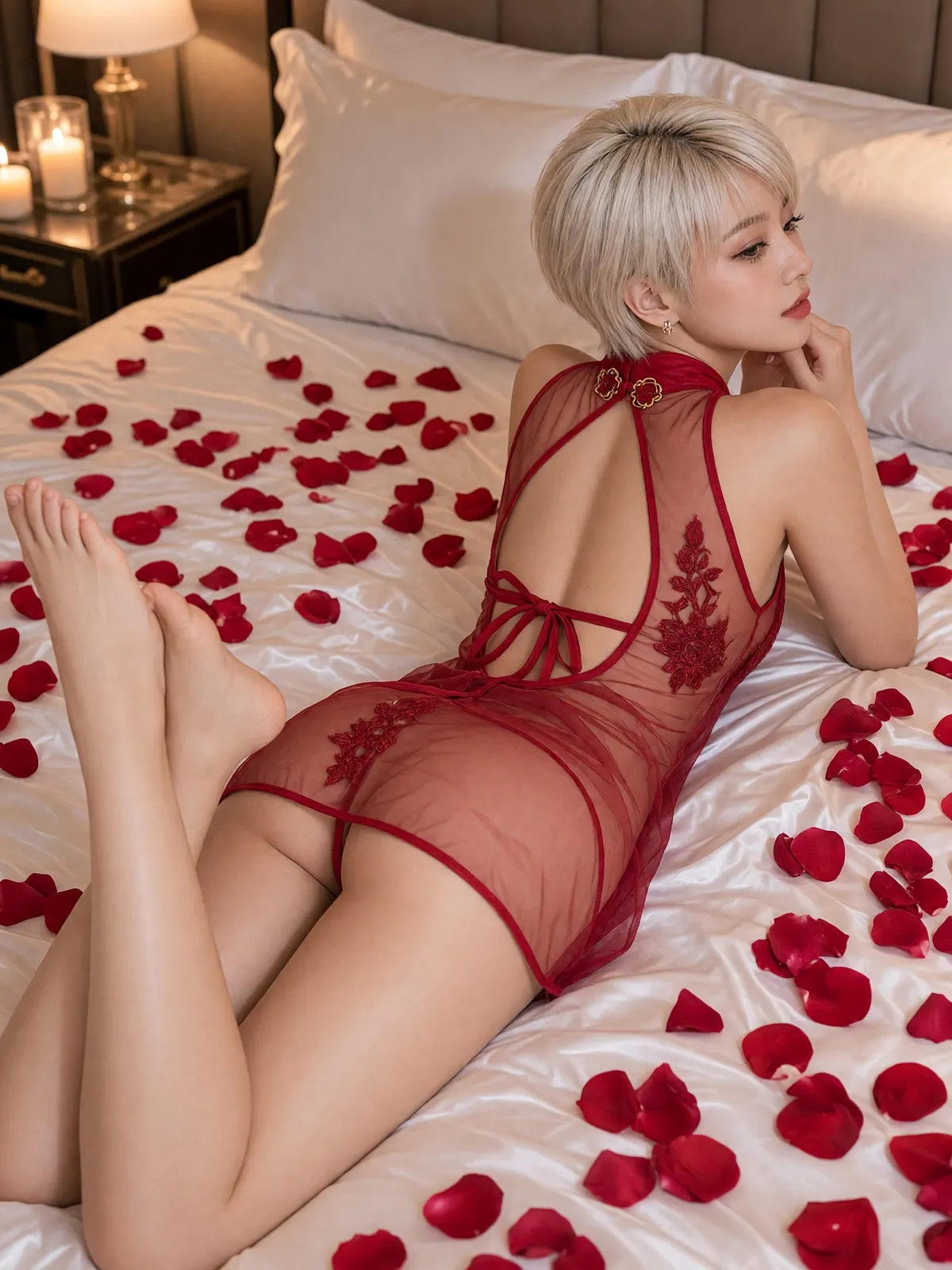 Back
BackPrepare the photo for the kind of garment
Sheer lace
- What goes wrong with general AI tools
- Images with a person are refused and the lace pattern changes
- How to prepare the product photo
- Garment on white or on a mannequin with nobody in the frame and the lace in focus
Sheer mesh with embroidery
- What goes wrong with general AI tools
- The embroidery and buttons drift
- How to prepare the product photo
- Shoot close enough to show all the embroidery and buttons
Open back or ties
- What goes wrong with general AI tools
- The AI guesses the back
- How to prepare the product photo
- Upload the front and the back in one photo
Bows and small trims
- What goes wrong with general AI tools
- They can be added or lost
- How to prepare the product photo
- Shoot the small parts clearly, then check after the image
| What goes wrong with general AI tools | How to prepare the product photo | |
|---|---|---|
| Sheer lace | Images with a person are refused and the lace pattern changes | Garment on white or on a mannequin with nobody in the frame and the lace in focus |
| Sheer mesh with embroidery | The embroidery and buttons drift | Shoot close enough to show all the embroidery and buttons |
| Open back or ties | The AI guesses the back | Upload the front and the back in one photo |
| Bows and small trims | They can be added or lost | Shoot the small parts clearly, then check after the image |
Frequently asked questions
What does sleepwear that isn't for sleeping mean
Sleepwear that isn't for sleeping is the Thai shop term for sheer, lacy nightwear or babydolls bought to be seen, not slept in. Shops selling it struggle to photograph it because general AI tools often won't make an image of a model wearing it.
Do I need to hire a model to photograph this kind of garment for sale
No. Upload a photo of the garment with nobody in it to Product-Sexy, then choose the model, scene and pose from buttons. It's 3 credits an image and you get a portrait 3:4 image in 4K. Check every image against the real garment before you list.
Why can't AI make images of sleepwear that isn't for sleeping
The main cause is the AI provider's filter refusing images of a person in sheer garments. In our system, images with a person in one lace set were refused 8 times out of 8, while images with nobody in them worked.
Do I have to upload a photo of a model myself
No, and you can't. This tool accepts no photo of a person at all, so no real person's photo is used for sheer garment images. The person in the image is built from the buttons you pick.
Will the model have the same face in every image
No. The face changes in every image. If you tap the same look buttons each time you get a similar face, not the same person.
Can I make images of this kind of sleepwear with AI here right now
Yes, it's open. Sign up free for 10 credits, given once, with no card needed — enough for 3 Product-Sexy images. Your first free-plan image has no watermark; the images after it do.

Plien Roob
Ready for your first product photo?
Sign up free for 10 credits, given once, with no card needed — enough for 3 Product-Sexy images. Your first free-plan image has no watermark; the images after it do.