AI Tools
Scenes and poses for sleepwear, lingerie and swimwear photos, picked with buttons instead of typed descriptions
Last updated 2026-09-16From Plien Roob — AI model photography for online stores
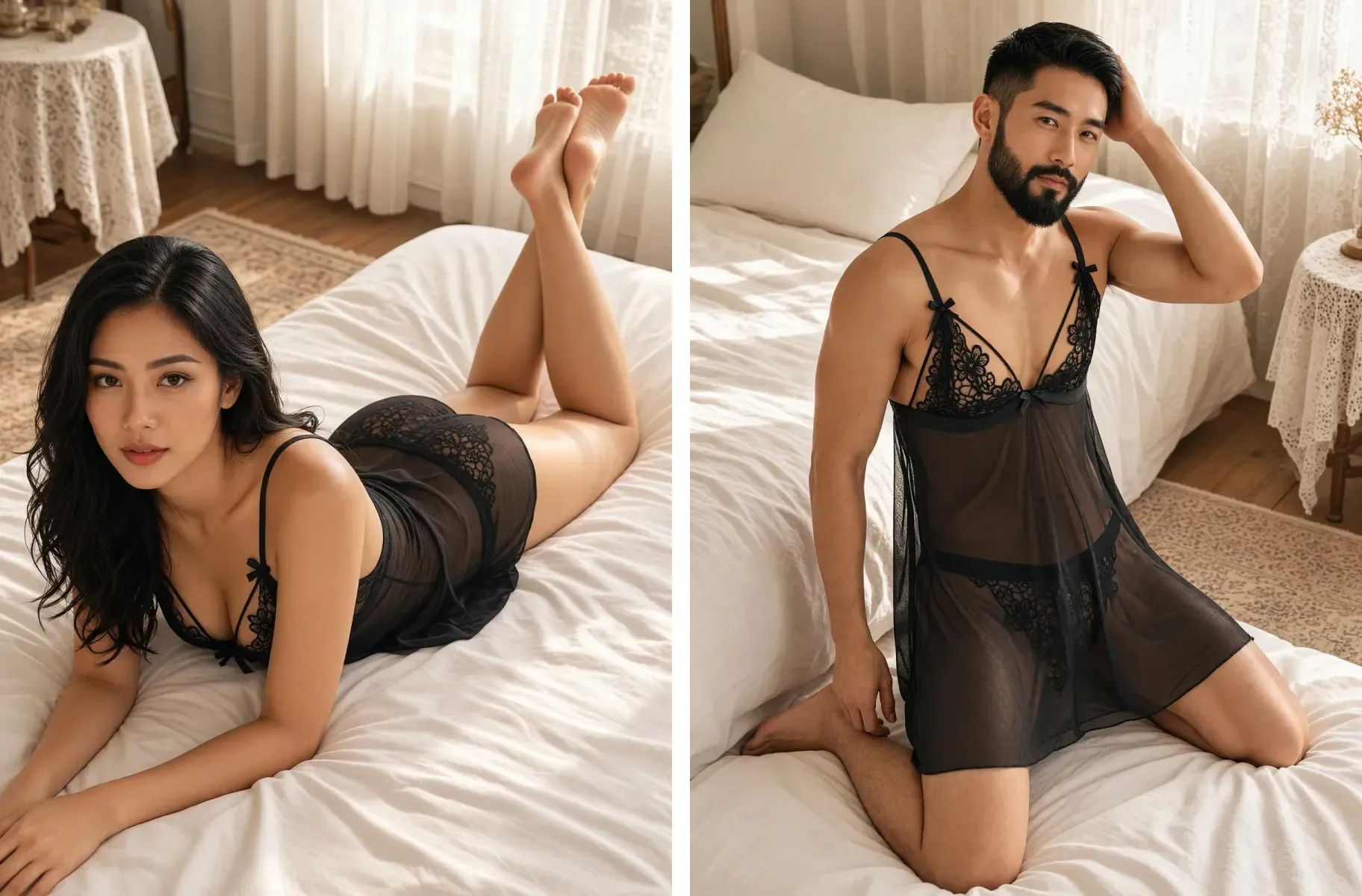

The same garment feels different in a sunlit bedroom and in a black studio with side lighting. Plien Roob lets you choose the scene, the pose, the front or back of the garment and where the model looks, all with buttons.
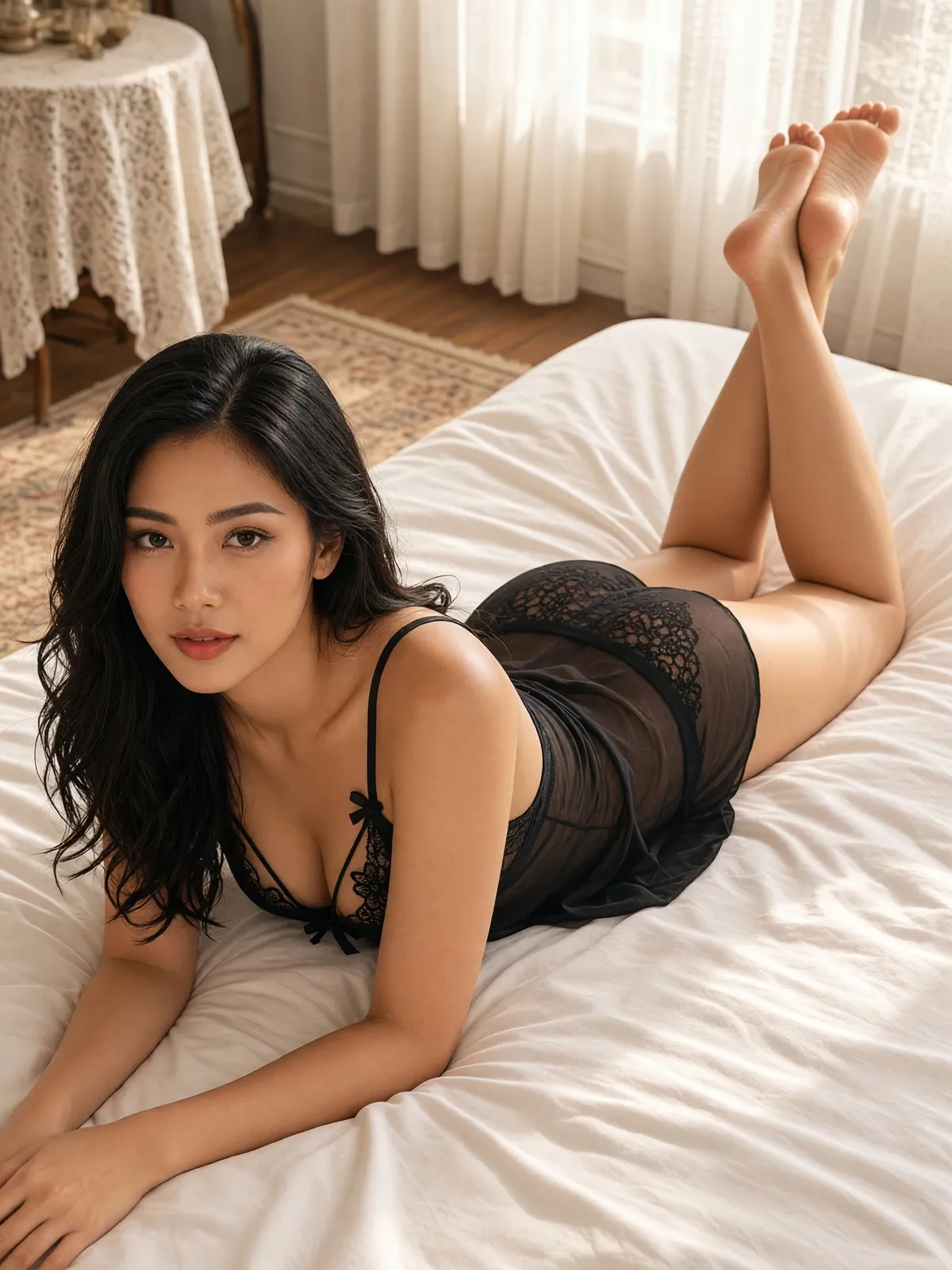
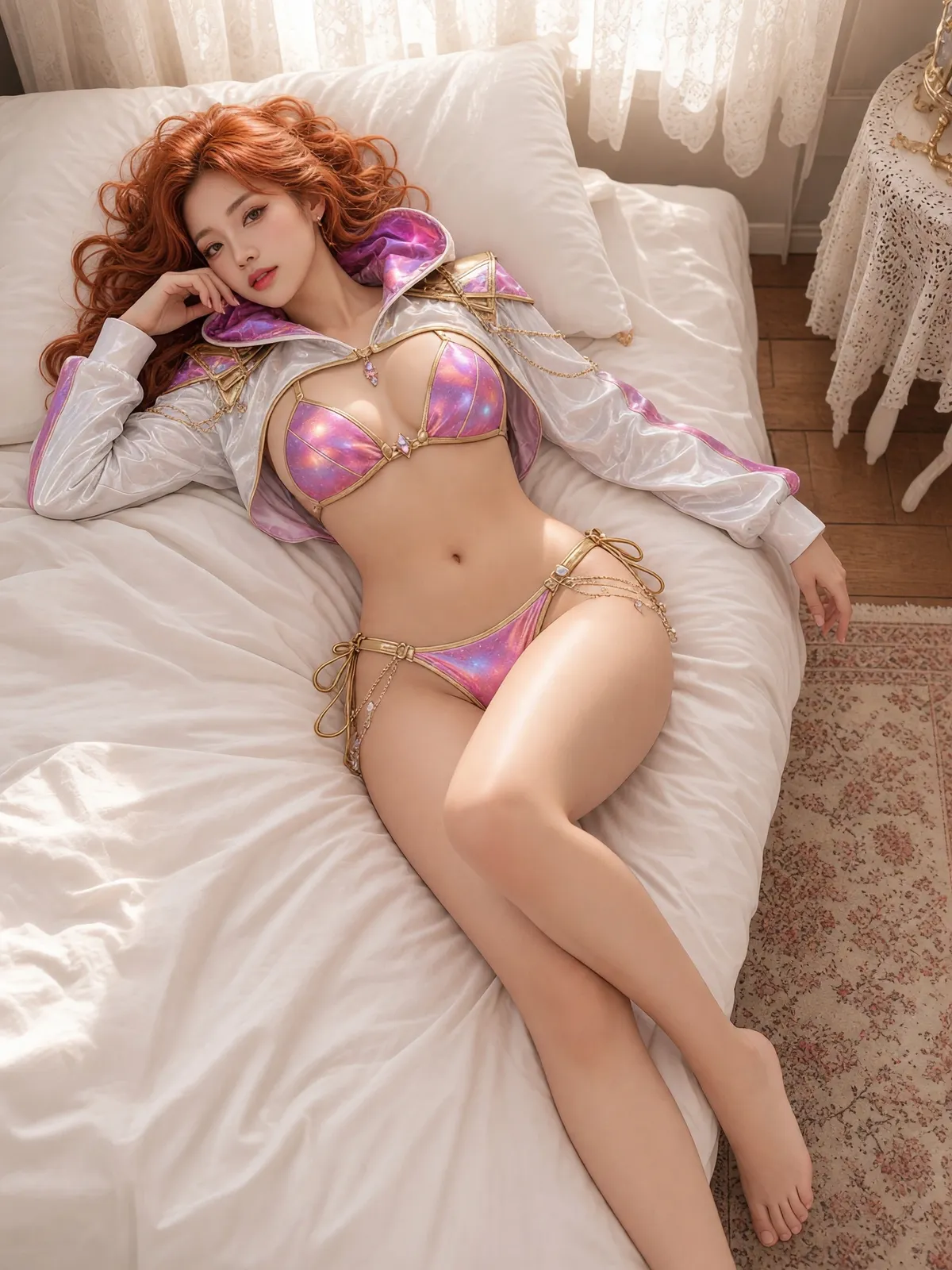
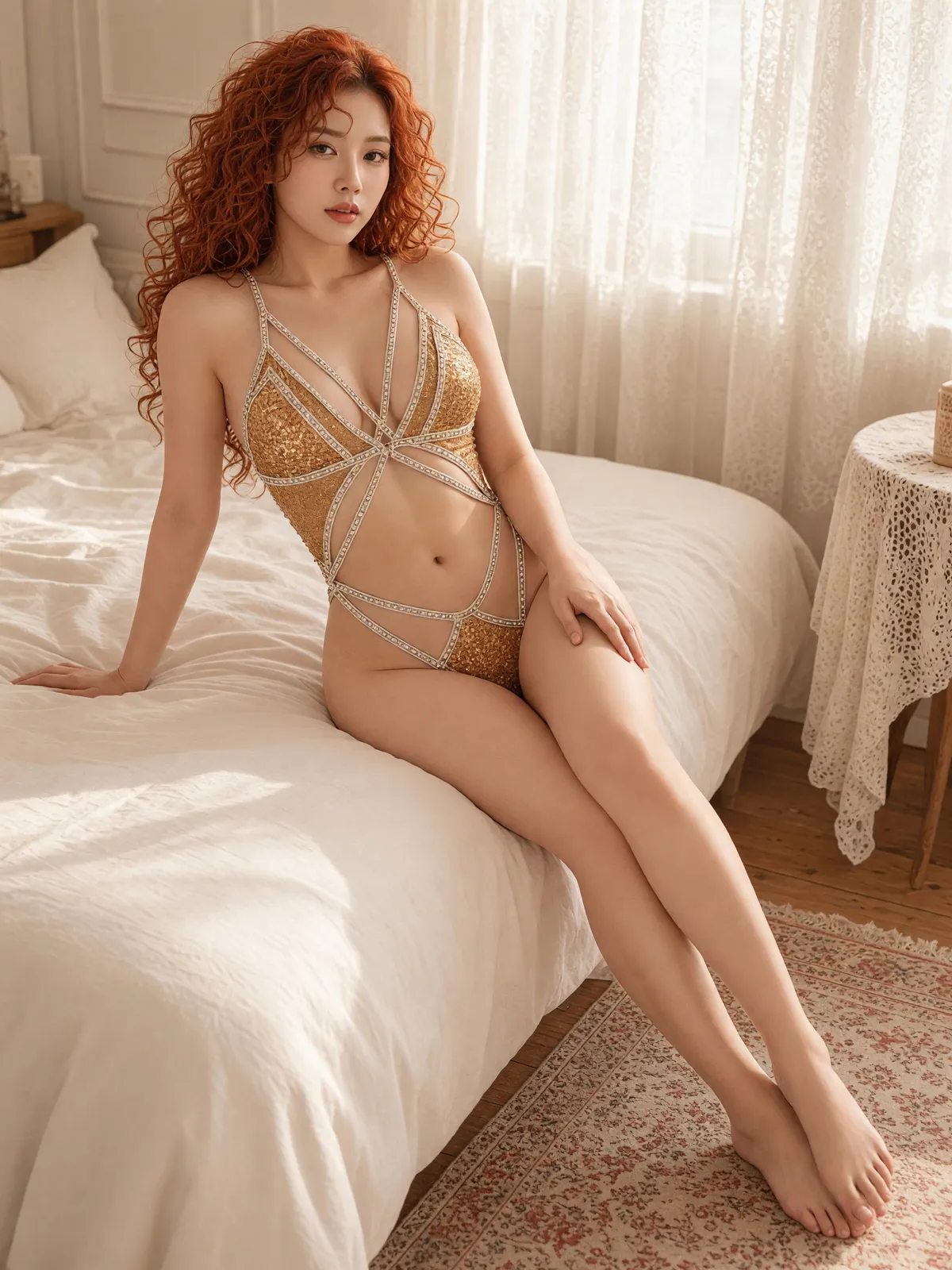
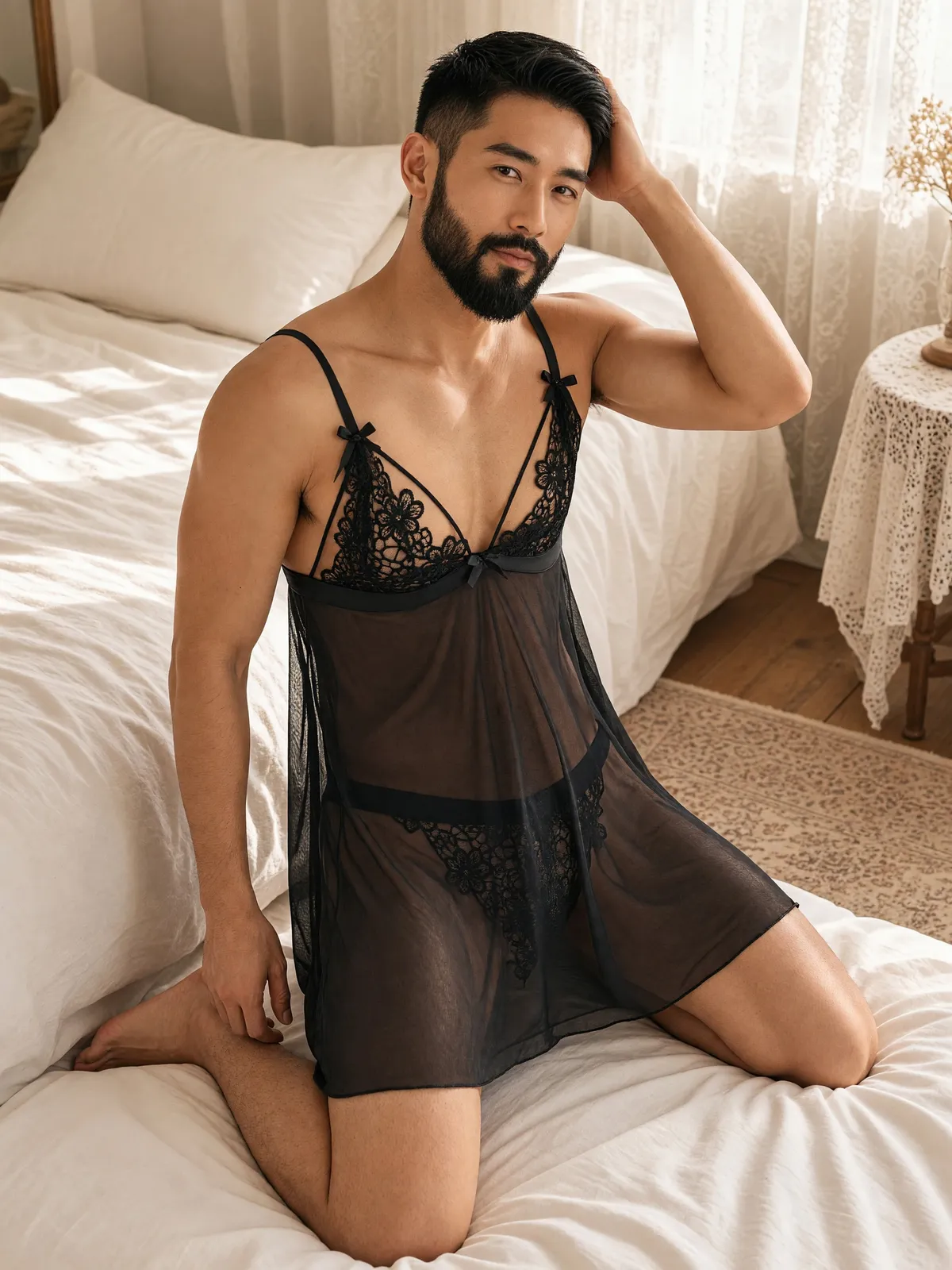
More than 30 scenes in 7 groups
Bedroom, such as a sunlit bedroom with lace curtains, or a hotel suite with a night-time city view.
Home, such as a big window with sheer curtains, or a velvet sofa in an elegant living room.
Bathroom, such as a luxury hotel bathroom with a marble counter.
Pool, such as an infinity pool edge with a sea view, or a flamingo float drifting in the pool.
Sea, such as a white-sand beach in the evening, or a yacht deck.
Studio: a seamless warm-grey studio, or a black studio with side lighting.
Gym and city, such as a gym locker room, or a rooftop with a city view at sunset.
Which scenes appear depends on the garment type and gender you choose. Pool and sea scenes are only for swimwear and men's swimwear. Bedroom scenes are for sleepwear and lingerie, men's underwear and sheer menswear. The studios, the villa balcony and the rooftop work with every type. Some scenes only have poses for one gender: the vanity table has female poses only, and the locker room male poses only. Every scene is drawn by the AI from a description; none of them is a photo of a real place.
Poses follow the scene you choose
The full collection has more than 100 poses, split between female and male models, but you only see the poses that are actually possible in that scene. Scenes with a bed have poses on the bed; the beach scene only has poses on the sand. Whenever you change the scene, a pose that fits the new one is picked for you, so you cannot end up with a pose that clashes with the scene.
The front or the back of the garment
For garments whose selling point is at the back, such as tie-back or open-back designs, use the View button above the pose list. Choose Back and the list narrows to poses where the camera sees the back of the garment — more than 20 in the full collection. In scenes with no back-facing poses at all, the View button does not appear.
There is no mode yet that shows the model twice, front and back, in one image. If you want both sides, generate them separately.
Your product photo should show the back of the garment clearly — a back-only photo, or front and back side by side in one photo.
Anything your photo does not show is left for the AI to guess, so compare the back of the garment in the image with the real item before you list it.
Looking at the camera, or not
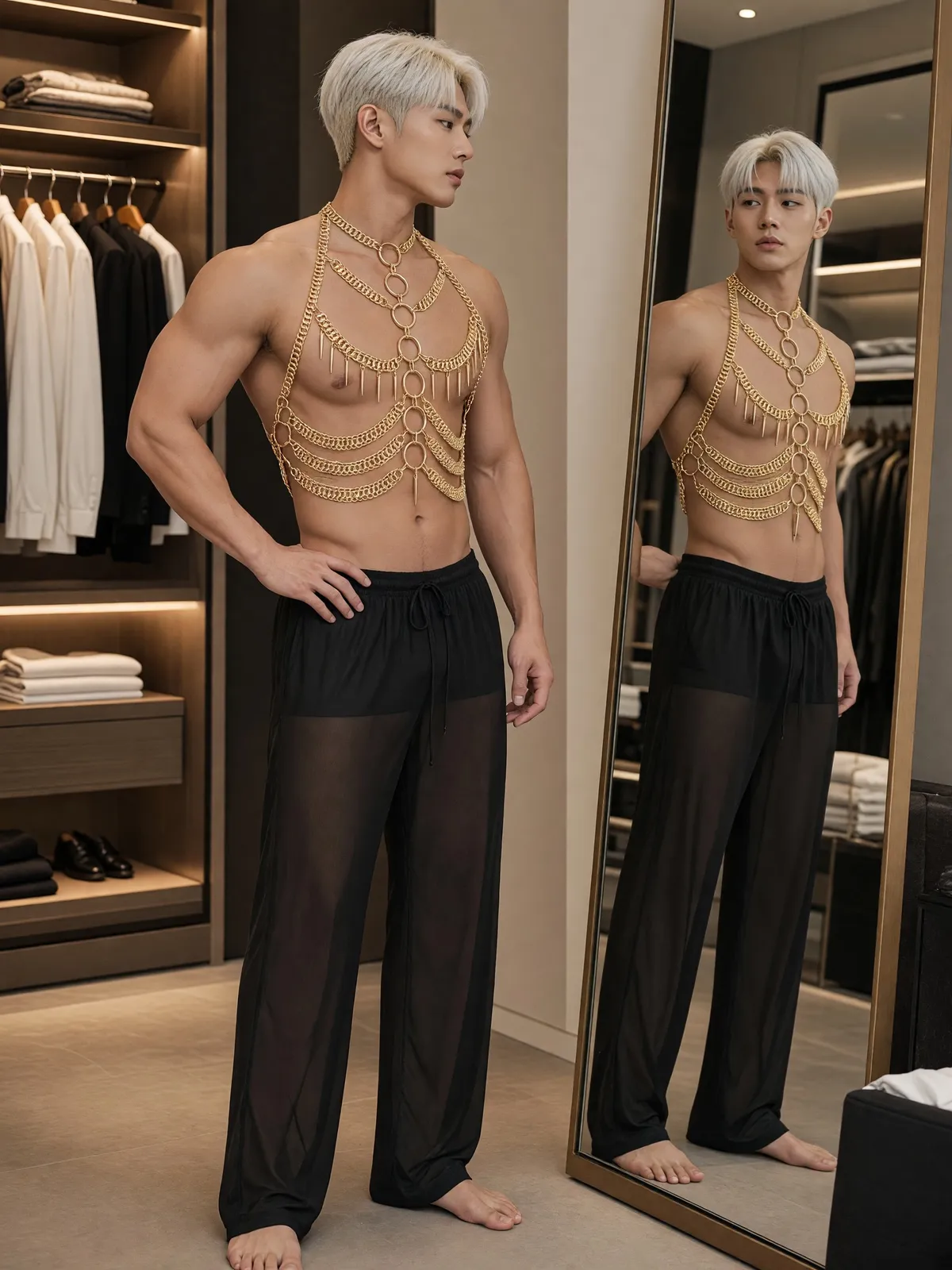
Below the pose list is the Gaze button, where you choose whether the model looks at the camera or away. Some poses already fix the gaze, such as glancing back over a shoulder, looking into a mirror or closing the eyes, and those poses have no Gaze button.
Wet poses are for swimwear only
Wet poses, such as standing waist-deep in water or sitting at the water's edge as a wave washes over the legs, only appear when you choose swimwear or men's swimwear. Sleepwear and lingerie, men's underwear and sheer menswear have no wet poses, because thin fabric becomes far more see-through when wet.
No need to describe the scene or the pose yourself
Instructing an AI by typing means describing the room, the light, how the model sits, where the hands go and where the eyes look, all yourself. Here everything is a button: the system writes the description for the AI from what you press, and it will not let you combine choices that cannot go together, such as a bed pose in the beach scene or a wet pose with sleepwear.
What you get back
A full-length portrait image in 4K of your garment, in the scene and pose you chose, at 3 credits per image.
A new variation from the same product photo, just by changing the scene or the pose.
A scene the AI draws anew each time, so the same room is not exactly the same in every image.
AI output has randomness built in. The pose and gaze in the image may not match your choice in every detail, and some images may fail to generate, with the credits returned automatically. A warning mark on a scene means we expect the AI's filter to refuse that scene more often than others. A warning mark on a pose means the pose reveals more than others, such as the buttocks through the fabric, and some sales channels may not accept images like that.
Frequently asked questions
Can I make a sleepwear photo in a beach scene?
No. Pool and sea scenes are only available for swimwear and men's swimwear. Sleepwear and lingerie can use the bedroom, home, bathroom and studio groups, plus a rooftop with a city view. If you want a sea view, the villa balcony overlooking the sea in the morning works with every garment type.
Can I make a photo showing the back of lingerie?
Yes. The pose panel has a View button; choose Back and only poses where the camera sees the back of the garment remain — more than 20 in the full collection. Some scenes have no back-facing poses, so the button does not appear there. Your product photo should show the back of the garment clearly, because anything the photo does not show is left for the AI to guess.
Are the scenes in the photos real places?
No. Every scene is drawn by the AI from a description of that scene, not a photo of a real place, and it is drawn anew every time, so the same room does not come out exactly the same in every image.
Can I choose scenes and poses for swimwear photos now?
Yes, it's open. Sign up free for 10 credits, given once, with no card needed — enough for 3 Product-Sexy images. Your first free-plan image has no watermark; the images after it do.

Plien Roob
Ready for your first product photo?
Sign up free for 10 credits, given once, with no card needed. Your first free-plan image has no watermark; the images after it do.