AI Tools
Preparing sleepwear, lingerie and swimwear photos for AI: the garment alone, with nobody in the frame
Last updated 2026-09-16From Plien Roob — AI model photography for online stores
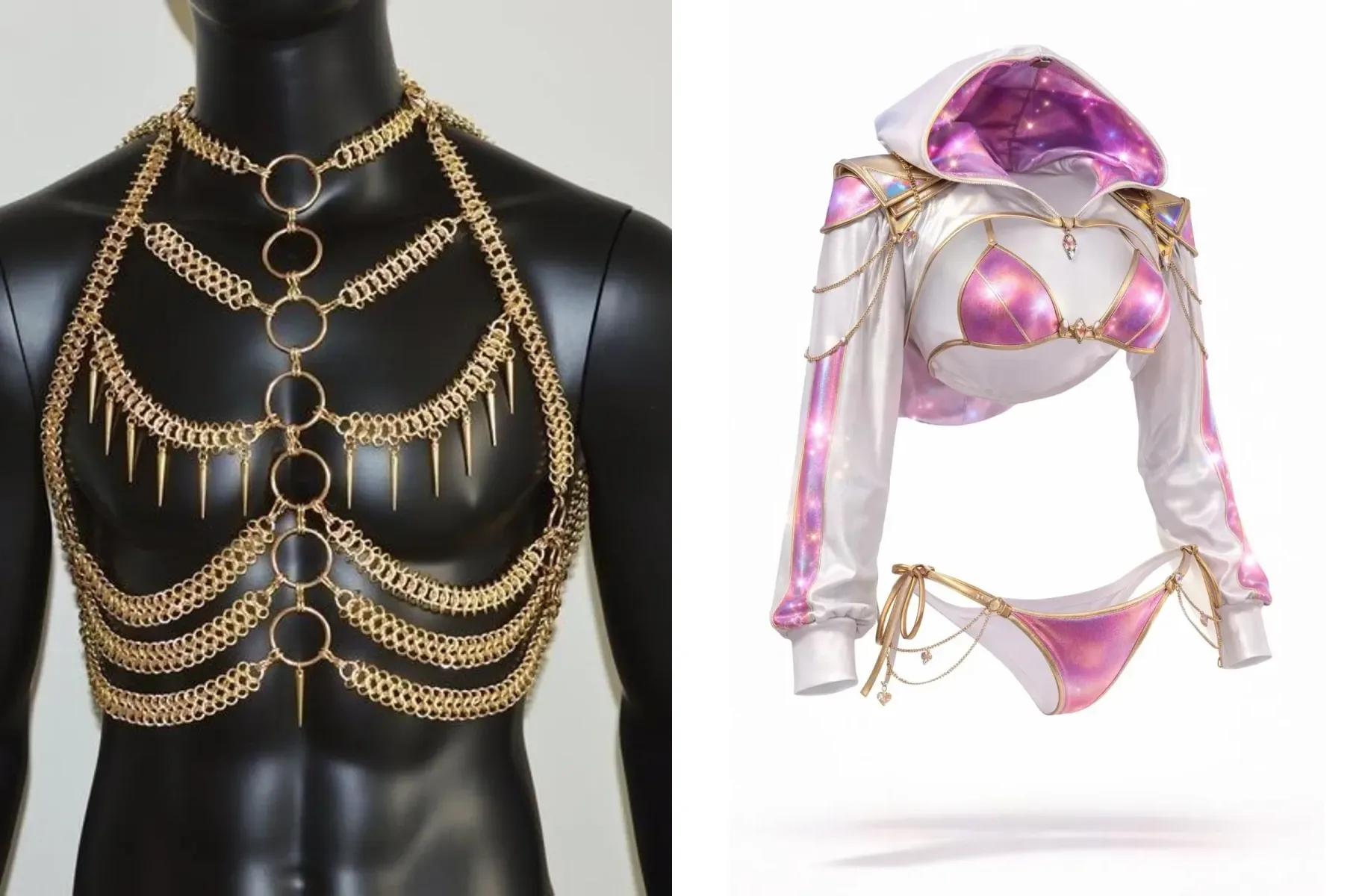

The product photo you upload is the only information the AI has about the garment. Straps, bows, lace or hooks the photo does not show are left for the AI to guess. Preparing the photo is the part you control the most, and this tool has one rule you cannot miss: the photo must show the garment alone, with no person in it.
Why a photo of someone wearing it does not work
Plien Roob does not use photos of real people to make sleepwear, lingerie or swimwear images. When you press Generate, the product photo is checked before any credits are taken. If a person is found in it, nothing is generated and not a single credit is charged. Pressing again with the same photo will not help, so change the photo or use the remove-the-person button described below.
Which photos work
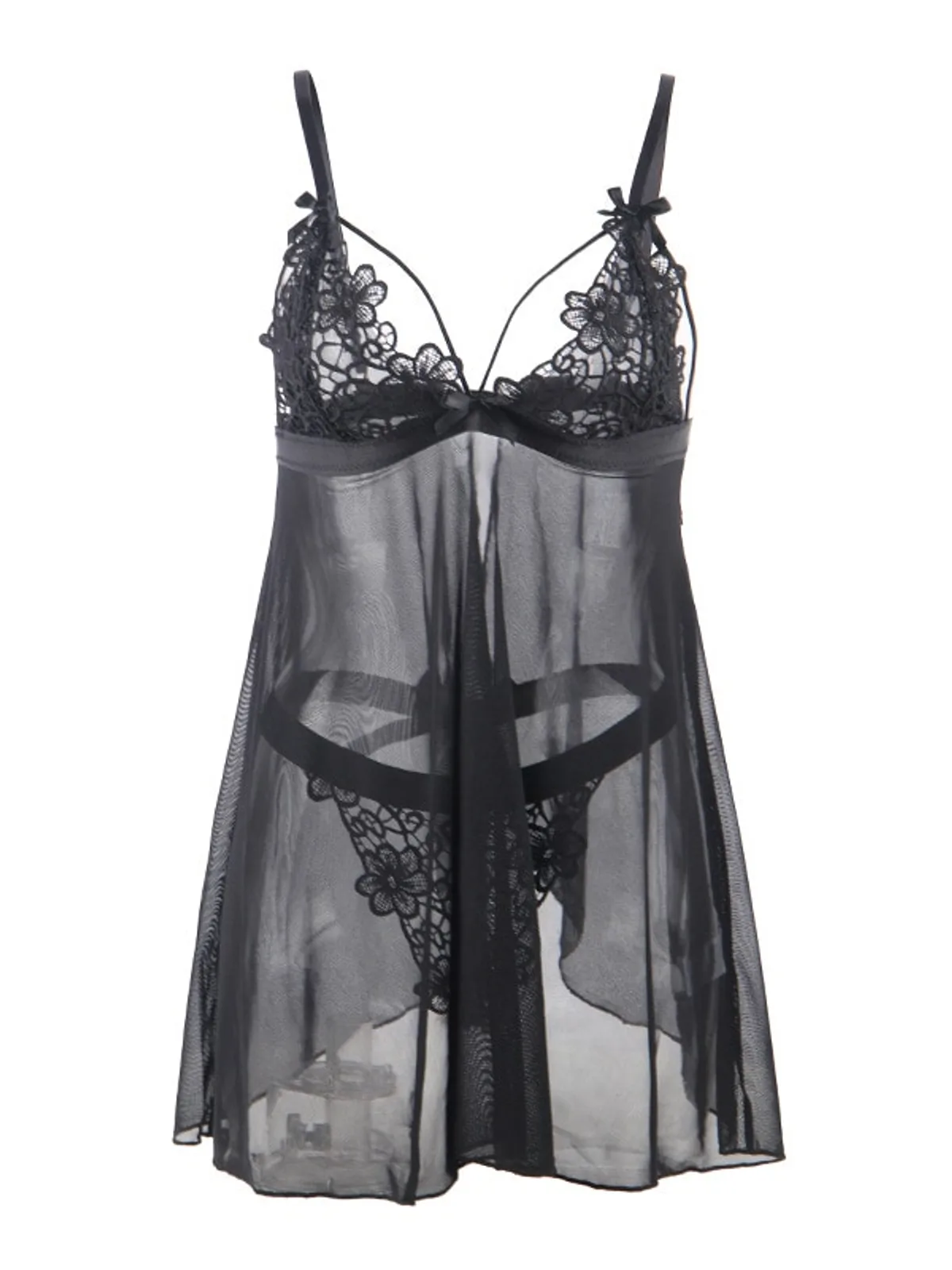
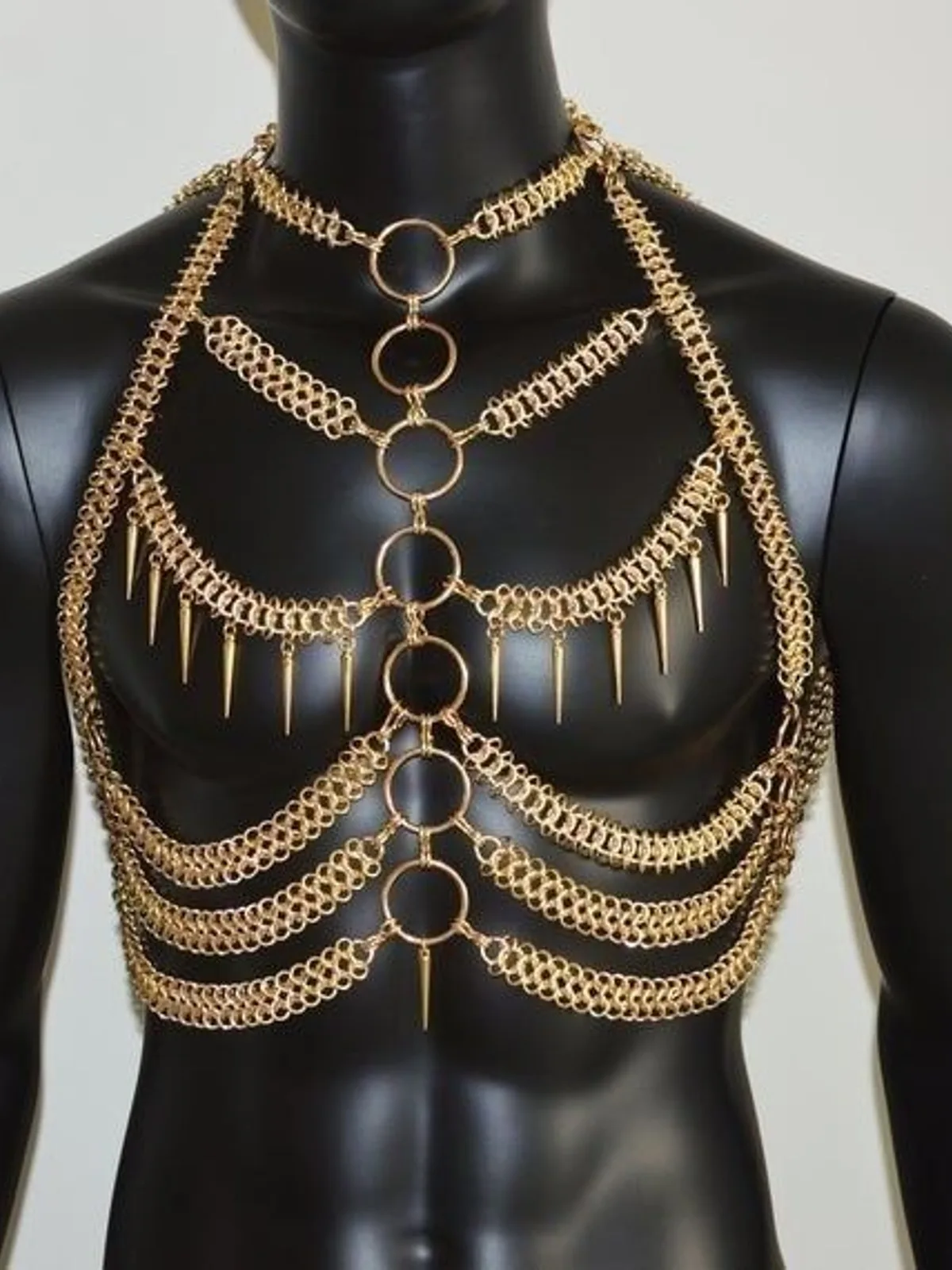
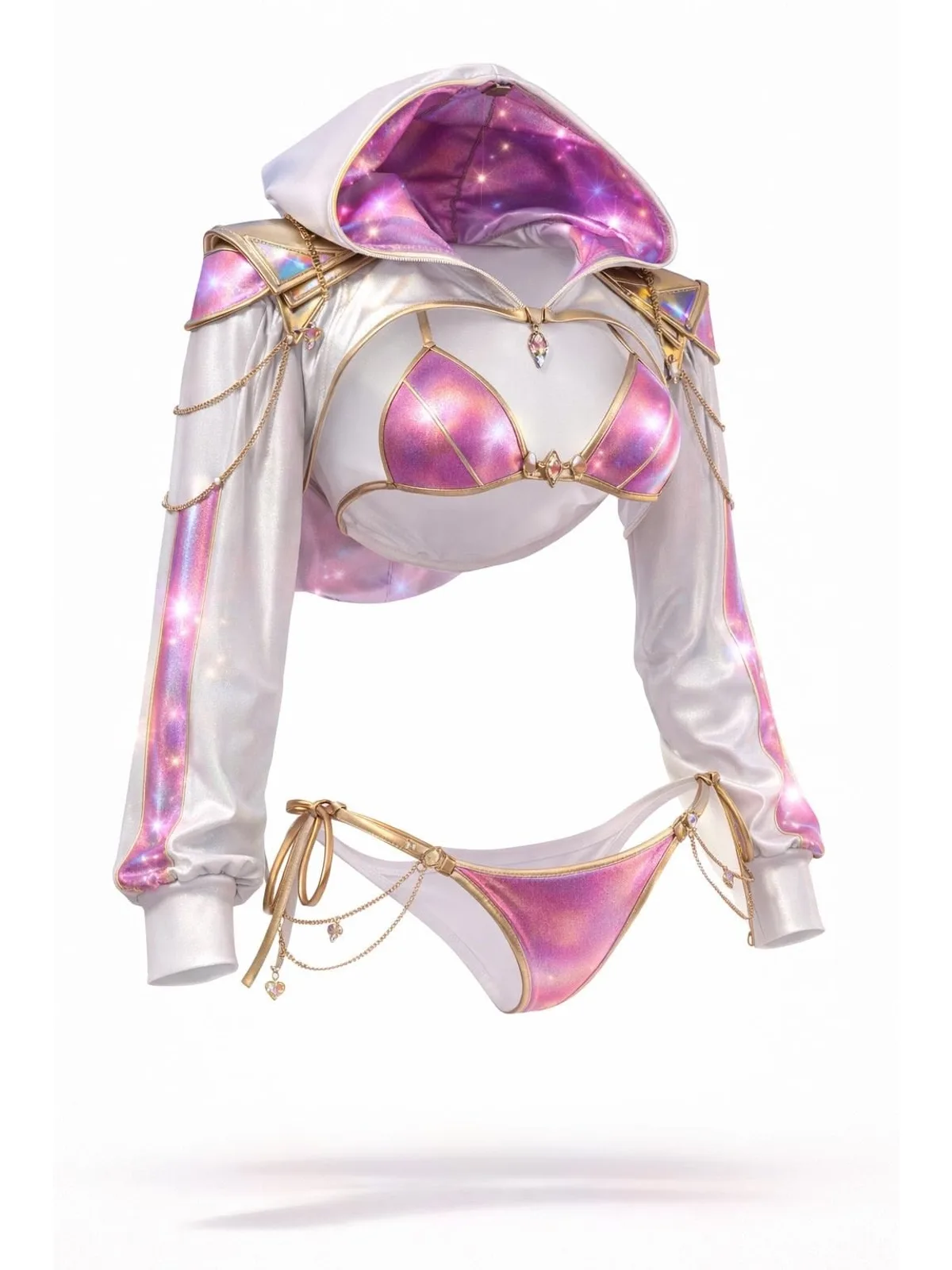
Laid flat on a smooth surface, or hung on a hanger.
On a mannequin, like the chain harness above. If the check counts it as a person, you are told before any credits are taken, just as with a photo of a person.
A 3D render of the product, as long as every piece of the set is visible.
One photo showing the front and the back of the same garment side by side.
The system tells the AI to take only the garment, not the mannequin, the hanger or the background of your photo.
How to shoot so the AI can copy every detail
Iron or smooth the fabric first. The AI can read deep creases as part of the fabric and copy them into the result
Pick a surface that contrasts with the garment — white on a dark surface, black on a light one — so sheer fabric and fine lace do not blend into the background
Spread the garment out so its real shape shows. Straps, bows, lace and hooks must be clearly visible; anything folded under is left for the AI to guess
Shoot it sharp and use the original file, ideally at least 1280 pixels on the short side, not a photo sent through a chat app or a screenshot
If all you have are photos of someone wearing it
When the check reports a person in the photo, a box with a Remove the person button appears under that photo. Press it and the system uses the Ghost Mannequin tool to remove the person, leaving only the garment, then puts that image in place, ready to generate. This step costs 2 credits, shown on the button. After that, press Generate as usual, at 3 credits per image.
Removing the person is a separate job, and an image with the person removed can still be refused by the AI's filter at the generation step. If generation fails for any reason, only the generation credits are returned; the 2 credits for a removal that already finished are not.
Look at the image with the person removed before you generate, and check the garment still matches the real one.
Use it only with photos you took yourself or have permission to use.
What you do, and what the system does
Your part is one good photo of the garment. After that there is nothing to type: pick the female or male model, the scene and the pose with buttons, and the system writes the description for the AI itself — the person, the scene, the pose, and the instruction to copy the garment from your photo.
What you get back
A well-prepared photo gives you a full-length image of a female or male model wearing the same garment you uploaded. The details your photo shows clearly are the details the AI has to copy from.
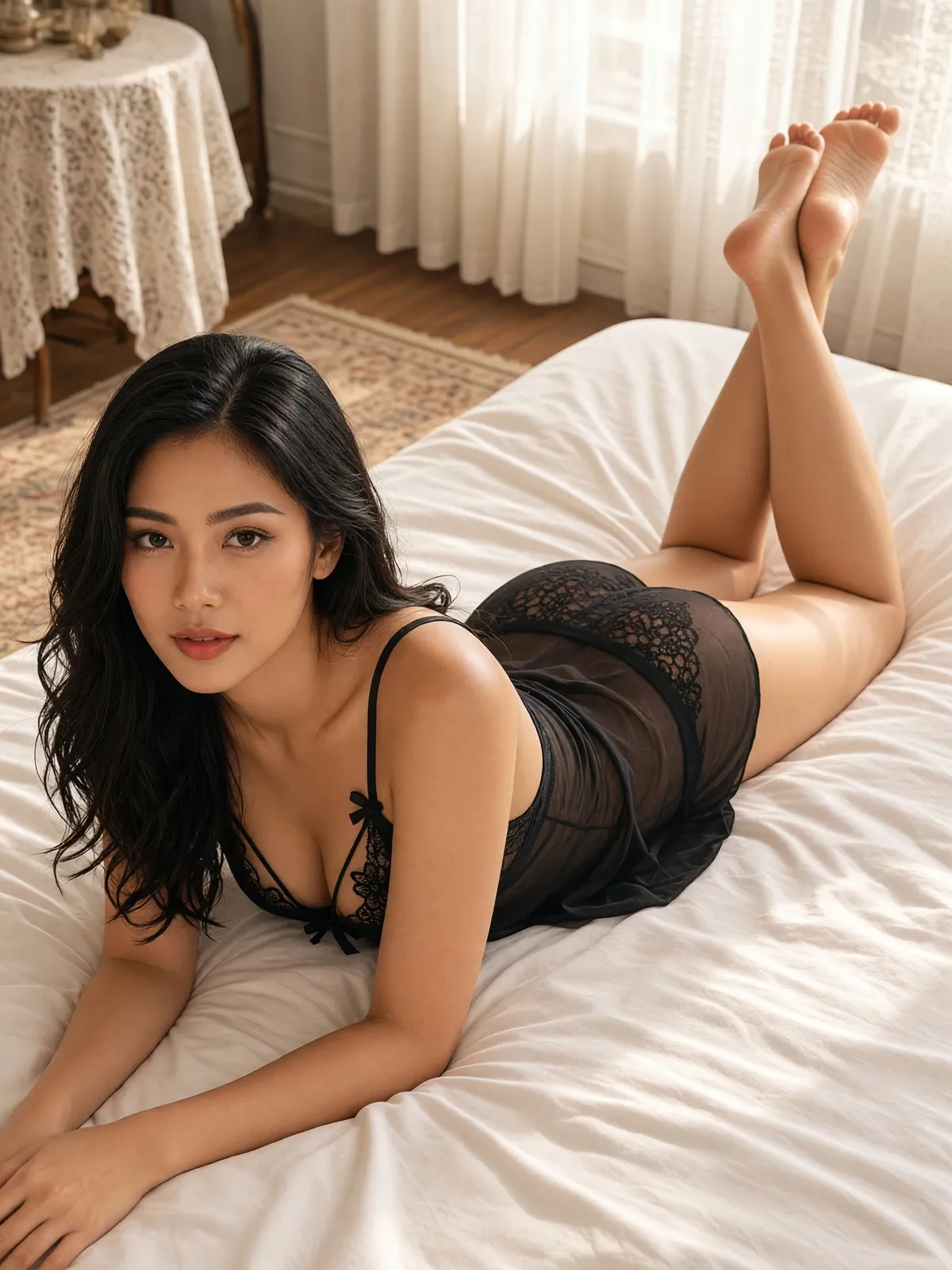
A good source photo is the part you control, but AI output still has randomness built in: the same photo run twice will not give identical images. Some images may fail to generate, and the credits are returned automatically. Always compare the garment in the image with the real item before you list it.
Frequently asked questions
Can I use a photo of a model already wearing the lingerie?
Not directly, because this tool does not use photos of real people to make sleepwear, lingerie or swimwear images. When you press Generate, the product photo is checked before any credits are taken, and nothing is generated if a person is found. A Remove the person button then appears, which uses the Ghost Mannequin tool to leave only the garment. It costs 2 credits, separate from generation at 3 credits per image, and if generation fails, only the generation credits are returned.
Should I remove the background or upscale a lingerie photo before uploading?
No, and it is not recommended for lace or sheer fabric. The background removal tool may turn sheer fabric opaque, and the upscale tool may smooth lace patterns away, and the AI would then copy the damaged garment. A sharp original file, ideally at least 1280 pixels on the short side, works better.
What colour surface should I shoot lingerie on?
One that contrasts with the garment: white or light garments on a dark surface, black or dark garments on a light one. Sheer fabric and fine lace are hard to see against a similar colour, and any edge the AI cannot make out is an edge it has to guess.
Can I upload a lingerie photo and make a model image right now?
Yes, it's open. Sign up free for 10 credits, given once, with no card needed — enough for 3 Product-Sexy images. Your first free-plan image has no watermark; the images after it do.

Plien Roob
Ready for your first product photo?
Sign up free for 10 credits, given once, with no card needed. Your first free-plan image has no watermark; the images after it do.