AI Tools
Free AI that puts clothes on a model from a product photo: what to check first
Last updated 2026-09-27From Plien Roob — AI model photography for online stores
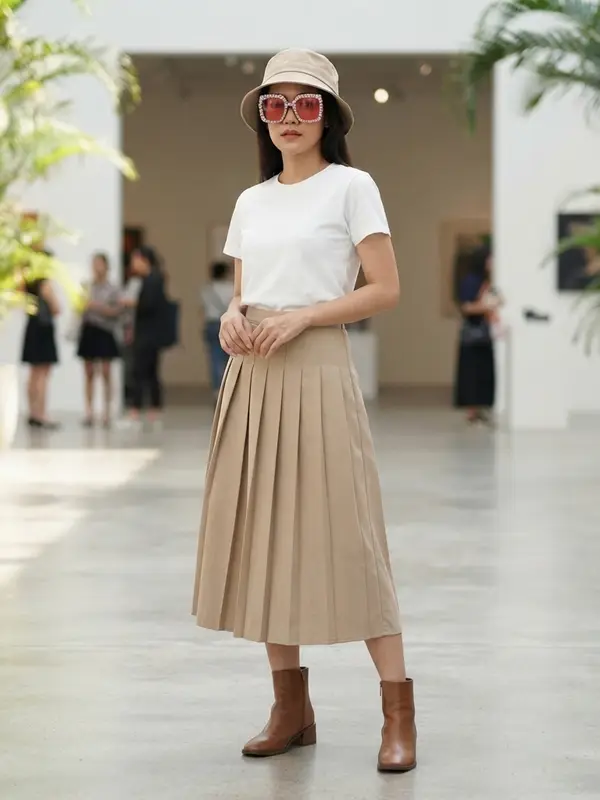

Yes. Nearly every AI tool we checked on 20 September 2026 that puts clothes on a model from a product photo has a free plan or a trial. But free does not mean the photos are ready for your shop, because a free plan may be limited by a watermark, the image dimensions, the number of images or your right to use them. Before you make real listing photos with a free tool, run the seven checks on this page.
Free comes in several kinds
The word free on an AI tool's website does not mean the same thing everywhere. Before you sign up, work out which kind you are getting, because each kind answers a different question.
Credits given once at sign-up: when they are gone, that's it. Good for finding out whether the tool handles your products well.
Credits that renew daily or monthly: they keep coming, but a little at a time, so work out whether they cover the products you list each month.
A trial of a paid plan for a set number of days: if it asks for a card at sign-up, check the day it starts charging and where you cancel.
You can generate, but the images carry a watermark until you pay: fine for judging quality, but not yet for selling.
If you aren't sure yet whether you will use a tool regularly, start with a kind that needs no card. Try it until you know whether it handles your products well, then decide about paying. Tried that way, there is never a day when money leaves your account by accident.
Seven checks before you rely on a free tool
You can make every check yourself in a day, from the pricing page, the FAQ, the terms of service, the privacy policy and one or two images you generate. If you can't find an answer, treat it as unknown, not as a yes.
Watermark
- Why it matters
- A Shopee cover image must have no watermark, logo or text covering the product
- How to check
- Generate one real image, download it, and zoom across the whole image and into all four corners
Image size
- Why it matters
- TikTok Shop requires every image to be at least 600 pixels on each side
- How to check
- Open the downloaded file's details and read its width and height in pixels
Real image count
- Why it matters
- One image can cost several credits, and some images need regenerating
- How to check
- Divide the free credits by the credits per image for the options you will actually use
Right to sell
- Why it matters
- Images you list must be allowed for commercial use under the tool's terms
- How to check
- Read the terms of service and check whether that right includes the free plan
Your uploads
- Why it matters
- Your product photos and any photos of people end up in their system
- How to check
- Read the privacy policy: how long they are kept, whether they train AI, whether you can delete them
Same model
- Why it matters
- A shop where the model's face changes in every photo doesn't read as one shop
- How to check
- Make two images with the same model and compare the faces side by side
After free runs out
- Why it matters
- Price, currency and repeat card charges are what you will actually pay
- How to check
- Check whether a card is required, which currency it bills in, and how to cancel
| What to check | Why it matters | How to check |
|---|---|---|
| Watermark | A Shopee cover image must have no watermark, logo or text covering the product | Generate one real image, download it, and zoom across the whole image and into all four corners |
| Image size | TikTok Shop requires every image to be at least 600 pixels on each side | Open the downloaded file's details and read its width and height in pixels |
| Real image count | One image can cost several credits, and some images need regenerating | Divide the free credits by the credits per image for the options you will actually use |
| Right to sell | Images you list must be allowed for commercial use under the tool's terms | Read the terms of service and check whether that right includes the free plan |
| Your uploads | Your product photos and any photos of people end up in their system | Read the privacy policy: how long they are kept, whether they train AI, whether you can delete them |
| Same model | A shop where the model's face changes in every photo doesn't read as one shop | Make two images with the same model and compare the faces side by side |
| After free runs out | Price, currency and repeat card charges are what you will actually pay | Check whether a card is required, which currency it bills in, and how to cancel |
AI model clothing photos you can start on for free
What you can do with an AI model on this site. Each card is that tool's cover image; tap it to read how the tool works.






Watermarks and image size: what marketplaces check
No tool's sample images can tell you whether the images from your free plan will carry a watermark; you have to generate one and look at the file you download. It matters because Shopee's quality listing criteria page, dated 23 September 2025, does not allow a watermark, logo or text covering the product on the cover image, and TikTok Shop's Product Listing Guidelines, dated 16 March 2026, say the product must not be obscured in any image. So a watermarked image cannot be used as the cover, and a watermark tiled across the whole image cannot be cropped away.
The second check is the image's dimensions in pixels. A photo that looks sharp on a phone screen tells you nothing about how many pixels wide and tall it is. According to the official pages we read on 20 September 2026, TikTok Shop Thailand requires every image to be at least 600 pixels on each side, Shopee recommends a cover image larger than 500 pixels on each side, and Shopee Ads' advice page for advertised products recommends at least 1024 pixels on each side.
On a phone, open the image in your photos app and view its details; the width and height are shown in pixels.
On a computer, right-click the file and open its info or properties.
Look at the shorter side. If that side is below the minimum, the image does not pass.
Don't measure a screenshot or a copy forwarded through a chat app — neither is the file the tool actually gave you.
If a free plan's image is smaller than the minimum, upscaling can make it larger without the edges breaking up, but it does not add detail that was never in the image: fine patterns and lettering that weren't clear to begin with stay unclear.
One more thing marketplaces check: TikTok Shop's main image must have a solid background, with white recommended, so a model photographed in a scene belongs further down the listing rather than as the main image. That is the same whether the image came from a free plan or a paid one.
 Illustration
Free images vs usable images
If a free plan gives you credits or coins, how many images you get depends on how many credits one image costs with the options you'll actually use — not on the lowest price on the front page. Choosing a model, a scene, a pose or a higher resolution can make one image cost more. Two more things make the usable number smaller than the number on screen.
Tools that draw a new image tend to give a different result each time, even from the same photo. An image that generates successfully but does not match the real product still counts as credits spent. For jobs that fail partway, check whether the tool refunds the credits.
One product usually needs several photos — front, back and worn. Shopee allows up to 9 images per product including the cover, and TikTok Shop allows up to 9 square images.
 Illustration
Note how many credits the free plan gives, and whether they come once, daily or monthly.
Find out how many credits one image costs with the model, scene and resolution you need, and divide to get a number of images.
Leave room for images you will need to regenerate, because not every image will match the real product.
Compare that with how many images your shop actually uses. Suppose, for example, a shop lists 20 new products a month with 3 photos each: that is already 60 images a month.
If the maths shows a free plan won't cover even one product, that doesn't make it useless — it still tells you whether the tool handles your products well. Just don't plan a month of listings on a free plan.
Rights in the images, and the photos you upload
Using an image to sell is commercial use. Read the tool's terms of service and check whether the right to commercial use covers images from the free plan too, or is written only into the paid plans. If you can't find it, search the page for the word commercial. This matters on the marketplace side as well: clauses 3.1.5 and 3.3 of the Shopee AI Terms of Service, the version dated 21 February 2568 in the Thai calendar (2025), ask you to warrant that you hold the rights in the content and files you put on the platform.
The other side is the photos you upload. A product photo may show a design you haven't released yet, and a photo of a real model is that person's personal data. Before you upload, check these four things.
Does the privacy policy say how long uploads are kept, and whether you can delete them yourself?
Are your photos used to train AI, sold on, or used in the tool's own advertising?
Are the images you generate shown to other people in a public gallery?
If it is a photo of a real person, do you have that person's permission? Section 3.8 of TikTok Shop's Product Listing Guidelines does not allow people's images to be used commercially without their express permission.
And whether an image comes from a free plan or a paid one, the marketplace rules are the same: TikTok Shop's False Display of Information and AIGC Guidelines page, dated 16 September 2026, holds the seller responsible for images matching the real product, and clause 3.3 of the Shopee AI Terms of Service requires AI-generated content to be identified as AI-generated.
Can you get the same model again?
You won't see this in one image, but you will across a shop. If the model's face changes in every photo, five products end up with five different models and the shop stops looking like one collection. The same written description can give a different face every time you generate; a reference photo of the same person helps keep the same face.
To check it while you try a free plan, make two images of two different products, pick the same model, then compare them side by side: the face, the hair and the skin tone. Also check how much of the model choice the free plan gives you, because the person you would want as your shop's regular model may sit in a higher plan.
What Plien Roob's free plan gives
Plien Roob is our own site: it makes photos of a model wearing your product from a product photo. The free plan gives 10 credits once, at sign-up, with no card required. Try-On and Product to Model at Standard quality with no extras cost 2 credits per image, so you get at most 5 model photos; picking a model from the library in Product to Model at Standard quality leaves 3.
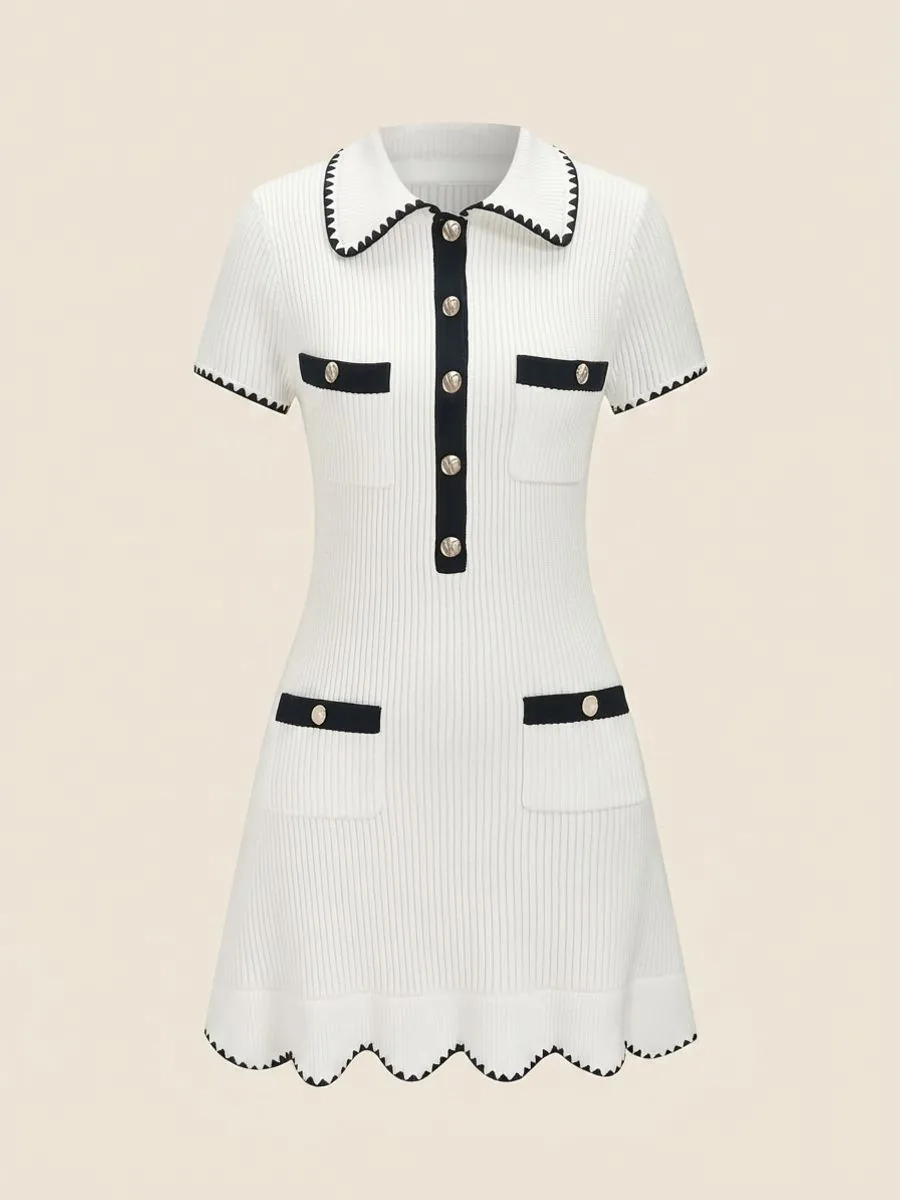 Uploaded
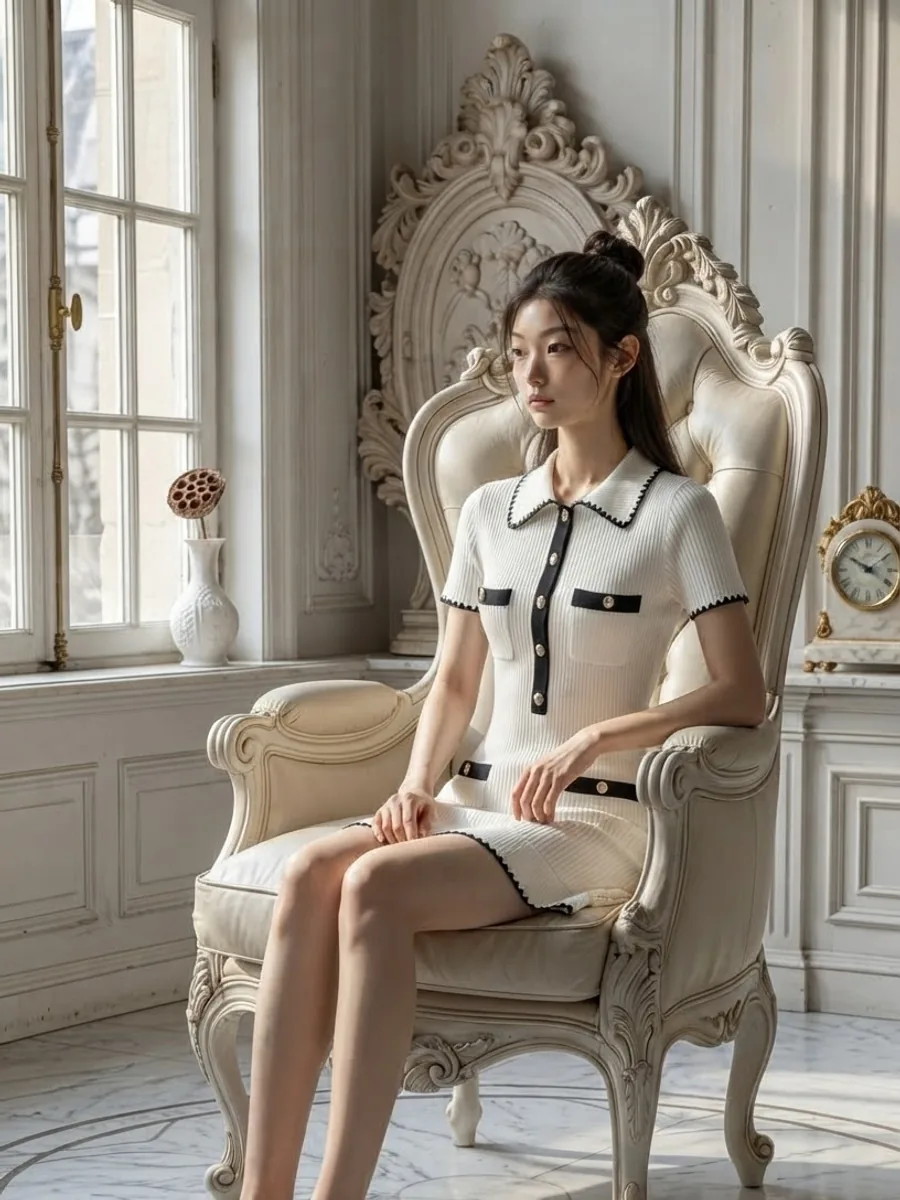 Result
Your first successfully generated image has no watermark; the images after it carry one embedded in the file, and failed jobs refund their credits automatically.
Images you make are yours to use commercially, but there is no delete button on screen yet, so ask for deletion by LINE or email.
Only part of the model and scene library is available, and you cannot top up; you need a plan first.
Frequently asked questions
Is there a free AI that puts clothes on a model from a product photo?
Yes. Nearly every tool we checked on 20 September 2026 has a free plan or a trial, but free does not mean the photos are ready for your shop. Before listing images from a free plan, check seven things: whether they carry a watermark, whether the file is wide and tall enough for the marketplace, how many usable images the free credits really make, whether the terms let you sell with them, how your uploaded photos are stored and used, whether you can get the same model again, and how you would pay once the free part runs out.
Can I sell on Shopee with a free AI image that has a watermark?
Not as the cover image. Shopee's quality listing criteria page, dated 23 September 2025, does not allow a watermark, logo or text covering the product on the cover, and TikTok Shop's Product Listing Guidelines, dated 16 March 2026, say the product must not be obscured in any image. A watermark tiled across the whole image cannot be cropped away either. To list images from a free plan, choose a tool whose free images carry no watermark, or pay for clean ones. This summarises the pages we read on 20 September 2026.
How many model photos do free credits make?
Divide the free credits by the credits per image for the options you will really use, not by the lowest advertised price, because choosing a model, a scene or a higher resolution can make one image cost more — and leave room for images you will need to regenerate. For example, Plien Roob's free plan gives 10 credits once and a model photo costs at least 2 credits, so that is at most 5 images, and only the first one has no watermark.
Is there a cheap AI model-photo site I can pay in Thai baht?
Some sites price in baht and some in US dollars, so check the currency on the pricing page before you sign up. A price in dollars is charged to your card in baht at the exchange rate and on the terms of the bank that issued the card, so the final amount may not match what you expected. Plien Roob's Thai site charges in baht — Basic is ฿590 a month, paid by card — and top-ups there can be paid by PromptPay once you have a plan. This English site bills in US dollars by card.
Can I sell products with images from a free AI plan?
It depends on that tool's terms of service. Selling with an image is commercial use, so search the terms for the word commercial and check whether the right covers images from the free plan or only the paid plans. And if the source photo belongs to someone else, running it through AI does not make the image yours: the Shopee AI Terms of Service, the version dated 21 February 2568 in the Thai calendar (2025), ask you to warrant that you hold the rights in content you put on the platform. This is not legal advice.

Plien Roob
Ready for your first product photo?
Photos by V H · Andreea Pop on Unsplash