AI Tools
AI product photos for sleepwear and lingerie, with no model to hire and no photo of a person
Last updated 2026-09-16From Plien Roob — AI model photography for online stores
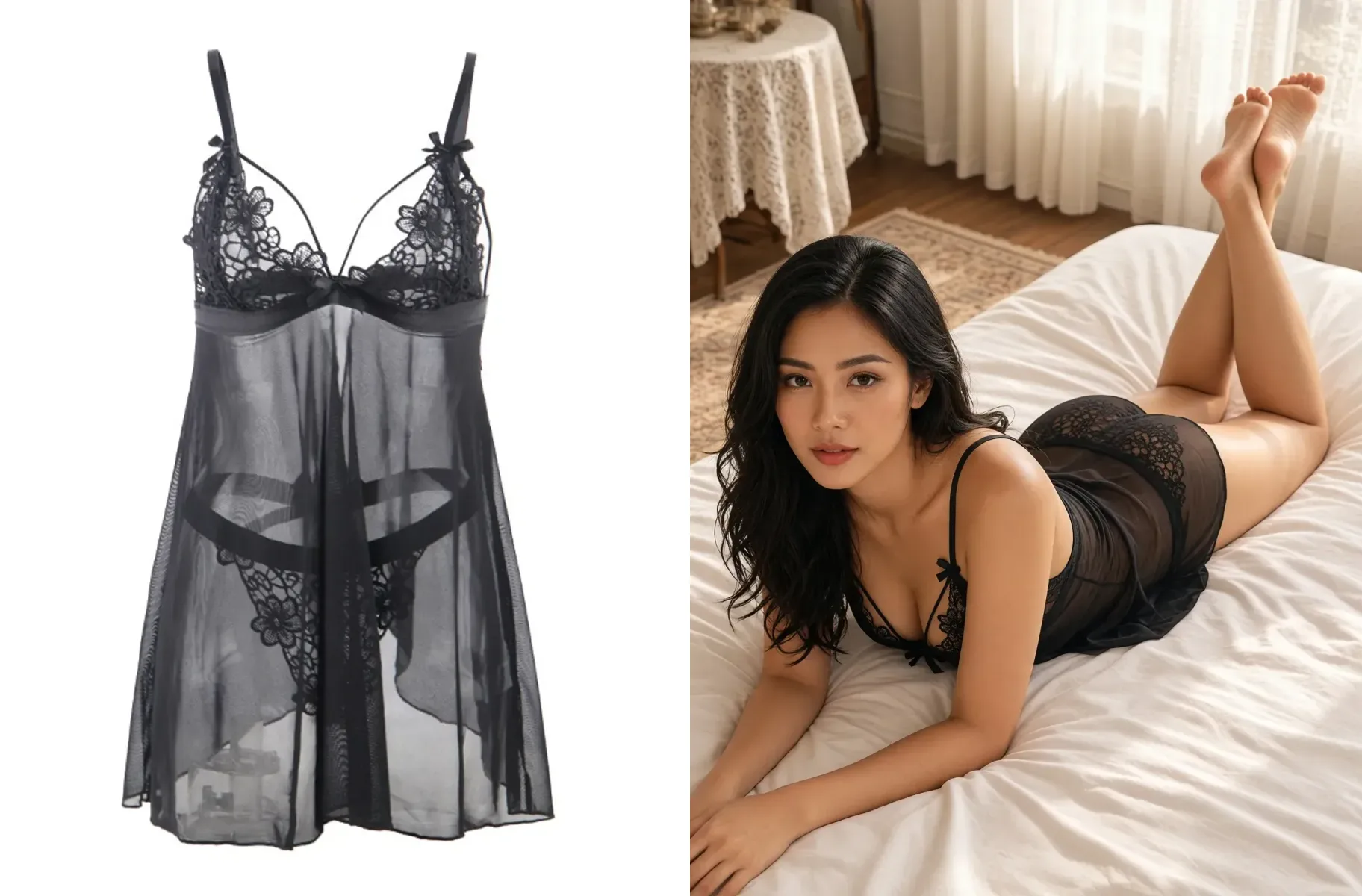

A sleepwear photo laid on the floor shows what the garment looks like, but not how it looks on. Finding a model to wear this kind of product for a shoot is not easy for a small shop either. Plien Roob's sleepwear and lingerie tool takes one photo of your garment and creates an image of a female or male model wearing it, without you uploading a photo of anyone.
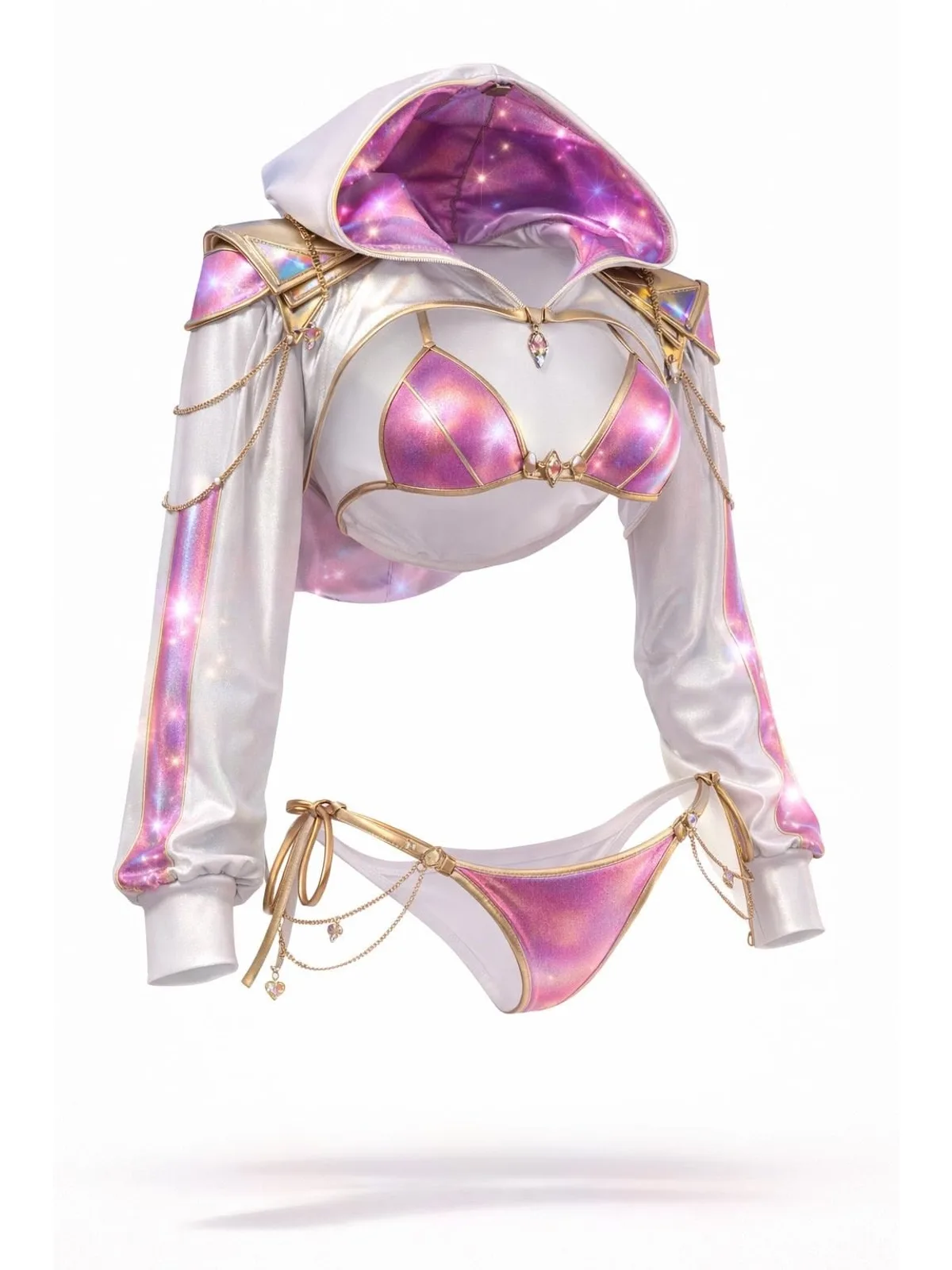
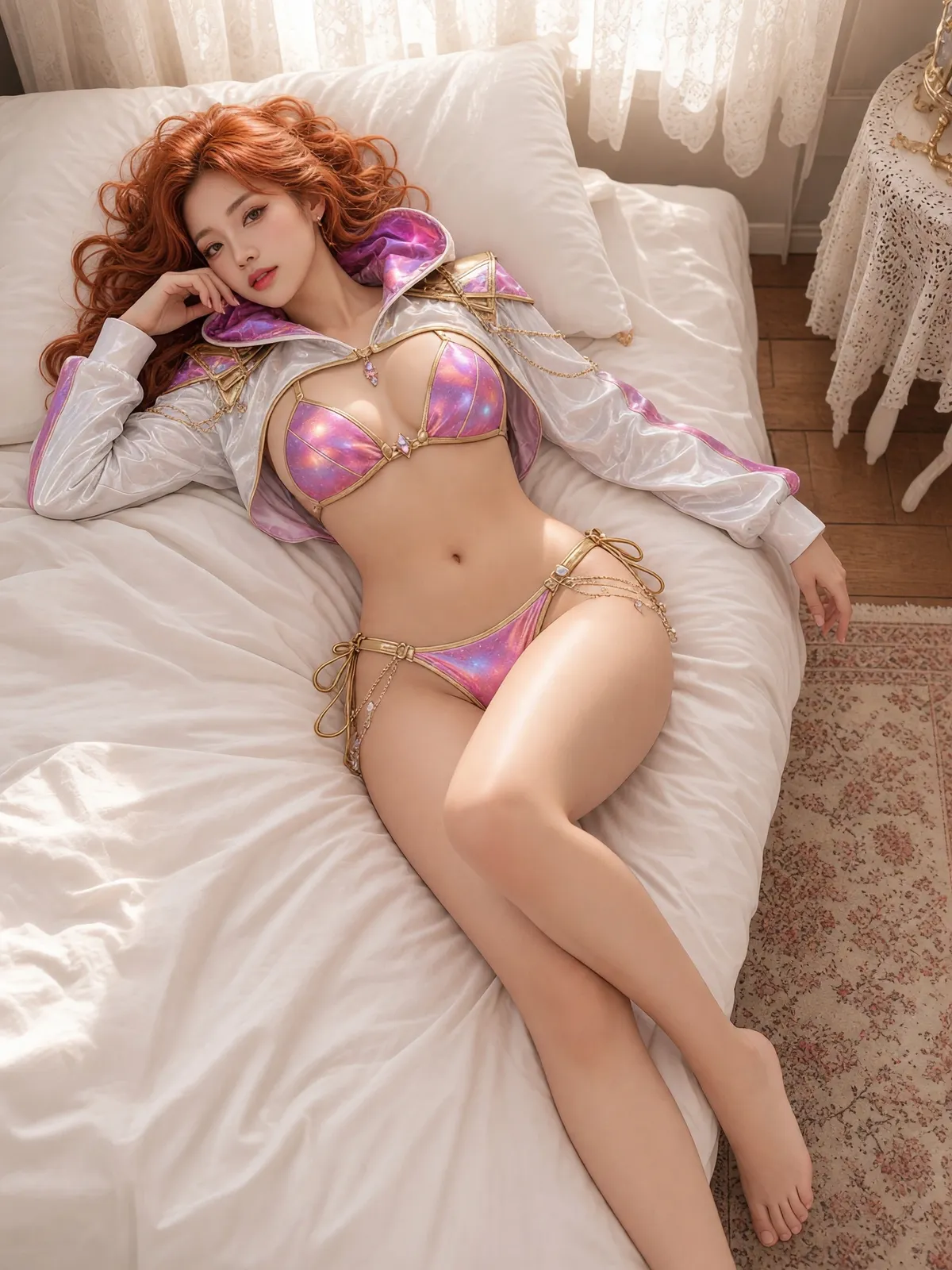
Why there is no slot for a model photo
This tool does not accept photos of people at all — neither model photos nor product photos with someone wearing the garment — so that no real person's photo is used to make sleepwear or lingerie images. The person in the result is built entirely from the traits you pick, and no photo of any person is sent to the AI.
What you can choose
7 garment types: sleepwear and lingerie (one button), bra only, panties only, swimwear, men's underwear, sheer menswear and men's swimwear.
A female or male model, chosen independently of the garment type — a male model can wear a women's sleepwear set, for example.
4 adult age ranges, 8 ethnicities including Thai and Southeast Asian, and 6 skin tones.
13 hairstyles for female models, 12 for male models, and 12 hair colours.
6 body types for female models and 5 for male models, and male models also get facial hair and chest hair options.
More than 30 scenes in 7 groups, poses that fit the chosen scene, and a gaze that either meets the camera or looks away.
Not a single word to type
There is no text box on the screen; everything is a button. You choose, and the system writes the description for the AI itself — the person, the scene, the pose and the gaze. Choices that cannot go together are adjusted for you: switch to a scene where the current pose is impossible, and a pose that fits the new scene is picked automatically.
Which tool for the rest of your range
What you can do with an AI model on this site. Each card is that tool's cover image; tap it to read how the tool works.





Steps, in order
In the Studio, open the Product-Sexy tool, then choose or upload a garment photo with no person in it
Tap Garment type, choose the kind of garment, then choose a female or male model
Tap Model and choose the age range, ethnicity, skin tone, hairstyle, hair colour and body type
Tap Scene, choose a scene group, then a scene
Tap Pose, choose a pose, then choose whether the model looks at the camera
Press Generate — the button always shows the credit cost before you press it
What you get back
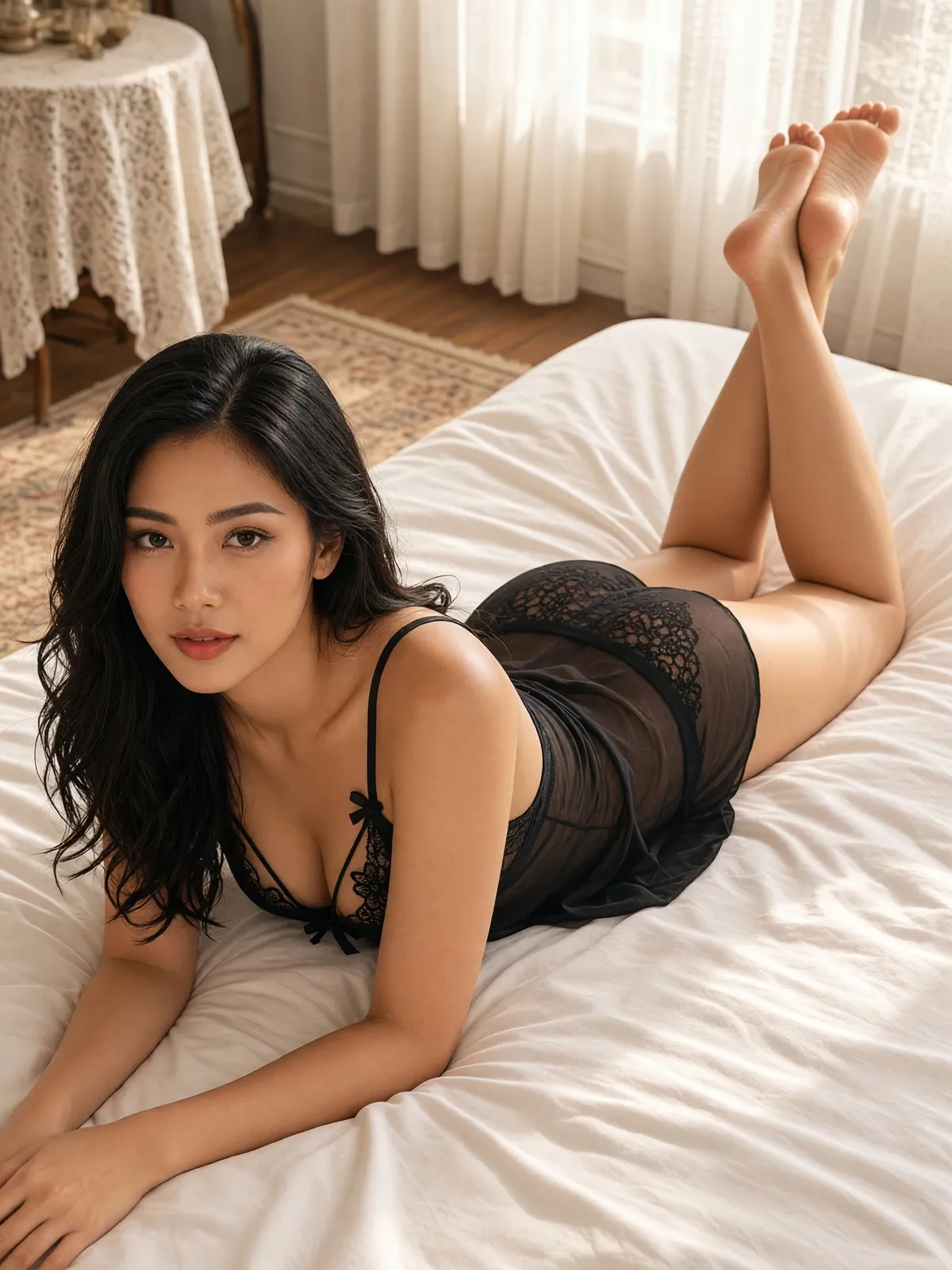
A full-length image of a female or male model wearing the garment you uploaded, in the scene and pose you chose.
A portrait image at a 3:4 ratio in 4K resolution, saved to your library.
One image per press, at 3 credits per image.
A person built from the buttons you choose, with no photo of anyone sent to the AI.
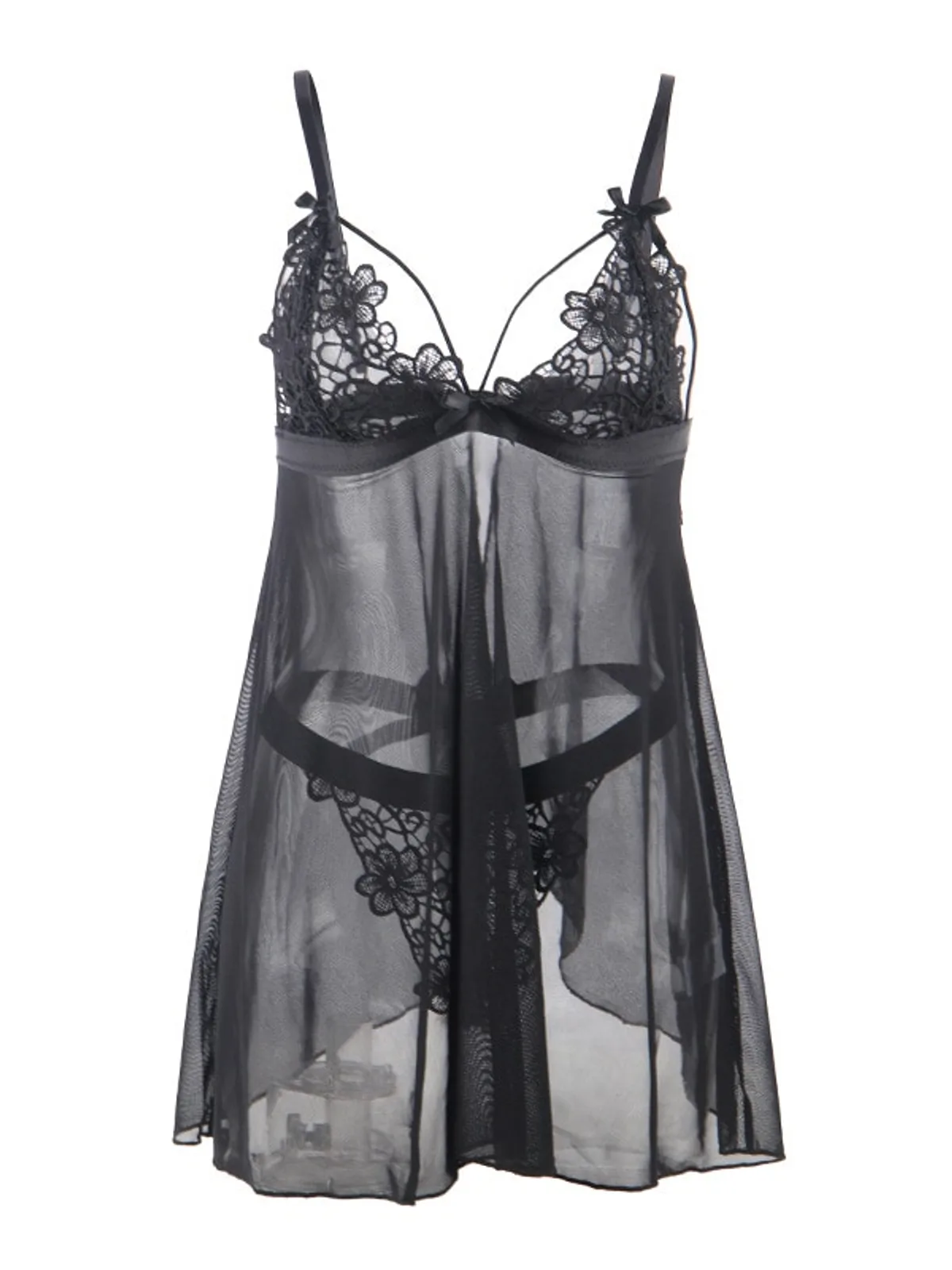
Limits to know before you use it
The face changes with every image. Pressing the same trait buttons gives a similar face, not the same person.
There is one resolution level, 4K; no other level can be chosen yet.
The product photo must not contain a person. If it does, you are told before any credits are taken.
Some images may fail to generate, and the credits are returned automatically.
The AI may add pieces that are not in your product photo, such as trousers worn with it. Compare every image with the real item before you list it.
AI output has randomness built in: the same buttons pressed twice will not give identical images. If the first result misses, try again or change the scene or pose before concluding it cannot handle this garment. An image that generates successfully is charged as usual, even if you do not like it.
Frequently asked questions
Can I use this AI sleepwear photo tool right now?
Yes, it's open. Sign up free for 10 credits, given once, with no card needed — enough for 3 Product-Sexy images. Your first free-plan image has no watermark; the images after it do.
Do I need to upload a photo of a model to make AI lingerie photos?
No, and you cannot. This tool does not accept photos of people at all, so that no real person's photo is used to make sleepwear or lingerie images. The person in the image is built from the buttons you choose: a female or male model, adult age range, ethnicity, skin tone, hairstyle, hair colour and body type. The only thing you upload is one photo of the garment with nobody in it.
Will the model have the same face in every photo?
No. The face changes with every image. Pressing the same trait buttons each time gives a similar face and a similar look, but not the same person. This sleepwear and lingerie tool cannot lock a person yet.
How many credits does an AI lingerie photo cost?
3 credits per image, in 4K resolution, which is the only level available. The credit cost is shown on the button before you press it. If an image fails to generate or does not pass the check before delivery, the credits are returned automatically; an image that generates successfully is charged as usual.
Do I have to write instructions for the AI?
No. There is no text box on the screen. Everything is chosen with buttons — a female or male model, the person's traits, the scene, the pose and the gaze — and the system writes the description for the AI from what you pressed.

Plien Roob
Ready for your first product photo?
Sign up free for 10 credits, given once, with no card needed. Your first free-plan image has no watermark; the images after it do.