AI Tools
AI male models for men's underwear and sheer menswear shops: build, facial hair and hairstyle from buttons
Last updated 2026-09-16From Plien Roob — AI model photography for online stores
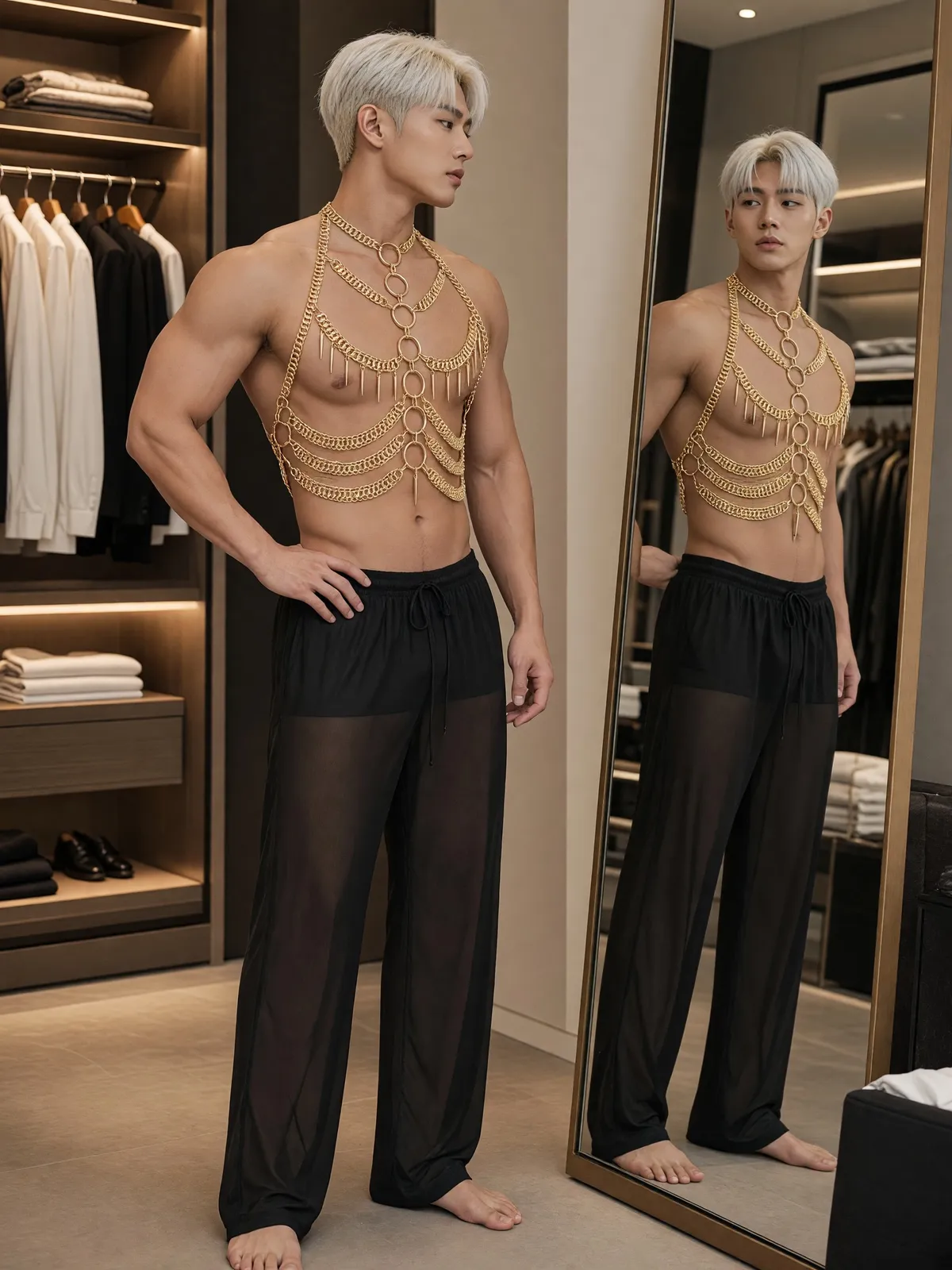

A product photo on the floor cannot show how men's underwear or sheer menswear looks on a man. Plien Roob creates the male model from the buttons you press, with no model to book for a shoot and no photo of a person to upload.
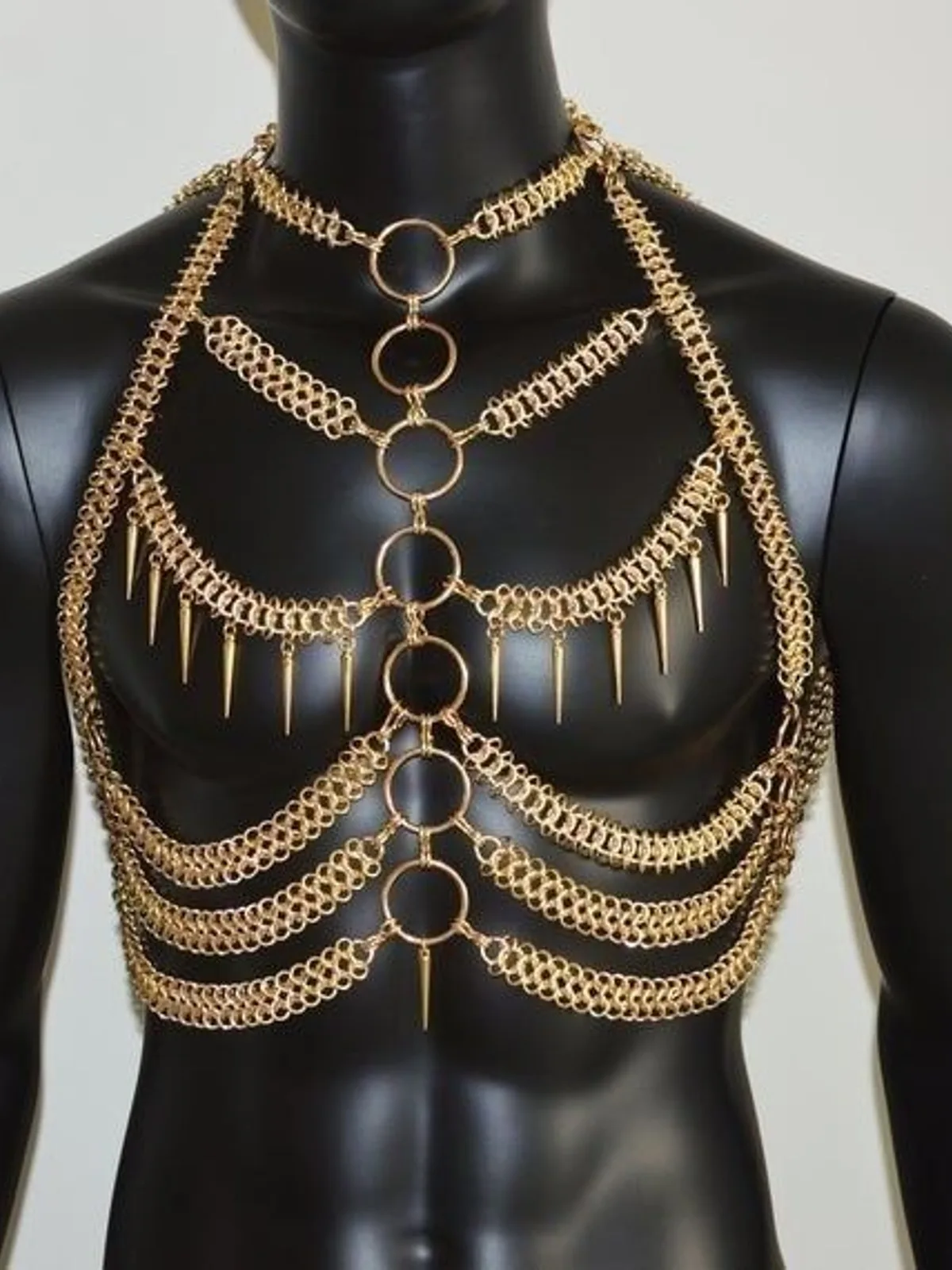
Buttons only male models have
5 body types, a set of options for male models only, separate from the female ones.
4 facial hair options: clean-shaven, light stubble, a short beard and a thick beard.
3 chest hair options: none, light chest hair and a hairy chest.
12 men's hairstyles, such as a short taper, a Korean two-block cut, an undercut and a shaved head. Choose the shaved head and the hair colour buttons disappear by themselves.
Adult age range, ethnicity, skin tone and hair colour use the same buttons as for female models.
No need to describe the model in words
There is no box to type what kind of man you want. Press the traits you want, and the system writes the whole description of the model for the AI. To change only the hairstyle or the facial hair, press that one button.
Men's garment types
Pick a men's garment type and the model switches to male by itself, with only the scenes that work for that product on offer.
Men's underwear works with scenes such as the bedroom, the kitchen in the morning, the gym locker room and a naturally lit gym.
Sheer menswear works with scenes such as the bedroom, the walk-in closet and the velvet sofa.
Men's swimwear works with scenes such as the villa poolside, the beach, the yacht deck and the gym locker room.
Which tool for the rest of your range
What you can do with an AI model on this site. Each card is that tool's cover image; tap it to read how the tool works.





One product photo, worn by a female or a male model
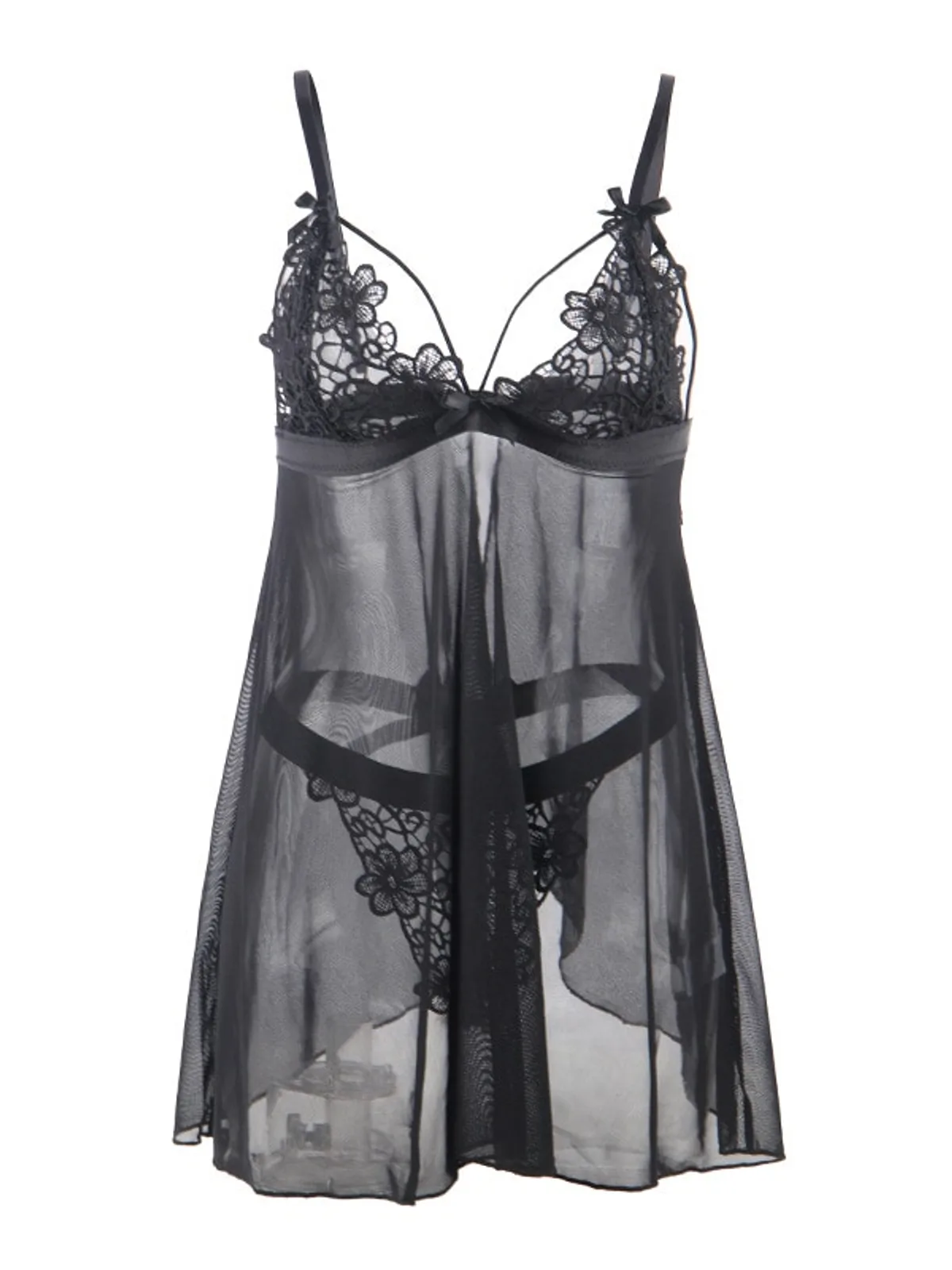
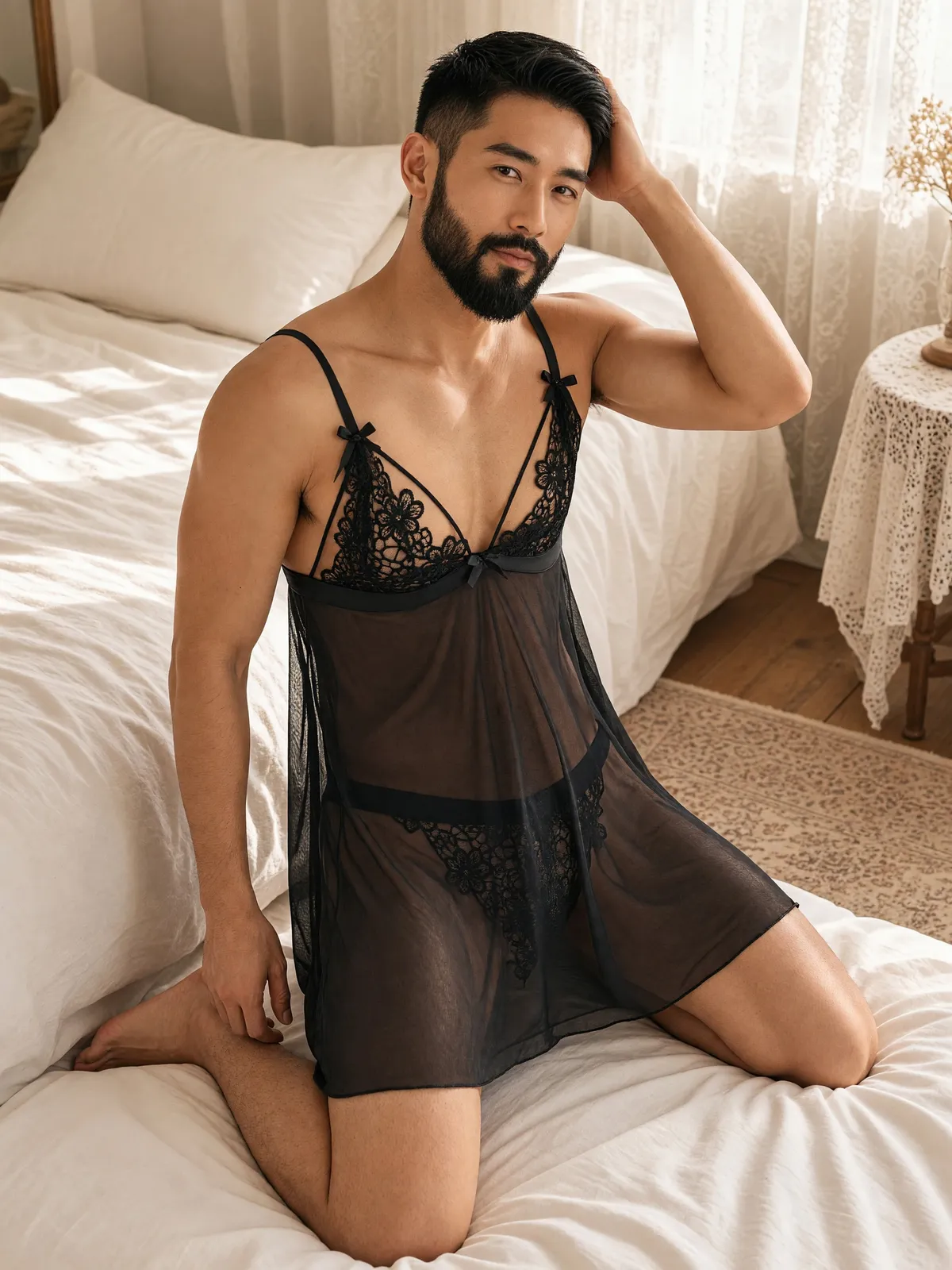
The female or male model button works independently of the garment type. From the same sleepwear photo, choose a female model and you get a woman wearing it; choose a male model and you get a man wearing it. The scenes and poses on offer change with the gender you pick.
What you get back
A full-length image of a male model wearing your product, in the scene and pose you chose.
A portrait image in 4K, at 3 credits per image.
The image check is set not to count a male model's bare chest against the image; it looks at whether he is clearly an adult and whether genitals or their outline are visible.
An image that fails the check is not delivered, and the credits are returned automatically.
Limits to know before you use it
The model's face changes with every image. The same trait buttons give a similar face, not the same person.
The product photo must not contain a person. If it does, you are told before any credits are taken.
Check every image before you list it for pieces the AI added that are not part of your product.
AI output has randomness built in: the same buttons pressed twice will not give identical images — the face, the pose and the details all vary. If the first result misses, try again or change the scene or pose before drawing conclusions. Some images may fail to generate, and the credits are returned automatically.
Frequently asked questions
Do I need to write instructions to make an AI male model wearing underwear?
No. This tool has no text box. Choose men's underwear as the garment type, press the model's traits — adult age range, ethnicity, skin tone, hairstyle, hair colour, body type, facial hair and chest hair — then pick a scene and a pose. The system writes the description for the AI itself, at 3 credits per image.
Can I choose a male model with a beard or chest hair?
Yes. Facial hair has 4 options: clean-shaven, light stubble, a short beard and a thick beard. Chest hair has 3: none, light chest hair and a hairy chest. Both buttons appear only when a male model is chosen.
Can the same male model wear every product?
Not yet. The model's face changes with every image. Pressing the same trait buttons each time gives a similar face and a similar look, but not the same person.
Can I use AI male models for men's underwear now?
Yes, it's open. Sign up free for 10 credits, given once, with no card needed — enough for 3 Product-Sexy images. Your first free-plan image has no watermark; the images after it do.

Plien Roob
Ready for your first product photo?
Sign up free for 10 credits, given once, with no card needed. Your first free-plan image has no watermark; the images after it do.