AI Tools
How to stop AI changing your product or inventing details
Last updated 2026-09-23From Plien Roob — AI model photography for online stores
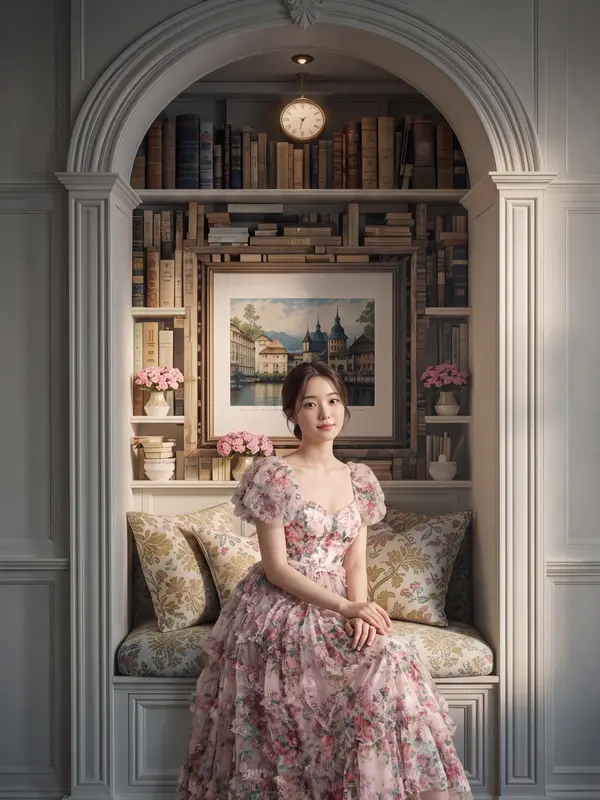

Anyone who has asked an AI for a product photo has met the same thing: what comes back is not quite the same object that went in. A pattern has been added, an emblem has appeared, there is lettering the real product never had. This page explains the mechanism behind it, drawn from what we ran into while building this system, and it applies to any tool you use — not only ours.
One: silence is permission
Most people assume that a part the instructions never mention will simply be left alone. The opposite is true: a part the instructions never mention is a part the model treats as its own to design.
On 21 September 2026 we sent in a perfume bottle that was pink all over and got back one whose emblem, charm and cap trim had turned gold metal. Those parts are really on the bottle — they are simply pink on the real thing. The parts that came back correct were the glass and the liquid, which happen to be the two things the instructions named outright and told it to take from the uploaded photo. What changed was not an object that appeared, but the value of a slot nobody had filled in.
Two: don't type the name of the thing you don't want
The first fix everyone reaches for is a sentence saying the trim must not be gold. We don't use that, because we had already learned that a word inside an instruction counts as a word the model has read.
On 14 September 2026 our perfume-category instructions contained the sentence do not turn the bottle into a pendant. The bottle came back as a pendant hanging from a necklace. Another line said there is no box, and a box appeared. Both sentences said exactly the opposite of what we wanted, and we got what we had named.
Writing no gold trim is a way of putting gold into the instructions, which is exactly what we were trying to avoid. The same thing shows up on packaging: when an instruction mentions a box without saying what is printed on it, the AI fills the silence in with text of its own.
Three: name the slot and let the photo supply the value
What we do instead is name no colour at all. We name the slots that might exist and let the uploaded photo fill them in: the same bow, ribbon, cord, charm, tag or seal if the photo shows them, each in its exact colour, material and shape — and none of them if it does not.
A sentence like that closes the gap that used to be silent without planting a single new colour or object. Two categories — the cup and the drink bottle — have worked this way since 14 September 2026, and on 21 September the same formula was carried into four more: the bottle, the tube, the jar and the lipstick case.
Four: one subject, one sentence
On 22 September 2026 we had three separate lines in one instruction set all talking about size: one said to use the true proportions from the photo, one said the box is larger than the product, and one said the product rises past the top of the frame. All three images from that round came back with the box smaller than the bottle.
When three lines talk about the same thing and contradict each other, the model satisfies whichever one is easiest to satisfy — not the one you consider most important. The fix is to give each subject exactly one sentence that owns it.
A check you can run today
Go over your product part by part and ask which parts the instructions have not mentioned. Those are the parts that will be redesigned
Don't write that something must not appear — the word ends up in the instructions either way
Write it as a slot instead: name what might be there, say to take it from the photo, and say that if the photo doesn't show it, it isn't there
One subject, written once. If you find it written in two places, delete one before adding anything new
On this site you don't type any of it
None of the tools on Plien Roob has a box to type instructions into. The whole instruction set, including the four points above, is already written into the system, and it gets rewritten every time we find an image that doesn't match the real product. What you do is upload a photo, tap a category and generate.
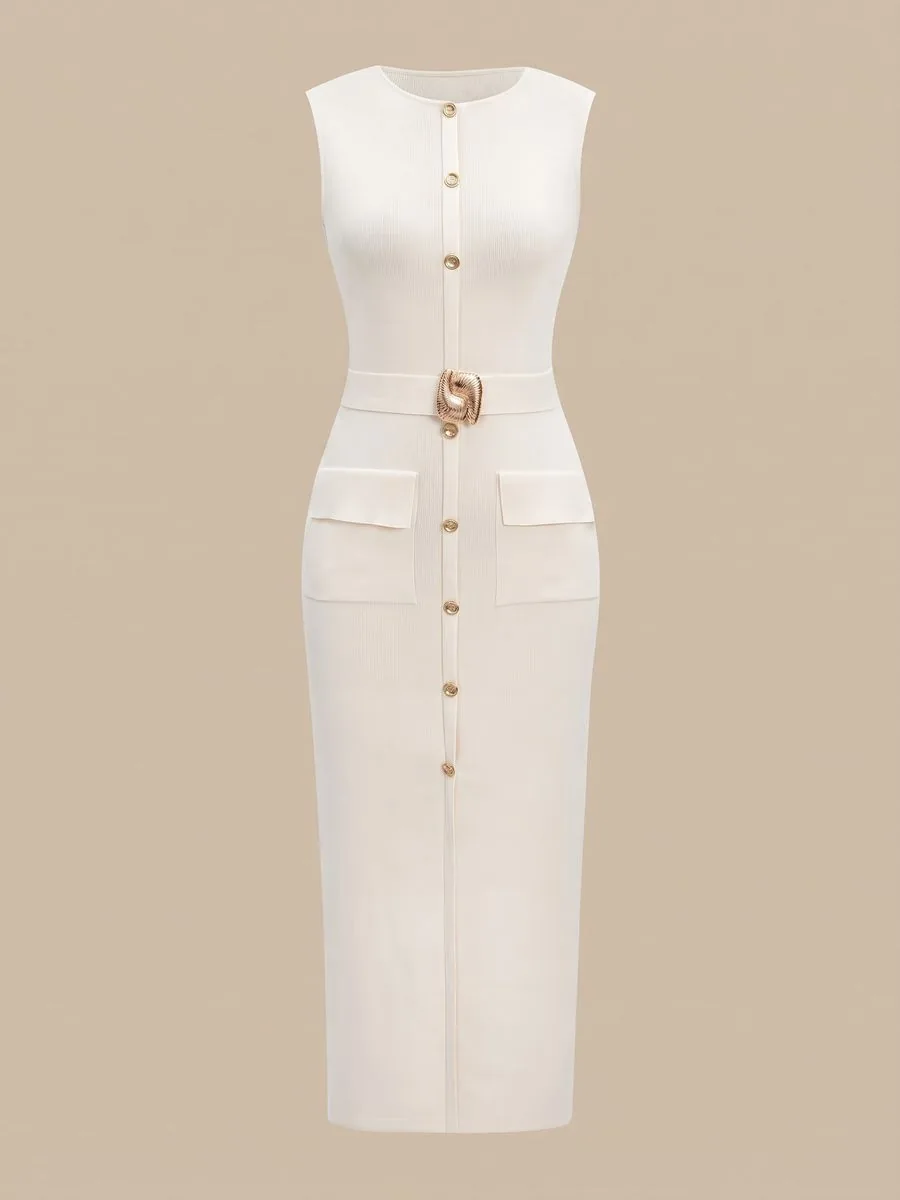
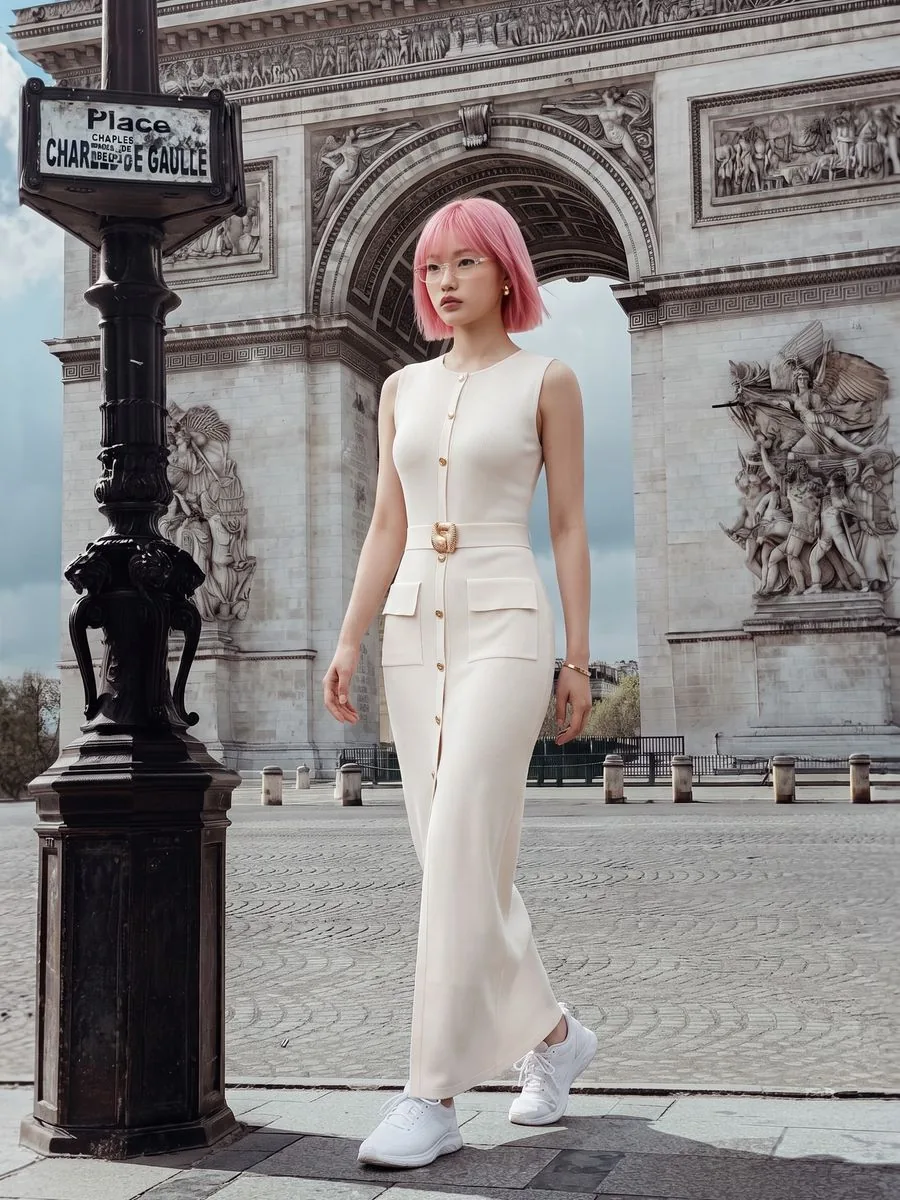
Even with every instruction in place, AI output is probabilistic: the same photo run twice will not come back identical. Before listing anything, compare each image with the real product at the places a customer looks — the label, the lettering, the colour and the number of pieces.
Frequently asked questions
How do I stop AI from changing what my product looks like?
Go over the product part by part and make sure the instructions mention every part, because a part that is never mentioned is one the AI treats as its own to design. What works is naming the slots — bow, ribbon, tag, emblem — and saying to take their colour, material and shape from the uploaded photo, and that if the photo doesn't show them, they aren't there.
I wrote no gold trim, so why did it still come back gold?
Because the word gold is in the instructions either way, whether or not not is standing in front of it. We met the same mechanism head-on: our own instruction said do not turn the bottle into a pendant, and the bottle came back as a pendant on a necklace. The safer route is not to name the thing you don't want, and to say instead that the colour, material and shape come from the uploaded photo.
Why does AI put text on packaging that isn't on the real box?
Because the instructions mentioned the box without saying what is on it, and a silent slot gets filled in. In the case we hit on 14 September 2026 the invented text included a figure that had come from our own size sentence. Two instructions now cover it: never write text that isn't in the photo, and never print the size the customer chose anywhere in the picture as lettering.
Does repeating an instruction on several lines make it stronger?
No — the opposite. When several lines talk about the same thing and contradict each other, the model satisfies whichever is easiest. We hit this when three lines all described box size, and all three images from that round came back with the box smaller than the product. Give each subject one sentence.
Do I have to write any of this if I use this site?
No. None of the tools here has a box to type instructions into — you upload a photo, tap a category and generate. Sign up free for 10 credits, given once, with no card needed. Your first free-plan image has no watermark; the images after it do.

Plien Roob
Ready for your first product photo?
Sign up free for 10 credits, given once, with no card needed. Your first free-plan image has no watermark; the images after it do.