News
Shopee Has an AI Try-On for Sellers: It Accepts Only Flat Photos Shot From Above
Last updated 2026-10-23From Plien Roob — AI model photography for online stores
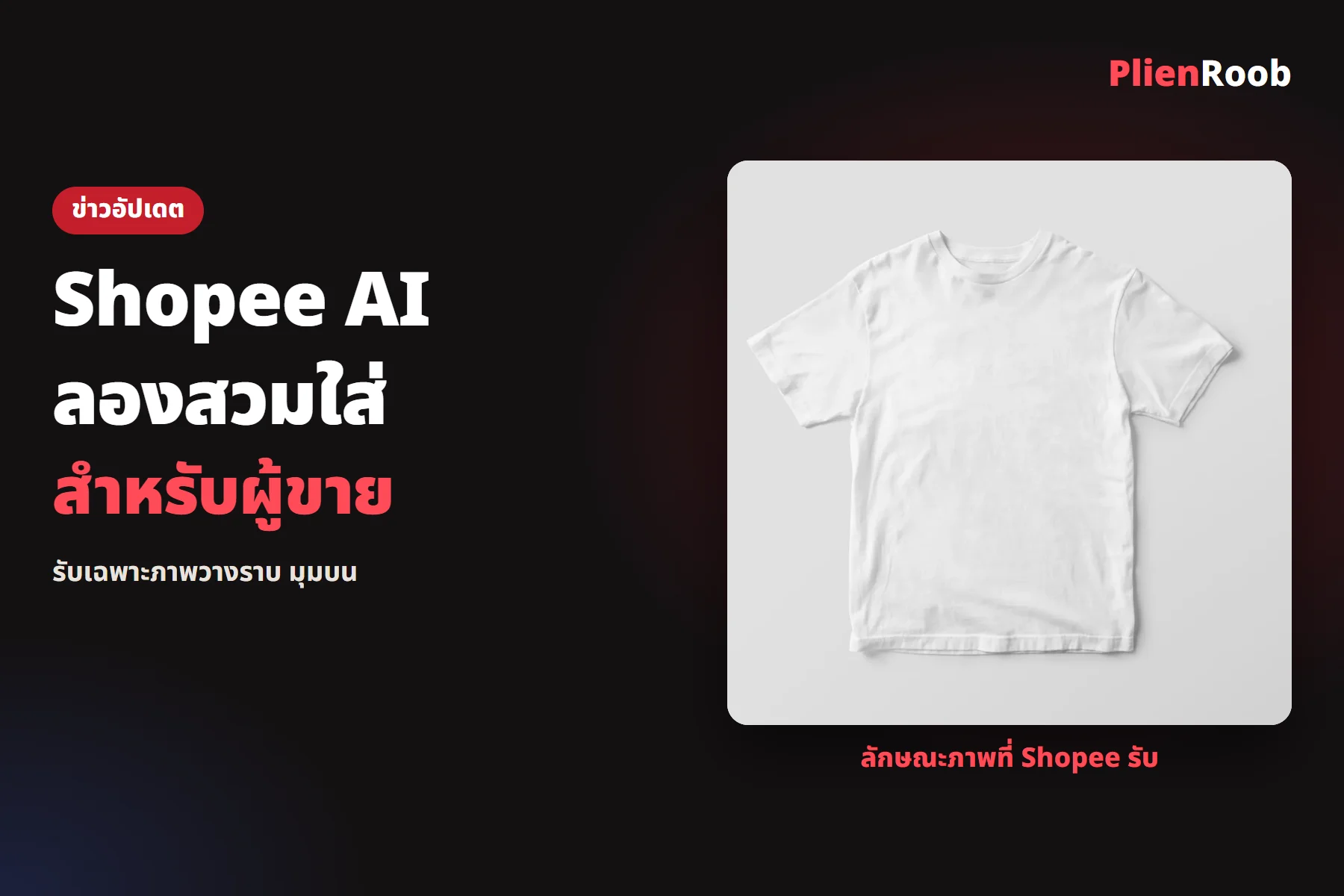

Shopee Thailand's seller education page describes an AI try-on tool that puts a shop's fashion product on an AI model, inside the Shopee AI Creation toolset. The uploaded photo must be on a flat surface, shot from directly above the product, with a single plain background colour. AI images posted to Shopee Video must carry a label identifying them as AI-generated content.
Where sellers find the AI try-on
In the app · the Live & Video tab, the + icon at the top right, choose post video, the photo tab, tap post with AI, then Use now under the try-on model banner
In Seller Centre · My Products, then Product Settings, then Shopee AI Creation, and click AI try-on on the left of the screen
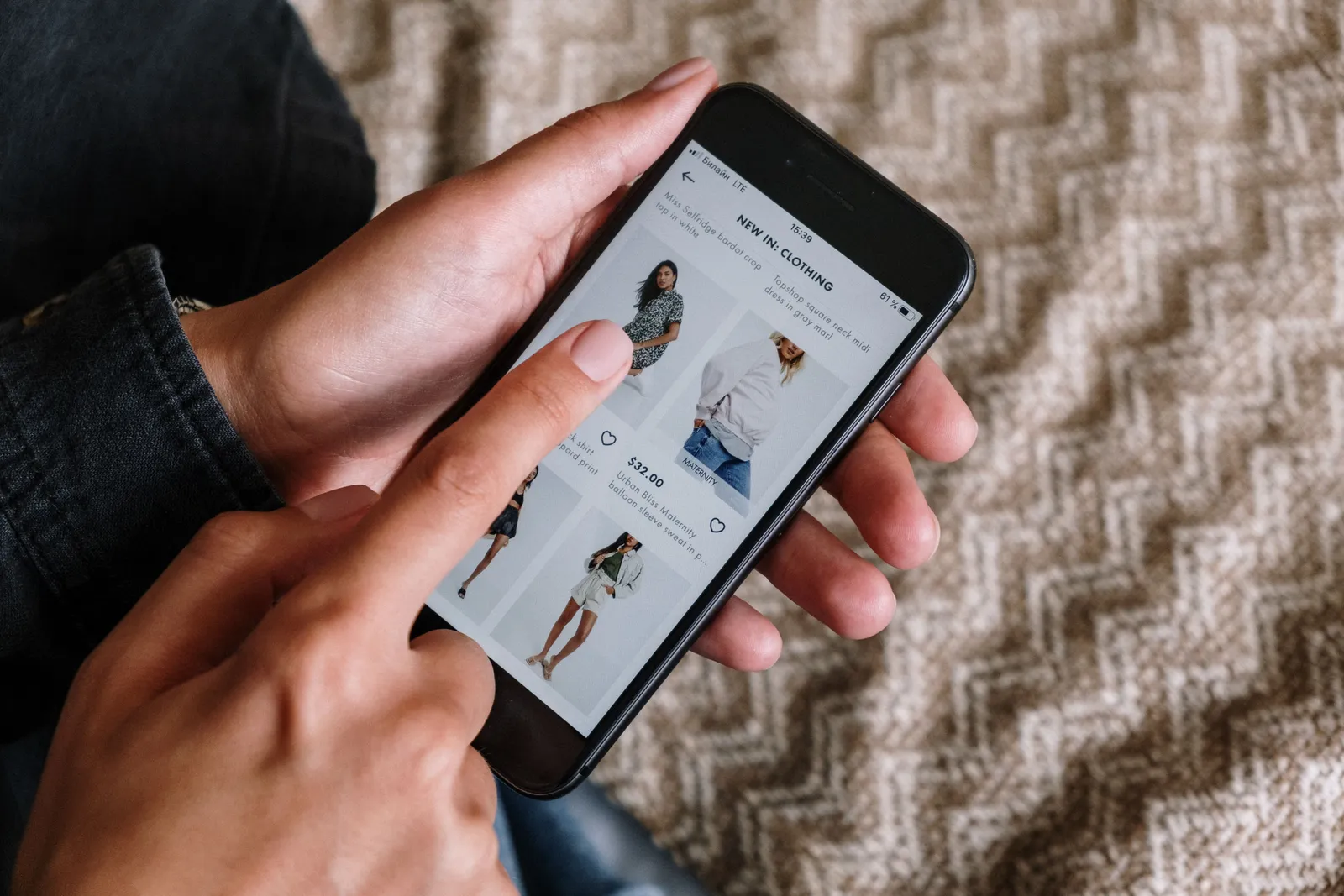 Illustration
The product photos Shopee accepts
The same page says the uploaded photo must meet three conditions, and photos that don't can't be used with the AI try-on.
The product is placed on a flat surface
The photo is shot from directly above the product
The product's background is a single plain colour
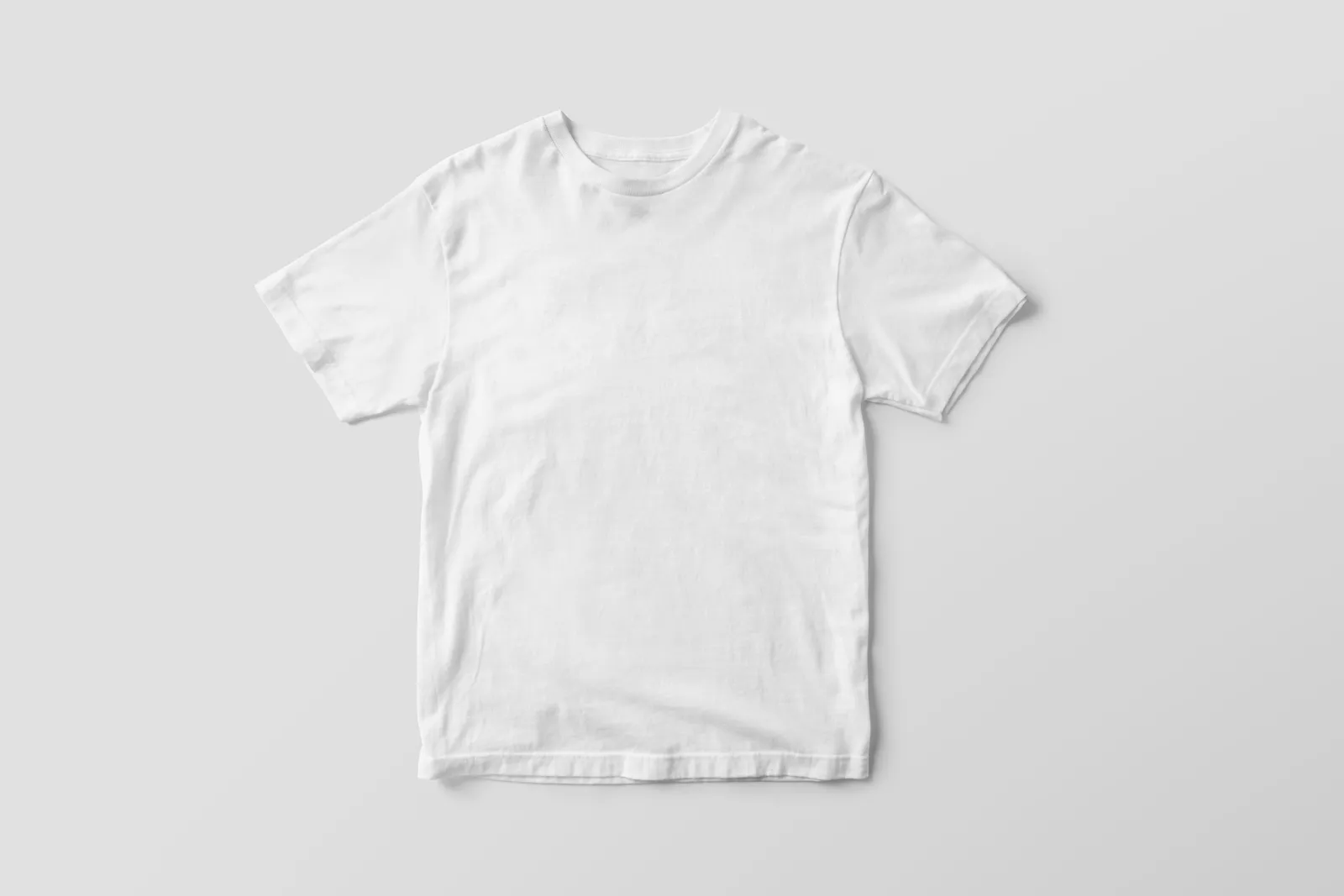 Illustration
The Products tab holds up to 52 uploaded photos; beyond that, older ones must be deleted. After you choose a product, go to the Model tab, pick a model and tap generate; you can then add stickers, text or filters. Shopee suggests having different models try on the same product so customers can see how it suits different people.
Where the result goes, and the AI rules on Shopee Video
The AI try-on model image can be uploaded as a Shopee Video. If it was made from a photo in an existing listing, the system links it to that product itself; if it was made from a photo you uploaded, you must link the post to a listing yourself with Add product. The page sets out these AI guidelines for Shopee Video:
You must switch on the AI-generated content tab so an AI label appears on the video; all AI-generated content, whether text, images or video, must be clearly identified
No third-party logos, people's images or likenesses without permission, and no real public figures, or AI characters resembling them, without approval
No realistic AI images of people under 18
No exaggerated product claims and no fake reviews made with AI
Avoid low quality, repetitive content, and using the same AI character across several accounts
AI content that doesn't meet the standard can be penalised, from a policy violation and removal of the video to a temporary or permanent suspension of Shopee Video rights, as the page states.
7 things you can do in Plien Roob
What you can make on this site. Each card is that tool's cover image; tap it to read how the tool works.






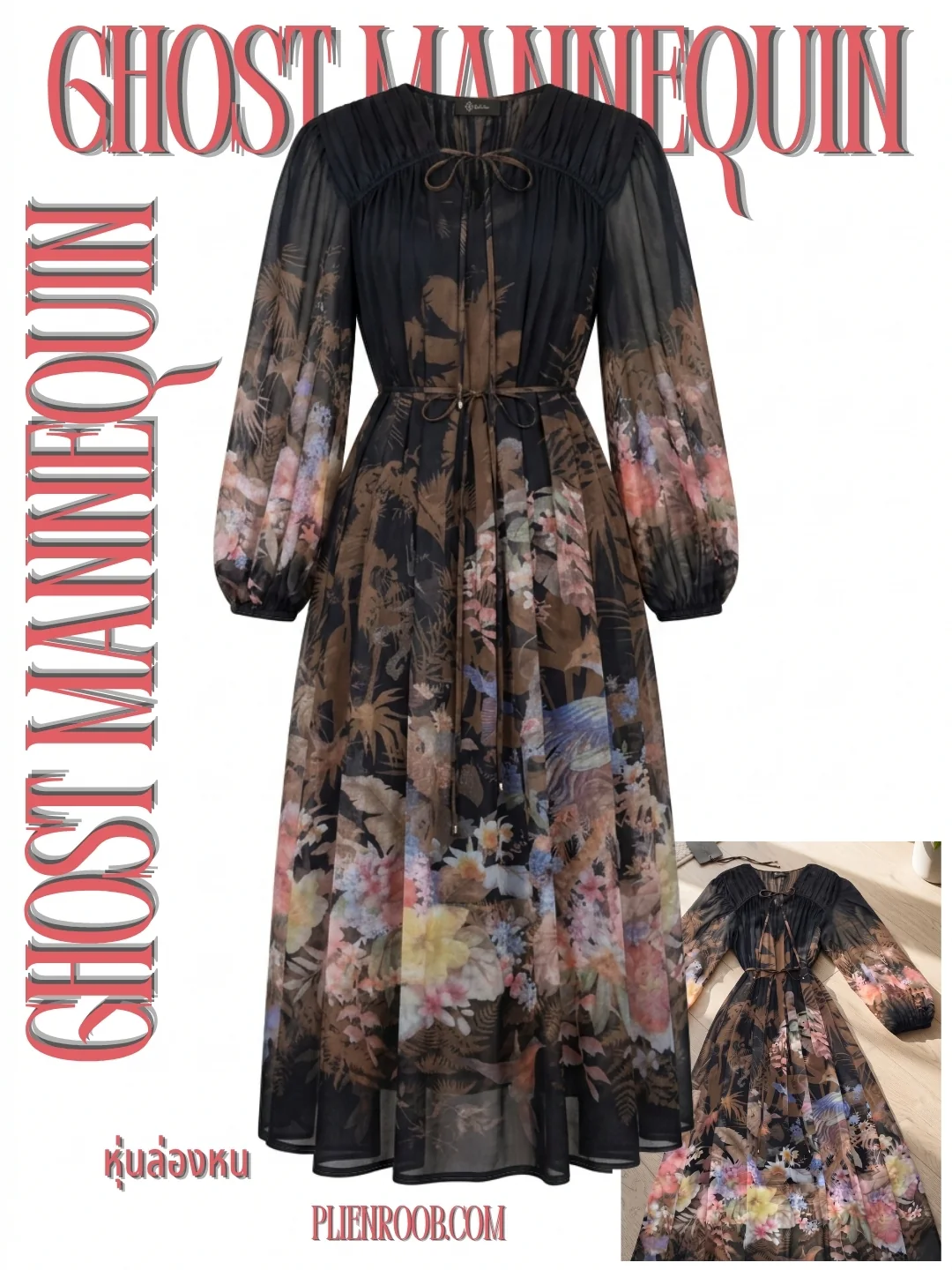
On the buyer side: Shopee said in April 2026 it would launch in the app
Thairath Money interviewed Shopee (Thailand)'s Business Development Director on 6 April 2026. He said the buyer-side AI try-on, where shoppers pick clothes, take a photo of themselves and virtually try them on, was soon to be officially launched in the app, covering shirts, pants, bags, hats and accessories. The interview gives no launch date and the seller page we read covers only the seller-side tool, so we can't confirm it has launched yet.
 Illustration
What clothing shops should do
If you use Shopee's tool, shoot the product laid flat from above on a single colour before you upload
Switch on the AI-generated content label every time you post to Shopee Video
Check the image against the real product before posting, because Shopee's own Seller Centre screen warns that results may differ from the actual product
If you make model photos with Plien Roob
In Plien Roob you upload a photo of clothes laid flat or on a hanger, pick the model and the scene yourself, and get an image in about a minute. The system tells the AI to keep the print and lettering from your photo (colour can shift slightly with the scene's light). You download the result to post in your own shop, but you switch on the AI label yourself on each platform and must check every image against the real garment.
Frequently asked questions
Does Shopee have an AI try-on for sellers
Shopee Thailand's seller education page describes an AI try-on that puts a shop's fashion product on an AI model, inside Shopee AI Creation. The page doesn't say what it costs or whether every seller has it. We read that page on 23 October 2026.
What photos does Shopee's AI try-on accept
Product photos laid on a flat surface, shot from directly above the product, on a single plain background colour. Photos that don't meet the conditions can't be used with the AI try-on, and the Products tab holds up to 52 uploaded photos; older ones must be deleted beyond that.
Do AI images on Shopee Video need a label
Yes. Shopee's seller page says you must switch on the AI-generated content tab so an AI label appears on the video, and all AI-generated content, whether text, images or video, must be clearly identified.
Is Shopee's AI try-on free
The Shopee seller page we read on 23 October 2026 doesn't state a cost, so we can't confirm whether it is free. Check your own shop in Seller Centre.
Can buyers try on clothes on Shopee with AI yet
Shopee (Thailand)'s Business Development Director told Thairath Money on 6 April 2026 that the feature was soon to be officially launched in the app. The seller page we read covers only the seller-side tool, so we can't confirm it has launched yet.

Plien Roob
Ready for your first product photo?
Sources
- ศูนย์เรียนรู้ผู้ขาย Shopee Thailand · ฉันจะใช้เครื่องมือ ‘Shopee AI เครื่องมือสร้างมีเดีย’ (Shopee AI Creation) เพื่อยกระดับภาพสินค้าของฉันได้อย่างไร? · accessed 2026-10-23
- Thairath Money · Shopee (Thailand) Sets Course to Expand Thai Brands into Export Markets with AI-Powered Virtual Fitting and Fast Delivery Services · 2026-04-06
Photos by cottonbro studio · Mr. Mockup · Vitaly Gariev on Pexels