AI Tools
AI product ad photos in settings that match how the product is used: a kettlebell in the gym, a fishing rod by the water
Last updated 2026-09-16From Plien Roob — AI model photography for online stores
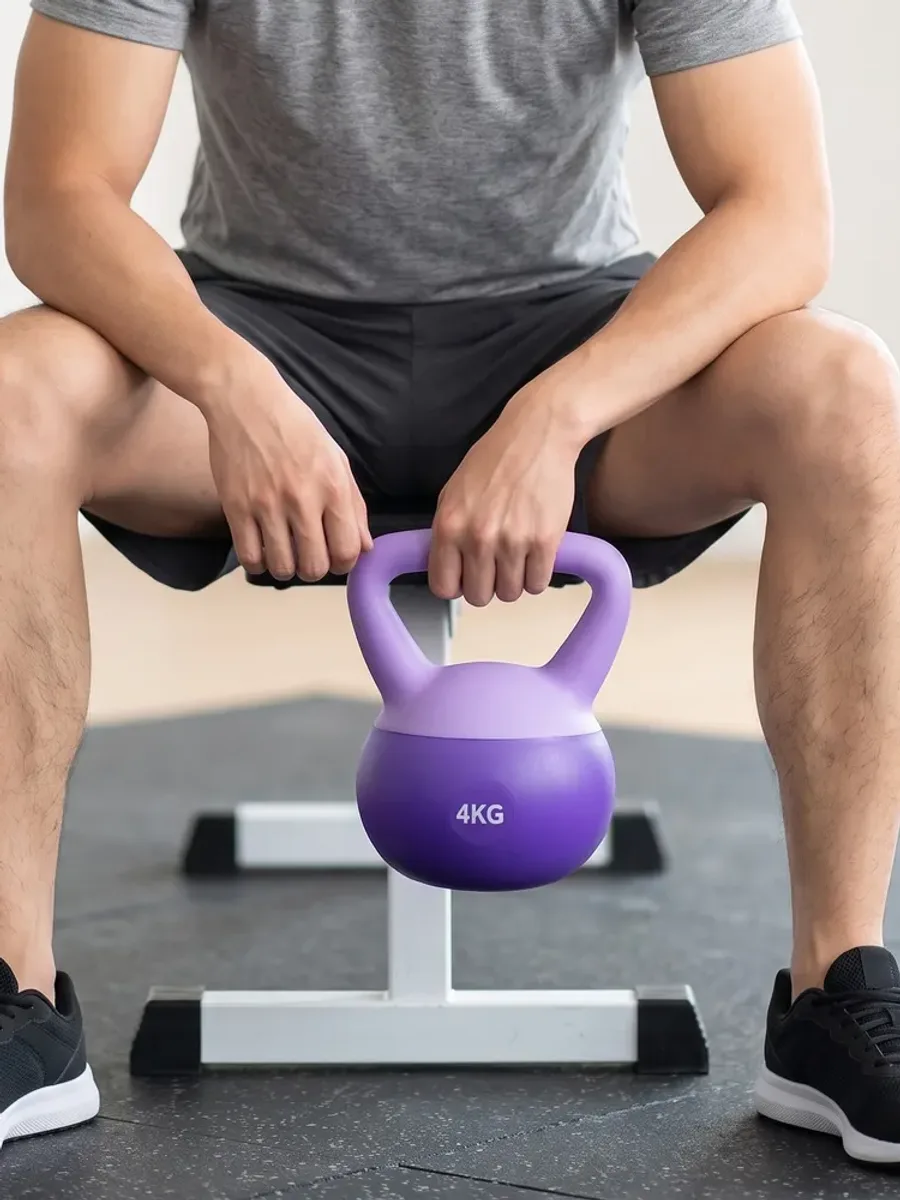

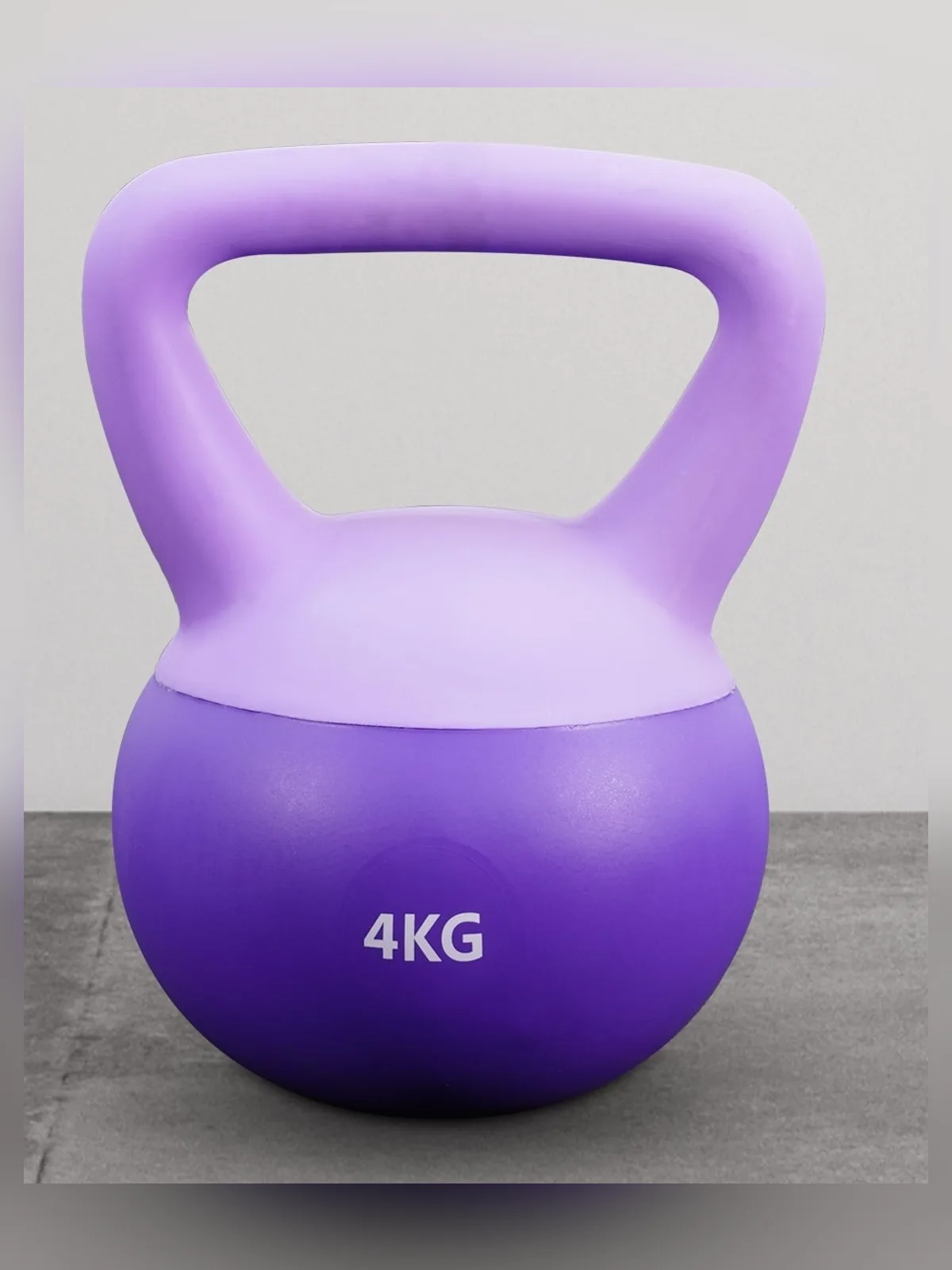
A photo of a kettlebell on a bare floor tells a customer what it looks like. A photo of someone holding it in a gym tells them more: how big it is in a hand, and what it's for. Product Showcase makes that kind of photo from a single product shot, and picks a setting that suits the product for you.
Settings are tied to the product category
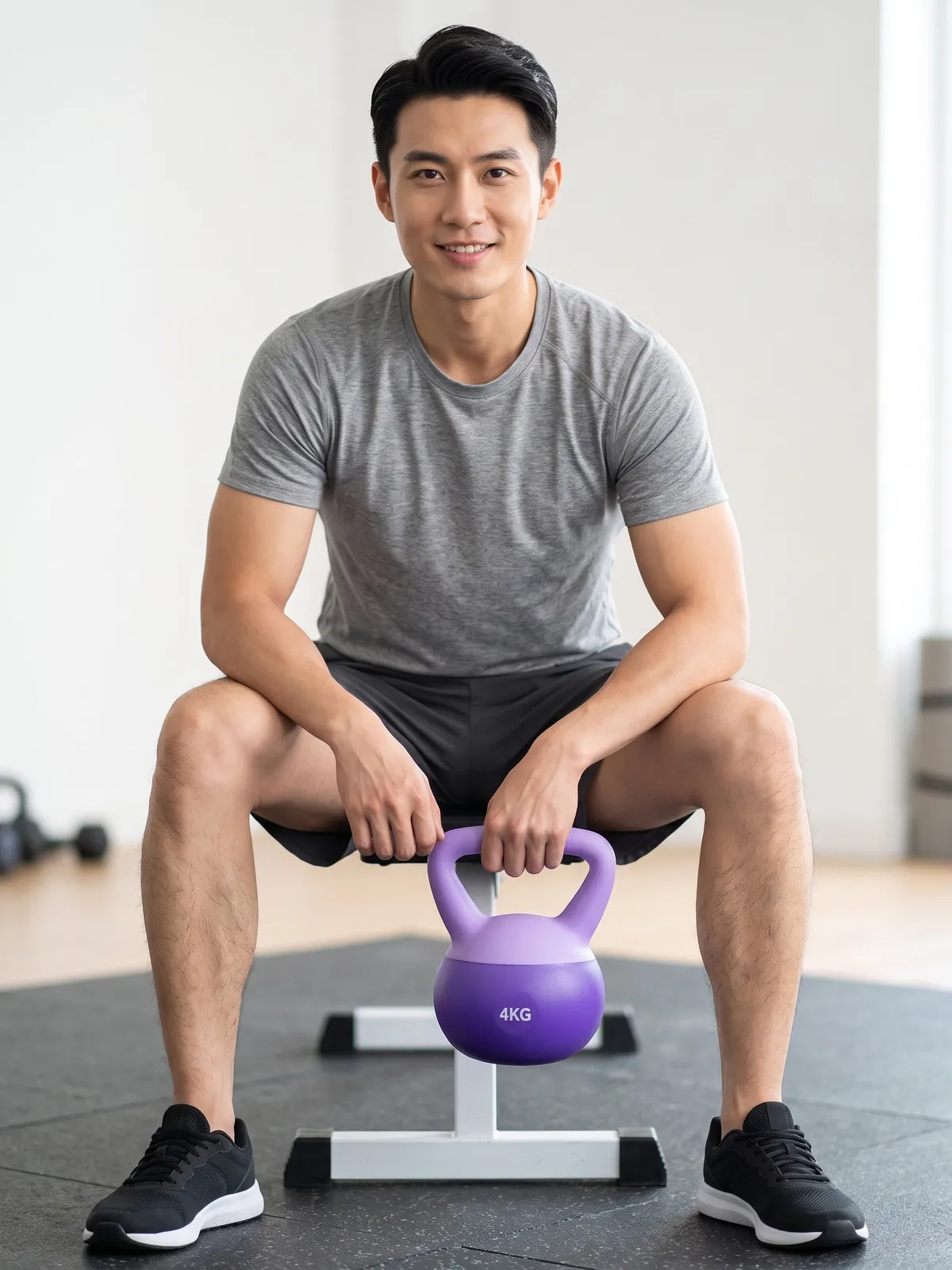
Each category has its own settings written for it, rather than scenes pulled from a general pool, so a pose that sets something on a table has a table, and gear that's used by the water ends up by the water. Every setting is generated by AI, not a photo of a real place. Some examples from the sport and home categories:
Dumbbells and kettlebells · a gym with rubber flooring, a home workout corner, an outdoor fitness area in a park
Fishing rod · a wooden pier on a lake, a riverbank, a seaside jetty
Yoga mat · a yoga studio with a wooden floor, a lawn in the morning, a beach at sunrise
Water bottle · a gym, a park path, a running track in the morning
Drinking cup · a café table, a kitchen counter, a home desk by a window
Books and notebooks · a reading corner, a wooden desk by a window, a café table
For a single image, Plien Roob uses the category's settings, or you can pick a scene from the library yourself for 1 more credit. With the 6-image set, each image gets a different setting, and there is no scene charge.
Poses that look like the product is in use
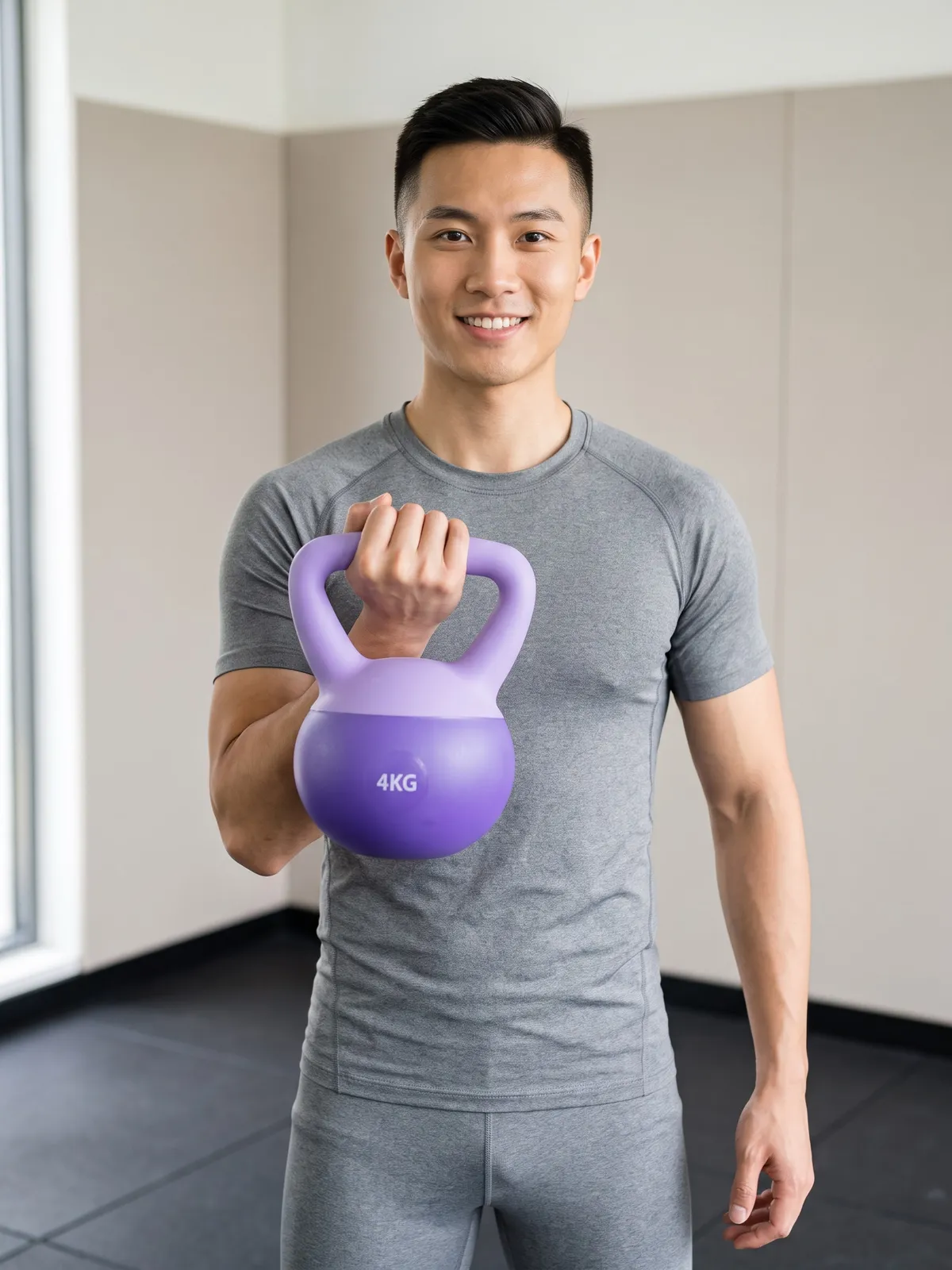
Besides holding a product up to show it, the sport categories have poses that look mid-use: a curl, a rest on the bench between sets, a cast with a fishing rod, a tree pose on a yoga mat. A single image favours poses that show the product clearly. If you want several poses at once, use the set mode.
No ad instructions to write
Getting an AI to make one ad photo means spelling out a lot: how the person stands, how they hold the product, what the setting is, what the light is like, and that the logo and numbers on the product must not change. There is no box to type any of that here. It is already written into the category — you just tap it.
Things to know by category
Telescopic fishing rods: to show the rod at full length, photograph it fully extended — the AI follows your photo, not the length you pick
The system instructs the AI to show a reel only if your uploaded photo has one
The weight number on a dumbbell or kettlebell comes from your photo. The system instructs the AI never to change it, but zoom in and check every image anyway
Books and notebooks: the system instructs the AI to keep the front cover letter for letter as in your photo, and if you only have the front cover, to leave the spine and back cover plain. Small Thai text on a cover can come out wrong
What you get back
A photo of a person using or holding your product, in a setting that suits it
Numbers, logos and lettering on the product that the system instructs the AI to keep as in your photo
A 2K image, or 4K if you choose Premium
AI output is probabilistic: the same product photo run twice will not come back identical. Before an image goes into an ad, check the colour, shape and lettering of the product in every one. If the first result misses, run it again or change the source photo.
Frequently asked questions
Do I need to write instructions to make product ad photos with AI?
Not in Product Showcase — there is no box to type instructions into. You upload a product photo and tap a category. The poses, the settings, the lighting and the rules against changing the logo or numbers on the product are already written into each category.
Can I choose the scene myself?
Yes. For a single image you can pick a scene from the library for 1 more credit; if you don't, the system uses a setting that suits the category. In the 6-image set mode, the system gives each image a different setting and there is no scene charge.
Why is the fishing rod in the photo shorter than the real one?
If your uploaded photo shows a telescopic rod that is still collapsed, the AI draws it that way, because it follows the product photo rather than the length you pick. To show the rod at full length, photograph it fully extended.
Can I start making product ad photos like this now?
Yes. Sign up free for 10 credits, given once, with no card needed — enough for 3 Product Showcase images at 2K. Your first free-plan image has no watermark; the images after it do.

Plien Roob
Ready for your first product photo?
Sign up free for 10 credits, given once, with no card needed — enough for 3 Product Showcase images at 2K. Your first free-plan image has no watermark; the images after it do.