Selling Online
AI Model Poses You Can't Control: Pick Poses From a Library, No Prompts
Last updated 2026-10-23From Plien Roob — AI model photography for online stores
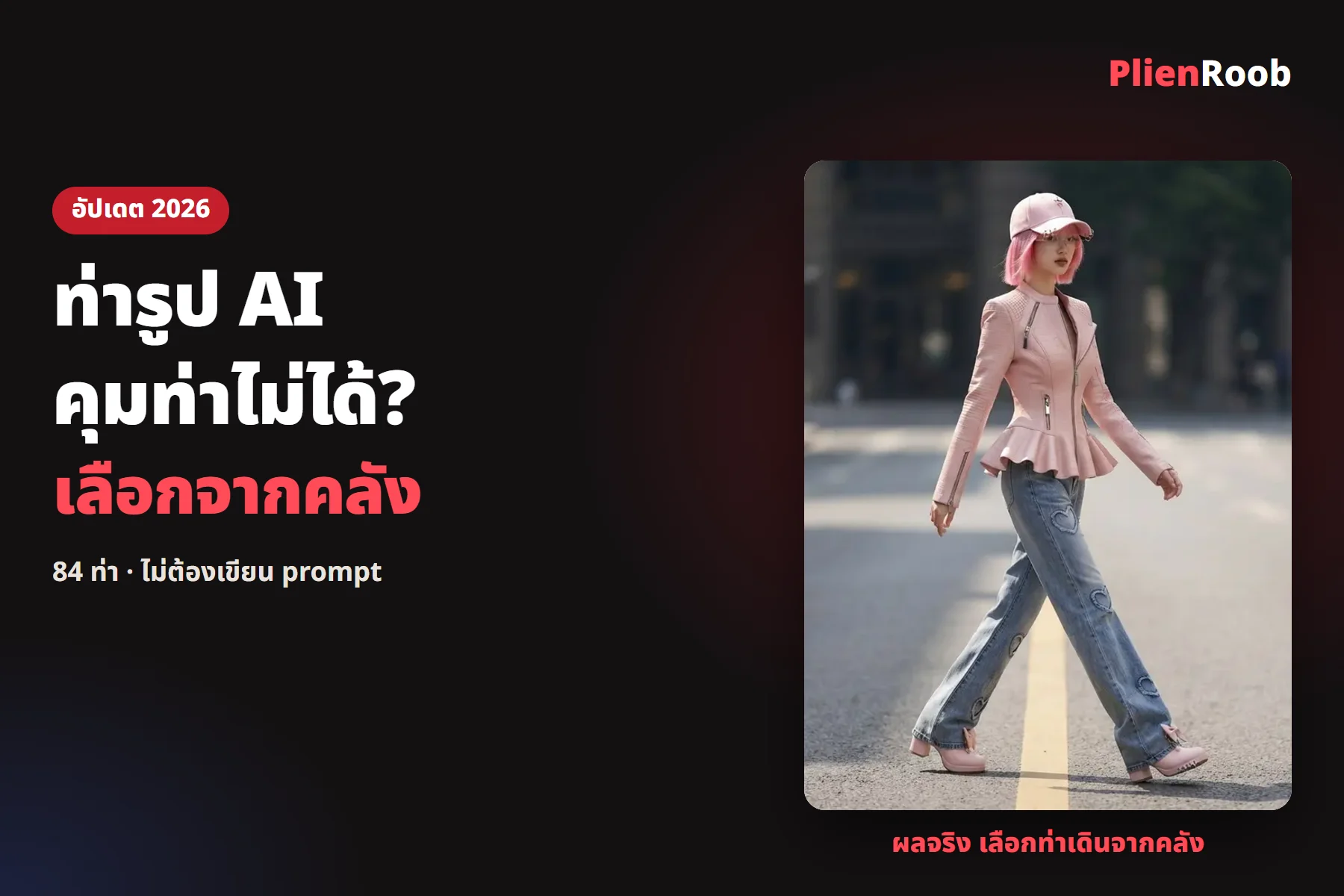

AI makes a model and the pose is wrong because the tools we looked at, such as Dreamina and FASHN, give you two ways to control it: describing the pose in text, or uploading a reference photo of the pose. If you can't write it or can't find a photo, the pose is random. In Plien Roob the library has 84 poses you pick from images, with no instructions to type; 6 poses are free and the rest belong to the Premium plan.
Why an AI model's pose comes out wrong
You have to describe the pose in text yourself: the words people write don't always match what the AI understands, so the result is random
You have to find a reference photo of the pose yourself: it must be sharp and show the pose clearly, and without one you don't get the pose you want
Arms, legs and hands can distort: the AI redraws the whole image, so body proportions can be wrong
 Illustration
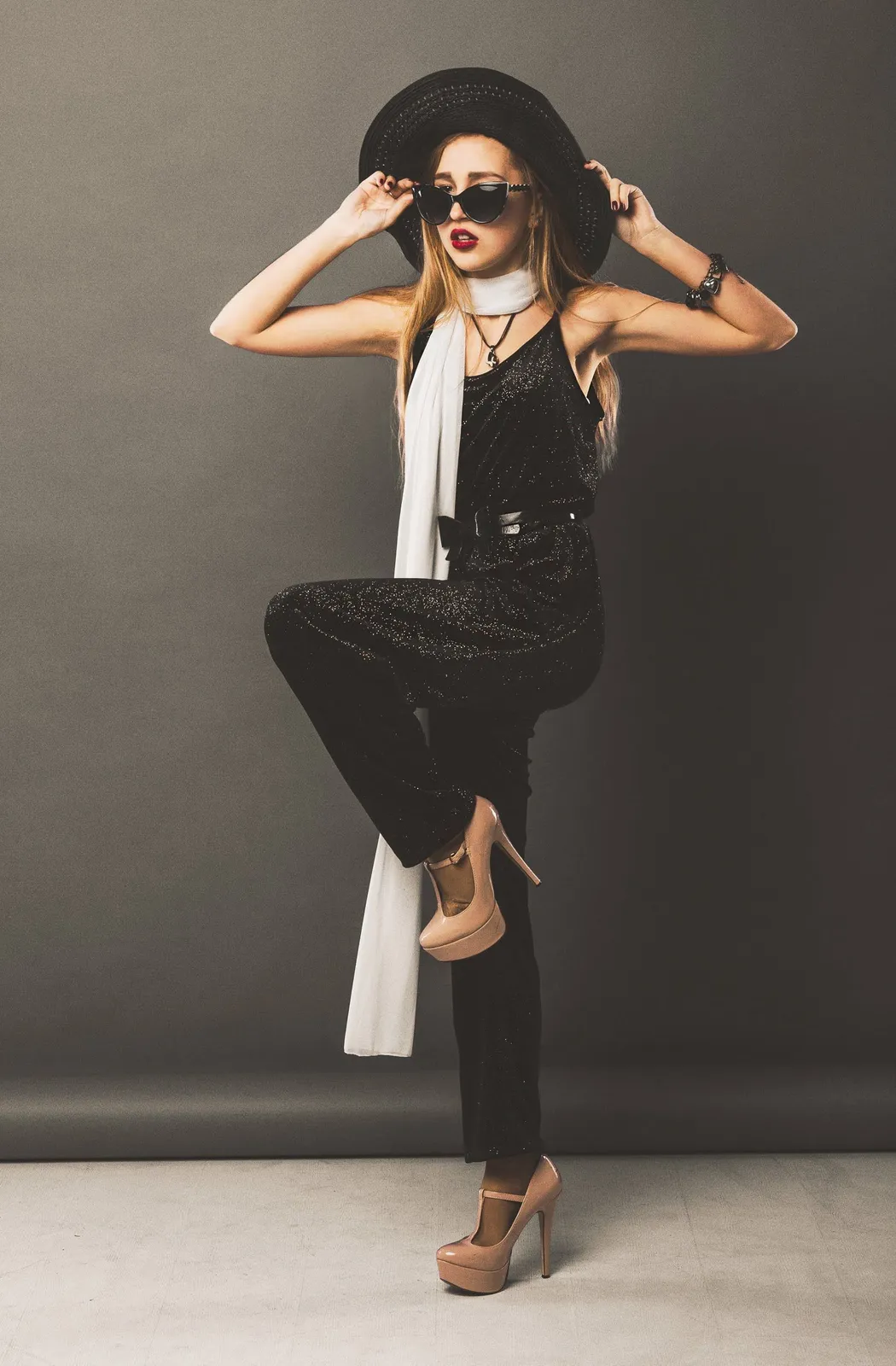
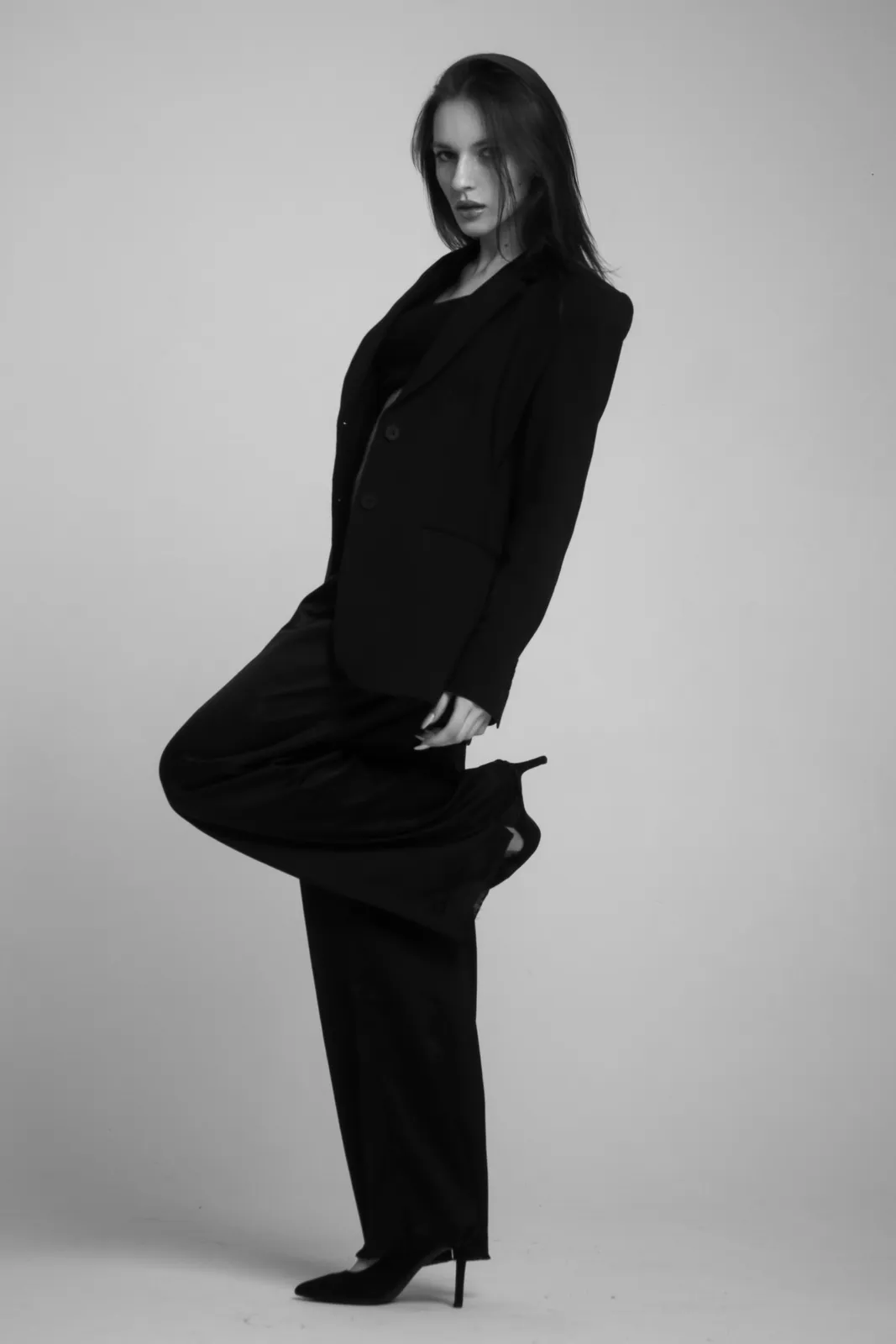
In the results for the search "ท่ารูป ai" on 23 October 2026, pose-changing tools such as Dreamina ask you to upload a source image and a reference image of the pose, and an article from FASHN recommends a clear reference image with a clearly visible pose. Both ways need a reference image from the user. We haven't tested these tools, so we don't judge which is better.
 Illustration
Three ways to control a model's pose, compared
What you do
- Describe the pose in text
- Write a detailed description of the pose
- Upload a pose reference photo
- Find a sharp photo of the pose to upload
- Pick a pose from a library
- Tap a pose card
The risk
- Describe the pose in text
- A random result that isn't what you pictured
- Upload a pose reference photo
- A blurry photo gives a distorted pose
- Pick a pose from a library
- The pose may not match the card exactly, and the poses are limited to the library
Suits
- Describe the pose in text
- People who can write prompts
- Upload a pose reference photo
- People who already have a pose photo they like
- Pick a pose from a library
- People who don't want to type or hunt for photos
| Describe the pose in text | Upload a pose reference photo | Pick a pose from a library | |
|---|---|---|---|
| What you do | Write a detailed description of the pose | Find a sharp photo of the pose to upload | Tap a pose card |
| The risk | A random result that isn't what you pictured | A blurry photo gives a distorted pose | The pose may not match the card exactly, and the poses are limited to the library |
| Suits | People who can write prompts | People who already have a pose photo they like | People who don't want to type or hunt for photos |
7 things you can do in Plien Roob
What you can make on this site. Each card is that tool's cover image; tap it to read how the tool works.






How to pick a pose from the library in Plien Roob
The library has 84 poses: 58 full-body and 26 half-body. 6 poses are free, and the rest belong to the Premium plan and carry a crown on the card. You pick a pose from the image cards in the dressing room or in the Product to Model studio, with no pose to write as text.
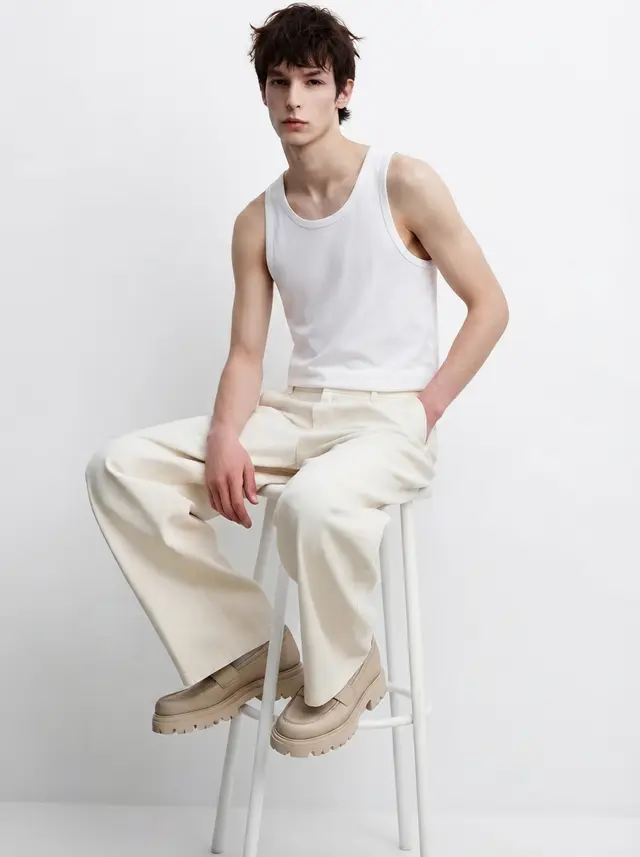 Sitting
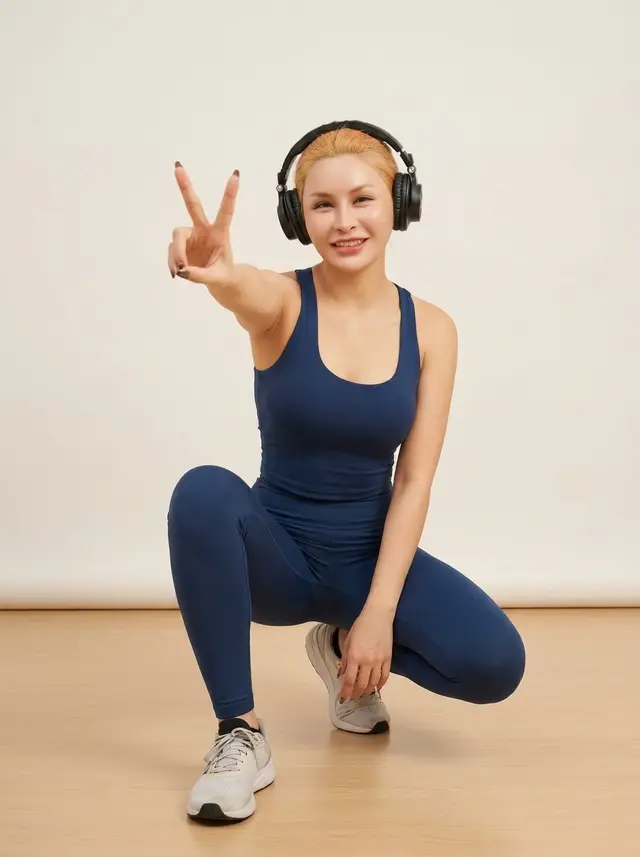 Crouching
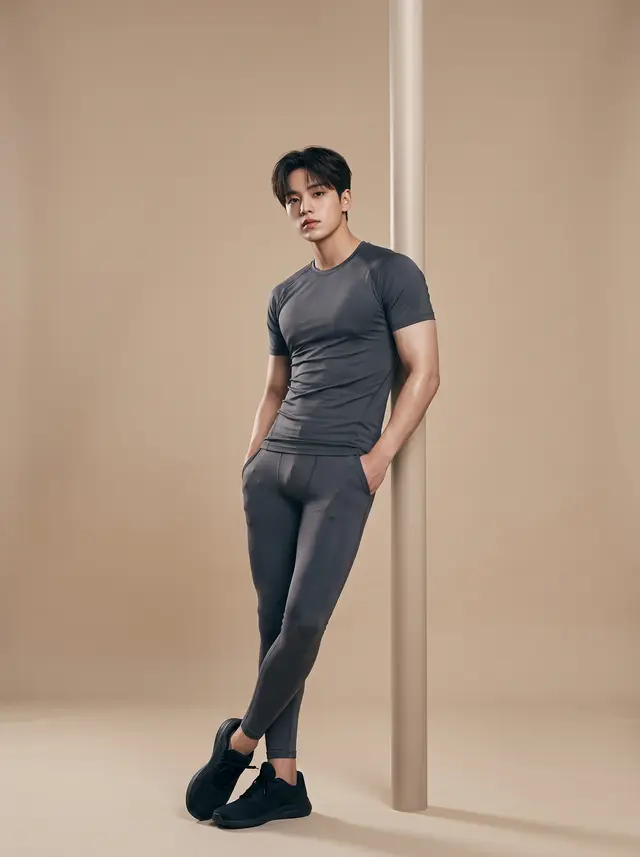 Leaning
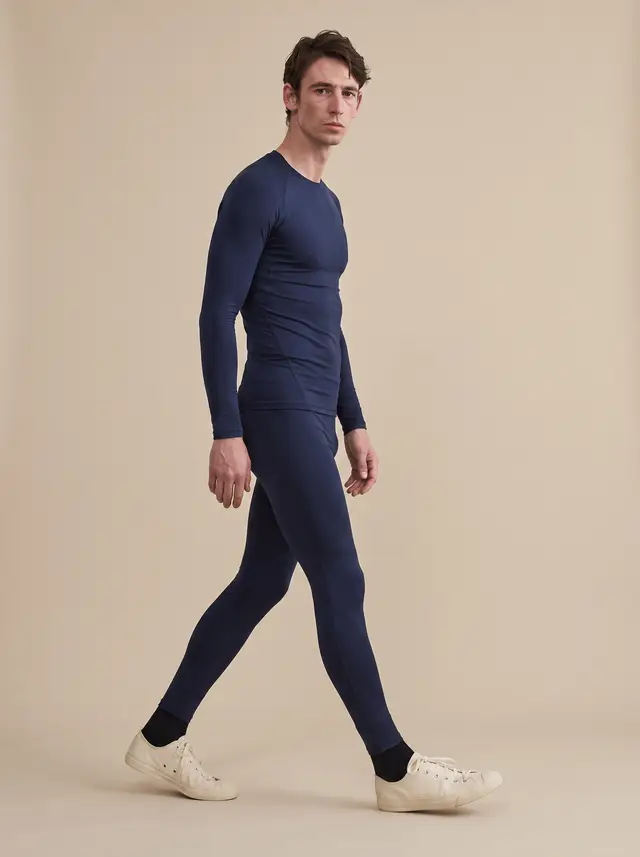 Walking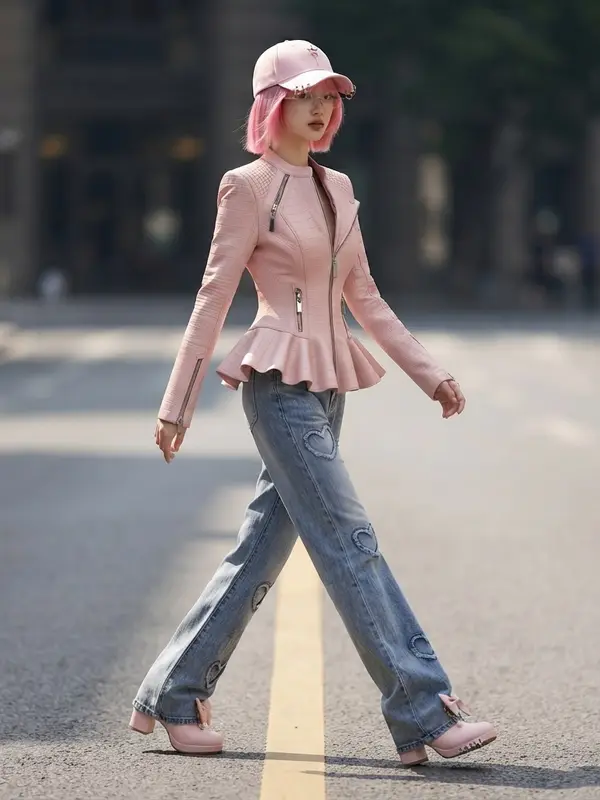
Price and limits to know
Poses, scenes, styling and models from the library cost a flat extra 1 credit an image on the Free and Basic plans, however many you pick; the Premium plan costs nothing extra
The Free plan can pick the 6 poses without a crown; styling items need the Basic plan or above
You can pick the same pose again, but the AI redraws every time, so the result isn't exactly the same image
Check hands, arms and proportions in each result before listing, and check the product against the real item
Frequently asked questions
How do I control an AI model's pose to get the pose I want
The tools we looked at, such as Dreamina and FASHN, make you describe the pose in text or upload a reference photo of the pose. In Plien Roob you do neither: you pick a pose from the image cards in a library of 84 poses. 6 poses are free and the rest belong to the Premium plan.
How do I write a prompt for an AI model's pose
In Plien Roob you don't. There is no box to type instructions in, and poses are picked from image cards. In tools where you write it yourself, results are often random because your description doesn't always match what the AI understands.
Can AI keep the same pose in every model image
You can pick the same pose from the library each time, but the AI redraws every image, so the result isn't exactly the same image, and the face changes every image unless you pick the same model from the library.
How many poses are free
The library has 84 poses: 6 are free and the other 78 belong to the Premium plan. On the Free and Basic plans, library items cost a flat extra 1 credit an image; Premium costs nothing extra.
Can I make AI model images here right now
Yes, it's open. Sign up free for 10 credits, given once, with no card needed. Your first free-plan image has no watermark; the images after it do.

Plien Roob
Ready for your first product photo?
Sign up free for 10 credits, given once, with no card needed. Your first free-plan image has no watermark; the images after it do.
Photos by Zizi zi · Vitaly Gorbachev on Pexels