News
Google Adds Business Tools to Gemini: Brand Style and Product Images. What Clothing Shops Should Check
Last updated 2026-10-24From Plien Roob — AI model photography for online stores
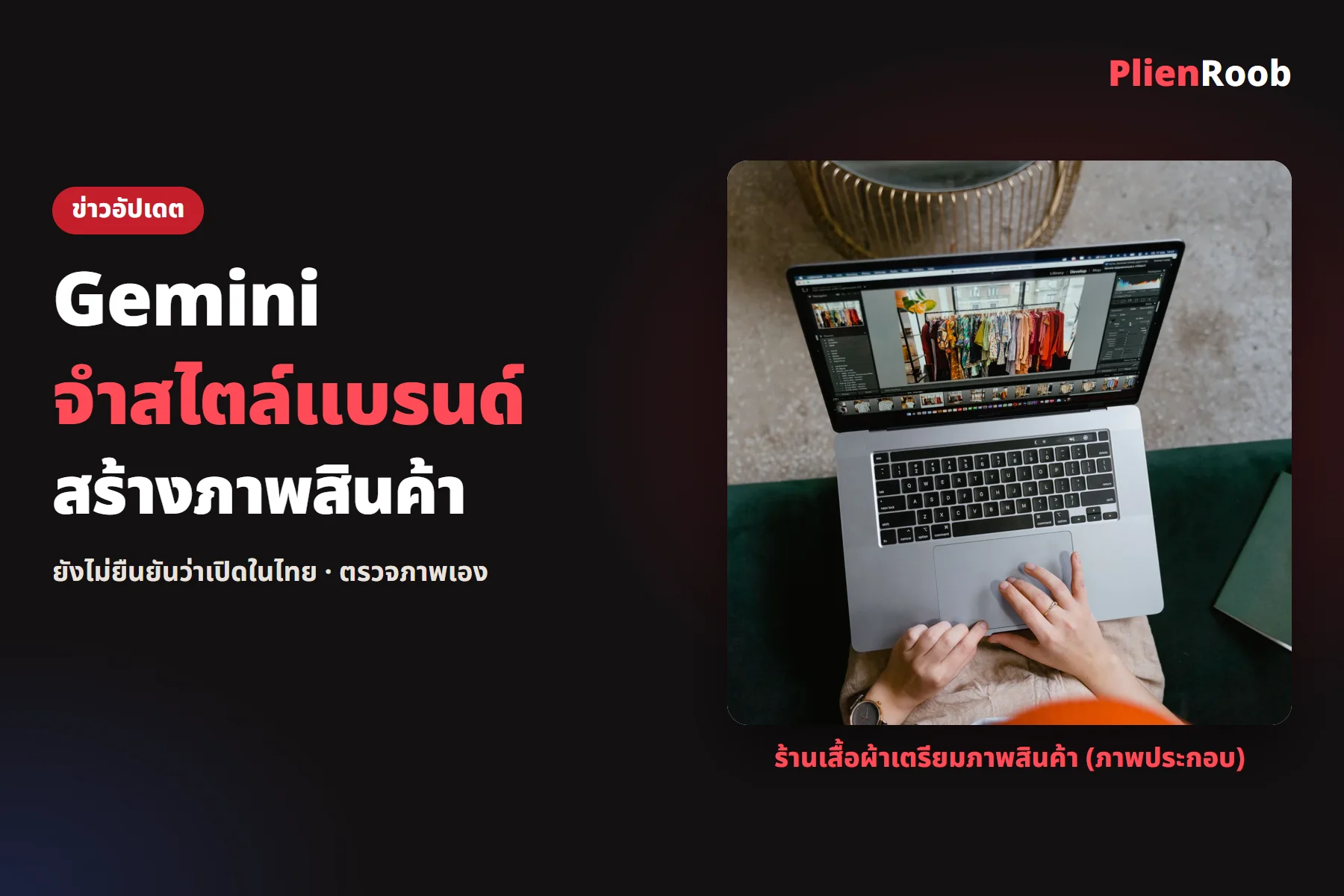

On 20 Oct 2026 Google announced a business page in the Gemini app for small business owners, covering brand, finance and customer tools. One of them is Brand Style, which lets Gemini remember a brand's style and use it for images. Thai clothing shops should know what the announcement says and what it doesn't.
What Google announced
Brand Style: add a website, brand kit, fonts or palette and Gemini remembers the style so you don't re-upload
Works with Google's image model to make images for a product launch or campaign
Connects to other apps such as Google Business Profile, Google Ads, Google Workspace, Adobe, Canva, Dropbox, Shopify, Wix, Zoho and Xero
Rolling out globally over the next few days to Gemini app users
The Thai outlet MarketingOops reports the same as Google's blog and notes that what each connection can do may vary by service. Google's page doesn't explain what the Shopify or Canva connections actually do.
 Illustration
Check AI images from any tool before using them
Print · zoom in and compare the fabric pattern with the real item; patterns can drift or rearrange
Lettering on the product · every letter and logo printed on the garment must match the real one
Cut · length, neckline and sleeves must match what you actually sell
Accessories · buttons, zips and belts must not vanish or appear from nowhere
7 things you can do in Plien Roob
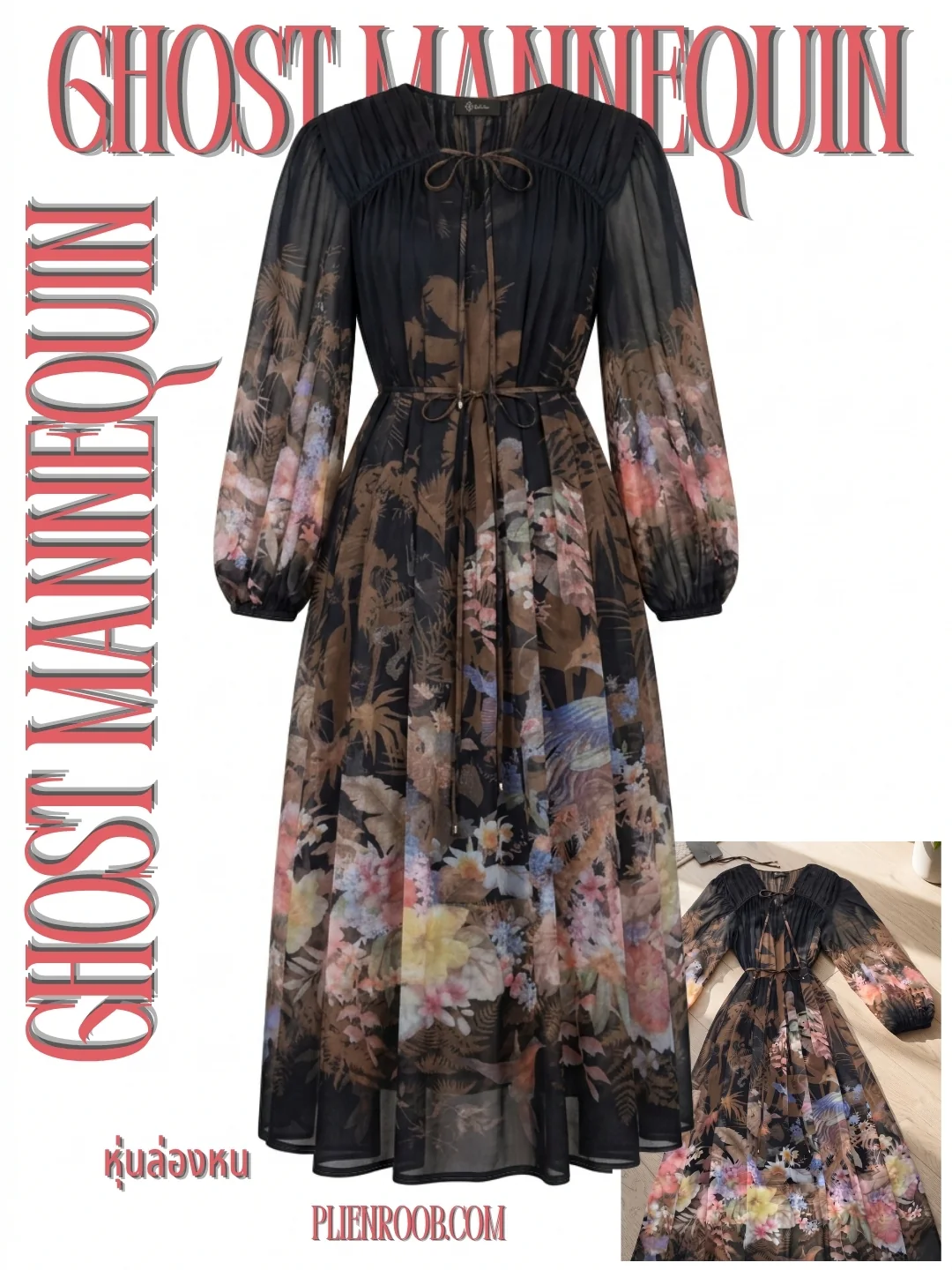
What you can make on this site. Each card is that tool's cover image; tap it to read how the tool works.






What we don't know
Google's page states no country or language limits and doesn't say whether it costs anything. We searched on 24 Oct 2026 and found no Thai announcement, so we can't confirm it has reached Thailand, supports Thai fully, or is free. The page talks about images for products and campaigns in general, not clothes on a model, and says nothing about how closely images match the real product.
If you make clothing photos with Plien Roob
In Plien Roob's product-to-model tool you upload a clothing photo and pick a model and scene from the library; every scene is AI-generated, not a real place. The system tells the AI to keep the print, lettering and cut from your photo, but that is an instruction, not a guarantee, so zoom in and compare with the real garment before posting each image.
Frequently asked questions
What are Gemini's new business tools
According to Google's blog of 20 Oct 2026, a business page that brings together brand, finance and customer tools, including Brand Style, which lets Gemini remember a brand's style.
Can it be used in Thailand yet
We can't confirm. Google says it is rolling out globally over the next few days but names no country or language, and we found no Thai announcement when we searched on 24 Oct 2026.
Is it free or paid
The Google page we read doesn't say, so we can't confirm. Check in your own Gemini app.
Do the images match the real product
No source we read says. Check the print, lettering on the product, cut and accessories on every image yourself.

Plien Roob
Ready for your first product photo?
Sources
- Google · New Gemini tools for small business owners · 2026-10-20
- MarketingOops · Google เปิด Gemini สำหรับ SME ให้ AI จำ Brand Kit สร้างภาพตรงแบรนด์ เชื่อม Google Ads–Canva–Shopify · 2026-10-21
Photos by MART PRODUCTION on Pexels